Free Accounting Software for Solopreneurs
ZipBooks is the one free plan in this table that pairs unlimited invoices with a connected bank account: its Starter tier includes both, plus basic reports, and the first upgrade is $15/month. Wave sends unlimited invoices, estimates and bills too, but automatic bank imports belong to its $19 USD/month Pro plan, so free users type or upload transactions themselves.
The other nine split along two lines. One is how your transactions get in: a live bank feed, a feed you pay to unlock, or statement files you download and import. The other is where the books sit: six of the eleven are free tiers of cloud products you sign into, while GnuCash, Frappe Books, NCH Express Accounts, Akaunting and hledger run on your own computer or server instead of a vendor's cloud.
Our picks
- Invoicing a lot with the bank linked: ZipBooks. Unlimited invoices and customers and 1 bank account on the free plan; recurring invoices and extra banks wait for the $15/month Smarter tier.
- Working with an accountant: Zoho Books. The free plan covers 1 user plus an accountant, with up to 1,000 invoices a year, as long as yearly revenue stays under $50K.
- UK sole traders filing VAT: Pandle. Free forever with VAT returns and Making Tax Digital submissions built in; bank feeds need Pro at £5 / month plus VAT.
- Books that never leave your laptop: Frappe Books. Everything lives in one SQLite file on your own computer and works offline, with a CSV import wizard in place of bank feeds.
At a glance
| Option | Cost | What's free | Paid plans start at | Where it runs | Invoicing on the free version | Bank connections |
|---|---|---|---|---|---|---|
| Free plan on a paid productsource | Unlimited estimates, invoices, bills and bookkeeping recordssource | $19 USD/month (Pro)source | Web and mobile appssource | Unlimited invoicessource | Paid upgrade onlysource | |
| Free plan on a paid productsource | 1 user plus an accountant, while yearly revenue stays under $50Ksource | $20 per month, or $15 billed annually (Standard)source | Web and mobile appssource | Capped invoicessource | Paid upgrade onlysource | |
| Free plan on a paid productsource | 1 user, 2 invoices a month, 1 bank connection, P&L reportsource | $38/mo (Simple Start), 50% off for 3 monthssource | Web browser onlysource | Capped invoicessource | Free bank connectionsource | |
| Free plan on a paid productsource | Unlimited invoices and customers, basic reports, 1 bank accountsource | $15/month (Smarter)source | Web and mobile appssource | Unlimited invoicessource | Free bank connectionsource | |
| Free plan on a paid productsource | One app for unlimited users, with unlimited invoices and billssource | $24.90 per user/month billed yearly ($31.10 monthly)source | Web and mobile appssource | Unlimited invoicessource | Paid upgrade onlysource | |
| Free plan on a paid productsource | Free forever: invoices, VAT returns, reports, unlimited customerssource | £5 / month plus VAT (Pandle Pro)source | Web and mobile appssource | Includedsource | Paid upgrade onlysource | |
| Free and open sourcesource | The self-hosted Standard version, source code includedsource | $12 per month (Standard Cloud)source | Self-hosted serversource | Unlimited invoicessource | Paid upgrade onlysource | |
| Free and open sourcesource | The whole program: double-entry books, reports, small-business toolssource | Desktop appsource | Includedsource | File import onlysource | ||
| Free and open sourcesource | The whole desktop app, with your data in a file on your computersource | Desktop appsource | Includedsource | File import onlysource | ||
| Free desktop downloadsource | The app itself, for businesses under five employees, with no expirysource | $249 one-time for Basic, on sale at $159source | Desktop appsource | Includedsource | ||
| Free and open sourcesource | Everything: one binary, and your data in plain text you controlsource | Command linesource | File import onlysource |




Which free plans connect to your bank
Only two do. QuickBooks Online and ZipBooks each include one bank connection at no cost. Wave, Zoho Books, Odoo Accounting and Pandle all hold the feed back for a paid plan, and Akaunting sells it as a Bank Feeds add-on starting at $11. Odoo's documentation goes further and requires an Enterprise subscription for bank synchronisation.
QuickBooks Online pays for that free connection elsewhere: two invoices a month, and no mobile app or accountant access on the free tier, with Simple Start at $38/mo as the next rung. GnuCash, Frappe Books and hledger never connect to a bank at all. They read downloaded statements instead (QIF or OFX for GnuCash, CSV for the other two), so fetching the files from your bank is your job.
Invoice limits on the free tiers
Four rows send unlimited invoices for free: Wave, ZipBooks, Odoo Accounting and self-hosted Akaunting. Two cap them. QuickBooks Online stops at 2 invoices a month, which rules it out for anyone billing weekly. Zoho Books allows 1,000 invoices and 1,000 expenses a year, and its tighter limit is the revenue ceiling: the plan stays free only while yearly revenue is under $50K.
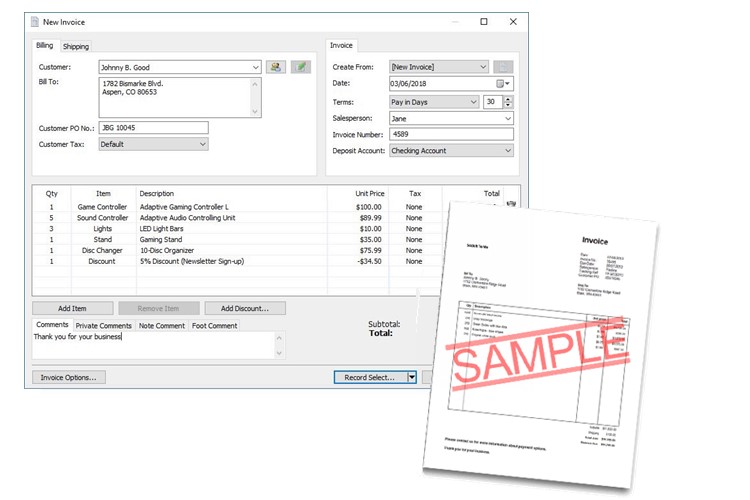
GnuCash, Frappe Books, NCH Express Accounts and Pandle are marked Included because their pages describe invoicing without publishing a limit, which is a smaller claim than unlimited. hledger has no invoicing at all, so a freelancer using it would need a separate billing tool.
What the first upgrade costs, and why the numbers don't line up
Read the Paid plans column row by row, not as a ranking. Wave and Zoho Books price per organisation, Odoo Accounting charges $24.90 per user per month billed yearly once you add a second app, Pandle bills in pounds plus VAT, and NCH Express Accounts sells a one-time licence, with Basic listed at $249 and marked down to $159 when the table was built. Akaunting's hosted version is $12 a month for a one-person business, while its self-hosted edition stays free if you handle the server, updates and backups yourself.
The options in detail
Wave
Wave gives away the parts most solopreneurs actually use: unlimited invoices, estimates, bills and bookkeeping records, with no time limit and no card required. It earns its money on payment processing (2.9% + $0.60 per card transaction) and on the $19 a month Pro plan. The catch for free users is automatic bank imports, which Wave's help centre says are part of the Pro plan, so transactions have to be entered or uploaded by hand. There is a mobile app for invoicing and receipts alongside the browser app.
Zoho Books
Zoho Books runs a genuinely free tier aimed at exactly this audience: its own pricing page calls it free accounting software for solopreneurs and micro businesses. You get one user plus your accountant, invoices, expenses, bank reconciliation and more than 50 reports, and it stays free as long as your revenue for the year is under $50,000. The limits worth knowing are 1,000 invoices and 1,000 expenses a year, and automatic bank feeds that only start on the paid Standard plan. It is a full cloud product with iOS and Android apps, and it slots into the rest of the Zoho suite if you already use their mail or CRM.
QuickBooks Online
QuickBooks now has a real $0 tier, which is new for the brand most accountants already know how to work with. It covers one user, income and expense tracking, a profit and loss report and one connected bank, which is more free banking than Wave or Zoho Books hand out. The squeeze is invoicing: two invoices a month, and Intuit states that the mobile app and third-party integrations are not available on the free plan, so it is browser only until you pay. Simple Start at $38 a month is the next rung, and there is no accountant access on the free tier.
ZipBooks
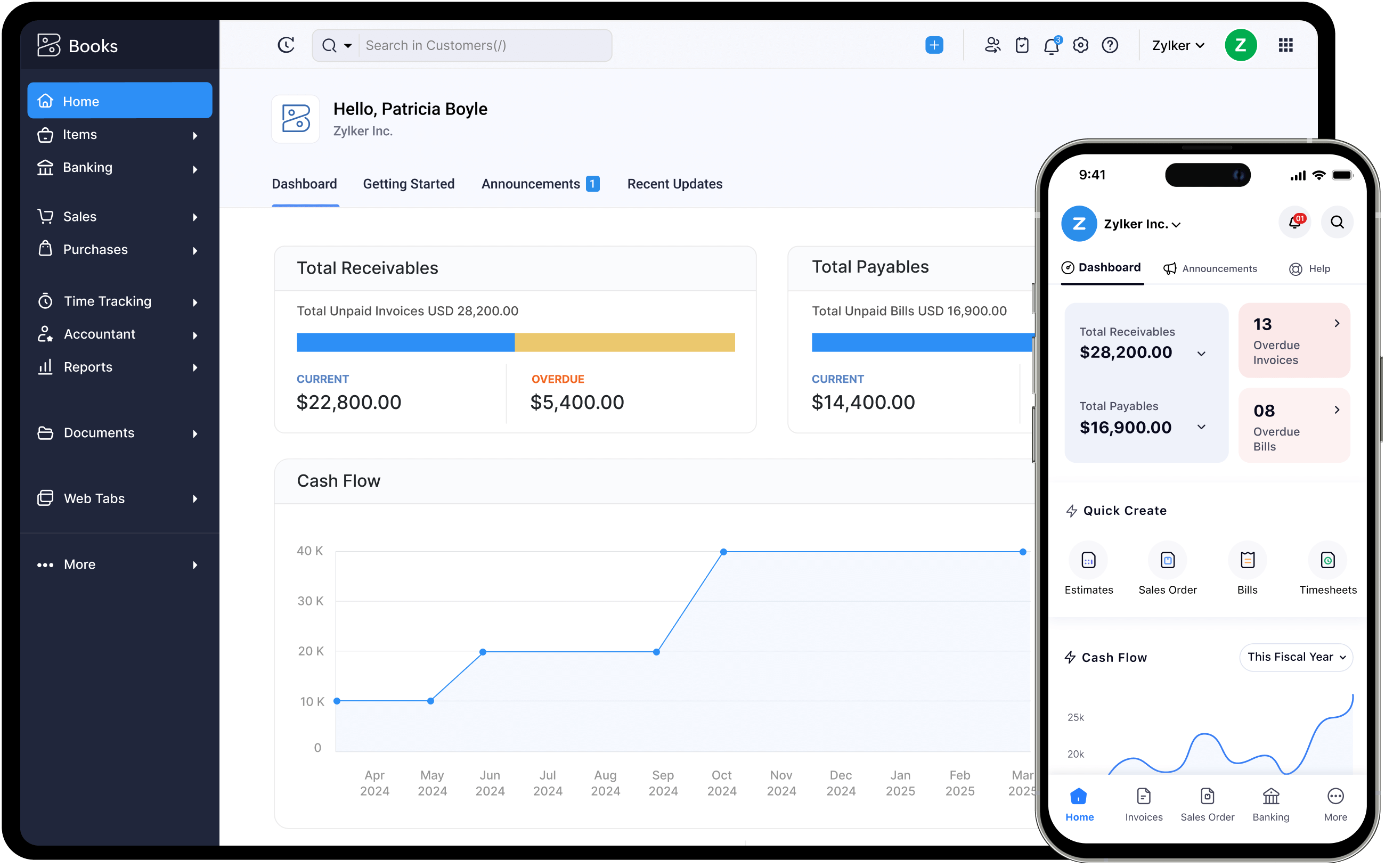
ZipBooks is the quiet pick for a solopreneur who invoices a lot: the free Starter plan sends unlimited invoices, tracks unlimited customers and vendors, and connects one bank account, which most free plans reserve for paying users. Reporting on the free plan is deliberately basic, and recurring invoices, extra bank connections, time tracking and team members all sit behind the $15 a month Smarter plan. It is browser based with an iOS app, and it takes payments through Square or PayPal rather than its own processor.
Odoo Accounting
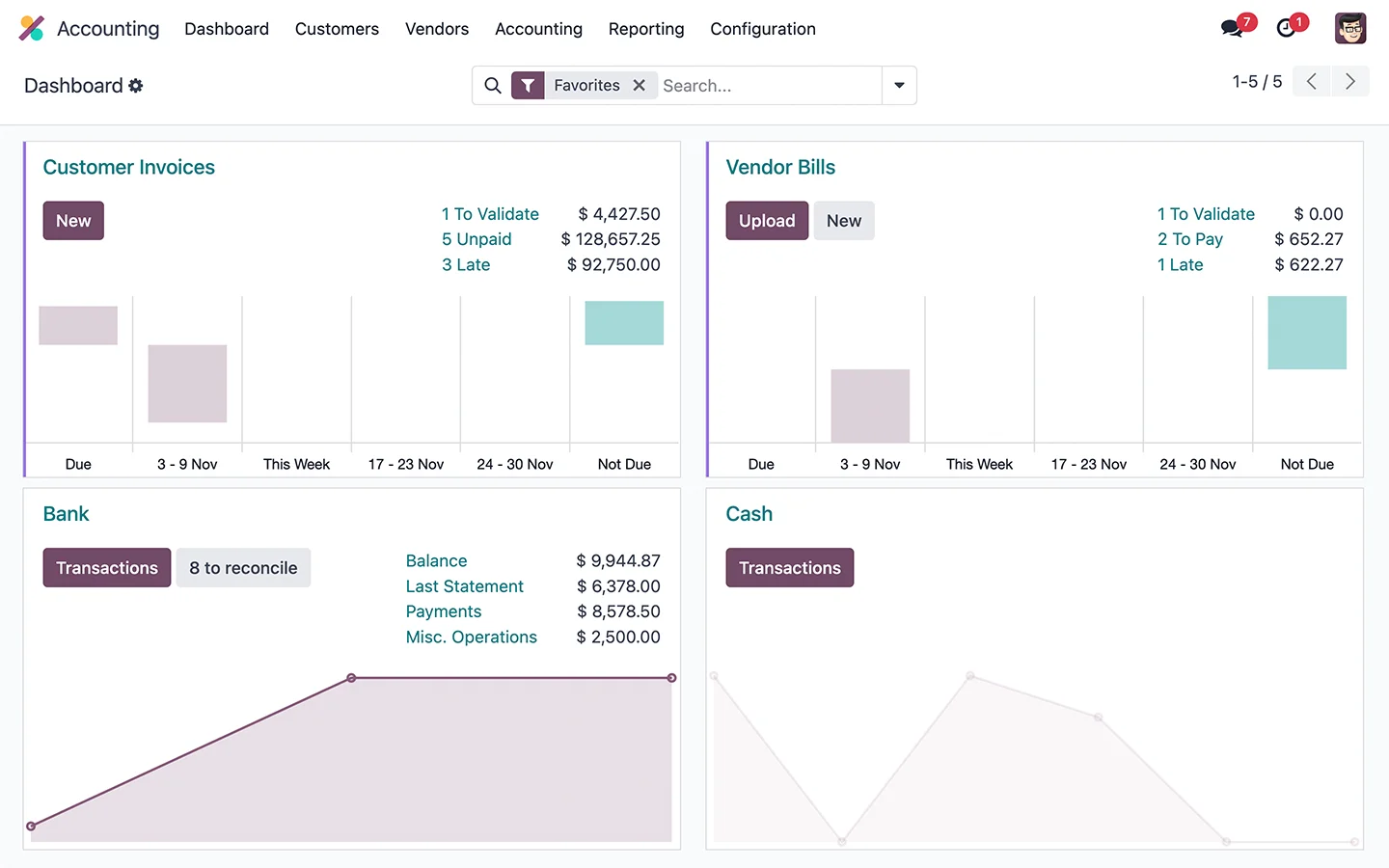
Odoo's One App Free plan lets you run its accounting app for unlimited users at no cost, and the accounting page promises unlimited invoices and bills, free, forever. It is the most capable software in this table by a distance, with the trade-off that accounting is one module of a large business suite, so setup takes longer than a tool built only for freelancers. Automatic bank synchronisation is not part of the free route: Odoo's own documentation says a valid Enterprise subscription is required for it. Add a second app and you move to the Standard plan at $24.90 per user per month.
Pandle
Pandle is built for UK sole traders and freelancers, and it says plainly that the free plan will be free forever. Free covers the bookkeeping itself: quotes and invoices, VAT returns, Making Tax Digital submissions, multiple currencies, reports and unlimited customers and suppliers. The line between free and Pro is automation, so bank feeds, receipt uploads, mileage tracking and live chat support need Pandle Pro at £5 a month plus VAT, and their help centre is explicit that you can only connect a bank account on Pro. Outside the UK the VAT and MTD features are wasted on you, which is most of the point of it.
Akaunting
Akaunting is open-source accounting you host yourself: the Standard on-premise version is free in both senses, price and source code. Invoicing is unlimited, it runs in a browser once installed, and it is translated into more than 50 languages, which makes it a common pick outside the US. The costs come back as add-ons: the Bank Feeds app starts at $11, and the hosted cloud version is $12 a month for a one-person business. You need somewhere to run it and the patience to do your own updates and backups.
GnuCash
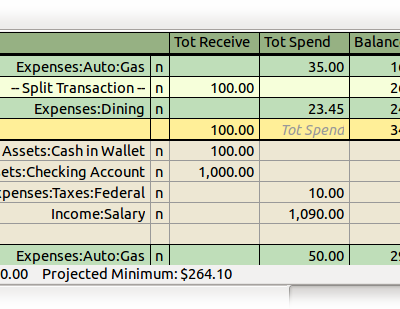
GnuCash is the veteran of free accounting: a desktop program under the GNU GPL, built and maintained by volunteers, running on Windows, macOS and Linux. It is proper double-entry bookkeeping with reports, scheduled transactions, multiple currencies and a small-business layer for customers, vendors, invoices and bills. Bank data arrives by file import (QIF, OFX) with transaction matching rather than a live feed, so expect to download statements yourself. Its own site compares the interface to a checkbook register, which is either the appeal or the dealbreaker.
Frappe Books
Frappe Books is the modern-looking free desktop option: an open-source accounting app with double-entry books, invoicing, bills, payments and the standard financial reports. Everything lives in a single SQLite file on your own computer, so it works offline and there is nothing to subscribe to and nobody holding your data. That also means no bank feeds, and transactions come in through a CSV import wizard instead. A good fit if you want tidy books on your laptop without an account anywhere, and a poor one if you want your accountant logging in from their office.
NCH Express Accounts
Express Accounts is a Windows and Mac download whose free version does not expire, and NCH is unusually direct about who it is for: small businesses with fewer than five employees. It handles quotes, invoices, accounts payable, a general journal and more than 20 reports, and it pairs with NCH's separate invoicing and inventory programs. The free version leaves out features aimed at larger organisations, and the paid licences are one-time purchases priced only inside NCH's own store, where Basic lists at $249 and was discounted when this page was built. Both the interface and the website feel dated next to the cloud tools here.
hledger
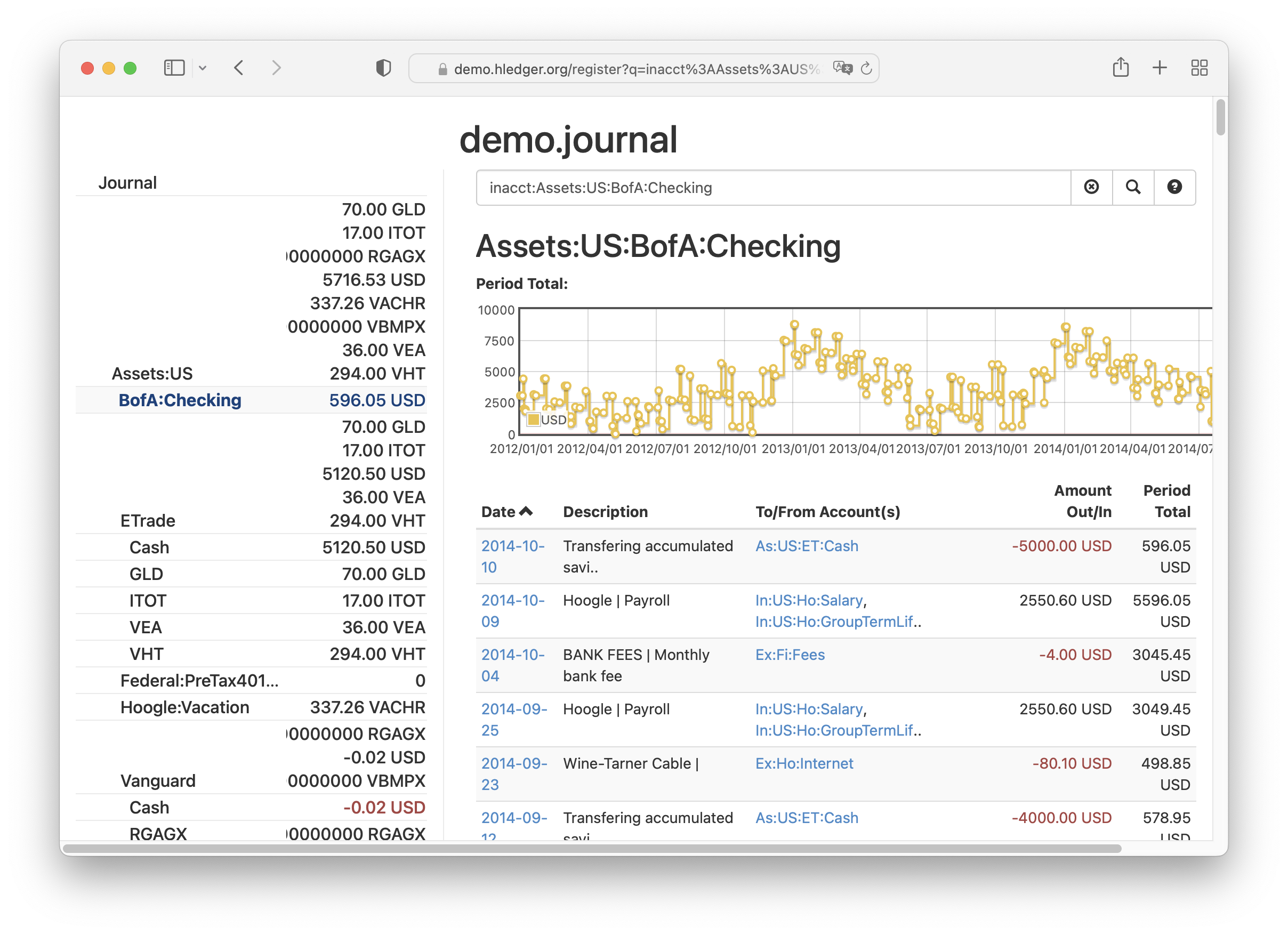
hledger is plain-text accounting: your books are a text file you own, and the program reads it from the command line, a terminal interface or a local web view. It is free software, maintained continuously since 2007, and it pulls in bank data by importing CSV downloads rather than connecting to anything. There is no invoicing, so most solopreneurs would pair it with a separate billing tool. Worth the learning curve if you are comfortable in a terminal and want records that will still open in thirty years.
How we researched this
FreshBooks, Xero and Sage sell 30-day trials, and a trial is not a way to keep books for free, so they are absent, as are invoicing-only tools (Invoice Ninja, Zoho Invoice, TrulySmall Invoices) and banking apps with light bookkeeping attached (Found, Lili), since none of them keeps a full set of books. Hurdlr publishes no prices, Bigcapital's site says little about what is free, Dolibarr is a larger business suite with an unpriced cloud offer, and Manager, a capable free desktop program, is missing solely for want of a product image on its site. hledger stays in on purpose as the plain-text route for technical solopreneurs.
Nothing in the upgrade column has been converted into a common currency or billing period. The empty Paid plans cells for GnuCash, Frappe Books and hledger reflect that none of them sells an upgrade, though no page says so outright, and the empty bank cell for NCH Express Accounts is there because its help links lead nowhere. Wave, QuickBooks Simple Start and NCH were all showing promotional prices in September 2026, and Zoho's $50K ceiling is the limit most likely to end a free ride, so reread both on the maker's site before you move a year of records.