Best Free Photo Editing Software for Dentists
GIMP is the free editor that covers a dental practice's clinical photo work: cropping an intraoral series to one frame, correcting the color cast from flash and retractors, and stacking a before and an after, with nothing held behind a paid plan. It is rated Advanced, though, so a practice with no one ready to spend time learning it will get further with Paint.NET (free, Intermediate, Windows only) for everyday cropping, annotating and blurring.
The eleven tools here split by job. Six work on the photos themselves: GIMP, Paint.NET, Photopea and Pixlr for retouching, darktable and RawTherapee for RAW files from a clinical camera. Canva, Adobe Express, Fotor and BeFunky are Beginner-level template tools for marketing posts, and Snapseed handles phone shots. Five of the eleven cost nothing at all; the other six sell a paid plan from $2.49 to $18 a month.
Our picks
- Best for full clinical retouching at no cost: GIMP. Free and open source on Windows and Mac, with no paid tier, and able to fix flash color casts and build before-and-after images.
- Best for quick front desk edits on Windows: Paint.NET. Free with layers and unlimited undo, enough to straighten a photo, draw an arrow on a radiograph or blur a face, without GIMP's learning curve.
- Best for a DSLR and ring flash photo series: darktable. A free RAW processor that applies the same white balance and exposure across a whole series, with non-destructive edits that never overwrite the original.
- Best browser editor that keeps files on your computer: Photopea. Runs in a browser tab with nothing to install, and its site states files never leave your device; the $5 plan mainly removes ads.
- Best free tier for marketing posts: Adobe Express. Templates, Adobe Fonts, stock assets and 5GB of storage with no card required, and clean exports for social and print.
At a glance
| Option | Paid Plan | Free Model | Runs On | Built For | Skill Level |
|---|---|---|---|---|---|
| Freesource | Free and open sourcesource | Installed on Windows and Macsource | Photo retouchingsource | Advancedsource | |
| $5source | Free tier with paid upgradesource | In a browsersource | Photo retouchingsource | Intermediatesource | |
| Freesource | Free, no paid tiersource | Windows onlysource | Photo retouchingsource | Intermediatesource | |
| Freesource | Free and open sourcesource | Installed on Windows and Macsource | RAW processingsource | Advancedsource | |
| Freesource | Free and open sourcesource | Installed on Windows and Macsource | RAW processingsource | Advancedsource | |
| $18source | Free tier with paid upgradesource | In a browsersource | Design and templatessource | Beginnersource | |
| $8.99source | Free tier with paid upgradesource | In a browsersource | Design and templatessource | Beginnersource | |
| $9.99source | Free tier with paid upgradesource | In a browsersource | Design and templatessource | Beginnersource | |
| $11.99source | Free tier with paid upgradesource | In a browsersource | Design and templatessource | Beginnersource | |
| $2.49source | Free tier with paid upgradesource | In a browsersource | Photo retouchingsource | Beginnersource | |
| Freesource | Free, no paid tiersource | Phone app onlysource | Quick phone editssource | Intermediatesource |








Editing clinical photos or making marketing posts
Most of these tools do one of the two jobs well, and the Built For column says which. Canva's photo editing is enough to pixelate a patient's eyes but not to retouch a clinical image. At the other end, darktable is not a retouching tool and RawTherapee does no layer compositing, so neither will build a before-and-after collage on its own. A practice doing both jobs usually needs two tools, for example darktable for the camera files and Canva or Adobe Express for the post.
BeFunky bridges the gap a little. Its Collage Wizard builds a layout from the photos you upload, the shortest route from two clinical shots to a before-and-after post, though free exports carry a watermark.
Where patient photos go when you edit them
The Runs On column doubles as a privacy check. GIMP, Paint.NET, darktable and RawTherapee are installed on the practice's own computer, and Snapseed does all its work on the phone. Photopea runs in a browser but states there are no uploads. Canva is the opposite case: everything you upload goes to its servers, which is worth weighing before patient photos go in.
Free until you export: watermarks and credits
A free tier can stop short of a finished post. Fotor's own pricing page lists watermarked JPG, PNG and PDF exports on the free plan, BeFunky's free exports are watermarked too, and Canva's premium templates stay watermarked until you pay $18 a month. Pixlr's free AI tools and Adobe Express's generative features both run on credit allowances.
The five free options have no such catch. GIMP, darktable and RawTherapee are open source, and Snapseed has no ads, subscription or in-app purchases. Paint.NET's paid Microsoft Store copy is the same software, sold as a way to support the project.
The options in detail
GIMP
GIMP is the closest free equivalent to Photoshop, and it covers the jobs a practice actually has: cropping an intraoral series to a consistent frame, correcting the color cast that flash and retractors introduce, blurring an identifying feature before a case goes on social media, and stacking a before and an after into one image. Nothing is held back behind a paid tier, and it installs on both Windows and Mac. The cost is the interface, which reviewers describe as intimidating and dated, and Capterra's negative reviews cluster on crashes and sluggishness with large files. It is the strongest free option if someone in the practice will spend real time learning it.
Photopea
Photopea is a Photoshop lookalike that runs in a browser tab, with the same layers, masks and selection tools, and nothing to install on a practice computer. The part that matters for patient photos is where the work happens: its own site states there are no uploads and that files never leave your device, which is a different posture from tools that process what you edit on their servers. The free version is ad supported and the paid tier mainly removes ads and adds storage rather than features. Anyone who has never used Photoshop should expect to spend time finding their way around.
Paint.NET
Paint.NET sits between Microsoft Paint and GIMP: layers, a full color wheel, unlimited undo and effects, without the density that makes GIMP hard to pick up. That makes it the practical pick for everyday front desk work, cropping and straightening a photo, drawing an arrow onto a radiograph, or blurring a face before sharing. Two limits matter. It is Windows only, so a Mac practice needs something else, and the download page steers toward a paid Microsoft Store copy, which is the same software sold as a way to support the project rather than an upgrade.
darktable
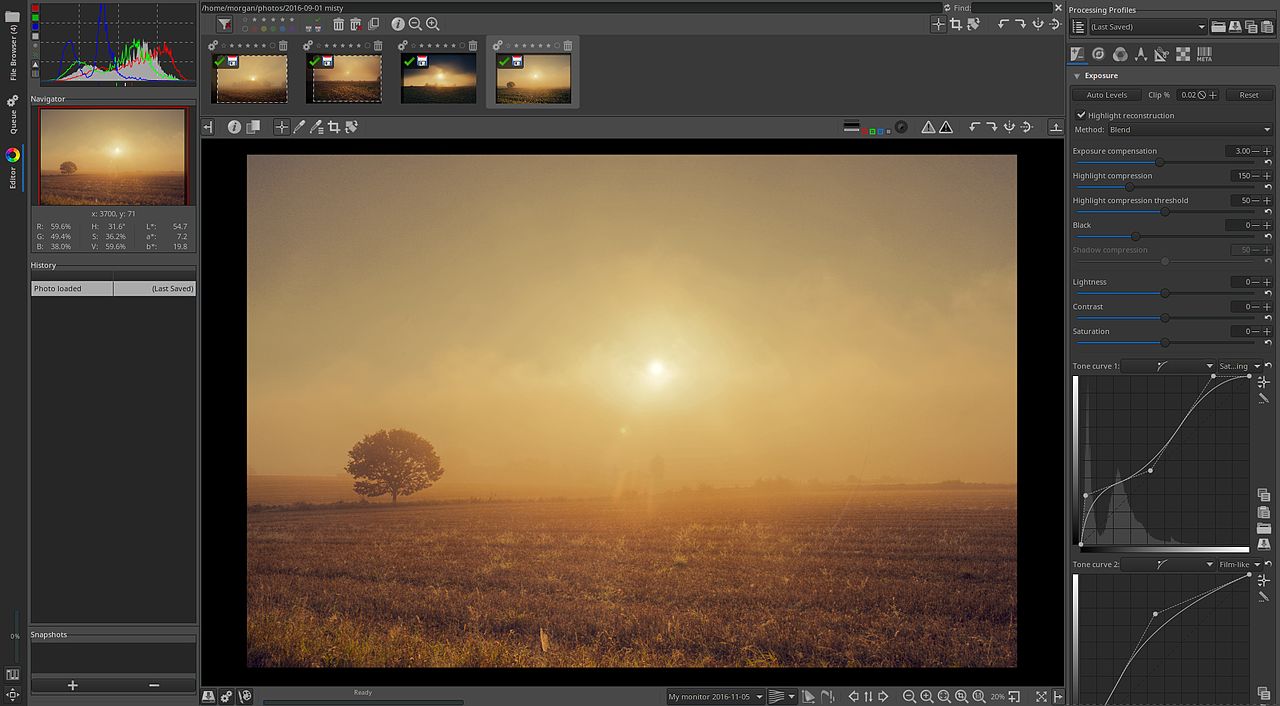
darktable is the free answer to Lightroom, built for photographers who shoot RAW and process a whole session at once. That is the shape of clinical photography: a DSLR and ring flash produce RAW files, and a full photo series needs the same white balance and exposure applied consistently to every frame rather than one image at a time. Edits are non-destructive, so the original capture is never overwritten, which suits a record you may need to keep. It is not a retouching tool, so composites and annotation still need something else, and reviewers agree the modular workflow is overwhelming to start with.
RawTherapee
RawTherapee is the other serious free RAW processor, and it leans further toward manual control than darktable, with detailed demosaicing, sharpening and color management settings and no presets or guided edits to fall back on. It is the right tool for a practice that wants precise, repeatable color out of its clinical camera and has someone who enjoys that level of control. It does no layer based compositing at all, so before and after collages belong elsewhere, and reviewers are blunt that the interface is overwhelming at first sight.
Canva
Canva is a design tool rather than a photo editor, and it is the one most practices already use for the marketing side: before and after posts, new patient handouts and recall reminders, built from templates instead of from scratch. Its photo editing is deliberately shallow, covering cropping, filters, background removal and a blur or pixelate effect, which is enough to mask a patient's eyes but not to retouch a clinical image. The free plan is a permanent tier rather than a trial, and premium templates and elements stay watermarked until you pay. Everything you upload goes to Canva's servers, which is worth a thought before patient photos go into it.
Fotor
Fotor is aimed squarely at people who want a decent result without learning anything: one click fixes for brightness, background blur and skin smoothing, plus collage layouts and social templates, in a browser or a desktop app. The catch is the one that matters most for a practice. Its own pricing page lists watermarked JPG, PNG and PDF exports under the free plan, so anything you actually publish needs the paid tier. Treat the free version as a place to try the tool rather than a way to produce finished marketing.
Adobe Express
Adobe Express is Adobe's template driven design tool, built for people who are not designers, and its free tier is genuinely usable rather than a teaser: a large template library, Adobe Fonts, stock assets, standard photo editing and 5GB of storage, with no card required to start. For a practice it is the closest free alternative to Canva, and it exports cleanly for both social and print. It is not a clinical editing tool, and the generative features Adobe markets hardest are metered by credits on the free plan.
BeFunky
BeFunky earns its place on one feature: the Collage Wizard builds a layout from the photos you upload, which is the shortest path from a pair of clinical shots to a publishable before and after. A photo editor and a template based graphic designer sit alongside it, all in the browser, with a mobile app for phone photos. Free accounts get basic editing and a limited set of collage layouts, and reviewers note that exports on the free plan carry a watermark, so the finished post usually needs the paid tier.
Pixlr
Pixlr splits itself in two, which is useful in a practice with mixed skill levels: Pixlr X for straightforward edits and Pixlr E for layer based work closer to Photoshop, both in the same browser tab. You can start without an account, and the interface scales down to a tablet or a phone, so an assistant can crop a photo on the device that took it. The free tier is ad supported and its AI tools run on a credit allowance, so regular use pushes toward a paid plan.
Snapseed
Snapseed is Google's free phone editor, and it is free in the strict sense: no ads, no subscription and no in-app purchases. On a phone it is unusually capable, with selective adjustments, healing to remove a distraction, and perspective correction for a shot taken at an awkward angle, which suits practices that photograph with a phone rather than a clinical camera. Everything happens on the handset. The controls are gesture based, and reviewers are consistent that they are powerful but unintuitive until you have learned them.
How we researched this
Every tool here can be used for free, either as free software or as a free tier beside a monthly plan, and together they cover the jobs a practice has: aligning an intraoral series, correcting color, building before-and-after images, blurring identifying features, making social posts and fixing phone shots. PhotoAlign, the one dental-specific editor found, was left out because it has no free version or trial. PhotoScape X was left out because its upgrade is a one-time purchase that doesn't fit a monthly price column. Krita is a painting program, Photoroom only removes backgrounds, and Google, Microsoft and Apple Photos charge for storage rather than for the editor.
Paid Plan is the cheapest paid tier billed monthly: Pixlr's $2.49 is its entry Plus plan rather than the $9.99 Premium, Canva's $18 works out to around $12 billed annually, and Fotor's $8.99 is its annual-billing rate. Skill Level is our reading of published reviews of each tool's learning curve, since no vendor rates its own difficulty, so treat it as the softest column. Every cell is filled. Free tiers and watermark rules are the part most likely to shift, so export a test image before building the practice's routine around any one tool.