Best Screen Recording Tools for One Person
For one person, Cap is the easiest recommendation: a $58 one-time Desktop License, or $29 a year, covers commercial use with no per-seat bill, and it runs on Windows, Mac and Linux. If you won't pay anything, OBS Studio has no length cap, watermark or paid tier, and QuickTime Player on a Mac or Xbox Game Bar on Windows is already installed.
The rest divide on what you are making. Loom and Cap are built for quick async messages, where a share link is ready the moment you stop. Screen Studio, Tella, Descript and Screenity are built for demos and tutorials that should look edited, and ScreenPal and Camtasia lean toward courses and training. The second divide is pricing: Loom and Tella charge per user, and at Loom that means one person pays business rates.
Our picks
- Paying once instead of every month: Cap. $58 one time, or $29 a year, for a Desktop License that allows commercial use, with 4K local recording and a full editor.
- Free with nothing held back: OBS Studio. No length limit, no watermark, no account and no paid tier, on Windows, Mac and Linux, though trimming happens in another app.
- Lowest monthly price with an editor: ScreenPal. $4 per month paid annually on Solo Deluxe, and the free version records up to 15 minutes with no watermark.
- Mac demos that look produced: Screen Studio. Zooms on your clicks and smooths the cursor automatically, for $9 per month billed yearly, with no free tier.
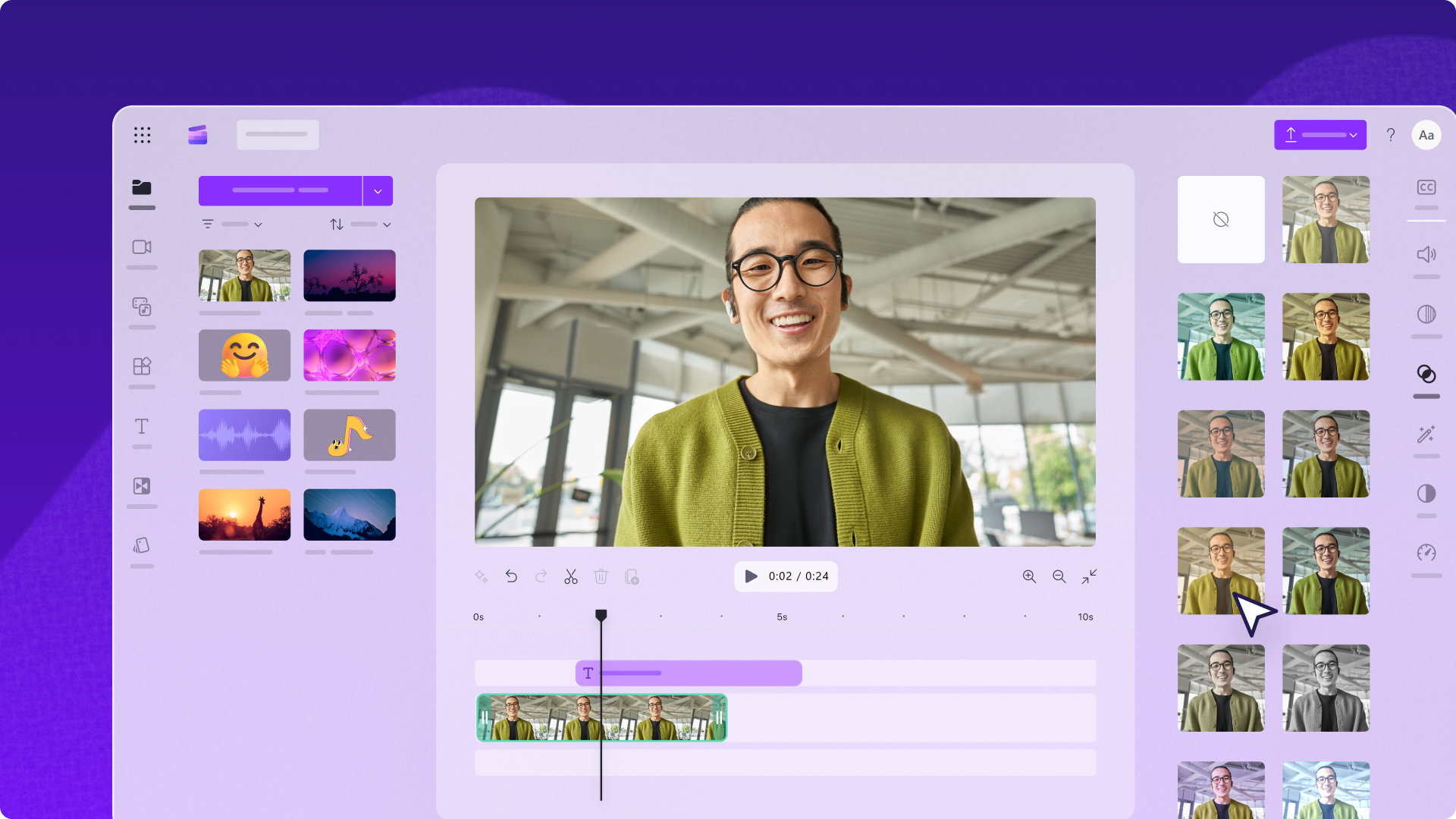
- A work laptop you can't install on: Microsoft Clipchamp. Runs in any browser, and a personal Microsoft account unlocks 1080p exports with no watermark and no video count.
At a glance
| Option | Cost | Solo plan price | Free version limits | Runs on | Editing tools | Built for |
|---|---|---|---|---|---|---|
| Free plan with paid upgradessource | $18 per user / month (Business)source | 25 videos, and screen recordings capped at 5 minutessource | Windows & Macsource | Trim and cut onlysource | Async video messagessource | |
| Free plan with paid upgradessource | $58 one time, or $29 a year (Desktop License)source | Local recording is uncapped; free share links stop at 5 minutessource | Windows, Mac & Linuxsource | Full video editorsource | Async video messagessource | |
| Paid subscriptionsource | $9 per month, billed yearlysource | Mac onlysource | Full video editorsource | Product demos and tutorialssource | ||
| Paid subscriptionsource | $13 per user/month on the annual plansource | No free plan: a 7 day trial of Pro, no credit card neededsource | Windows & Macsource | Full video editorsource | Product demos and tutorialssource | |
| Freesource | None: free and open sourcesource | None: the whole app is free, with no paid tiersource | Windows, Mac & Linuxsource | Gaming and streamingsource | ||
| Free plan with paid upgradessource | $16 per person / month on the annual plan (Hobbyist)source | 1 media hour per month, exports capped at 720psource | Windows & Macsource | Full video editorsource | Product demos and tutorialssource | |
| Free plan with paid upgradessource | $4 per month, paid annually (Solo Deluxe)source | Up to 15 minutes per recording, with no watermarksource | Windows & Macsource | Full video editorsource | Courses and trainingsource | |
| Free plan with paid upgradessource | $39.00 per year (Starter)source | Exported videos carry a watermarksource | Windows & Macsource | Full video editorsource | Courses and trainingsource | |
| Free plan with paid upgradessource | No standalone plan: premium comes with Microsoft 365 Personal or Familysource | Free exports capped at 1080p, with no watermarksource | Any web browsersource | Full video editorsource | Social and YouTube videossource | |
| Built into your computersource | Mac onlysource | Trim and cut onlysource | Quick clips and screenshotssource | |||
| Built into your computersource | None: built into Windowssource | Windows onlysource | Hands off to another appsource | Gaming and streamingsource | ||
| Freesource | None: completely free and open sourcesource | None: free forever, with no ads and no accountsource | Windows onlysource | Quick clips and screenshotssource | ||
| Free plan with paid upgradessource | $10 per month, or $120 billed yearlysource | The free extension records and downloads; sharing a link needs a paid accountsource | Any web browsersource | Full video editorsource | Product demos and tutorialssource |



Where each free tier runs out
The free tiers run out in different ways. Loom's Starter plan stops at 25 videos and cuts screen recordings at 5 minutes, which is short for a walkthrough. Descript gives 1 media hour a month and exports at 720p. ScreenPal allows 15 minutes per recording, Camtasia watermarks every export, and Screenity's free extension records and downloads but needs a paid account to share a link.
Cap's free tier records locally with no length limit, but its share links stop at 5 minutes and it is for personal use only, so client work needs the license. OBS Studio and ShareX list no limit of any kind.
Per-user pricing versus a plan sized for one
Loom's paid plan is $18 per user a month on its Business tier, and Tella is $13 per user a month on the annual plan, with only a 7-day trial before that. Descript's Hobbyist plan is explicitly sized for one person, at $16 a month billed annually, and ScreenPal's paid tiers are simply called Solo.
Camtasia's $39.00 a year Starter plan looks cheap, but it is mostly the screenshot tool, and an unwatermarked video starts at the $179.88 Essentials plan. Clipchamp has no plan of its own: its extras, mainly 4K export, come with a Microsoft 365 Personal or Family subscription.
What the built-in recorders can't do
QuickTime Player records with File, New Screen Recording, then Record, and it trims, rearranges and rotates, but there is no webcam overlay, no zoom and no share link. Xbox Game Bar opens with the Windows key and G, but it records a single app rather than the whole desktop, so a walkthrough that moves between windows won't work. ShareX is another free Windows option, aimed at quick clips and bug reports: hotkey capture, an upload to a host you choose and the link on your clipboard, but no video timeline.
The options in detail
Loom
The tool most people mean when they say they will send a video instead of writing an email. You record, and the shareable link is ready the moment you stop, with a transcript and viewer stats attached. Working alone, the free Starter plan is the catch: 25 videos, and screen recordings cut off at five minutes, which is short for a walkthrough. The paid plan is priced per user, so a single person pays business rates for what is really a personal habit.
Cap
An open source take on Loom, and the best answer here for one person who does not want a per seat subscription. Instant mode copies a share link to your clipboard the second you stop; Studio mode records locally in 4K and opens an editor with automatic zoom, blur and captions. The Desktop License is a one time $58 (or $29 a year), which buys commercial use without any monthly bill, and you can point it at your own storage. The free tier is personal use only, and free share links cut off at five minutes, so client work means paying something.
Screen Studio
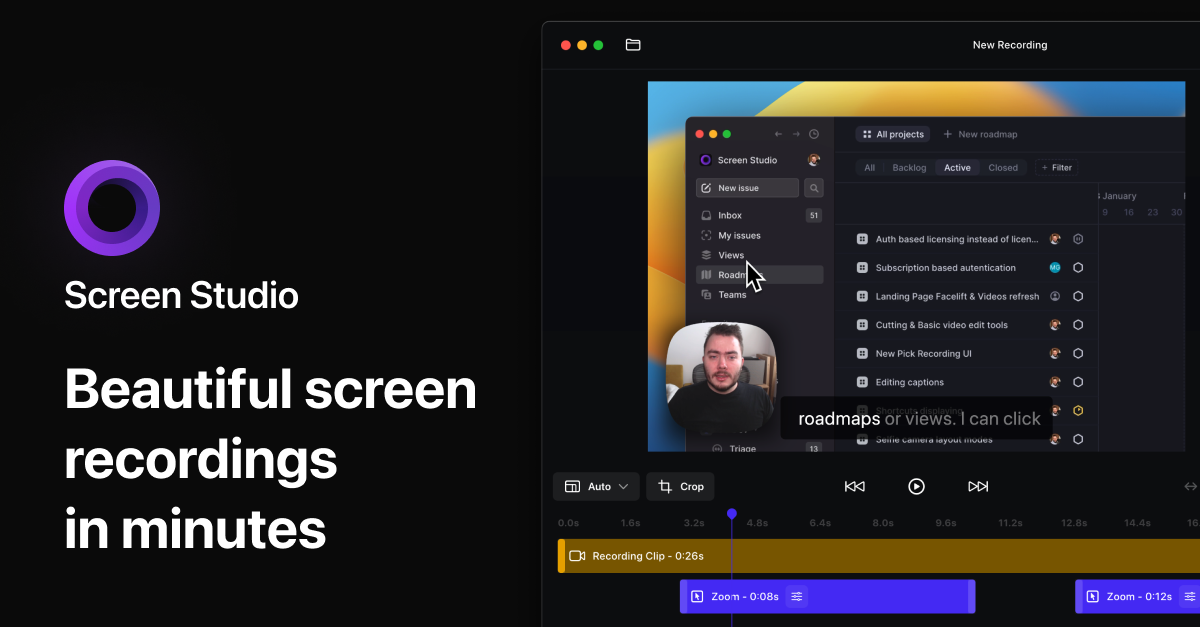
A Mac only recorder built by one person for the kind of demo video that looks like someone spent a day editing it. It zooms in on your clicks, smooths the cursor and animates the movement automatically, so a raw screen capture comes out looking produced with no timeline work. There is no free tier: it is $9 a month billed yearly, or $29 if you pay monthly. If you are on Windows, or you want a plain unstyled recording, this is the wrong tool.
Tella
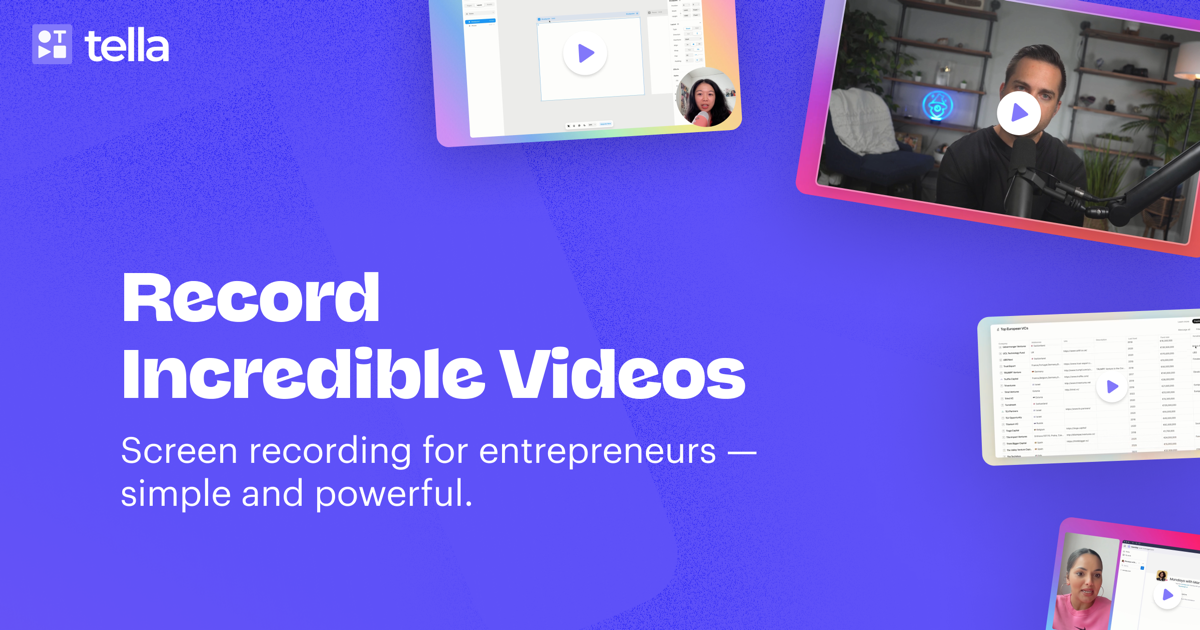
A recorder built around the idea that a long video is really several short takes stitched together, which is a relief when you are talking to camera alone and keep fluffing a line. You record clip by clip, edit from the transcript, and share a branded page with chapters. It is the only tool here with no free plan at all: a 7 day trial, then $13 a month. Founders and course creators are its core audience, so the pricing assumes the video is earning its keep.
OBS Studio
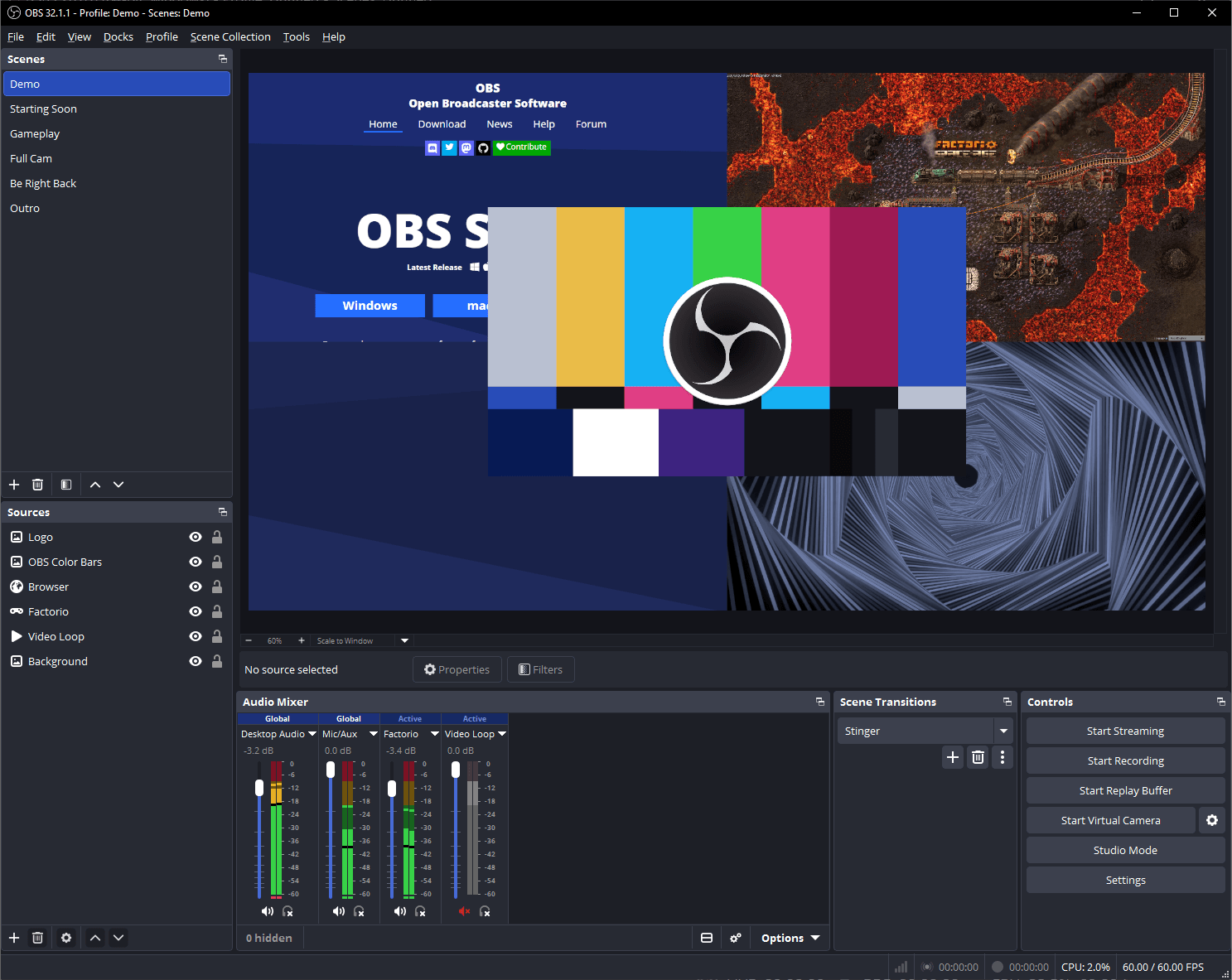
The free, open source recorder that nothing is held back from: no length cap, no watermark, no account, no paid tier at all. You build a scene out of sources (a window, a webcam, a slide deck, a mic) and record or stream it at whatever quality your machine can manage. Working alone, the cost is the setup: the first launch is a mixing desk rather than a record button, and there is no editor afterwards, so trimming means opening something else.
Descript
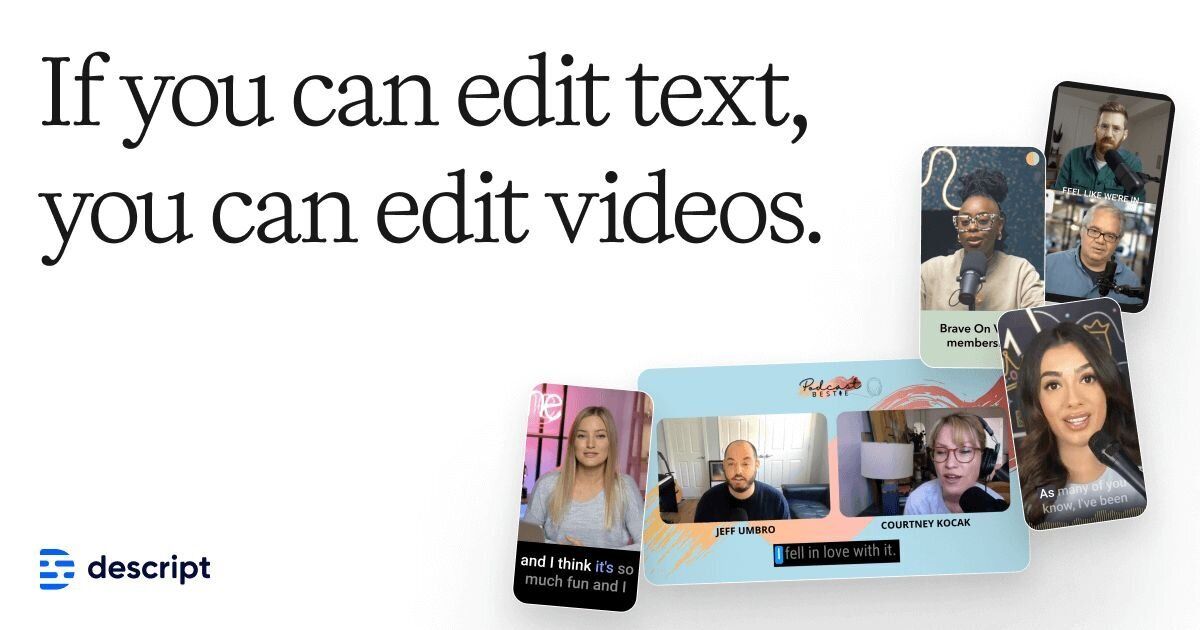
Records your screen and then lets you edit the video by editing its transcript: delete a sentence of text and the footage goes with it, which is much faster than hunting for the cut on a timeline. It also strips filler words and retakes for you. The Hobbyist plan is explicitly sized for one person and costs $16 a month on annual billing; the free plan gives you one media hour a month and 720p exports, which runs out quickly. It is a full production tool, so it is more app than a quick recorder needs to be.
ScreenPal
The cheapest way here to get a real video editor attached to your recorder: its paid tiers are literally called Solo, and Solo Deluxe is $4 a month paid annually. The free version needs no account, adds no watermark and still lets you trim and annotate, but it stops each recording at fifteen minutes. It leans towards teaching, with quizzes and captions built in, and the interface shows its age next to the newer tools on this list.
Camtasia
The long standing choice for one person producing training videos and courses: multitrack recording, a proper timeline, callouts, and licences sold to individuals rather than seats. You can use it free with no credit card, but every export carries a watermark until you pay, and the cheapest $39 a year plan is mostly the screenshot tool, so an unwatermarked Camtasia video really starts at the $179.88 Essentials plan. Heavy and expensive next to the newer recorders, and worth it only if you edit a lot.
Microsoft Clipchamp
A browser based recorder and editor that a personal Microsoft account unlocks for nothing, which makes it the easiest full editor to start using on a work laptop where you cannot install anything. Free exports go up to 1080p with no watermark and no cap on how many videos you make. There is no separate paid tier to buy: the extras, mainly 4K export and premium stock, arrive with a Microsoft 365 Personal or Family subscription, so the upgrade only makes sense if you wanted that anyway.
QuickTime Player
Already sitting in your Applications folder if you use a Mac, and the fastest route from wanting a recording to having one: File, New Screen Recording, then Record. The file saves straight to your Mac with nothing to sign up for and no limit on length. It trims, rearranges and rotates, and that is the whole extent of it. There is no webcam overlay, no zoom, no share link, so anything you want to look produced has to be finished somewhere else.
Xbox Game Bar
Already in Windows, and reachable from anywhere with the Windows key and G, which makes it the quickest way to capture what is on screen without installing a thing. It was built for games, and it shows: it records an app rather than your whole desktop, so it is no good for a walkthrough that moves between windows or shows the file explorer. Clips land in your Captures folder and you finish them in another app.
ShareX
A free, open source Windows tool that treats a screen recording as one more thing you capture with a hotkey, alongside screenshots, scrolling captures and text grabs. Nothing is paid, there are no ads and no account, and it will upload what you capture to a host of your choosing and put the link on your clipboard. It is aimed at quick clips and bug reports rather than anything you would edit: there is an image editor, but no video timeline.
Screenity
Made by a single developer, which is fitting for this list, and split neatly in two: the Chrome extension that records, draws and blurs is free and open source forever, while the editor you build the video in is the paid half at $10 a month. That editor is unusually good for the price, arranging a video out of separate scenes you can re-record on their own and turning your clicks into zooms. Everything is hosted in Europe. You need a paid account to share a link at all, and recordings top out at an hour.
How we researched this
Solo plan price quotes each maker's cheapest paid plan the way the maker words it, billing period included, because the tools charge in ways that don't convert: a one-time license, a yearly fee, monthly billed annually, or a bundle with another subscription. Screen Studio's and Tella's prices appear only in the rendered pricing card, so they were read in a browser. ScreenPal's page still showed a sale price of $3 in September 2026, but the table keeps the regular $4, and sales like that come and go.
Zight was left out because its pricing never appeared in readable form, and free Windows recorders such as iSpring Free Cam and FlashBack Express overlap with ShareX and Game Bar. The empty cells are facts the makers don't state: Apple never gives QuickTime a price or a recording limit, Screen Studio mentions no trial, Game Bar's clip-length setting sits on a support page we couldn't read, and OBS and ShareX have no video editor but no page says so.