Best Photo Editing Software for Photographers
Adobe Lightroom Classic is still the program most working photographers build around: $11.99 a month for a catalog that imports, rates and develops a whole shoot, with Adobe Photoshop brought in for the few frames that need layered retouching. Photoshop alone is $22.99 a month, so for anyone who wants both, Adobe's $19.99/mo Photography plan is usually the better buy.
Outside Adobe, the choices split two ways. The first is rent or own: Capture One Pro, DxO PhotoLab 10, Luminar Neo, ON1 Photo RAW 2026 and Corel PaintShop Pro 2023 can be bought outright for $54.99 to $349, and five tools here cost nothing. The second is what the program is for, managing and developing a shoot (Lightroom Classic, darktable, DxO) or retouching one image in layers (Photoshop, Affinity Photo, GIMP, Photopea). Capture One, ON1, Luminar Neo and PaintShop Pro are the four that do both in one app.
Our picks
- Sorting and developing whole shoots: Adobe Lightroom Classic. A catalog you can search by rating, keyword or album, with non-destructive raw editing, for $11.99/mo.
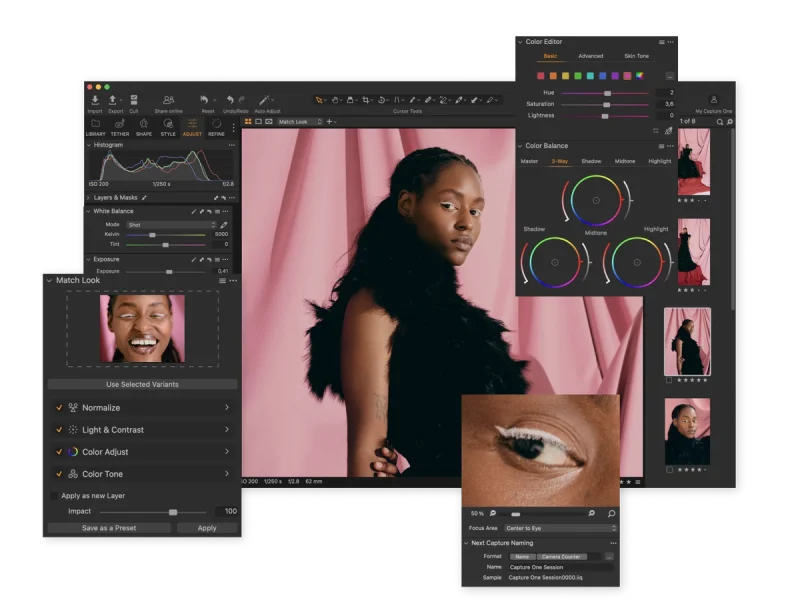
- Tethered studio and commercial work: Capture One Pro. Shoots straight into the app for instant review, and can be owned for $349 or rented at $18/mo on an annual plan.
- One payment, one app, no Adobe: ON1 Photo RAW 2026. $99.99 once for raw processing, organizing and a layer stack, licensed for two computers, with a 30-day trial.
- Layered retouching for $0: Affinity Photo. Free with a Canva account, with unlimited layers, and it opens layered PSD files with masks and adjustments intact.
- A free catalog on Linux: darktable. Catalog-based raw developing that runs on Windows, Mac and Linux, costs nothing, and can shoot tethered.
At a glance
| Option | Price | Pricing Model | Platforms | Layers & Masks | Photo Library | Free Trial |
|---|---|---|---|---|---|---|
| $11.99source | Subscriptionsource | Windows & Macsource | Catalog-basedsource | 7 dayssource | ||
| $22.99source | Subscriptionsource | Windows & Macsource | Yessource | 7 dayssource | ||
| $349source | Subscription or one-timesource | Windows & Macsource | Yessource | Catalog-basedsource | 7 dayssource | |
| $249.99source | One-time purchasesource | Windows & Macsource | Browse files in placesource | 30 dayssource | ||
| Freesource | Freesource | Windows & Macsource | Yessource | Free versionsource | ||
| $99.99source | One-time purchasesource | Windows & Macsource | Yessource | Browse files in placesource | 30 dayssource | |
| $159source | One-time purchasesource | Windows & Macsource | Yessource | Catalog-basedsource | 7 dayssource | |
| Freesource | Freesource | Windows, Mac & Linuxsource | Catalog-basedsource | Free versionsource | ||
| Freesource | Freesource | Windows, Mac & Linuxsource | Browse files in placesource | Free versionsource | ||
| Freesource | Freesource | Windows, Mac & Linuxsource | Yessource | Free versionsource | ||
| Freesource | Freesource | Web browsersource | Yessource | Free versionsource | ||
| $54.99source | One-time purchasesource | Windows onlysource | Yessource | Catalog-basedsource | 30 dayssource |






Paying monthly or buying once
The Price column mixes two bases, so read it beside Pricing Model. Lightroom Classic ($11.99) and Photoshop ($22.99) are monthly figures; Capture One Pro ($349), DxO PhotoLab 10 ($249.99), Luminar Neo ($159), ON1 Photo RAW 2026 ($99.99) and Corel PaintShop Pro 2023 ($54.99) are one-time prices. Capture One is the only one sold both ways, at $18/mo on an annual subscription or $349 to keep.
Owning comes with footnotes. ON1's license covers this year's version, and major upgrades cost extra unless you move to its MAX subscription. Luminar Neo's apps are yours, but its AI tools and asset library renew after 365 days through Luminar Prime. Two of these prices are promotions too: Luminar's $159 is a countdown offer against a $259 list price, and PaintShop Pro's $54.99 is 30% off $79.99.
Managing a shoot or retouching a single image
Lightroom Classic, DxO PhotoLab 10, darktable and RawTherapee are raw developers with no layer stack, built for getting through a card of images. Lightroom Classic and darktable import into a catalog; DxO and RawTherapee skip that step and work on the folders your files already sit in. Their Layers & Masks cells are blank only because none of those makers states what its software lacks, and each summary says plainly that there are no layers.
Photoshop, Affinity Photo, GIMP and Photopea are the reverse: full layer stacks and no library at all, so each is the second half of a workflow. A free pairing comes straight out of this table, darktable or RawTherapee for the raw pass and GIMP or Affinity Photo for compositing. Photopea is the per-file option, the way to open a client's layered PSD in a browser tab on a computer with nothing installed.
Trial length and which computers it runs on
DxO PhotoLab 10, ON1 Photo RAW 2026 and Corel PaintShop Pro 2023 give you 30 days to decide. Both Adobe apps, Capture One Pro and Luminar Neo give seven, so clear some time before starting one of those. Most rows run on Windows and Mac; darktable, RawTherapee and GIMP add Linux, and PaintShop Pro is the one that runs on Windows only.
The options in detail
Adobe Lightroom Classic
The desktop workhorse most working photographers still build their workflow around: import a shoot once, rate and keyword it, and develop raw files without ever altering the originals. Adobe's own pitch for it is organisation at volume, a library-like catalog you can search by rating, keyword or album, which is what separates it from the pixel editors here. Adobe now folds it into the $11.99/mo Lightroom plan, while the $19.99/mo Photography plan adds Photoshop and 1TB of cloud storage. The gap it leaves is layers and compositing, which is exactly why so many photographers end up paying for Photoshop too.
Adobe Photoshop
The reference tool for pixel-level work: retouching, compositing, and anything that needs a real layer stack with masks. Adobe's own guidance is to start in Lightroom to sort and process a shoot and switch to Photoshop for the few frames that need heavy transformation, which is a fair description of how most photographers use it. Bought on its own it is the most expensive subscription in this table at $22.99/mo, and the $19.99/mo Photography plan that bundles it with Lightroom is usually the better buy for photographers. It is not a photo manager, so it does not replace a cataloguing tool.
Capture One Pro
The professional alternative to Lightroom, and the usual pick for studio and commercial work because of its colour rendering and its tethered shooting, which lets you shoot straight into the app for instant review. It is the only tool here that offers both ways to pay: $18/mo on an annual subscription, or a $349 perpetual licence you keep forever, and Capture One will switch you between them. Files are managed with catalogs or sessions, and layers with masks handle local corrections. The trial is short at seven days, so plan to spend a weekend with it.
DxO PhotoLab 10
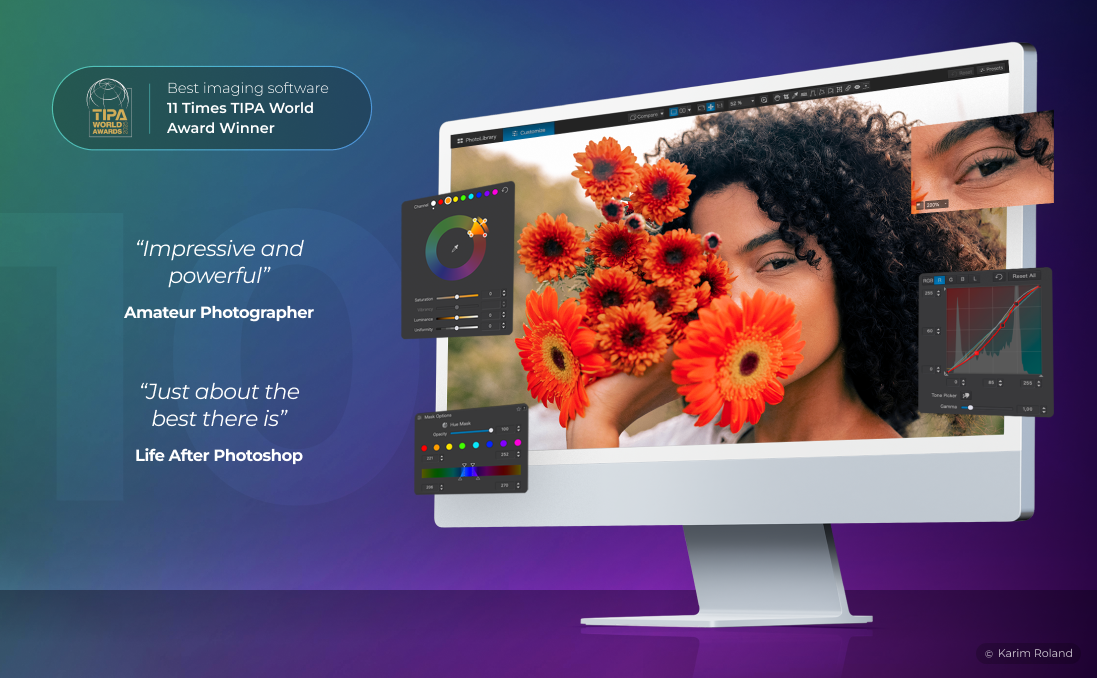
Bought for one reason: raw conversion quality. Its DeepPRIME noise reduction and lab-measured lens corrections are the reason photographers who shoot in poor light keep a copy around, sometimes purely as a first step before another editor. There is no catalog to import into, you point it at folders and it filters, rates and keywords in place. It has no layer stack, and at $249.99 it is the most expensive one-time purchase here, but it is a lifetime licence with no subscription and a full 30-day trial.
Affinity Photo
The biggest change in this category recently: Affinity, now owned by Canva, gave the whole toolkit away. Raw development, retouching, HDR merge, focus stacking, batch processing and unlimited raster, vector and text layers cost nothing, and it opens layered PSD files with masks, groups and adjustments intact. All you need is a free Canva account, though unlocking the Canva AI tools inside it does need a paid Canva plan. What it is not is a cataloguing tool, so it slots in where Photoshop would rather than where Lightroom would.
ON1 Photo RAW 2026
Aimed squarely at photographers who resent paying Adobe every month: one $99.99 payment buys raw processing, organising, retouching and a proper layer stack in a single app. There is no import step, it browses the folders your photos already live in and adds tagging, albums and keywording on top, which is faster to start with than a catalog. The licence covers two computers across Mac and Windows, and the 30-day trial is the most generous here. The catch is that a perpetual licence buys this year's version: future major upgrades cost extra unless you take the MAX subscription.
Luminar Neo
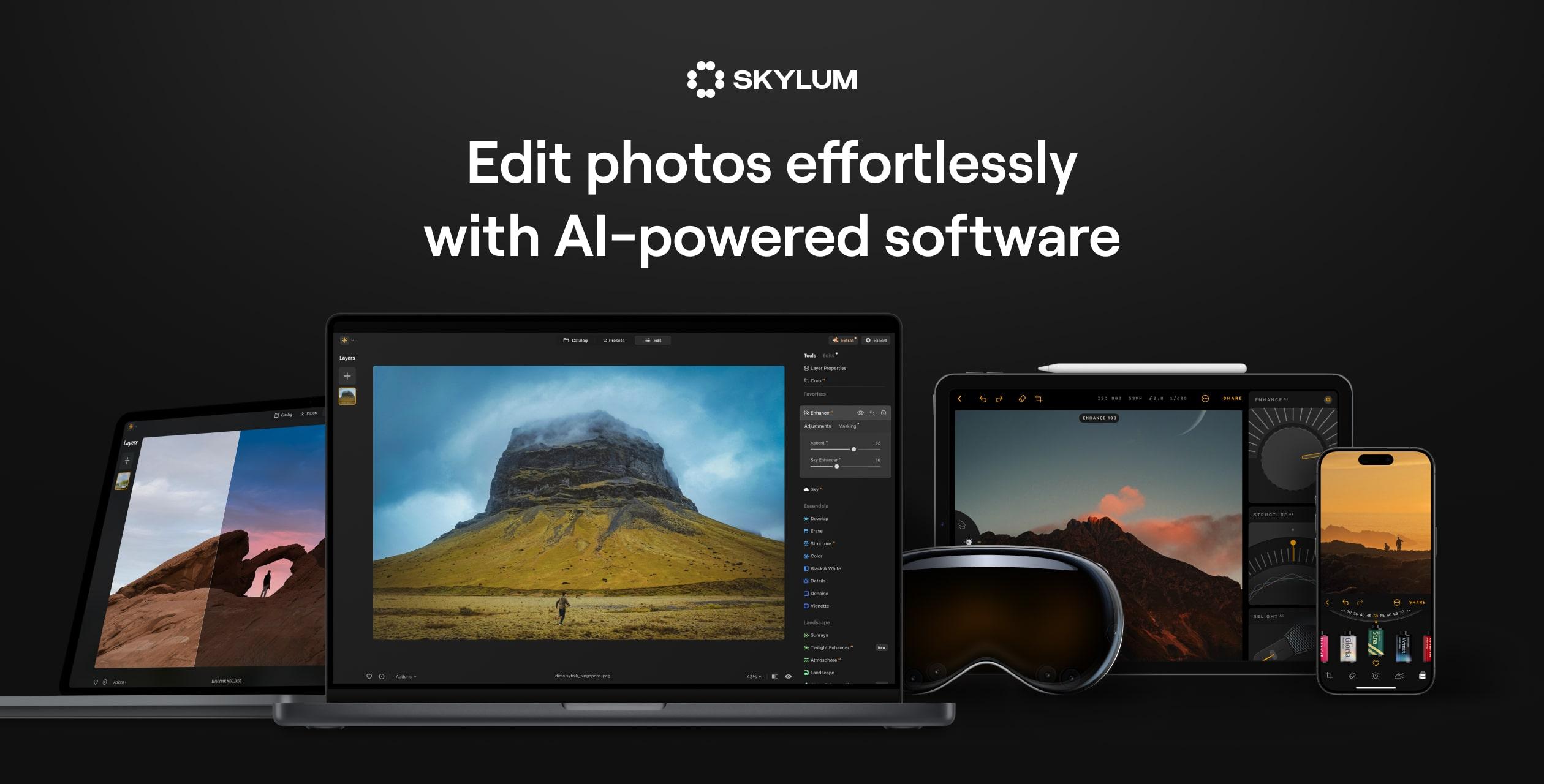
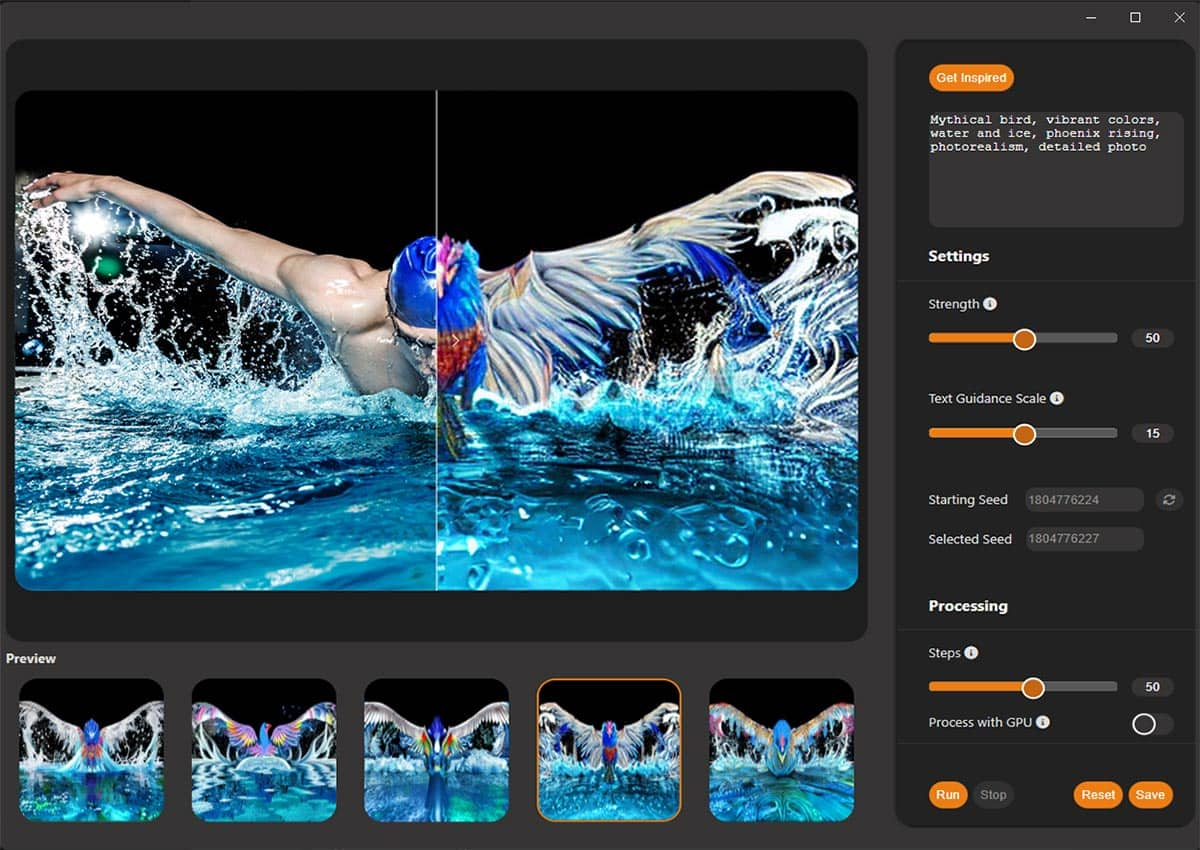
Skylum's editor, now branded simply Luminar, leans hardest on one-click AI: sky replacement, skin smoothing, distraction removal, relighting. It has a catalog you import into and it supports layers, so it can stand alone rather than only working as a plug-in for Photoshop, Lightroom or Apple Photos. Read the pricing carefully: the payment is one-time and the apps are yours, but the AI tools and asset library run on a 365-day renewal through Luminar Prime, and the listed price is almost always a countdown promotion off a higher list figure. The trial is seven days.
darktable
The closest free equivalent to a Lightroom workflow: it manages your digital negatives in a database and gives you a zoomable lighttable for browsing and a darkroom for developing, all non-destructive and all released under the GPL. It runs on more systems than anything else here, Linux and BSD included, and it is one of very few open source projects that can shoot tethered. Filtering and sorting work across tags, star ratings, colour labels and any other metadata, and repetitive jobs can be scripted in Lua. It is a raw developer rather than a compositing tool, so there is no layer stack.
RawTherapee
A free, GPL-licensed raw processor with an unusually deep demosaicing toolkit: you can run two demosaicing algorithms on one image, composite pixel-shift files with automatic ghost masking, and apply dark frame and flat field corrections. It deliberately skips the database step, using a tree-style file browser over the folders you already have, with filters and batch editing on top. The project is candid that it rewards patience, saying it benefits users who take the time to learn what it can do. There is no layer stack, so pair it with a pixel editor if you composite.
GIMP
The long-standing free alternative to Photoshop, built for photo retouching, image composition and image authoring rather than for managing a shoot. Version 3.2 was built around non-destructive layers, adding link layers and vector layers to the text layers it already had, so edits stay adjustable instead of being baked in. It is free software in both senses, running on Linux, macOS and Windows, and extendable with third-party plug-ins. For a photographer it is the compositing half of a workflow: bring your own raw developer for the cataloguing and the first pass.
Photopea
A Photoshop-shaped editor that runs entirely in a browser tab, with nothing to install and no account required. It carries the pieces that matter for retouching, layers, masks, layer styles, smart objects, adjustment layers, channels and paths, and it opens PSD files, which makes it the obvious way to open a client's layered file on a machine that has nothing installed. It is free, supported by ads, with an optional paid tier that removes them. There is no library or cataloguing side at all, so it is a per-file tool rather than a workflow.
Corel PaintShop Pro 2023
The budget Windows option, and the only tool in this table that runs on Windows alone. One payment buys a full editor: multiple non-destructive layers with masks for compositing, a Manage workspace that tags, catalogs and batch-edits, and AfterShot Lab inside the app for raw files, so you are not running a separate converter. It also handles HDR merges, focus stacking and 360-degree camera images. Worth knowing that 2023 is still the current release, so this is a mature product rather than an actively iterating one, and the listed price is usually a discount off $79.99.
How we researched this
The twelve were chosen to cover the ways photographers actually edit: Adobe's two defaults, the paid programs people leave Adobe for (Capture One Pro, DxO PhotoLab 10, ON1 Photo RAW 2026), the AI-led Luminar Neo, four free tools, a browser editor and a budget Windows option. Photoshop Elements 2026 was left out because its license runs on a three-year term and it is aimed at consumers, the cloud version of Lightroom because it would have repeated the Classic row, Pixelmator Pro because its own site does not state its one-time price, and Exposure X7 as a niche film-look editor. Plug-ins and utilities such as Topaz Photo AI, Nik Collection and DxO PureRAW are not main editors, so they are not here either.
Price is the monthly figure where software is subscription only, the one-time figure where you can buy it outright, and 0 where it is free. The eight blank cells, all in Layers & Masks or Photo Library, are there because vendors describe what their software does and never state what it lacks. Software prices, promotions and free tiers move often, and Affinity Photo going free after the Canva relaunch is recent, so check the price on the maker's site as of the day you buy.