Free Photo Editing Software for Windows
GIMP is the free Windows editor people reach for when they want Photoshop-class control: open source, layer-based and updated in 2026, though it needs darktable or RawTherapee installed alongside it to open camera raw files. If GIMP's learning curve is the obstacle, Paint.NET offers layers and unlimited undo in an interface most people can use on the first try.
Past that pair, what separates these twelve is the job and the machine. Photographers shooting raw want darktable or RawTherapee, which develop a file without altering it but have no layers at all. On a work or school PC where you cannot install anything, the choice narrows to Photopea or Pixlr in a browser tab, PhotoDemon run from a USB stick, or Microsoft Photos, which is already there.
Our picks
- Photoshop-style control for nothing: GIMP. Layers, masks, channels, curves and scripting, open source, with a 2026 release.
- Layers without the learning curve: Paint.NET. Freeware with layers, effects and a plugin community, updated several times a year and last released in 2026.
- A PC where you cannot install software: PhotoDemon. Runs unzipped from a USB stick with no administrator rights, and still has more than 200 tools.
- Developing raw files like Lightroom: darktable. Opens raw files natively and develops them through a non-destructive module stack, with a catalog for the whole shoot.
- Resizing a folder of photos at once: IrfanView. An 8 MB viewer that crops, resizes and converts hundreds of files in one go, free for personal use.
At a glance
| Option | License | Where it runs | Best for | Editing model | Opens camera RAW files | Latest release |
|---|---|---|---|---|---|---|
| Open sourcesource | Windows desktop appsource | All-round photo editingsource | Layer-based editingsource | With an add-onsource | 2026source | |
| Open sourcesource | Windows desktop appsource | Digital paintingsource | Layer-based editingsource | 2026source | ||
| Freewaresource | Windows desktop appsource | All-round photo editingsource | Layer-based editingsource | 2026source | ||
| Freewaresource | Web browsersource | All-round photo editingsource | Layer-based editingsource | Yessource | ||
| Open sourcesource | Windows desktop appsource | RAW photo developingsource | Non-destructive raw workflowsource | Yessource | 2026source | |
| Open sourcesource | Windows desktop appsource | RAW photo developingsource | Non-destructive raw workflowsource | Yessource | 2026source | |
| Open sourcesource | Windows desktop appsource | All-round photo editingsource | Layer-based editingsource | Yessource | 2025source | |
| Open sourcesource | Windows desktop appsource | Photo library managementsource | One-photo quick editssource | Yessource | 2026source | |
| Freewaresource | Windows desktop appsource | Viewing and batch convertingsource | One-photo quick editssource | With an add-onsource | 2026source | |
| Free plan of a paid productsource | Web browsersource | Quick edits and filterssource | Layer-based editingsource | |||
| Free plan of a paid productsource | Windows desktop appsource | All-round photo editingsource | One-photo quick editssource | Yessource | ||
| Freewaresource | Windows desktop appsource | Photo library managementsource | With an add-onsource | 2026source |




Layer editor, raw developer or quick fixer
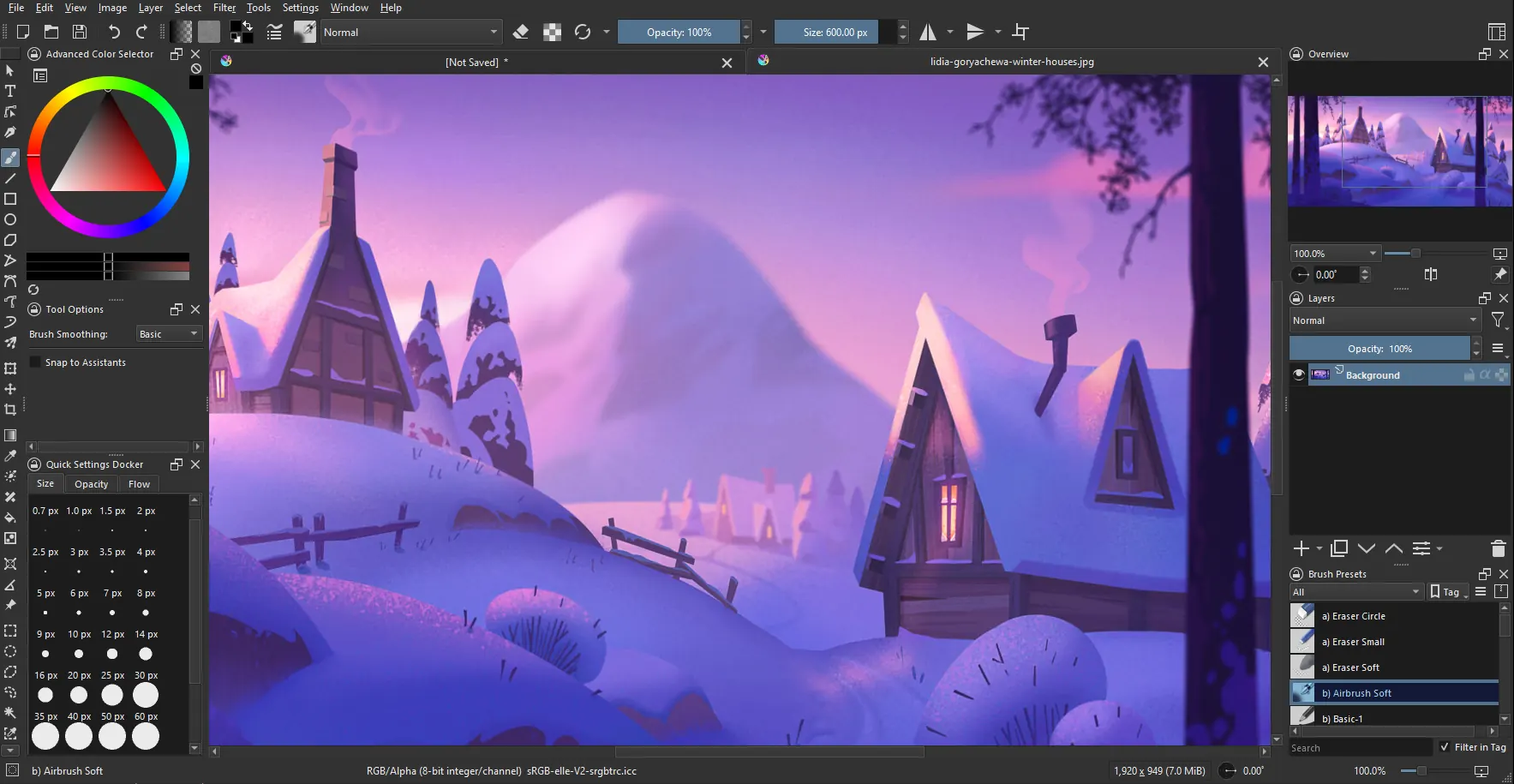
Six of the twelve are layer-based editors: GIMP, Paint.NET, PhotoDemon, Photopea, Pixlr and Krita. Krita is the odd one in that group, built for drawing and painting with over a hundred preloaded brushes rather than for fixing exposure. Pixlr pairs a simple express mode with a fuller layered editor and a set of AI tools, and it suits quick social edits more than careful photographic work.
darktable and RawTherapee work the other way, applying adjustments to a raw file that stays untouched, with no layers at all. darktable keeps a catalog like Lightroom; RawTherapee has no library, so most people pair it with a separate browser or with digiKam, which manages collections of 100,000 or more pictures but whose own editor is basic. IrfanView and PhotoScape X are for quick one-photo fixes, and Microsoft Photos has no layer stack either.
Which ones open camera RAW files
Six open raw files directly: darktable, RawTherapee, digiKam, PhotoDemon, PhotoScape X and, in the browser, Photopea. Three need a second download first: GIMP needs darktable or RawTherapee, IrfanView its separate plugin pack, and Microsoft Photos the free Raw Image Extension. The Krita, Paint.NET and Pixlr cells are blank because none of those makers says either way, so try a file from your own camera before counting on them.
What free means for each one
Six are open source: GIMP, Krita, darktable, RawTherapee, PhotoDemon and digiKam. Krita and Paint.NET both have paid store listings that exist to fund development, so get the free build from the project's own site.
Pixlr and PhotoScape X are the free tiers of paid products. Pixlr's free tier carries ads and limits its AI credits, and PhotoScape X keeps a good number of its filters and tools for the paid Pro version. IrfanView reads Freeware in the table, but it is free for personal use only, which matters if the photos are for a business.
The options in detail
GIMP
GIMP is the long-running free alternative people reach for when they want Photoshop-class control without paying for it: layers, masks, channels, curves, scripting, and a large plugin ecosystem. Version 3 modernised the interface and the underlying image engine, and it is still developed in the open by a volunteer team. The trade-off is the learning curve, and raw files need darktable or RawTherapee installed alongside it to open at all.
Krita
Krita is built for drawing and painting rather than photo correction, and it shows: over a hundred preloaded brushes, nine brush engines, stabilisers for shaky hands, and animation tools. It is a KDE project under the GPL, so there are no trials, accounts or upsells in the desktop build, though paid store versions exist as a way to fund development. If you mainly want to fix exposure on holiday photos this is the wrong tool; if you want to illustrate, it is the strongest free option on Windows.
Paint.NET
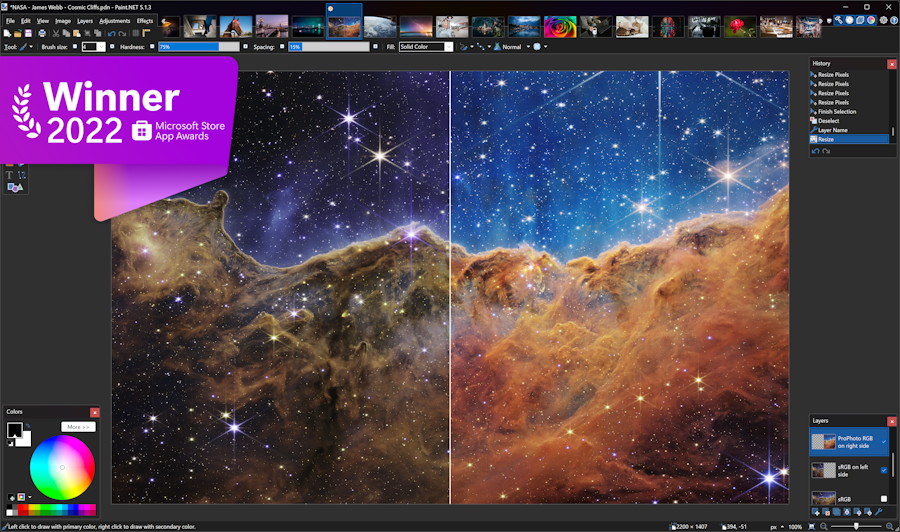
Paint.NET started as a free replacement for Microsoft Paint and grew into the middle ground between Paint and Photoshop: layers, unlimited undo, effects and a plugin community, in an interface most people can use on the first try. It is Windows-only, developed by one maintainer, and updated several times a year. The download from the project site is free; the Microsoft Store listing is a paid way to support development.
Photopea
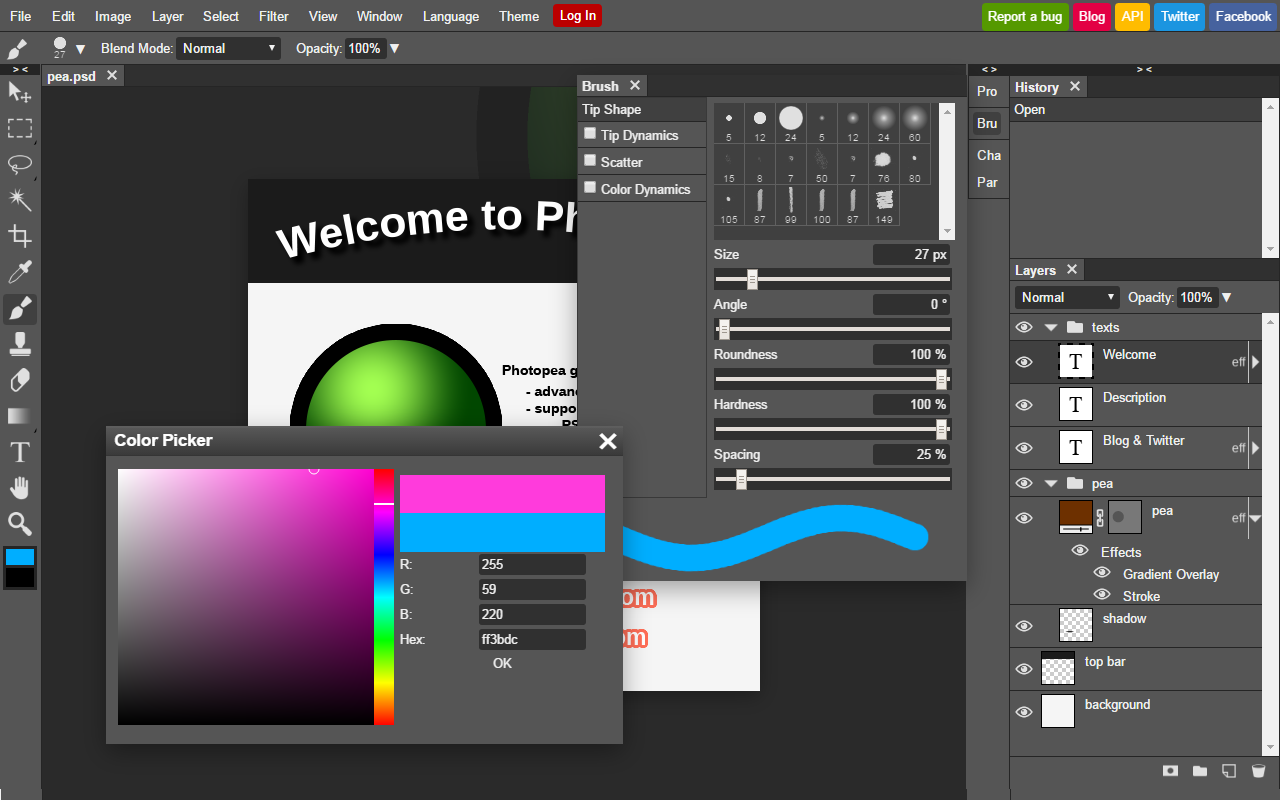
Photopea is a full Photoshop-style editor that runs entirely in a browser tab, and it is the closest thing to Photoshop you can use on a locked-down or low-spec Windows PC. It opens and saves PSD files, handles layers, masks, layer styles and smart objects, and reads camera raw formats. Files are processed on your own machine rather than uploaded, which matters if you are editing anything private.
darktable
darktable is a raw darkroom rather than a photo editor: you import your camera files into a catalogue, then develop them through a stack of modules that never alter the original. It is the free counterpart to Lightroom, with professional colour management and GPU-accelerated processing, written by photographers for photographers. There are no layers and no compositing tools, and the module-based workflow takes real time to learn.
RawTherapee
RawTherapee is the other serious free raw converter, and it leans harder into image quality than into cataloguing: multiple demosaicing algorithms you can pick per image, pixel-shift compositing, dark-frame subtraction and 32-bit floating point processing. It rewards people who want to understand what each control does, and its forum and RawPedia documentation are unusually good. It has no photo library, so most people pair it with a separate browser or with digiKam.
PhotoDemon

PhotoDemon is a full layer-based editor that needs no installation and no administrator rights: unzip it, run it from a USB stick, and you have more than 200 tools including content-aware fill, lens correction and a macro recorder. That makes it the practical answer on a work or school PC where you cannot install anything. It is a one-developer BSD-licensed project, so releases come a couple of times a year rather than constantly.
digiKam
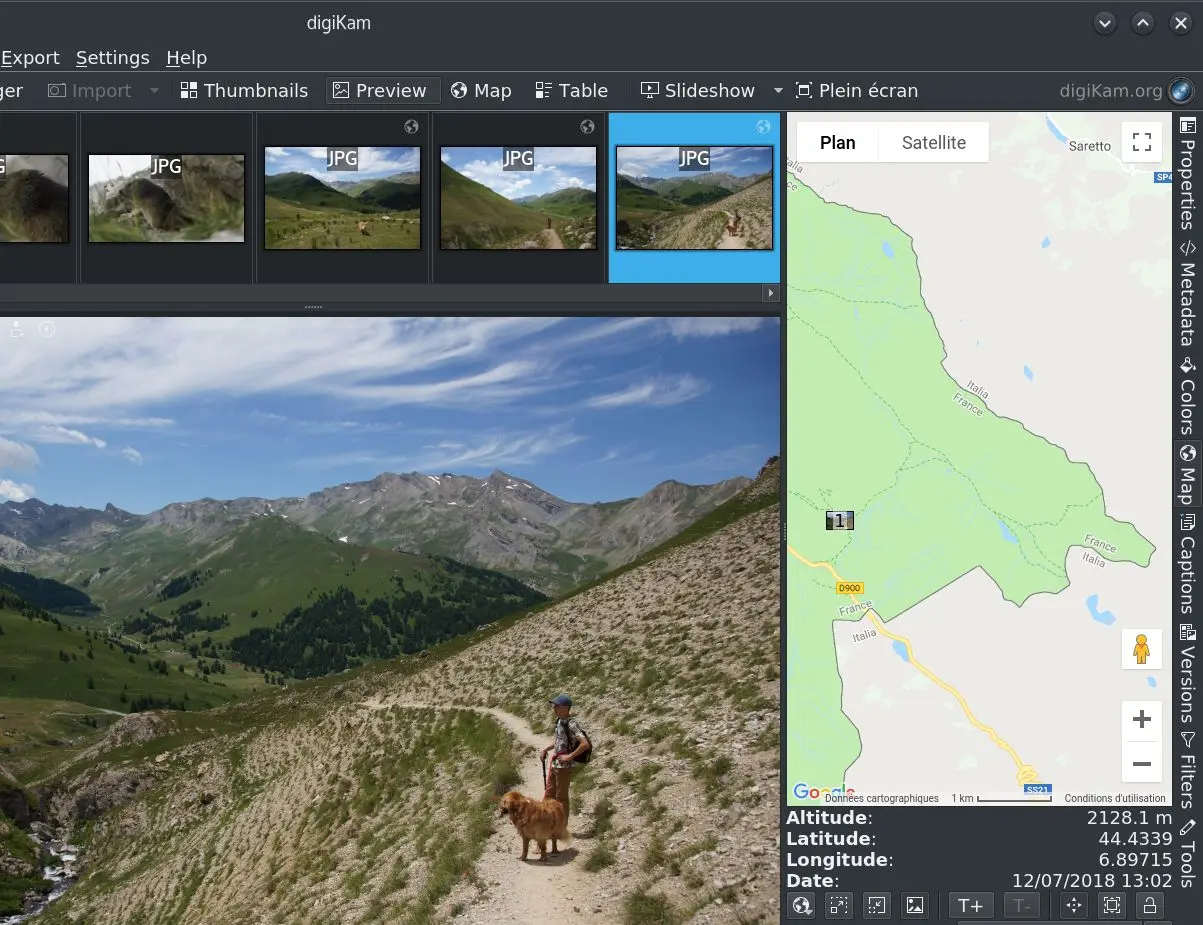
digiKam is aimed at people with a large photo collection rather than a single image to fix: albums, tags, face recognition, geolocation and search across libraries of 100,000 or more pictures, with a competent editor attached. It reads raw files natively through LibRaw and can hand them to darktable or RawTherapee for deeper work. The editing tools are basic next to GIMP, so its real job is being the shelf your photos live on.
IrfanView
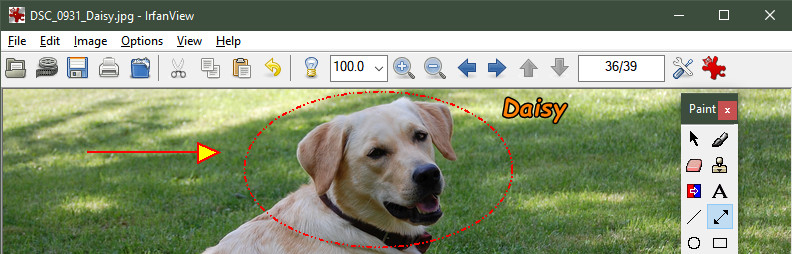
IrfanView is an 8 MB viewer that has been maintained by one person since 1996, and it is what people install when they want to flip through a folder of photos instantly and do a few things to them: crop, resize, straighten, add a watermark, convert hundreds of files at once. It is a viewer first, so there is no layer stack and no serious retouching. It is free for personal use only, and reading camera raw files needs the separate plugin pack.
Pixlr
Pixlr is a browser editor split into a simple express mode and a fuller editor with layers and masks, now heavily built around AI tools: background removal, generative fill, upscaling and image generation. You can do a lot without an account, but the free tier carries ads and limits the AI credits, and the paid plans start at a couple of dollars a month. It suits quick social and marketing edits more than careful photographic work.
PhotoScape X
PhotoScape X is the friendly all-in-one: viewer, one-click filters, collage and GIF maker, batch resizer, background cut-out and a screen capture tool, wrapped in an interface aimed at people who do not want to learn a photo editor. It opens raw files and covers most everyday jobs without cost. The catch is that a good number of the filters and tools are reserved for the paid Pro version, and it needs Windows 10 or later.
Microsoft Photos
Microsoft Photos is already on the machine, which is why it belongs on this list: it is the gallery Windows opens pictures with, and it now carries genuine editing tools including crop, adjustments, background blur and a generative erase powered by Microsoft Designer. It pulls in OneDrive and, on Windows 11, iCloud libraries. There is no layer stack and little manual control, and camera raw files only open once you add the free Raw Image Extension.
How we researched this
The set was built wider than a list of Photoshop clones, because for many people the right answer is the program already on the PC or one that runs without administrator rights: it includes two raw developers, a library manager, a viewer, a portable editor, two browser editors and Microsoft Photos. Canva and Fotor were left out as design-template tools whose free tiers are the thin end of a subscription, Inkscape because it edits vectors rather than photos, and PhotoScape 3.7 because PhotoScape X replaced it. Adobe Photoshop Express belongs in the conversation, but we could not read Adobe's own page for it and chose not to build its row on a store listing alone.
Best for uses each maker's own description of its tool, so it sorts the list rather than ranking it. Latest release is blank for Photopea and Pixlr, which update continuously in the browser, and for PhotoScape X, whose site publishes no release date; every desktop tool with a year shows 2025 or 2026. License terms and free-tier limits are the details most likely to shift, so read them on the download page before you install.