Best Free Password Managers for Salons
For a salon where the owner and one manager need the booking and Instagram logins, Bitwarden's free plan does it: sharing with one other person, unlimited passwords, and apps on every phone. For a whole floor of stylists on mixed phones, the free answers are Psono, free for up to 10 users, and Passbolt's Community Edition, free for unlimited users, and both are built to run on a server of your own.
That is the trade across these twelve. Among the cloud plans that need no setup, Bitwarden and Proton Pass cap sharing at one or two people, and Zoho Vault and NordPass keep it behind a paid plan. The ones that share with everyone for nothing ask for technical help. Apple Passwords is the exception, with free shared groups, but only if every stylist carries an iPhone.
Our picks
- Best for an owner and a manager: Bitwarden. Free sharing with one other person on unlimited devices, and a Teams plan at $4 per user a month when one isn't enough.
- Best for an owner plus two senior stylists: Proton Pass. A free vault can be shared with two other people, with unlimited logins on unlimited devices and ten email aliases.
- Best for up to ten staff with a tech-minded helper: Psono. All business features, encrypted team sharing included, cost nothing for up to 10 users, on your own server or a hosted community edition.
- Best for an all-iPhone team: Apple Passwords. Shared password groups at no cost, already installed and synced across iPhone, iPad and Mac, though Android phones are shut out.
- A low-cost paid step to team sharing: Zoho Vault. Sharing with team members starts on the Standard plan at US$0.90 per user a month billed annually.
At a glance
| Option | Sharing with staff | What's free | Free plan devices | Where your passwords are stored | Phone app | Cheapest paid upgrade |
|---|---|---|---|---|---|---|
| Yes, with one or two otherssource | Unlimited passwords on unlimited devicessource | Unlimited devicessource | The maker's cloudsource | Android and iPhonesource | Premium, $1.65 a month billed annuallysource | |
| Yes, with one or two otherssource | Unlimited logins, notes and cards on unlimited devicessource | Unlimited devicessource | The maker's cloudsource | Android and iPhonesource | Pass Plus, billed at $35.88 every 12 monthssource | |
| Yes, with a whole teamsource | All business features, for up to 10 userssource | Unlimited devicessource | Your own serversource | Android and iPhonesource | Nothing to pay up to 10 userssource | |
| Yes, with a whole teamsource | Unlimited users, password sharing and shared folderssource | Unlimited devicessource | Your own serversource | Android and iPhonesource | Pro Edition, $4.9 per user a month billed annually, minimum 10 userssource | |
| Only on paid planssource | Unlimited passwords, passkeys and storage on unlimited devicessource | Unlimited devicessource | The maker's cloudsource | Android and iPhonesource | Standard, US$0.90 per user a month billed annuallysource | |
| Yes, with a whole teamsource | The whole Passwords app, built into iPhone, iPad and Macsource | Unlimited devicessource | The maker's cloudsource | Apple devices onlysource | No paid plan: included with iOS, iPadOS, macOS and visionOSsource | |
| Everything: it is built into Chrome and every Android appsource | Unlimited devicessource | The maker's cloudsource | Android and iPhonesource | No paid plan: built into Chrome and Androidsource | ||
| Yes, basic sharing onlysource | Unlimited password storage, but on one type of devicesource | One device typesource | The maker's cloudsource | Android and iPhonesource | Premium, $3.00 a month billed annuallysource | |
| Only by sharing a filesource | Everything: no subscriptions and no accountssource | Unlimited on desktop onlysource | Only your own devicesource | No official mobile appsource | No paid plan: free and open sourcesource | |
| Only on paid planssource | Unlimited passwords, but one active session on one devicesource | One device at a timesource | The maker's cloudsource | Android and iPhonesource | Premium 2-year, $37.53 for the first 27 months, normally $80.73source | |
| Unlimited passwords, but on a single devicesource | One devicesource | Android and iPhonesource | Premium, renews at $29.88 a yearsource | |||
| The whole password manager, free for PC and mobilesource | Unlimited devicessource | The maker's cloudsource | Android and iPhonesource | No paid plan; also included with Norton AntiVirus Plus and Norton 360source |


Which free plans let staff share logins
Only three rows share with a whole team for free: Psono, Passbolt and Apple Passwords. Bitwarden and Proton Pass share with one or two others, and Proton's comparison table says Pass Plus raises that to ten. LastPass includes basic sharing on its free plan, and KeePassXC shares only by writing a file to somewhere everyone can reach, such as a network share or cloud storage.
Zoho Vault and NordPass put sharing behind a paid plan. Google Password Manager, RoboForm and Norton Password Manager say nothing about team sharing on their own pages, so those cells are empty, and their summaries explain why none of the three is a way to hand a stylist a login and take it back.
Self-hosted or the maker's cloud
Psono and Passbolt keep passwords on your own server, which makes them hard for a salon without IT help. Psono softens it with a hosted community edition. Passbolt's free edition is self-hosted, and its Pro Edition starts at $4.9 per user a month billed annually, with a 10-user minimum. KeePassXC goes further still: no account and no cloud, just one encrypted file on your own device.
The other rows, from Bitwarden to Norton, store the vault on the maker's cloud, so there is nothing to install beyond the app. RoboForm is the one that doesn't say in text whether its free single-device vault syncs to its servers or stays local.
Device limits at the front desk
The desk computer and the stylists' phones are different devices, and several free plans won't cover both. LastPass makes you choose one device type, computers or phones. NordPass allows one active session, so opening it on a phone signs out the desk. RoboForm's free plan works on a single device. KeePassXC runs on desktops only, with no official phone app, and Apple Passwords stops at Apple hardware.
The options in detail
Bitwarden
Bitwarden is the free plan most small businesses land on, and the reason matters here: free accounts can share with one other person. That is enough for an owner and a manager to hold the booking and Instagram logins together, but not a whole floor of stylists. Everything else is uncapped, with unlimited passwords on unlimited devices and real apps for phones, desktops and browsers, and it is open source. If the salon outgrows one-to-one sharing, the Teams plan is $4 per user a month.
Proton Pass
Proton Pass gives away more than almost anyone on the free tier: unlimited logins on unlimited devices, apps for every platform, and ten email aliases. Free accounts can also share a vault with two other people, which is enough for an owner and two senior stylists to hold the booking and social logins together, though the comparison table is explicit that Pass Plus raises that to ten. Sharing single items with people who do not use Proton Pass is a paid feature. Privacy is the other reason people pick it: it is the same Swiss company behind Proton Mail.
Psono
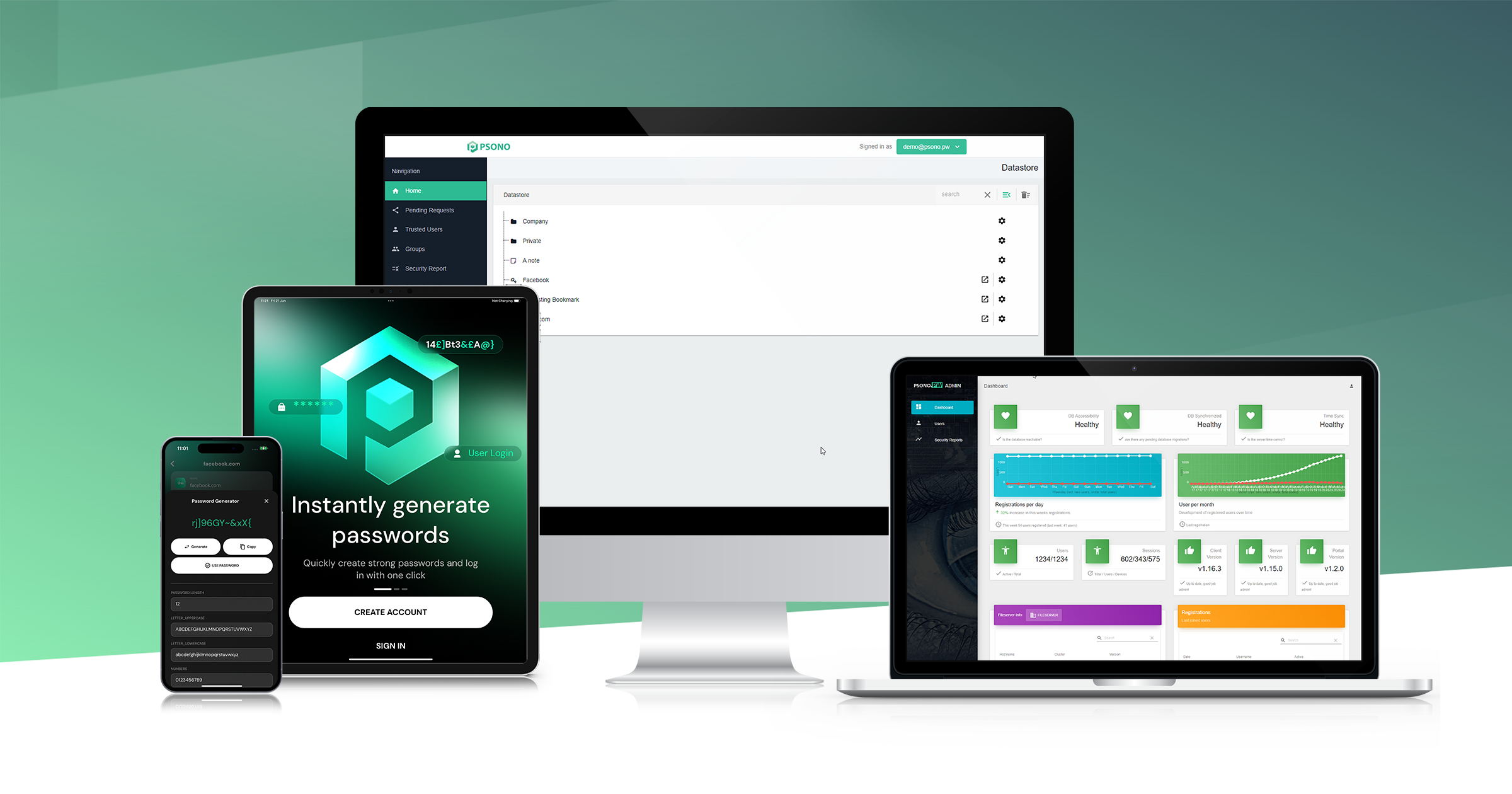
Psono is the closest thing here to a free password manager built for a team: all of its business features are free for up to ten users, which covers most salons outright, and encrypted sharing with your team is part of that. It is open source and self-hosted by design, so somebody has to run the server, though the maker also offers a hosted community edition if nobody at the salon wants to. Apps cover Windows, macOS, Linux, iOS and Android with sync across all of them. The trade-off is polish and support: it is built for IT teams, and it shows.
Passbolt
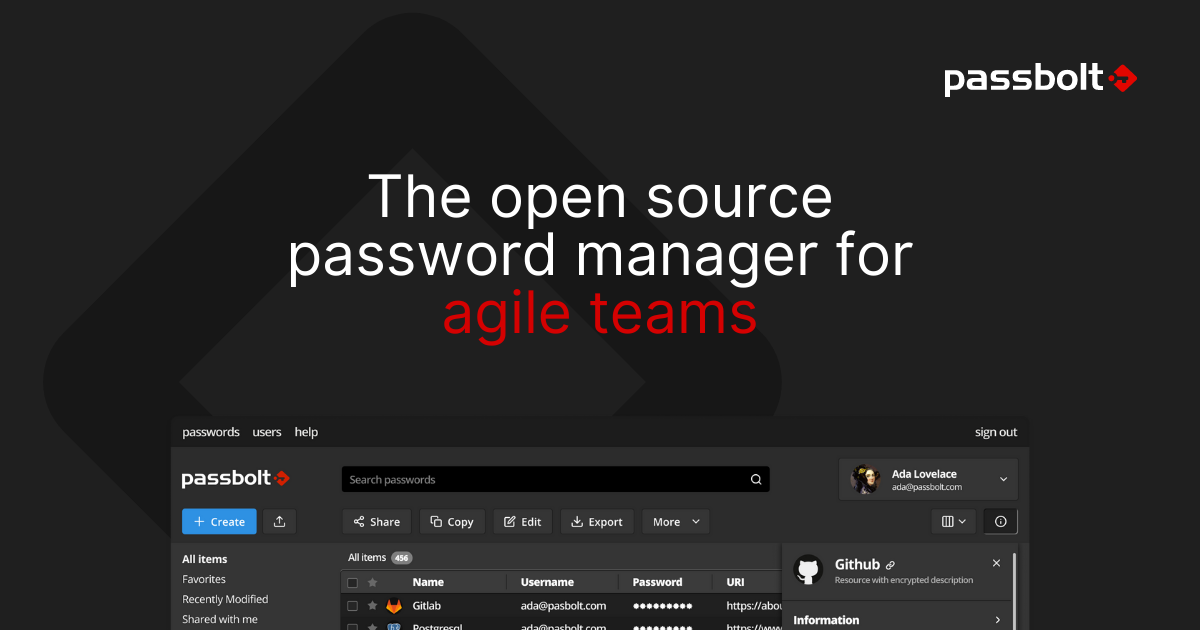
Passbolt is built for teams rather than individuals, and its Community Edition is free forever with unlimited users, private and shared folders, and role-based permissions. The catch is the one a salon will feel first: the free edition is self-hosted, so somebody has to run the server, and the paid Pro edition starts at $4.90 per user a month with a ten-user minimum. If the salon has a partner or family member comfortable with a small server, this is the most capable free option in the table by a distance. If not, the setup alone will end the conversation.
Zoho Vault
Zoho Vault's free plan is generous on storage: unlimited passwords and passkeys across unlimited devices, with desktop and mobile apps. It is not generous on the thing a salon actually needs, because secure password sharing with team members starts on the Standard plan. That upgrade is cheap by the standards of this table at US$0.90 per user a month, which makes Zoho the least painful paid step if free sharing is the sticking point. Worth a look if the salon already runs other Zoho apps for invoicing or email.
Apple Passwords
If everyone at the salon is on an iPhone, Apple's own Passwords app is the shortest path to shared logins: shared password groups let you create a group, add people you trust, and anyone in the group can add or change the passwords inside it. It costs nothing, it is already installed, and it syncs across iPhone, iPad and Mac through iCloud Keychain. The limits are the obvious ones: a stylist on an Android phone is shut out, and there is no admin console or activity log. Fine for a small all-Apple team, not a business tool.
Google Password Manager
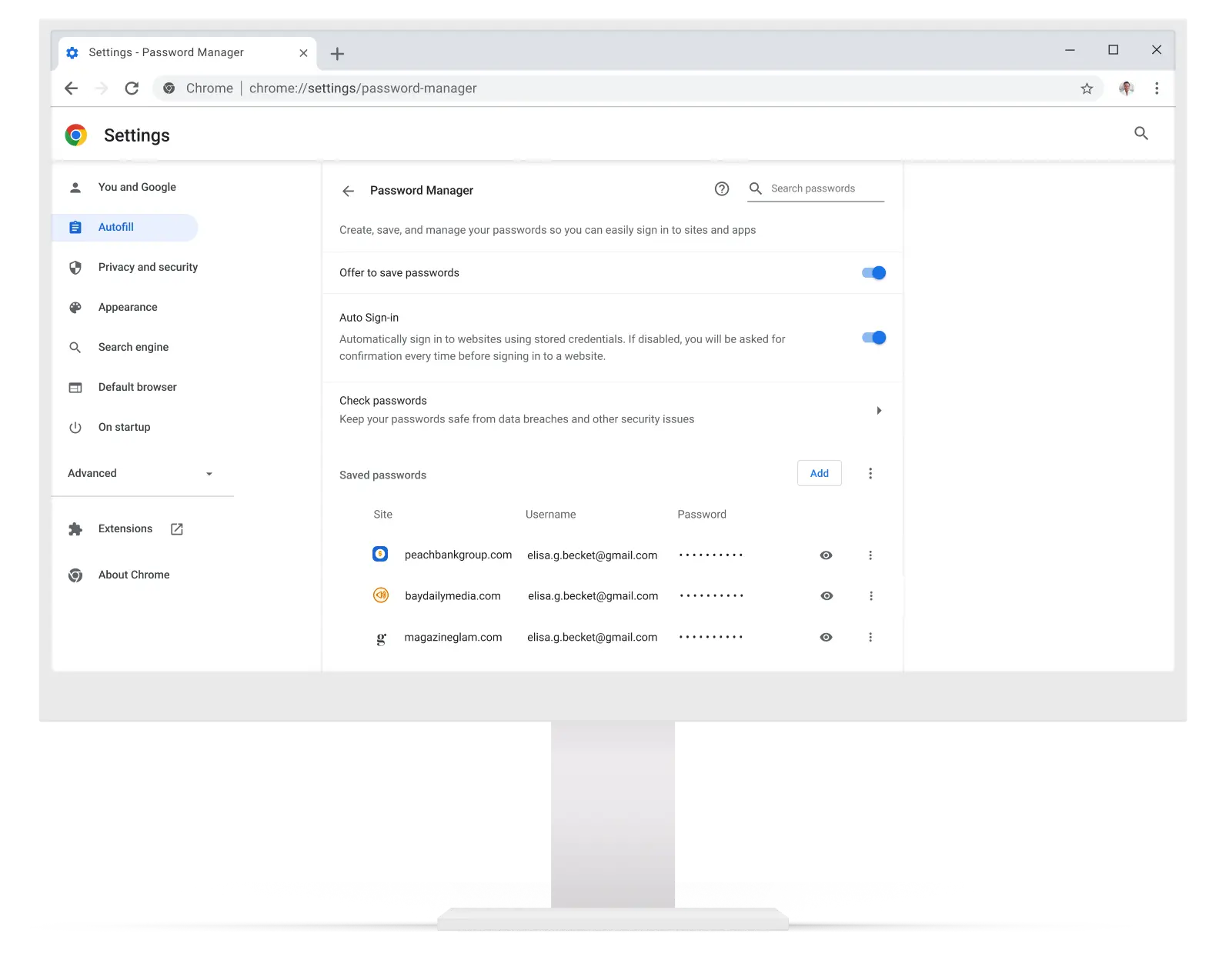
Google Password Manager is free, already inside Chrome and every Android phone, and needs no setup at all, which is why so many salons end up on it by default. It has no team sharing worth the name, so in practice staff either share one Google account or paste passwords into a group chat, which is exactly the habit a password manager is meant to break. Passwords follow you anywhere you are signed into Chrome or Android. Treat it as better than a notebook rather than as a way to give staff access you can take back.
LastPass
LastPass still has a free plan and it does include basic password sharing, but it carries a limit that bites hard at a front desk: you pick one device type, computers or phones, and stay there. For a salon that means the desk machine or the stylists' phones, never both, unless someone pays $3 a month for Premium. Unlimited password storage, autofill and dark web monitoring are all included free. It is worth a look only if the whole team works from the same kind of device.
KeePassXC
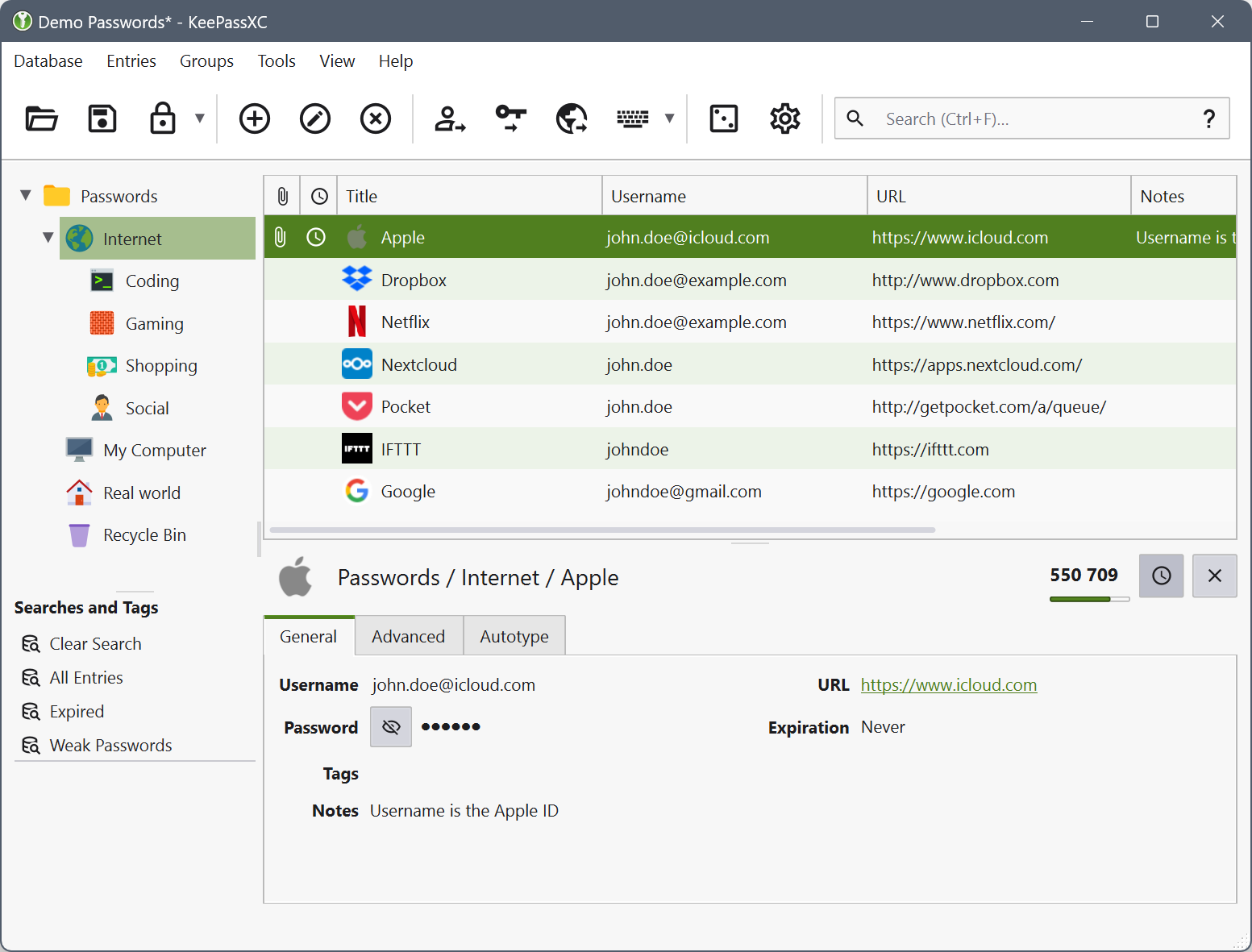
KeePassXC is free and open source, with no account and no cloud: everything lives in one encrypted file on your own computer. Sharing with staff is possible through its KeeShare feature, but it works by writing a shared file somewhere everyone can reach, such as a network share or cloud storage, which is a manual arrangement rather than a managed one. There is no official phone app, though other apps read the same file format. Pick it if the salon wants zero subscriptions and has someone patient; skip it if you want sharing to just work.
NordPass
NordPass's free tier stores unlimited passwords but only lets you stay signed in on one device at a time, so opening it on your phone signs you out of the desk computer. Secure item sharing is listed as a Premium feature, which rules out the salon use case on the free plan entirely. The apps themselves are among the nicest here and Premium is discounted to $37.53 for the first 27 months on its two-year plan. Think of it as a personal password manager you can try for nothing, not as a way to give staff access.
RoboForm
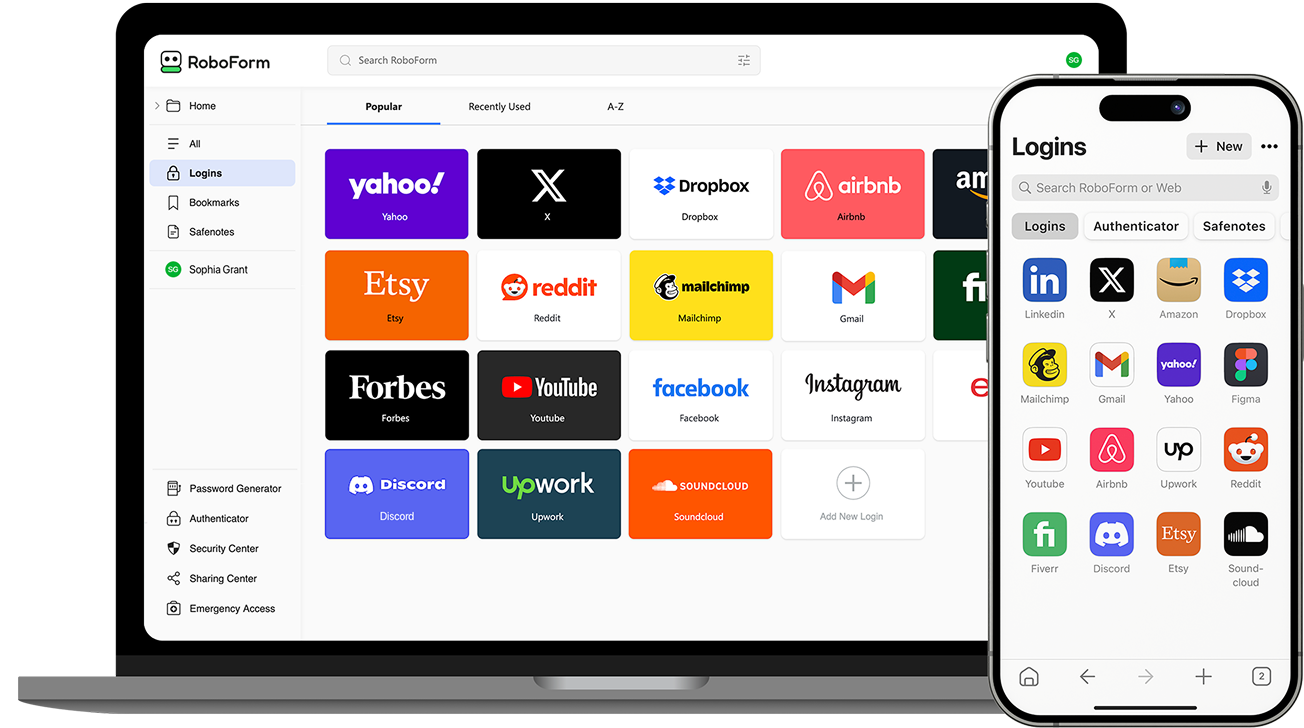
RoboForm's free plan stores unlimited passwords but only on a single device, which is the end of the story for a salon where the desk and every stylist's phone need the same logins. It is a long-standing manager with strong form filling and apps on every platform, and the paid tier renews at $29.88 a year. Nothing in the free tier is aimed at teams. Use it for yourself, then look elsewhere for staff access.
Norton Password Manager
Norton gives its password manager away free for PC and mobile, with an encrypted cloud vault you can reach from any of your devices and fingerprint or face unlock on phones; it is also bundled into Norton AntiVirus Plus and Norton 360. There is no shared vault or team feature, so it solves the owner's own password problem and none of the salon's. As a free personal vault it is perfectly reasonable, particularly if you already pay Norton for security software. Do not expect any way to hand a login to a stylist and take it back later.
How we researched this
The Sharing with staff column shaped this list. We added Psono and Passbolt, which lists of consumer password managers usually skip, because both let a whole team share for free, and kept the familiar names that stop short so a salon owner can see where each one falls down. Keeper was dropped because its free tier is ten records on one mobile device and its paid prices could not be read on its own site. Enpass was dropped for a desktop-only free tier with a 25-item cap on phones, and Vaultwarden because it is self-hosted Bitwarden with no project page of its own to cite. Dashlane ended its free plan in September 2025, and 1Password and Bitdefender have never offered one.
Paid upgrades are worded the way each maker bills them, monthly, yearly, per user or as a promotion, so they don't line up row to row. NordPass's two-year promotional price changes often, and any plan's limits can move, so check the maker's own plan page as of the day you sign up.