Best Password Managers With a Free Plan
Bitwarden's free plan is the one most people end up recommending: unlimited passwords on unlimited devices, with desktop, mobile and browser apps included, and it even lets a free account share items with one other person. Proton Pass matches it on passwords and devices and adds ten hide-my-email aliases, but keeps sharing for its paid plan.
Where the free plans really differ is devices. Bitwarden, Proton Pass, Zoho Vault, Norton and the two built-in managers from Apple and Google put no limit on devices. NordPass, LastPass, RoboForm and Keeper all store your passwords free but hold you to one device, one device type or one active session, which is a problem the first time you save a login on a laptop and need it on your phone.
Our picks
- Free on every device, with sharing: Bitwarden. Unlimited passwords on unlimited devices, sharing with one other person on the free plan, and a $1.65 a month Premium if you want an authenticator later.
- Keeping your email address private too: Proton Pass. Unlimited logins on unlimited devices, passkeys everywhere and ten hide-my-email aliases, all on the free tier.
- A desktop app with offline access: Zoho Vault. Free Forever with unlimited passwords, passkeys and devices, a Mac and Windows desktop app, and access to the vault offline.
- Nothing stored on anyone's servers: KeePassXC. An encrypted file on your own computer with no account and no paid tier; phones need a third-party app such as KeePassDX or Strongbox.
- A household that is all Apple hardware: Apple Passwords. Included with iOS, iPadOS, macOS and visionOS, syncing through iCloud Keychain, and able to share a group of logins with family.
At a glance
| Option | Free plan devices | Free plan password limit | Phone app | Where your passwords are stored | Cheapest paid upgrade |
|---|---|---|---|---|---|
| Unlimited devicessource | Unlimitedsource | Android and iPhonesource | The maker's cloudsource | Premium, $1.65 a month billed annuallysource | |
| Unlimited devicessource | Unlimitedsource | Android and iPhonesource | The maker's cloudsource | Pass Plus, billed at $35.88 every 12 monthssource | |
| One device at a timesource | Unlimitedsource | Android and iPhonesource | The maker's cloudsource | Premium, $23.88 for the first 12 months, normally $35.88source | |
| Unlimited devicessource | Unlimitedsource | Android and iPhonesource | The maker's cloudsource | Standard, US$0.90 per user each month billed annuallysource | |
| One device typesource | Unlimitedsource | Android and iPhonesource | The maker's cloudsource | Premium, $3.00 a month billed annuallysource | |
| One devicesource | Unlimitedsource | Android and iPhonesource | Premium, $19.90 for the first year, then $29.88 a yearsource | ||
| One devicesource | Up to 10 itemssource | Only your own devicesource | |||
| Unlimited on desktop onlysource | Unlimited on desktop, 25 on phonessource | Android and iPhonesource | Your own cloud accountsource | Individual Plan, $1.99 a month billed yearly for the first yearsource | |
| Unlimited on desktop onlysource | No official mobile appsource | Only your own devicesource | No paid plan: free and open sourcesource | ||
| Unlimited devicessource | Apple devices onlysource | The maker's cloudsource | No paid plan: included with iOS, iPadOS, macOS and visionOSsource | ||
| Unlimited devicessource | Android and iPhonesource | The maker's cloudsource | No paid plan: built into Chrome and Androidsource | ||
| Unlimited devicessource | Android and iPhonesource | The maker's cloudsource | No paid plan; also included with Norton AntiVirus Plus and Norton 360source |




Free plans that stop at one device
Three managers store unlimited passwords free but limit where you use them, each in a different way. NordPass installs anywhere but allows one active session, so signing in on your phone signs you out of your laptop. LastPass makes you choose computers or mobile devices, not both. RoboForm works on a single device with no syncing at all.
Keeper is the tightest: ten records on one mobile device. Its free plan works as a preview of the paid product rather than something to live on.
Getting past the limit costs $3.00 a month billed annually for LastPass Premium, $23.88 for NordPass's first year (normally $35.88) and $19.90 for RoboForm's first year, then $29.88 a year.
Sharing a login on a free plan
Free sharing is rarer than free syncing. Bitwarden shares with one other person, LastPass and RoboForm include sharing, and Apple Passwords shares a group of logins with family. Proton Pass keeps vault and link sharing behind Pass Plus at $35.88 a year, Zoho Vault makes sharing the first thing its Standard plan (US$0.90 per user each month billed annually) sells, and Norton Password Manager has no sharing at all.
Keeping the vault off the maker's servers
Most of these keep your vault in the maker's cloud. Enpass keeps it in your own iCloud, Dropbox, Google Drive or OneDrive instead, and its free plan is unlimited on Windows, macOS and Linux but capped at 25 items on phones. KeePassXC keeps everything in a file on your computer, and syncing between machines is up to you.
The built-in options sit at the other end. Google Password Manager lives inside the Google Account you already use, so a compromised Google login is a compromised vault, and outside Chrome and Android it barely exists. Apple Passwords has no Android app, and Windows access means iCloud for Windows plus Chrome or Edge.
The options in detail
Bitwarden
Bitwarden is the free plan most people end up recommending, and the reason is on its own pricing page: unlimited passwords on unlimited devices, with desktop, mobile and browser apps all included at no cost. It is open source, and even free accounts can share items with one other person, which almost no rival allows. Premium at $1.65 a month adds file attachments, a built-in authenticator and vault health reports rather than anything you need day to day. The trade-off is polish: the apps are plainer and fussier to set up than the paid-first managers.
Proton Pass
Proton Pass comes from the Swiss company behind Proton Mail, and its free tier is unusually generous: unlimited logins, notes and card details on unlimited devices, passkeys everywhere, and ten hide-my-email aliases thrown in. Everything syncs automatically across the desktop, mobile and browser apps. The catch is sharing: passing a vault or a link to someone else sits behind Pass Plus, along with the built-in 2FA authenticator and dark web monitoring. At $35.88 a year it is one of the pricier upgrades here, though a Proton Unlimited subscription folds it in with Mail, VPN and Drive.
NordPass
NordPass, from the makers of NordVPN, puts no cap at all on how many passwords, passkeys or personal details a free account can hold, and you may install it on as many devices as you like. What the free plan will not do is keep you signed in on more than one of them: NordPass's own support pages state that a free account allows a single active session, so logging in on your phone signs you out of your laptop. That makes it a fine free manager if you live on one machine, and an irritating one if you move between a desk and a pocket. Premium, $23.88 for a first year, lifts the limit and adds password health checks and a data breach scanner.
Zoho Vault
Zoho Vault's free tier is labelled Free Forever and it is genuinely unrestricted for one person: unlimited passwords, passkeys and storage across unlimited devices, with iOS and Android apps, browser extensions, a desktop app for Mac and Windows and offline access. It is built as a business tool, so the free plan stops exactly where teamwork begins, and secure sharing with other people is the first thing you buy in the Standard plan. Vault data is encrypted in your browser and only the ciphertext reaches Zoho's servers. Anyone already using Zoho's other apps gets the tightest integration here.
LastPass
LastPass still gives free accounts unlimited password storage, autofill, dark web monitoring and basic sharing, but restricts them to one device type: you pick computers or mobile devices, not both. For anyone who saves a password on a laptop and needs it on a phone, that single rule is the whole story, and it is why the free plan is usually a stepping stone to the $3.00-a-month Premium tier. The apps themselves are mature and cover every browser, Windows, Mac, Linux, Android, iOS and even Apple Watch.
RoboForm
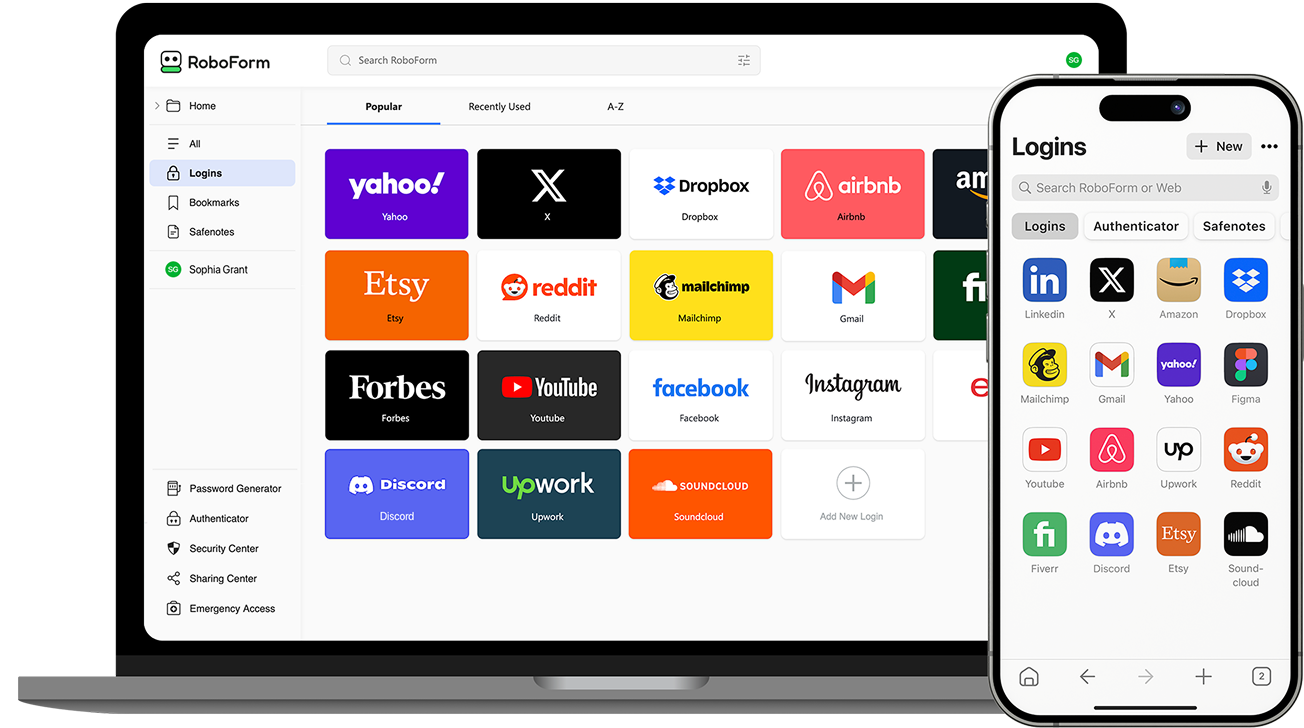
RoboForm's free plan is unlimited in the way that matters least and limited in the way that matters most: you can store as many logins as you like, but only on a single device, with no syncing to a second one. It is the oldest name here and still the strongest at filling long web forms, not just login boxes, and the free tier includes two-factor authentication, breach monitoring and sharing. Premium, which unlocks unlimited devices, is $19.90 for a first year and $29.88 a year after that, among the cheaper upgrades in this table.
Keeper
Keeper's free plan is the thinnest here by a wide margin: ten saved records, on one mobile device, with identity and payment details kept locally on that phone. It is really a taster for the paid product, which is a polished, business-grade manager with unlimited devices, sharing and cloud backup. Keeper does not publish its personal price as readable text on its pricing page; the iPhone App Store listing prices Keeper Unlimited at $42.99 a year as an in-app purchase, which is higher than buying on the web. Worth a look if you want the paid experience, not if you want to stay free.
Enpass
Enpass is the odd one out: it keeps no central vault of its own, and your encrypted data lives wherever you put it, typically your own iCloud, Dropbox, Google Drive or OneDrive account. That means nothing to breach at scale, and it also means the syncing is your problem to set up. The free plan gives you the full app on Windows, macOS and Linux with no item limit, but caps you at 25 items on Android and iOS, so phone users hit the wall quickly. Paid plans start at $1.99 a month, and unusually there is still a one-off lifetime licence at $99.99.
KeePassXC
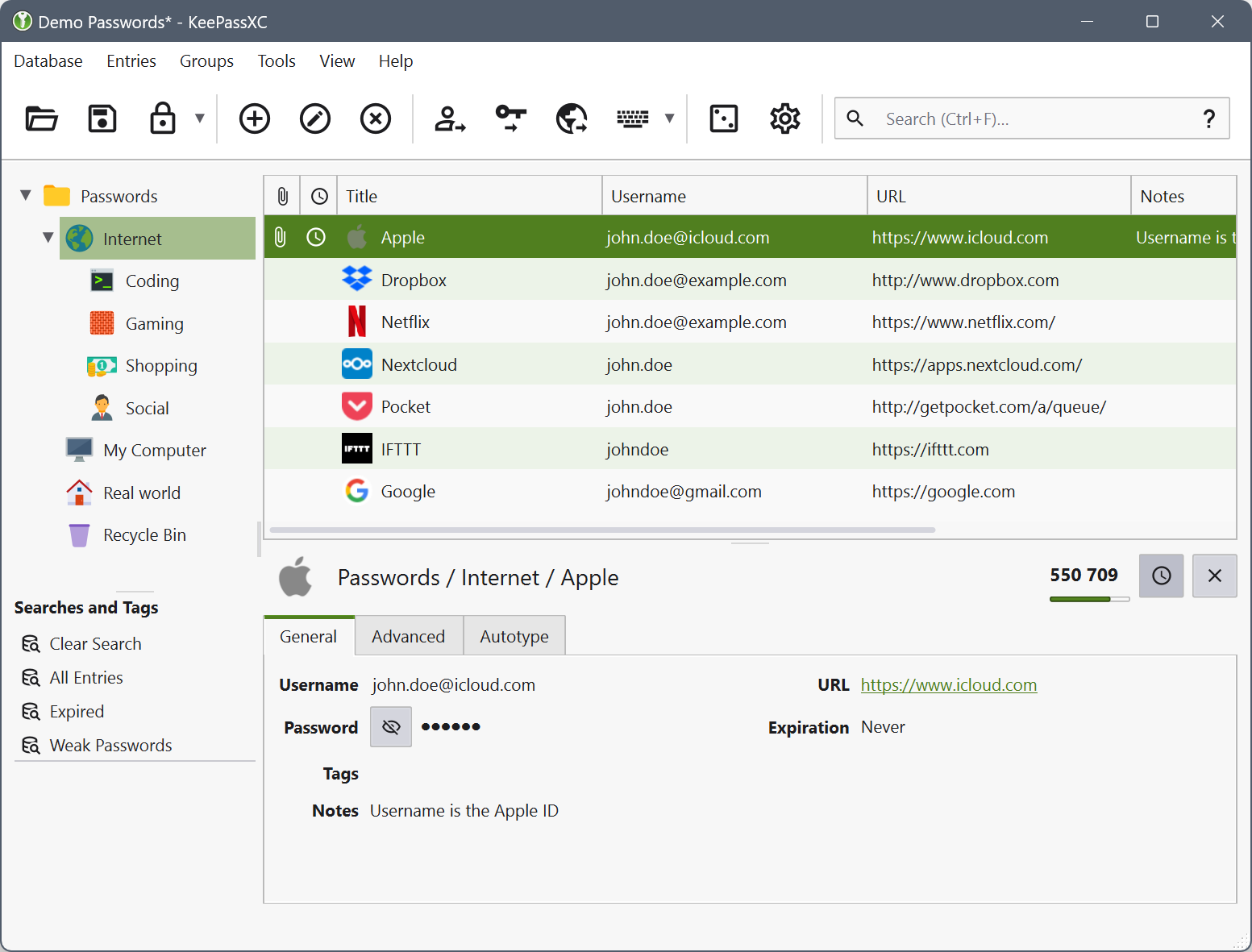
KeePassXC is not a service at all: it is a free, open-source desktop program that keeps your passwords in an encrypted file on your own computer, with no account to create and nothing stored on anyone's servers. There is no paid tier and no upsell, and the project is funded by donations. The cost is convenience: the team publishes no mobile app of its own and points Android and iOS users to third-party apps like KeePassDX and Strongbox that open the same file, and any syncing between machines is something you arrange yourself. It suits people who would rather own the risk than rent the storage.
Apple Passwords
Since iOS 18 and macOS Sequoia, Apple's passwords have their own app rather than hiding in Settings, and it handles passwords, passkeys, Wi-Fi keys and verification codes, syncing through iCloud Keychain and warning you about weak or leaked entries. It costs nothing because it comes with the device, and you can share a group of logins with family. The limit is the ecosystem: there is no Android app, and Windows access means installing iCloud for Windows and using Chrome or Edge. For a household that is entirely on Apple hardware it is the least effort of anything here.
Google Password Manager
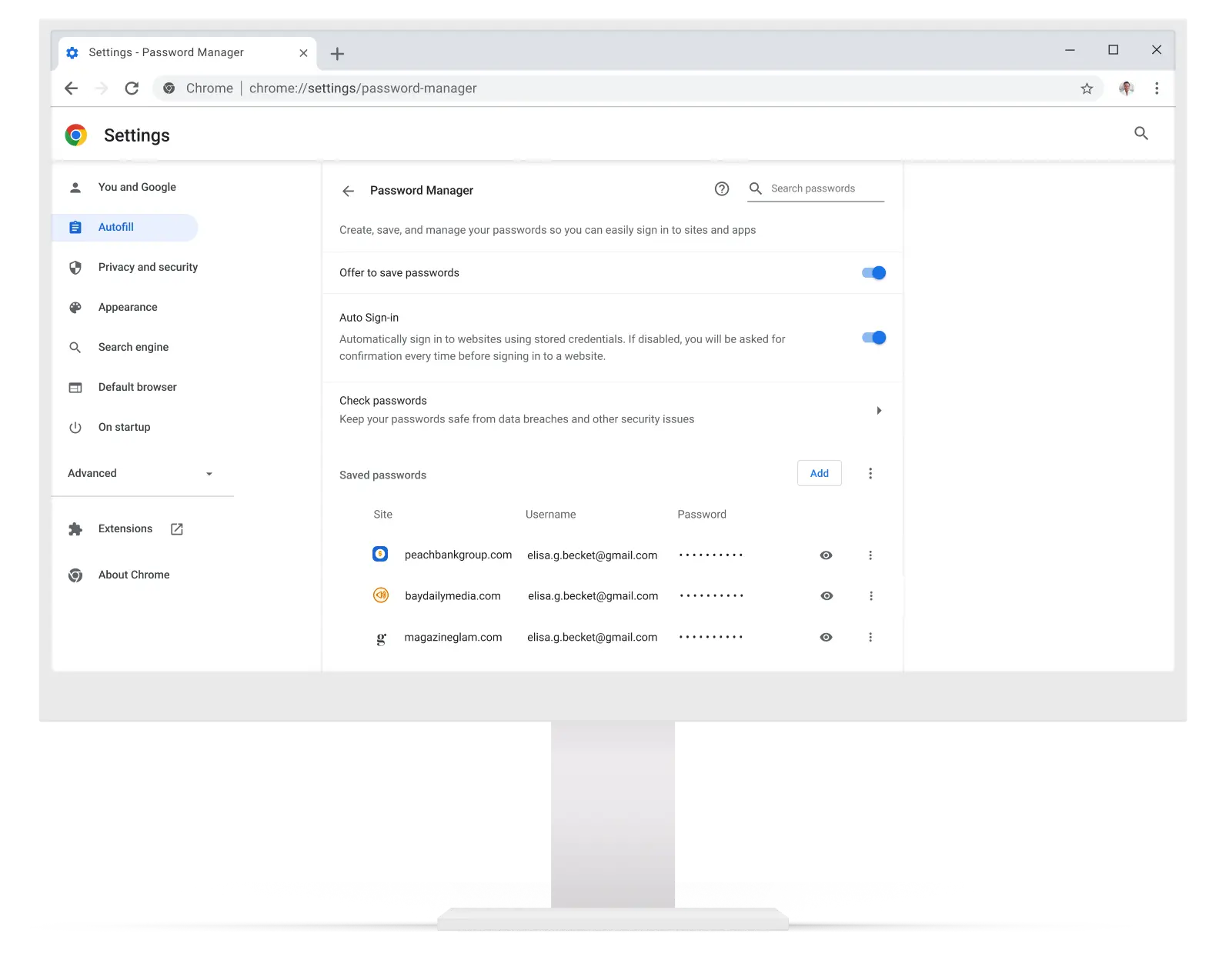
Google's password manager is already installed for most people: it is part of Chrome on every platform and part of every Android app, it costs nothing, and it syncs through the Google Account you are probably signed into anyway. Saving and filling passwords needs no setup at all, and there is no upgrade to buy. The weaknesses are the flip side of that convenience: outside Chrome and Android it barely exists, and your vault is tied to the same account as your mail, so a compromised Google login is a compromised password vault. It is a sensible free default rather than a considered choice.
Norton Password Manager
Norton gives its password manager away as a standalone free product rather than as a trial: a cloud vault you reach from a browser extension on a computer or the mobile app, with autofill, two-factor authentication and Face ID or fingerprint unlock, on as many devices as you want. There is no paid version of it to buy; it is also folded into Norton AntiVirus Plus and Norton 360 subscriptions. What you give up against the specialists is sharing, and any published guarantee about how many items you may store. Reasonable if you want free syncing without a limit and do not need to share logins with anyone.
How we researched this
Every manager here has a free tier, not a free trial, and that rule cut some familiar names. Dashlane ended its free plan in September 2025 and now offers only a 14-day trial, and 1Password and Bitdefender offer trials only. Avira has a free tier but states no item limit or free and paid split, and KeePass was set aside for KeePassXC, its actively developed fork. Apple Passwords and Google Password Manager are included even though nobody signs up for them, because they are the free managers many people already use.
Apple, Google, Norton and KeePassXC state no item limit anywhere, so that column is empty for them rather than filled in as unlimited. Keeper names its phone apps only in its download page's title and loads its prices by script, and its App Store price ($42.99 a year in-app) is higher than buying on the web, so both cells are empty. RoboForm never says where a free vault is kept. Some upgrade prices are first-year offers that renew higher, and free tiers can disappear, as Dashlane's did, so read the renewal price before you commit a family's passwords to one.