Best Password Managers for Small Business
If your staff already sign in through Okta, Entra ID or Google Workspace, the number to compare is the cheapest seat that includes single sign-on, not the cheapest seat. On that count Enpass Business ($1.99 per user a month) and RoboForm for Business ($3.33) are the cheapest paid seats with SSO and user provisioning both in the plan, and 1Password Business includes both at $8.99, the top price in the table. Psono Enterprise Edition includes both for $0 if you run the server yourself and have ten users or fewer.
Low headline prices usually mean identity features moved up a tier. Zoho Vault Standard ($0.90), Proton Pass Essentials ($1.99), NordPass Business ($3.99), Keeper Business ($4) and Bitwarden Teams ($4) all keep SSO for a pricier plan. The second split is where the vault lives: eight of the twelve keep it on the vendor's servers, Bitwarden, Passbolt and Psono can also run on yours, and Enpass leaves it in a Microsoft 365 or Google Workspace tenant you already own.
Our picks
- Full identity integration, nothing to host: 1Password Business. SSO and provisioning at $8.99, and every employee gets a free Families account for personal use.
- SSO and SCIM on a small budget: RoboForm for Business. $3.33 per user with single sign-on and SCIM in the same tier, not gated upward.
- Credentials that stay in your own tenant: Enpass Business. Stores the vault in your Microsoft 365 or Google Workspace account, costs $1.99, and has a 30-day trial.
- A free vault for ten users with a server: Psono Enterprise Edition. The enterprise edition costs $0 for up to ten users and still includes SAML, OIDC and LDAP sign-in.
- Open source with room to grow: Bitwarden Teams. $4 with SCIM provisioning included and a documented self-hosting option; SSO waits for Enterprise.
At a glance
| Option | Price | Free Trial | Single Sign-On | User Provisioning | Where Data Is Stored |
|---|---|---|---|---|---|
| $8.99source | 14source | Included in this plansource | Included in this plansource | Vendor cloudsource | |
| $4source | 14source | Higher tier onlysource | Included in this plansource | Vendor cloud or self-hostedsource | |
| $4source | 14source | Higher tier onlysource | Higher tier onlysource | Vendor cloudsource | |
| $8source | 14source | Included in this plansource | Included in this plansource | Vendor cloudsource | |
| $3.99source | 14source | Higher tier onlysource | Higher tier onlysource | Vendor cloudsource | |
| $1.99source | 14source | Higher tier onlysource | Higher tier onlysource | Vendor cloudsource | |
| $0.9source | 15source | Higher tier onlysource | Higher tier onlysource | Vendor cloudsource | |
| $7source | 14source | Included in this plansource | Included in this plansource | Vendor cloudsource | |
| $4.9source | 14source | Included in this plansource | Included in this plansource | Vendor cloud or self-hostedsource | |
| $1.99source | 30source | Included in this plansource | Included in this plansource | Your own cloud storagesource | |
| $3.33source | 14source | Included in this plansource | Included in this plansource | Vendor cloudsource | |
| Freesource | Included in this plansource | Included in this plansource | Vendor cloud or self-hostedsource |



Where single sign-on sits on each plan
Seven plans include SSO at the listed price: 1Password, Dashlane ($8), LastPass ($7), Passbolt Pro ($4.90), Enpass, RoboForm and Psono. The other five keep it for a higher tier. Zoho puts folder sharing and groups in Professional and SSO in Enterprise, Proton keeps SSO, SCIM and activity logs for Pass Professional, and Keeper gates SSO, SCIM and Active Directory sync to Enterprise, with several reports sold as add-ons.
Two rows are more nuanced than the column can show. Bitwarden Teams includes SCIM provisioning but not SSO, the only plan here with that combination. NordPass Business does include Google Workspace SSO; only Entra ID, ADFS and Okta sign-in wait for its Enterprise tier, so a Google-based company fares better there than the cell suggests.
Self-hosting and keeping the vault in your own cloud
Bitwarden, Passbolt and Psono can run on your own server as well as the vendor's cloud. Passbolt's Community Edition is free with unlimited users and Pro adds LDAP provisioning and SSO, while Psono is free to ten users and then becomes a paid license with a 25-user minimum. Both suit a team with someone to maintain the deployment.
Enpass takes a third route: there is no Enpass vault server at all, and the encrypted data sits in your existing Microsoft 365 or Google Workspace tenant. That answers a rule about where credentials may live, but backup and recovery become your tenant's job. Among the vendor-cloud options, Keeper lets an organization pick which AWS region hosts its data.
Seat minimums and billing fine print
Every price is per user per month on annual billing, but several come with conditions. Passbolt Pro starts at ten users, NordPass Business at five and Proton at three. Proton's $1.99 is a discounted yearly rate, and NordPass's $3.99 is its one-year price, with the two-year plan lower at $3.59. Trials are mostly 14 days; Zoho Vault offers 15 and Enpass 30.
The options in detail
1Password Business
The safe default for a team that wants a polished app and identity-provider integration without running any infrastructure. Unlock with SSO lets staff sign in through Okta, Entra ID, OneLogin or Duo, and every employee gets a free Families account for personal use, which is how most admins get people to actually adopt it. It is the most expensive seat in this comparison, and the code is closed, so your security assurance rests on 1Password's published audits rather than on anything you can read yourself.
Bitwarden Teams
The open-source option a small team can grow into: the server code is public, the individual apps stay free, and Teams adds shared collections, event logs and SCIM provisioning at the lowest seat price of the mainstream vendors. The catch for Teams buyers is that SSO login sits one tier up in Enterprise, so a company that needs SAML sign-in pays more. Self-hosting on your own Docker host is documented and supported, which is why Bitwarden is the usual pick for a business with someone technical who wants the vault in-house.
Keeper Business
Keeper sells the most admin machinery of the mid-priced options: delegated administration, granular role policies, shared team folders and a long menu of paid add-ons such as dark web monitoring, advanced reporting and compliance reporting. It runs as a managed service on AWS and lets an organization pick which region hosts its tenant, which matters to companies with data-residency rules. Watch the tier line before buying: SSO, SCIM and Active Directory sync all belong to Keeper Enterprise, and several reporting capabilities are add-ons rather than included.
Dashlane Password Management
Dashlane has rebuilt its business line around credential risk: the Password Management plan is the vault with SSO and SCIM included, while a separate Credential Protection plan watches the browser for exposed and phished credentials on domains outside your SSO. That split suits a company that already runs an identity provider and wants coverage for everything it does not cover. It is one of the pricier seats here, and the plans were renamed recently, so older reviews and price quotes often describe products Dashlane no longer sells.
NordPass Business
From the Nord Security family, NordPass Business is a straightforward cloud vault with group and folder sharing, password health and breach monitoring, and a Vanta integration for companies working toward SOC 2. Pricing moves with commitment length, so the seat price depends on whether you sign for one year or two, and the cheaper Teams tier is sold only as a fixed ten-user pack. A small company that already runs Entra ID or Okta should price the Enterprise tier instead, because that is where SAML sign-in and directory-driven user management start.
Proton Pass Essentials
Proton sells privacy as the product, and Pass Essentials is the cheapest paid seat in this table: unlimited logins, secure vault and link sharing, a built-in 2FA authenticator, dark web monitoring and unlimited hide-my-email aliases, from the Swiss company behind Proton Mail and Proton VPN. The rate shown is a discounted annual price and the plan needs at least three users. An IT-managed company will feel the tier line quickly, because SSO, SCIM, activity logs, enterprise policies and SIEM export all belong to Pass Professional.
Zoho Vault Standard
The cheapest seat here from a large vendor, and an obvious first stop for a business already living in Zoho or Microsoft 365: Standard covers team sharing, passkey management, centralized admin controls, expiry alerts and activity reports for well under a dollar per user. The trade-off is how much sits above it. Folder sharing and user groups are Professional, and directory sync, single sign-on and request-and-release workflows are Enterprise, so an IT-run company will not stay on Standard for long.
LastPass Business
One of the best-known names in the category, with the deepest small-business admin feature set: over a hundred policies, group management, directory integrations, federated login and LastPass itself acting as a sign-on portal for a few apps. It also carries the heaviest baggage. In the 2022 incident an attacker copied a backup of customer vault data, and although the sensitive fields inside were encrypted, plenty of teams migrated away afterwards. Choose it for the admin controls and the migration tooling, not for a clean security record.
Passbolt Pro
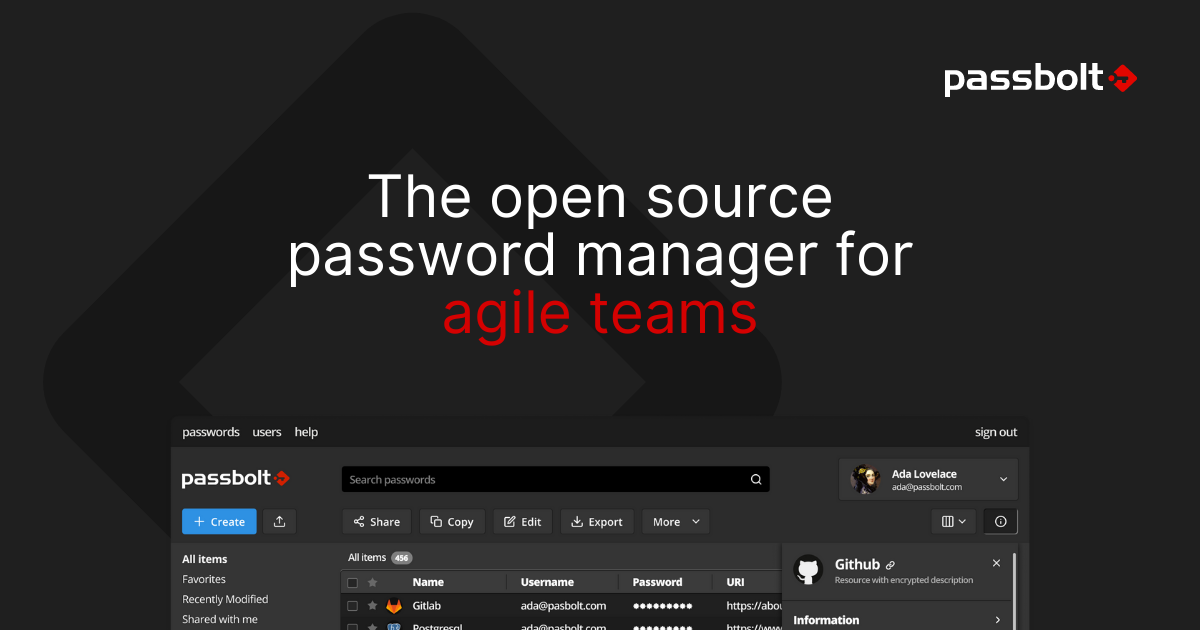
Passbolt is built for technical teams that want to run the password server themselves: the code is open source under AGPL, the Community Edition is free with unlimited users, and Pro adds LDAP provisioning, SSO with Microsoft, Google or OpenID, an activity log for audits, account recovery and a VM appliance. A managed cloud is available if you would rather not operate it. The Pro price applies from a ten-user minimum, and the everyday polish, mobile apps and autofill included, is a step behind the consumer-facing vendors.
Enpass Business
Enpass is the architectural outlier: there is no Enpass vault server, and your organization's encrypted data sits in a Microsoft 365 or Google Workspace tenant you already own, with Enpass supplying the apps, admin console and audit layer on top. For a company with a rule about where credentials may live, that is the whole pitch, and it arrives with SSO, SCIM provisioning and offboarding cleanup at a low seat price. The flip side is that availability, backup and recovery of the vault become your cloud tenant's problem rather than a vendor's.
RoboForm for Business
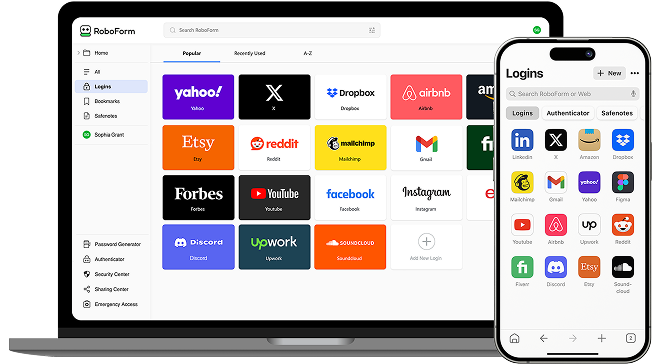
RoboForm grew out of a form filler and still leans on that heritage, but the business plan is unusually complete for the money: separate work and personal vaults, an admin center, role-based permissions, dark web monitoring, reports and audit, with single sign-on and SCIM in the same tier rather than gated upward. Nothing important is held back for an enterprise upsell except services and self-hosting, which RoboForm offers only for deployments of 1,000 or more users. The console and apps look their age next to the newer vendors here.
Psono Enterprise Edition
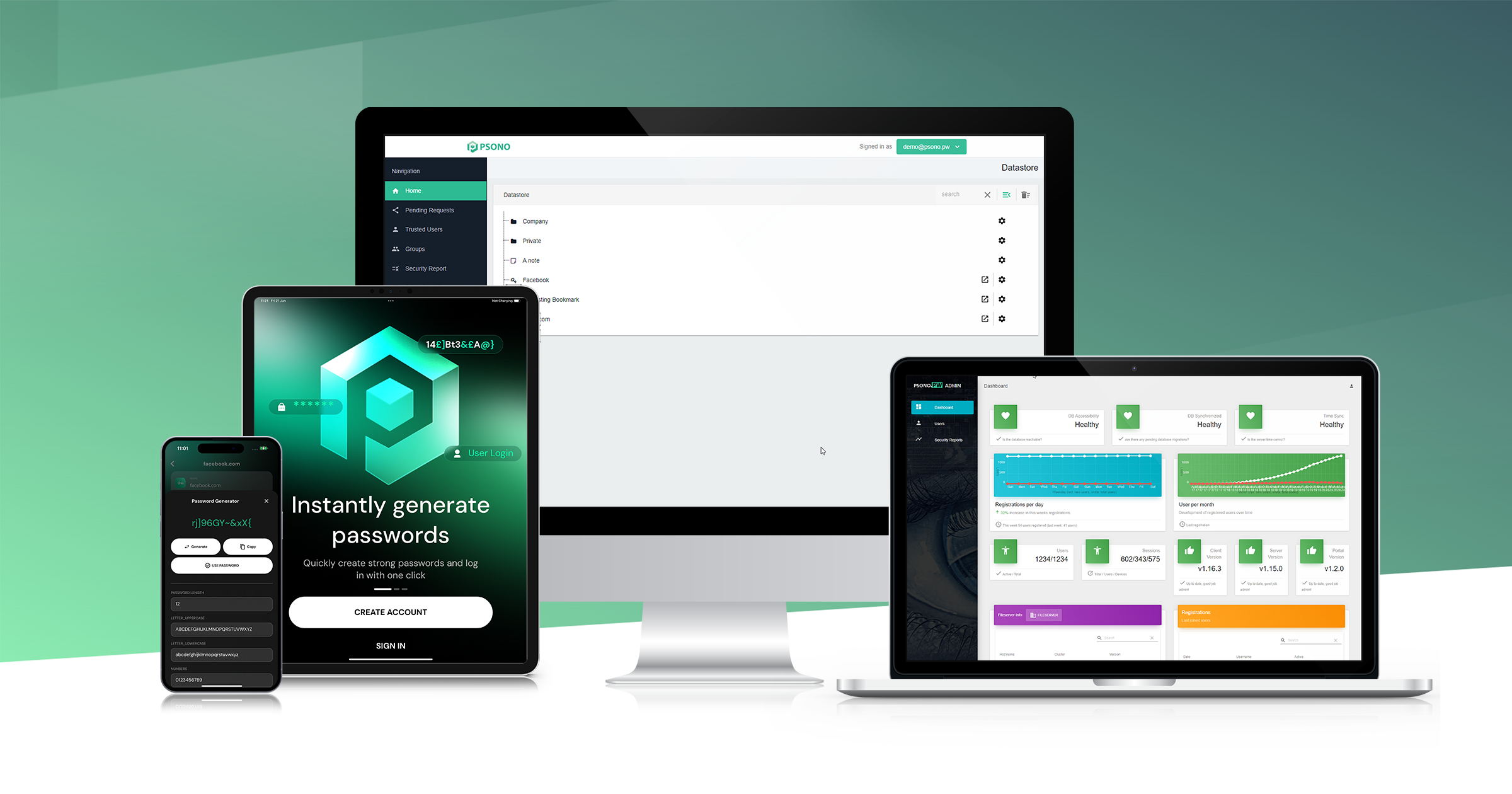
Psono is the free end of the market for a team willing to run a server. The enterprise edition costs nothing for up to ten users and still includes the full feature set: SAML, OIDC and LDAP sign-in, audit logging, policy enforcement and an SSH, RDP and VNC gateway, with the source code open for review. Past ten users it becomes a paid per-seat license with a 25-user minimum, and support stays basic unless you buy a contract. It fits a technical small business and badly suits a company with nobody to maintain the deployment.
How we researched this
Each vendor gets one row, pinned to the plan a small business would most likely buy, and the plan is named in the row title because every value belongs to that plan. Cheaper and dearer siblings, such as 1Password's Teams Starter Pack or Bitwarden Enterprise, are left to the summaries where they change the answer. Every price, trial length and feature tier comes from the vendor's own pricing, documentation or security pages; no review-site ratings are used. LastPass's SSO and directory cells were read from its plan comparison grid, which marks features with icons rather than sentences.
Uniqkey was left out because it publishes no price, Devolutions Password Hub because its pricing page would not load, Vaultwarden because it is a community project with no plan or price, and KeePass because it has no business plan. Psono's Free Trial cell is blank because the product is free outright at small sizes. Seat prices shift with the billing term and promotions, and vendors move features between tiers, so the SSO and provisioning cells are the ones most likely to have changed since September 2026.