Best Free Time Tracking Apps
Clockify has the most feature-dense free plan of these twelve: five users, unlimited tracking, a timesheet view and a kiosk mode, and its first paid tier is $3.99 per user a month. A freelancer who bills clients should look at Harvest instead, which keeps invoicing and expense tracking on its free plan, though it stops at one seat and two projects. The bigger fork is how time gets recorded. Seven of the apps are timers someone has to start, TimeCamp and ActivityWatch capture activity in the background, and Jibble, Homebase and Connecteam are shift clocks for hourly staff. After that, free seat counts range from one user (Harvest, Paymo) to no limit at all (TimeCamp, Jibble, ActivityWatch and a self-hosted Kimai).
Our picks
- A team of five tracking projects: Clockify. The free plan covers up to 5 users with unlimited tracking and mobile and desktop apps; reports only reach back one month, and paid plans start at $3.99 per user.
- A freelancer who invoices clients: Harvest. Invoicing and expense tracking are on the free plan rather than behind an upgrade, capped at 1 user and two projects.
- A team that forgets to press start: TimeCamp. Records work automatically by default, and the free plan has unlimited users and projects, with paid tiers from $3.99 per user.
- Hourly staff clocking in for payroll: Jibble. An attendance clock free for unlimited users, with Slack, Microsoft Teams and QuickBooks integrations included at no cost.
- Private tracking on your own computer: ActivityWatch. Open source, keeps everything on your machine rather than a vendor's servers, and has no paid plan at all.
At a glance
| Option | Cheapest Paid Plan | Free Plan Users | Tracking Style | Billing Model |
|---|---|---|---|---|
| $9source | Manual timersource | Per user, per monthsource | ||
| $3.99source | Up to 5 userssource | Manual timersource | Per user, per monthsource | |
| $3.99source | Unlimited userssource | Automatic trackingsource | Per user, per monthsource | |
| $9source | 1 usersource | Manual timersource | Per user, per monthsource | |
| $4source | Up to 5 userssource | Manual timersource | Per user, per monthsource | |
| $8.5source | Up to 5 userssource | Manual timersource | Per user, per monthsource | |
| $9.9source | 1 usersource | Manual timersource | Per user, per monthsource | |
| Unlimited userssource | Employee time clocksource | |||
| $24source | Up to 10 userssource | Employee time clocksource | Per location, per monthsource | |
| $29source | Up to 10 userssource | Employee time clocksource | Flat fee per teamsource | |
| Unlimited userssource | Automatic trackingsource | No paid plansource | ||
| Unlimited userssource | Manual timersource | Per user, per monthsource |
.png)



Start a timer, let it run in the background, or clock in
These are three different products answering one search. The timer apps (Toggl Track, Clockify, Harvest, My Hours, Everhour, Paymo and Kimai) are built around a timer someone starts and stops, which suits project and client billing. Toggl does offer background tracking, but it is opt-in and stays private to the person, so it sits with the timers here.
TimeCamp and ActivityWatch record what you actually worked on without a button. TimeCamp does it for a team with unlimited free users; ActivityWatch does it for one person, locally, with no team dashboard. Jibble, Homebase and Connecteam answer a different question altogether: who is on the clock, and at Jibble and Homebase the hours roll into payroll timesheets.
Why Connecteam's $29 can undercut a $3.99 seat
Sorting by Cheapest Paid Plan misleads unless you read Billing Model beside it. Clockify and TimeCamp start at $3.99 and My Hours at $4, each per user per month. Everhour is $8.50 per user but bills a minimum of five seats. Homebase is $24 per location, and Connecteam is $29 a month flat for the first thirty users, which makes it the most expensive-looking row and, for a team of thirty, far cheaper than any per-seat plan.
Paymo's $9.90 is its standing Solo price. New accounts see $5.90 for the first three months, then pay the higher rate.
What each free plan leaves out
Each free plan gives up something different. Clockify's reports only go back one month and invoicing is paid. Everhour's integrations with Asana, Linear, Jira and GitHub, the reason to choose it, are paid-only. Paymo allows one client and two projects, Harvest one seat and two projects. Toggl Track will not say how many users its free plan allows, which makes it hard to plan around for a growing team, and TimeCamp bills its AI time-entry suggestions separately by token usage.
The options in detail
Toggl Track
The best-known timer-first tracker, and the one most reviewers point solo workers and small teams toward. Tracking runs from the web app, desktop and mobile apps and browser extensions, with optional background tracking you switch on per app or website, and Toggl makes a point of its anti-surveillance stance: no screenshots, no camera tracking. The catch on the free plan is that Toggl will not say how big it is, describing it only as a limited number of users, so a growing team cannot plan around it.
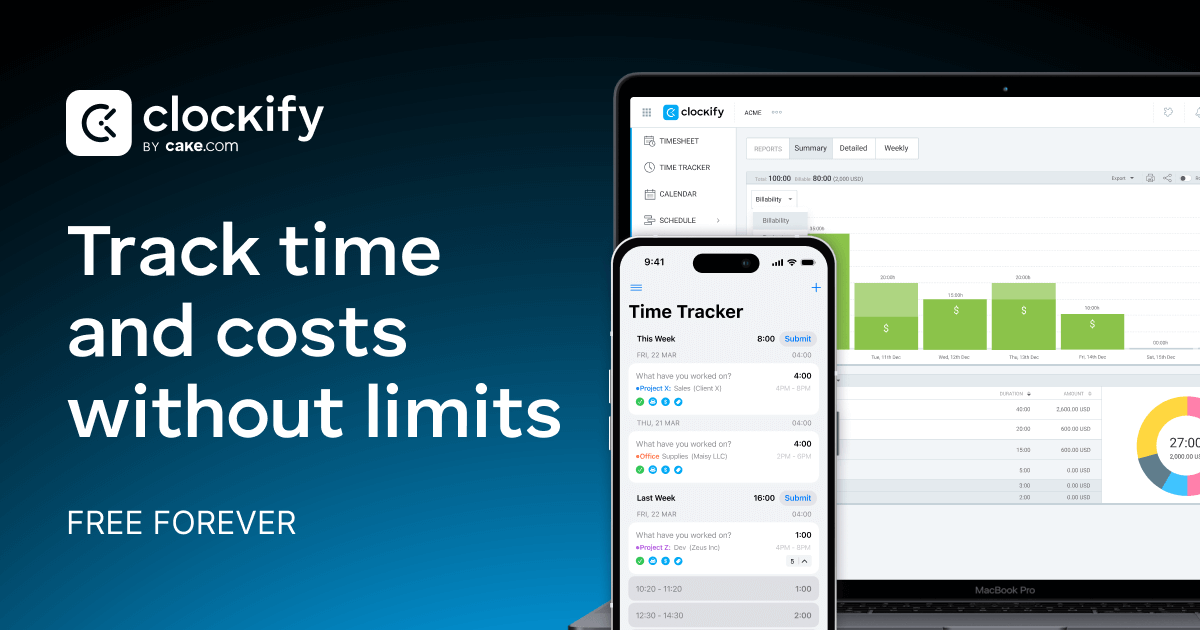
Clockify
A team-oriented tracker whose free plan covers five people with unlimited tracking, a timesheet view, a kiosk mode and mobile and desktop apps. It is the most feature-dense free tier here for the money, which is none. Two limits to know before committing: reports on the free plan only reach back one month, and invoicing sits on the paid tiers rather than the free one.
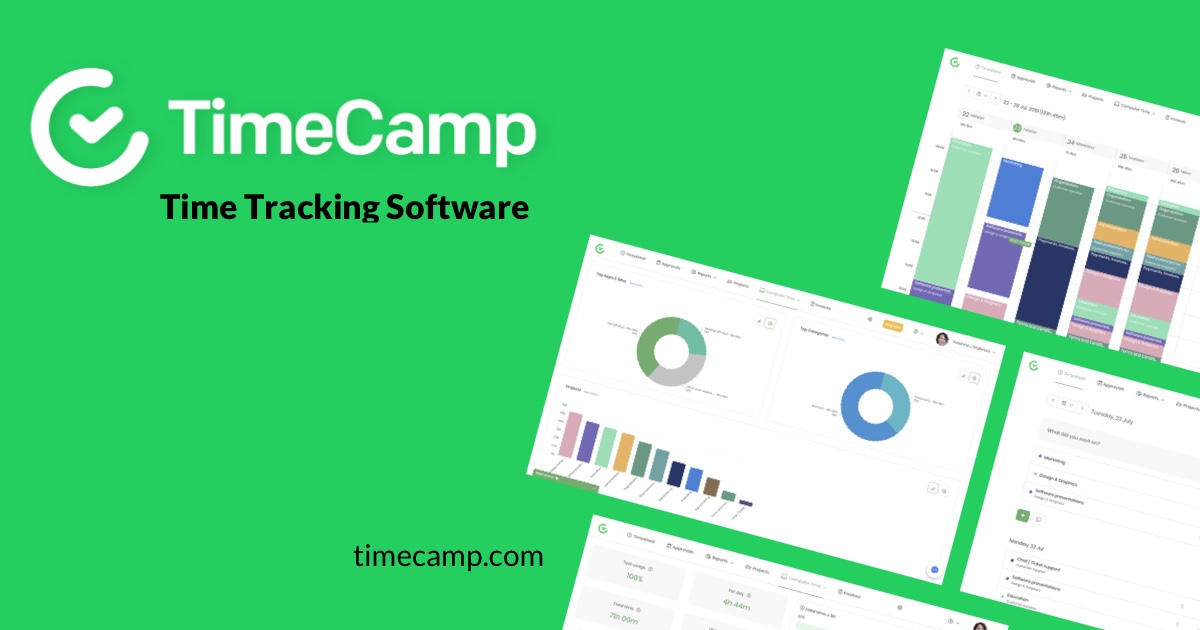
TimeCamp
The rare free plan with no headcount limit at all: unlimited users and unlimited projects, on web, desktop and mobile. TimeCamp leans on automatic capture, recording work hands-free rather than waiting for someone to press start, which suits teams where people forget to track. Its newer AI time-entry suggestions are billed separately by token usage, so that part is not free.
Harvest
Harvest is built around turning tracked hours into paid invoices, and it is the only tool here that puts invoicing and expense tracking on the free plan rather than behind an upgrade. The trade is a hard ceiling: one seat and two projects, so it is a freelancer's tool, not a team's. Tracking is a one-click timer, weekly timesheets, or entries pulled from a connected calendar.
My Hours
A project time tracker for small teams, free for five active users with unlimited projects and clients. Entry is flexible: a stopwatch when you want one, or a spreadsheet-like grid when you are filling in the week from memory. Upgrading is the cheapest step up of the team tools here, and the paid tiers add billable rates, budgets and timesheet approvals.
Everhour
Everhour's pitch is tracking that lives inside the tools a team already uses, with timers started from Asana, Linear, Jira and GitHub issues. The free plan covers five seats, but it is deliberately stripped: integrations, the whole point of the product, are paid-only, and the cheapest paid plan bills a minimum of five seats whether or not you have five people. Best suited to agencies billing client work.
Paymo
A work-management app with time tracking and invoicing attached, aimed at independent professionals. The free plan is one user, capped at one client and two projects, but within those walls the time tracking and the invoicing are both unlimited, and there are desktop and mobile apps as well as the browser. Note that the advertised entry price is a three-month promotional rate for new accounts; the standing Solo price is higher.
Jibble
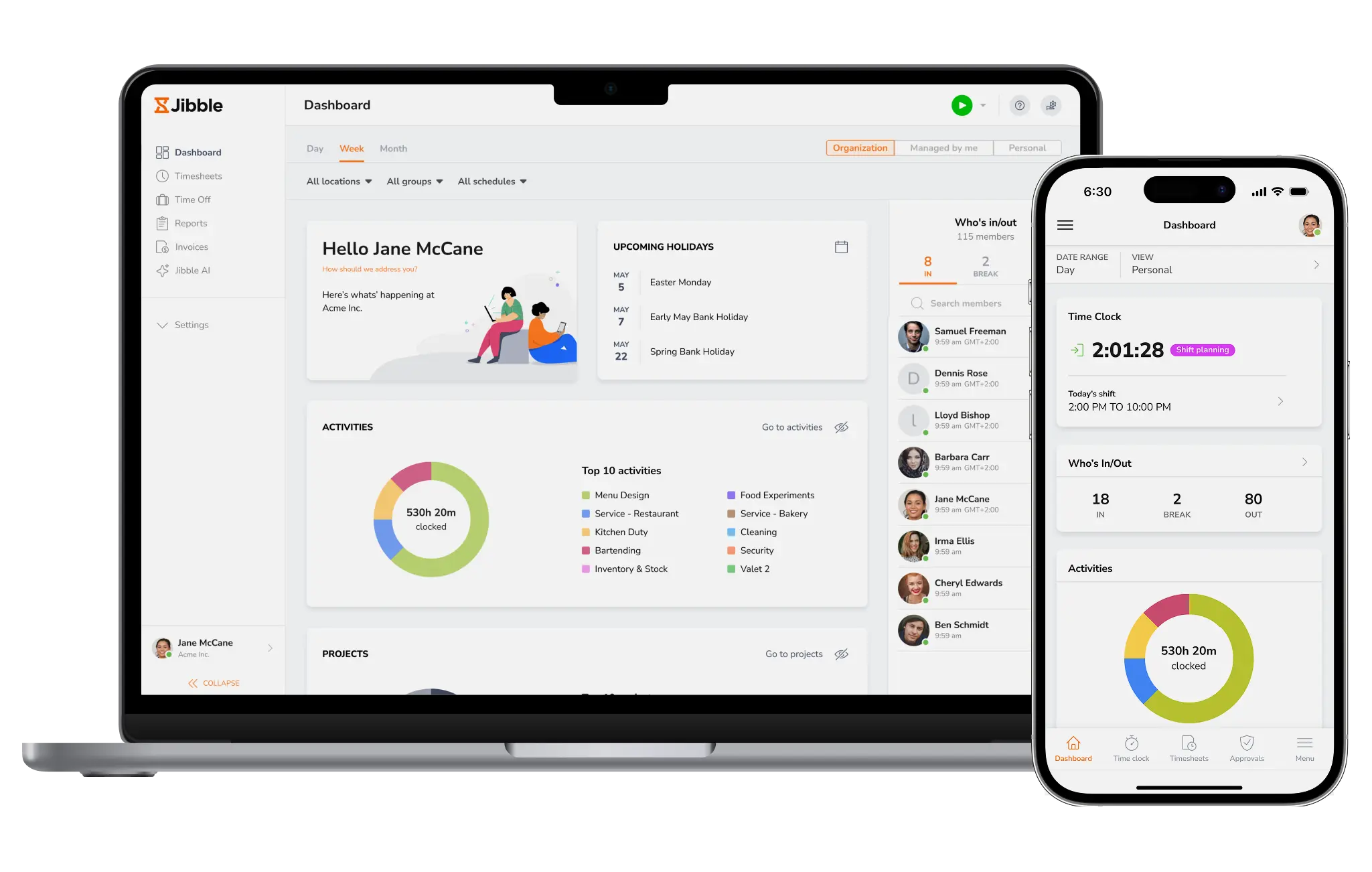
Jibble is an attendance clock rather than a project tracker: staff clock in from a phone or the web, and the hours land in timesheets meant for payroll. It is the most generous free offer in this table, unlimited users at no cost forever, with Slack, Microsoft Teams and QuickBooks integrations included. Paid tiers do exist for extras like facial recognition and GPS, but Jibble does not publish their prices on its pricing page.
Homebase
Built for shift work in shops, cafes and restaurants, where the question is who is on the clock rather than which project an hour belongs to. Staff clock in with a PIN from any phone, tablet or POS device, and hours, breaks and overtime roll into payroll-ready timesheets. The free plan is real but narrow: one location and up to ten employees, and it is priced per location rather than per person once you outgrow it.
Connecteam
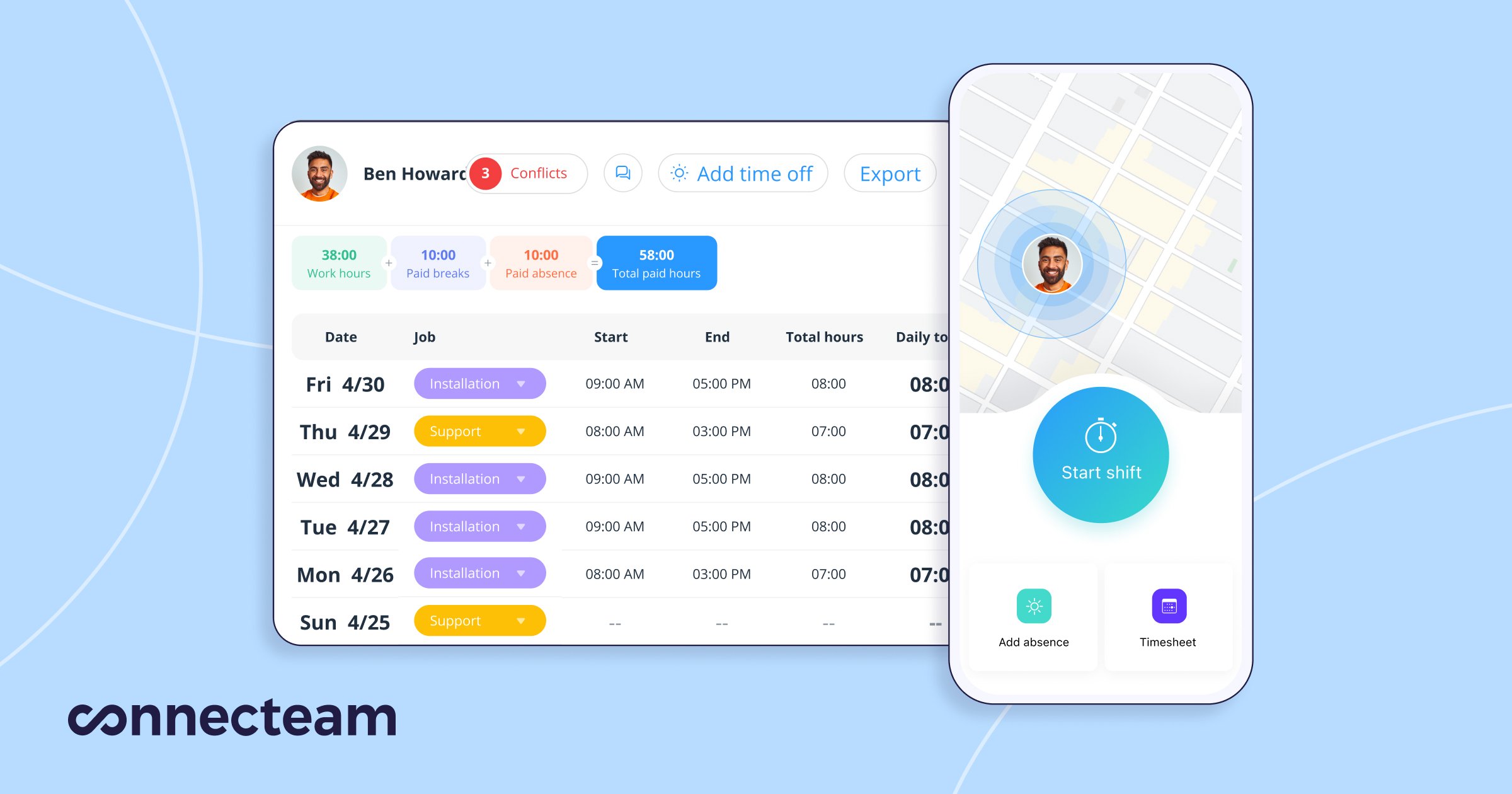
A deskless-workforce app whose time clock is one hub among scheduling, forms and team chat, with GPS and geofencing so clock-ins can be tied to a job site. Its Small Business plan gives teams of ten or fewer every feature free for life, which is unusually complete for a free tier. Above ten people the pricing changes shape entirely: a flat monthly fee covering the first thirty users rather than a per-seat charge.
ActivityWatch
An open-source tracker that runs on your own machine and records which apps and websites you actually used, with no timer to remember to start. Everything stays local rather than going to a vendor's servers, which is the reason most people choose it over RescueTime, and it covers Windows, macOS, Linux and Android. It is genuinely free with no tiers or limits, but it is a personal productivity tool: there is no team dashboard, no billing, and it is maintained by volunteers.
Kimai
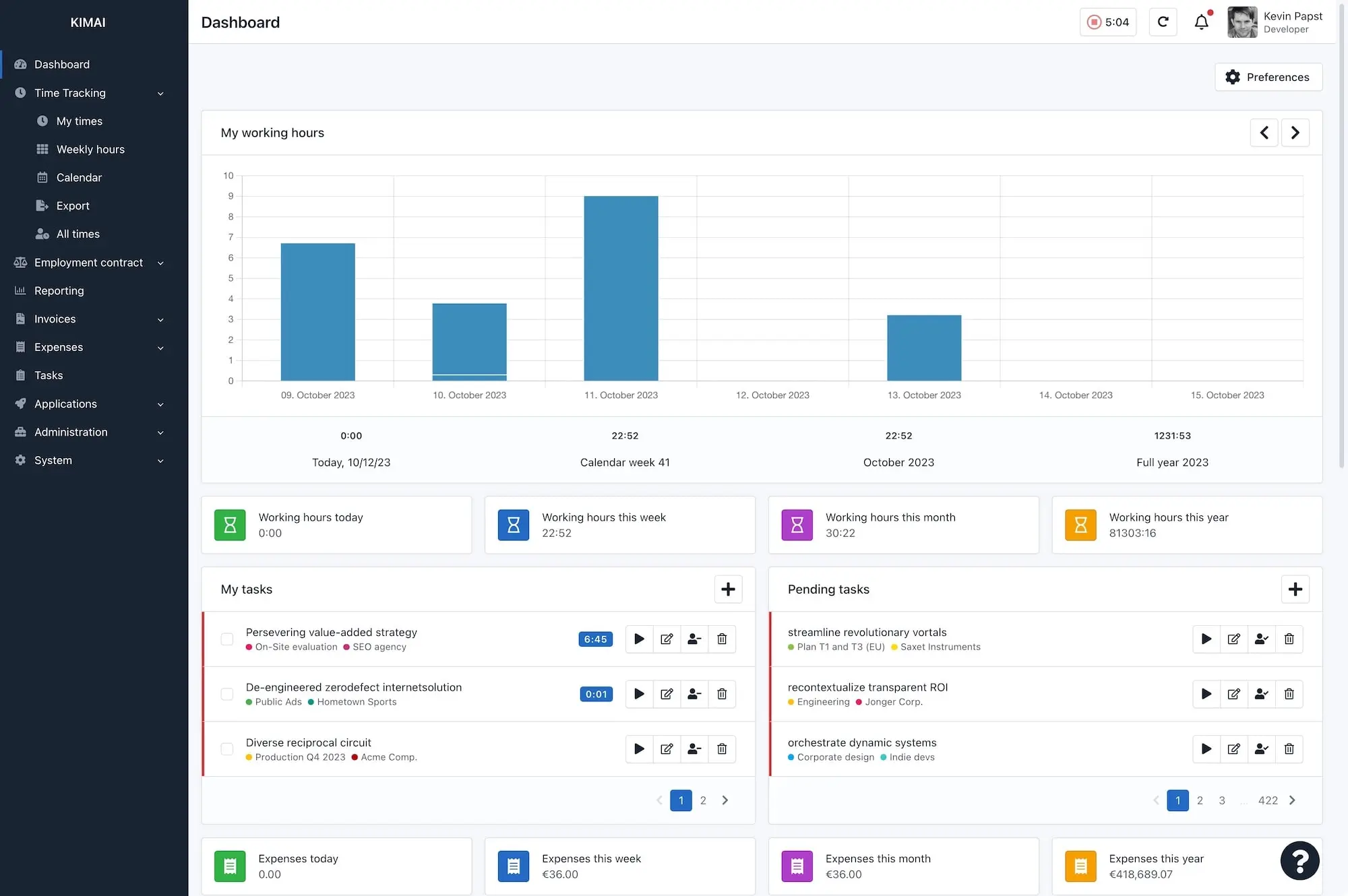
An open-source, self-hosted tracker for project-driven teams, and the answer for anyone who needs the data to stay on their own server. Host it yourself and it costs nothing for as many users as you like, with invoicing, expenses and per-team permissions included rather than sold as upgrades. The trade is that you run it: there is a paid hosted version if you would rather not, but its plans are priced in euros.
How we researched this
Because the question is which tracker costs nothing, each app here has a free tier whose terms its own pricing page states. Hubstaff's pricing page no longer offers one. ClickUp lists its time tracking under the paid Unlimited plan, not Free Forever. RescueTime mentions a free Lite plan only in a billing FAQ with no published limits, so ActivityWatch covers automatic tracking instead. Every cell cites the vendor's own pricing or product page; no review sites or third-party roundups were used.
Blank cells are gaps in what vendors publish. Toggl does not state its free user cap, Jibble lists no paid prices, ActivityWatch has no paid tier, and Kimai's hosted plans are priced in euros, so they do not appear in a dollar column. Prices are annual-billing list prices as of September 2026. Promotional rates and free-plan caps are each vendor's to change, and Paymo's discount applies to new accounts only.