Best Time Tracking Apps for Freelancers
Harvest is squarely aimed at a solo freelancer: its pricing page describes the free plan as being for individual freelancers, and that free plan already sends client invoices. Paymo is the only other app here that invoices for free, and it adds a desktop tracker that records what you do on your computer, though its free plan allows one client and two projects.
Beyond those two, the eleven apps split on the question every freelancer eventually faces: how far up the price list do you climb before hours become an invoice? TimeCamp gets there at $3.99 a month, Bonsai not until its $19 Essentials plan. The second split is whether the app records your day in the background, which seven of them do, or waits for you to press start.
Our picks
- Invoicing without paying anything: Harvest. The free plan includes invoicing, capped at one seat and two projects; freelancers who outgrow that usually move to the $9 per seat Teams plan.
- Cheapest paid plan that invoices: TimeCamp. The Starter tier at $3.99 per user a month on annual billing adds invoicing, on top of automatic tracking and a permanent free plan.
- Freelancers who forget to start a timer: Timely. Records the day in the background and drafts timesheets for you to approve; Starter is $9 a month after a 14-day trial, with invoicing on Premium.
- Books and time tracking in one account: FreshBooks. Every plan invoices, and the same account handles expenses, estimates and card payments, from $23 a month for Lite at the standard price.
- Rebuilding a day you forgot to log: Toggl Track. The free plan is permanent, and the desktop tracker records apps and sites used for more than ten seconds so you can rebuild a forgotten day.
At a glance
| Option | Price | Free Plan | Free Trial | Invoicing | Tracking Style |
|---|---|---|---|---|---|
| $9source | Free foreversource | 30source | Automatic background trackingsource | ||
| $3.99source | Free foreversource | 7source | Higher plans onlysource | Automatic background trackingsource | |
| $9source | Free foreversource | 30source | Included on the free plansource | Timer and manual entrysource | |
| $3.99source | Free foreversource | Included on the cheapest paid plansource | Automatic background trackingsource | ||
| $9source | Free trial onlysource | 14source | Higher plans onlysource | Automatic background trackingsource | |
| $7source | Free trial onlysource | 14source | Automatic background trackingsource | ||
| $23source | Free trial onlysource | 30source | Included on the cheapest paid plansource | Timer and manual entrysource | |
| $4source | Free foreversource | 14source | Timer and manual entrysource | ||
| $9.9source | Free foreversource | 15source | Included on the free plansource | Automatic background trackingsource | |
| $14source | Free trial onlysource | 14source | Automatic background trackingsource | ||
| $9source | Free trial onlysource | 7source | Higher plans onlysource | Timer and manual entrysource |
.png)




.png)
Which plan unlocks client invoicing
Nine of these apps can invoice, but the plan it starts on varies widely. Harvest and Paymo invoice on their free plans. TimeCamp ($3.99) and FreshBooks ($23) include it on the cheapest paid plan. Clockify puts invoicing on its Standard plan, two tiers above free, Timely sends invoices out to QuickBooks only from Premium, and Bonsai's $9 Basic tier tracks time but holds invoices and payments for Essentials at $19.
Toggl Track and My Hours both create invoices, but neither pricing page says in words which plan unlocks it, so those cells are blank. RescueTime and Memtime do not invoice at all. They are here because they track automatically, and they make sense only if you bill from somewhere else.
Background tracking or a timer you start
Seven apps can record your work by watching the apps and sites you use: Toggl Track, Clockify, TimeCamp, Timely, RescueTime, Paymo and Memtime. They differ in how far they go. Clockify's auto tracker is visible only to you, Timely turns the record into draft timesheets, and Memtime records everything offline and leaves you to assemble timesheets afterward. RescueTime is built around focus rather than billing; its $7 Focus plan does not include timesheets, which start with Solo+ at $12.
Harvest, FreshBooks, My Hours and Bonsai rely on a timer or hours typed in. Nothing watches your screen, but a forgotten afternoon stays forgotten.
Annual billing, promotions and the price you actually pay
Most prices here assume a year paid up front. A freelancer who pays monthly instead is charged $4.99 rather than $3.99 at Clockify, $5.49 rather than $3.99 at TimeCamp, $11 rather than $9 at Harvest and Timely, and $15 rather than $9 at Bonsai. Memtime has no monthly option at all; $14 is its annual rate and the shortest term is quarterly at $18.
Two rows use the standing price rather than a promotion. FreshBooks' $23 is Lite's regular monthly price, charged per account rather than per seat, and the site was advertising a steep discount for the first three months. Paymo's $9.90 is what Solo costs after its $5.90 introductory months.
The options in detail
Toggl Track
The default recommendation in most freelancer roundups, and the one with the least friction: a one-click timer in the browser, on the desktop and on the phone, plus a desktop tracker that records which apps and websites you used for more than ten seconds so you can rebuild a day you forgot to log. The free plan is permanent rather than a trial, which is why plenty of solo freelancers never pay for it. Billable rates and PDF invoices exist, but on the paid tiers, and Starter runs $9 per user per month on annual billing after a 30-day trial of Premium.
Clockify
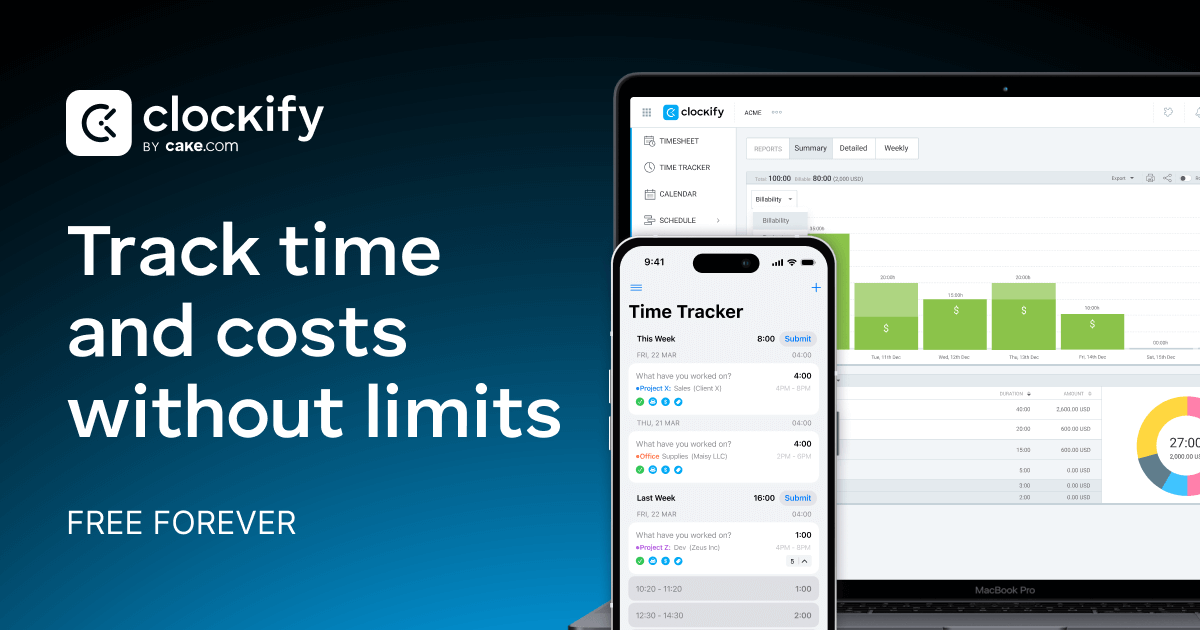
The cheapest serious option here: a permanent free plan for up to five users with no cap on tracking, and paid tiers that start at $3.99 per seat per month on annual billing. It has an auto tracker that quietly records the apps and websites you use (only you can see that data), alongside timesheets, a Pomodoro timer and idle detection. The catch for a freelancer is that client invoicing only appears on the Standard plan, two tiers above free, and the trial of paid features is a short seven days.
Harvest
Built for exactly this job: the pricing page describes its free plan as being for individual freelancers, and unusually that free plan already includes invoicing rather than holding it back for a paid tier. The limits are one seat and two projects, which is where most freelancers eventually outgrow it and move to the $9 per seat Teams plan. Tracking is timers and timesheets with calendar imports, not background recording, so you do have to remember to hit start.
TimeCamp
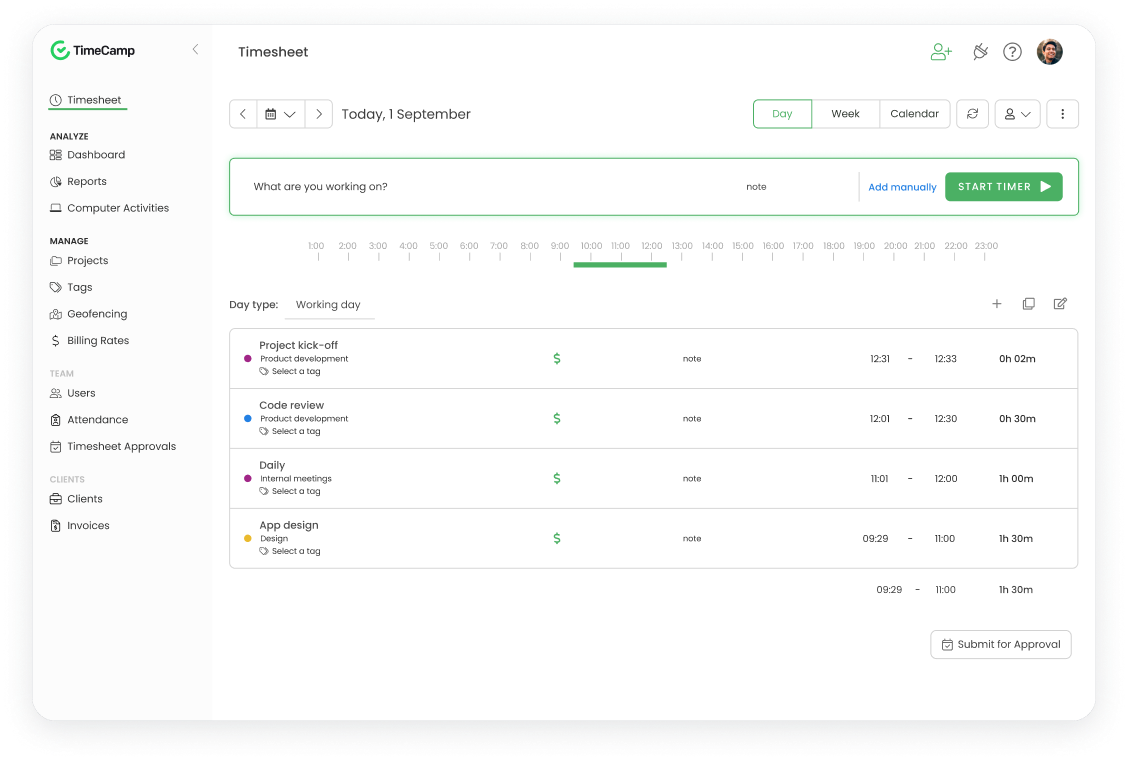
A cheap, feature-dense option that leans on automatic tracking harder than most: it records the apps and websites you use and can attach time to keywords, alongside an ordinary timer and manual entry. The free plan is permanent and covers unlimited users and projects, and the Starter tier at $3.99 per user per month on annual billing is where invoicing, attendance and time-off appear. The pricing page never states how long the free trial lasts, which is a small annoyance if you want to test the paid features first.
Timely
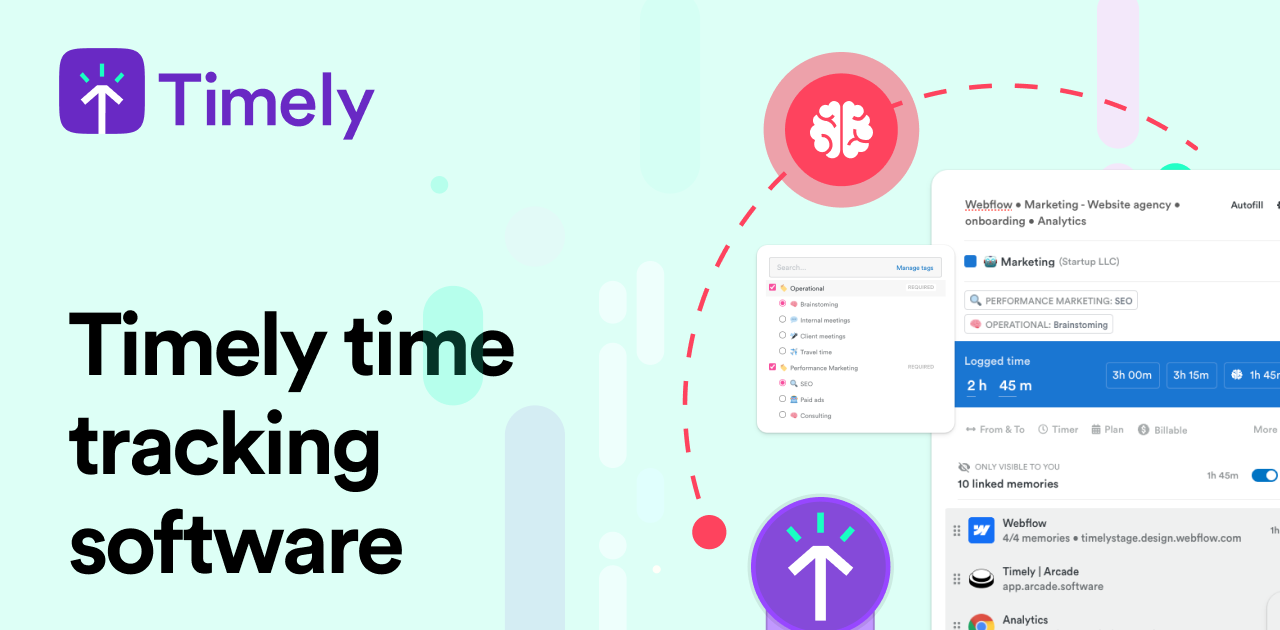
The most automatic of the set: it records your day in the background and drafts timesheets from that history, so the work becomes reviewing and approving entries rather than remembering to start a timer. There is no free plan, only a 14-day trial, and the entry Starter tier is $9 per user per month on annual billing with a 20-project cap. Invoicing is not on Starter: sending invoices out to QuickBooks arrives with Premium, so a freelancer who bills from their tracker will pay more than the headline price.
RescueTime
The odd one out here, and worth knowing about for that reason: it runs in the background and tracks the time you spend in apps and on websites automatically, but it is built around focus and attention rather than client billing. There is no permanently free tier any more, only a 14-day trial, and the cheapest Focus plan at $7 a month does not include timesheets: those start with Solo+ at $12. Choose it to find out where your week actually went, not to raise an invoice.
FreshBooks
Really an accounting package with a timer attached, which is the point: the hours you track drop straight onto an invoice, and the same account handles expenses, estimates and card payments. Every plan can invoice, starting with Lite, whose standard price is $23 a month (the site is usually running a heavy introductory discount off that). Time is recorded by starting a timer or typing hours in, with nothing watching your screen. It is the priciest row here and only makes sense if you want FreshBooks to be your books as well as your clock.
My Hours
A plain, inexpensive project time tracker with a permanent free plan for up to five users and a Basic tier at $4 per user per month on annual billing, which makes it one of the cheapest paid options here. You log time with a timer or type it in afterwards, in a timeline or a weekly view; nothing records your screen. It can turn approved work and expenses into client invoices without leaving the app, though the pricing page does not spell out which tier that arrives on.
Paymo
Closer to a small project-management suite than a stopwatch: tasks, kanban boards, clients and invoices sit alongside the tracker, and the desktop Paymo Track app records what you do on your computer and builds a timesheet from it. Unusually the free plan already includes unlimited invoices, though it caps you at one client and two projects. The Solo plan is advertised at $5.90 a month for the first three months and $9.90 after that, with a 15-day trial of whichever plan you pick.
Memtime
A pure automatic tracker: it records everything you do on your computer, offline and without integrations, and you assemble timesheets afterwards from that record. There is no free plan and no month-to-month billing, only quarterly and longer terms, starting at $14 per user per month on the annual plan, and no invoicing at all. It is the right pick if your problem is forgetting to start timers and you already have somewhere else to bill from.
Bonsai
The freelancer-suite answer: proposals, contracts, a CRM, tasks and invoicing wrapped around a start-stop timer, so tracked hours feed invoices without an export step. The Basic tier at $9 per user per month on annual billing includes time tracking, but invoices and payments only arrive with Essentials at $19, which is the thing to check before signing up. There is no free plan, just a seven-day trial of everything.
How we researched this
The eleven are the apps a knowledgeable friend would name for someone working alone, and each cell quotes the vendor's own pricing or feature page, not a roundup. Price means the lowest standing rate for a paid plan, so a table read later is not thrown off by an expired promotion. Everhour was left out because its paid plan requires five seats, making a solo freelancer's real cost about $42.50 a month instead of the $8.50 it advertises. Hubstaff's prices could not be read off its page, and it is built for monitoring employees. Timeular no longer takes new sign-ups since becoming part of TimeTac, although it still shows up in many 2026 roundups.
Where the vendor's page stayed silent, the cell stays empty: the invoicing plan for Toggl Track and My Hours, the trial length for TimeCamp, and invoicing for RescueTime and Memtime, which have none to state. A ratings column was dropped because the review sites we tried would not load. The FreshBooks and Paymo introductory offers are the figures most likely to have changed since the table was read on September 3, 2026.