Best Free Note-Taking Apps for Freelancers
Obsidian is the safest free home for a freelancer's notes: personal use is free without limits, and every note is a Markdown file on your own computer. If you need those notes on a laptop and a phone without paying, Notion and Simplenote both sync to unlimited devices for free, Notion as a full workspace of blocks and databases, Simplenote as bare Markdown with no paid plan at all.
Before comparing features, decide who should hold the files: only Obsidian and Joplin keep notes on your machine, while the other ten store them on the maker's servers. Then look at where each free plan runs out, since the limit is a different kind of thing in each app. Evernote caps you at 50 notes and one notebook, Standard Notes withholds formatting, Milanote allows 100 items, and Notesnook limits uploads to 50MB a month while leaving the note count open.
Our picks
- Client research you plan to keep for years: Obsidian. Plain Markdown files in a folder you control, free without limits for personal use, and no account required.
- A notebook that doubles as a client tracker: Notion. Notes, tasks and databases are built from the same blocks, and the free personal plan syncs across the browser, Mac and Windows apps.
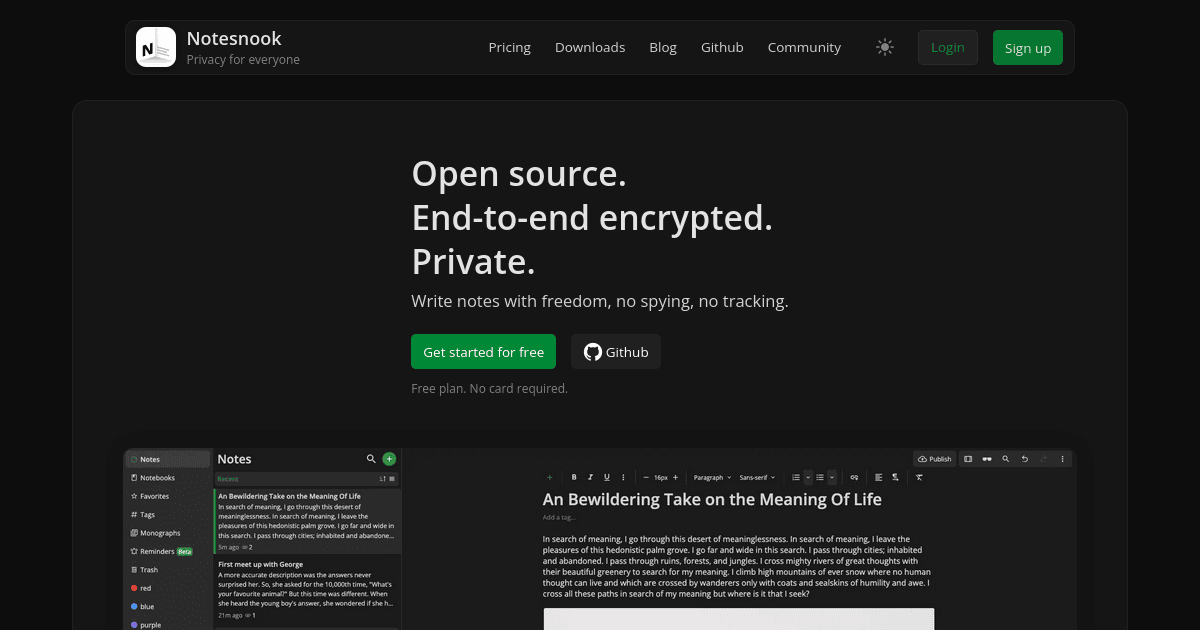
- Encrypted notes with tables and checklists, free: Notesnook. End-to-end encrypted, with unlimited notes on unlimited devices; the free ceiling is 50MB of attachments a month and 50 notebooks.
- Free sync through a cloud you already use: Joplin. Open source, it syncs through Dropbox, OneDrive or its own cloud and encrypts the synced copies end to end.
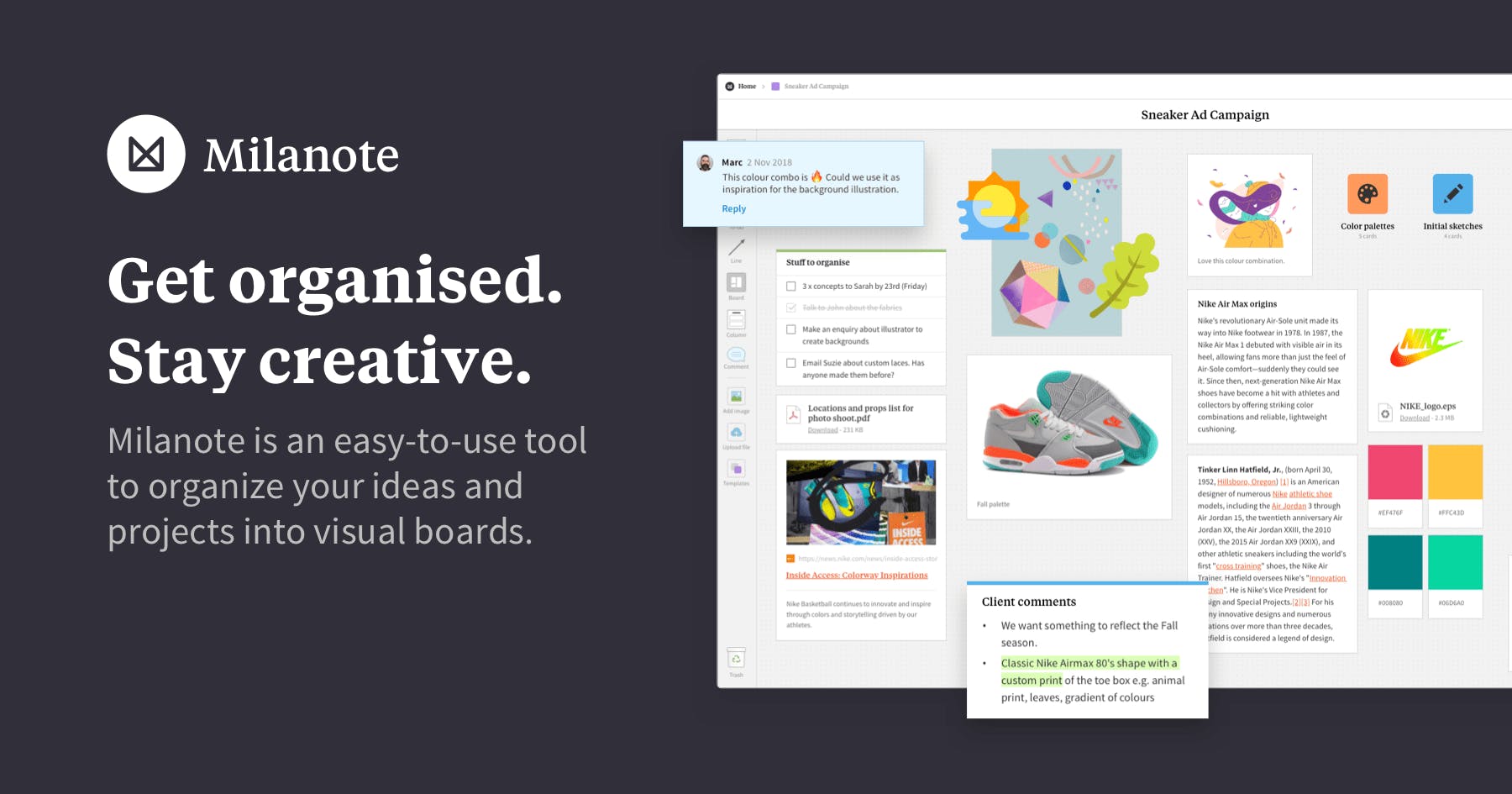
- Moodboards and project outlines: Milanote. Notes, images, links and sketches sit on a canvas, and the free plan has no time limit, capped at 100 items and 10 file uploads.
At a glance
| Option | Free Plan Limit | Free Plan Sync | Where Notes Live | Note Format | Paid Upgrade |
|---|---|---|---|---|---|
| Unlimited devicessource | Cloud onlysource | Blocks and databasessource | $10 per member / month (Plus)source | ||
| No limits on personal usesource | No free syncsource | Local files with optional syncsource | Markdownsource | $4 / month for Obsidian Sync, billed annuallysource | |
| 50 notes, 1 notebook, 1 GB monthly uploadssource | Limited devicessource | Cloud onlysource | Rich textsource | $8.25 / month (Starter, billed annually)source | |
| Notebooks use your OneDrive storagesource | Unlimited devicessource | Cloud onlysource | Rich textsource | ||
| Unlimited devicessource | Cloud onlysource | Sticky notessource | |||
| Unlimited devicessource | Cloud onlysource | Rich textsource | None; the app is freesource | ||
| None; the app is open source and freesource | Bring your own cloudsource | Local files with optional syncsource | Markdownsource | 2.99 EUR / month for Joplin Cloud Basicsource | |
| Plain text notes only; formatting is paidsource | Unlimited devicessource | Cloud onlysource | Plain textsource | $90 / year (Productivity)source | |
| None; apps, backups, syncing and sharing are all freesource | Unlimited devicessource | Cloud onlysource | Markdownsource | None; there is no paid plansource | |
| Unlimited notes; 50MB/mo storage, 50 notebookssource | Unlimited devicessource | Cloud onlysource | Rich textsource | $1.67 / month (Essential, billed annually)source | |
| 2 GB of free cloud storagesource | Unlimited devicessource | Cloud onlysource | Sticky notessource | ||
| 100 notes, images or links; 10 file uploadssource | Unlimited devicessource | Cloud onlysource | Visual boardsource | $9.99 / month billed annuallysource |





Which free plans sync a laptop and a phone
Nine of the twelve sync to unlimited devices at no cost. The three that do not are the ones to read closely. Evernote's free plan allows a single connected device, so using it on two means the Starter plan at $8.25 a month, billed annually. Obsidian has no free sync at all; its Sync add-on is $4 a month, billed annually, though the app itself stays free.
Joplin sits in between. Sync is free, but you point it at Dropbox, OneDrive or Joplin Cloud yourself, and the first setup takes a real evening. Its own cloud starts at 2.99 EUR a month.
Where each free plan runs out
The caps come in different shapes. Evernote counts notes (50) and notebooks (one). Milanote counts items (100) and file uploads (10). Notesnook counts storage and notebooks instead, 50MB of uploads a month and 50 notebooks, with no cap on notes, and Zoho Notebook gives 2 GB of cloud storage. Standard Notes gives you unlimited encrypted sync but only plain text, with Markdown and rich text on the $90 a year Productivity plan.
Simplenote, Apple Notes and Google Keep have no plan to outgrow: Simplenote sells nothing, Apple Notes rides on iCloud storage, and Keep rides on your Google account. Microsoft OneNote works the same way, drawing on your OneDrive allowance.
Files you can open anywhere, or a format tied to the app
If you switch apps in three years, the Note Format column decides how much of your writing comes with you. Obsidian's Markdown files stay readable without the app, and Joplin stores notes in an open format; Simplenote writes in Markdown too, though its notes sit on its servers. Notion's blocks and databases, Milanote's visual boards and the card layouts in Google Keep and Zoho Notebook are harder to move, because the shape of the note belongs to the app.
The options in detail
Notion
Notion is an all-in-one workspace where notes, tasks and databases are built out of the same drag-and-drop blocks, which is why freelancers often end up using it as a client tracker as much as a notebook. The free personal plan is generous enough to run a solo practice on, and it syncs across the browser, Mac and Windows apps. The trade-off is that everything lives in Notion's own block format rather than as files you can open elsewhere, and the editor is more machinery than a plain notebook needs when you only want to write a paragraph.
Obsidian
Obsidian keeps every note as a plain Markdown file in a folder on your own computer, so your work stays readable with or without the app. Personal use is free without limits and does not even ask you to make an account, which makes it the safest long-term home for client research you expect to keep for years. Sync between devices is a paid add-on, so on the free plan you are either working on one machine or arranging your own file syncing through something like a shared folder.
Evernote
Evernote is the veteran of the category, with a mature web clipper, document scanning and the strongest search here. Its free plan has been cut back hard, though: 50 notes, one notebook and a single connected device, which is enough to try the app but not to run a freelance business on. Anyone who wants it on both a laptop and a phone is looking at the Starter plan, so treat the free tier as an evaluation rather than a home.
Microsoft OneNote
OneNote gives you a free-form page you can type, draw or paste anywhere on, organised into notebooks, sections and tabs that mirror a paper binder. It is free to download on every platform and keeps notebooks in OneDrive, so it is the easy pick if you already have a Microsoft account. The loose canvas is wonderful for messy thinking and awkward when you want a tidy linear document, and the free storage you get is really your OneDrive allowance rather than a OneNote one.
Google Keep
Google Keep is the fastest way to get a thought out of your head: coloured cards, checklists, photos and voice memos, synced to everything signed in to your Google account. There are no plans, no limits to think about and nothing to set up. It is deliberately shallow, organising by colour and label rather than folders and offering little formatting, so it works best as the scratchpad beside a heavier app rather than as the place your client work lives.
Apple Notes
Apple Notes is already on every Mac, iPhone and iPad, syncs through iCloud with no setup at all, and has quietly grown into a capable editor with tables, checklists, a document scanner and locked notes. For a freelancer working entirely on Apple hardware it is the least-effort option here and costs nothing. The catch is the obvious one: it stops at the edge of Apple's own devices, so it is the wrong choice if a client is going to hand you a Windows machine.
Joplin
Joplin is an open-source notebook that keeps your notes on your own machine in an open format and then synchronises them through a service you choose, whether that is Joplin Cloud, Dropbox or OneDrive. That makes it the free way to get cross-device sync without handing your notes to a company, and its end-to-end encryption covers the synced copies. It is less polished than the commercial apps and you have to set the sync target up yourself, which is a real evening's work the first time.
Standard Notes
Standard Notes is built around encryption first, and the free tier is unusually serious about it: end-to-end encrypted, unlimited device sync across web, desktop and mobile, plus offline access, at no cost. What you give up for free is formatting, because plain text is the free editor and Markdown, rich text and code snippets sit behind the Productivity plan. It suits a freelancer whose notes carry client material they would rather nobody, including the maker, could read.
Simplenote
Simplenote does one thing: fast, uncluttered notes with Markdown support, synced instantly to every device, and all of it is free with no paid tier at all. There are no attachments, no folders and no formatting beyond Markdown and tags, which is the entire point. If a heavier app has ever made you wait while you were trying to write one sentence down, this is the antidote, and it runs on iOS, Android, Mac, Windows, Linux and the browser.
Notesnook
Notesnook is an end-to-end encrypted notebook with a genuinely good editor behind the encryption: tables, checklists, code, maths and outlines rather than a bare text box. Its free plan is unusually honest, giving unlimited notes on unlimited devices with 50MB of attachment storage a month, so the wall you eventually hit is file uploads rather than note count. The paid tiers mostly buy more storage and larger file sizes, which makes it cheap to outgrow gracefully.
Zoho Notebook
Zoho Notebook organises everything as cards: a sticky note, a sketch, an audio clip or a scanned document, each its own card inside a notebook. The free plan includes 2GB of cloud storage with automatic sync and no ads, which is a lot to get for nothing, and notes can be locked individually. It is the least-known name on this list and makes most sense if you already live in other Zoho tools, but the card metaphor stands on its own for people who think in fragments.
Milanote
Milanote is a visual board rather than a notebook: notes, images, links and sketches arranged on a canvas, which is why it turns up in the hands of designers, writers, photographers and other creative freelancers building moodboards or outlining a project. The free plan has no time limit but caps you at 100 notes, images or links and 10 file uploads, so it is a real working tool rather than a trial. If you think in long documents and lists rather than in space, it is the wrong shape for you.
How we researched this
Free-plan caps and upgrade prices are the makers' own wording, taken from each app's pricing page or app store listing. The upgrade prices do not line up as numbers: most are a monthly rate on an annual bill, Standard Notes sells only by the year, Joplin prices in euros, and Obsidian's $4 buys sync rather than the app, so sorting that column tells you little. Note Format is our own grouping of each maker's description.
Some cells are empty for two different reasons. Google Keep and Apple Notes publish no cap or paid tier of their own, so there is nothing to fill. Notion's free caps, the Microsoft 365 price behind OneNote, and Zoho's Pro price do exist but would not load in a readable form. Logseq was left out for the same reason, Bear because its free tier has no sync, and Google Docs and Coda because they are not note-taking apps in the usual sense. Free tiers get trimmed, as Evernote's was, so look at the plan page as of the day you commit years of notes to one.