Best Project Management Software With Time Tracking
Teamwork.com is the strongest fit for a team that bills clients: its free plan already logs time for up to five people, paid plans start at $9.99 a user, and the Accelerate tier turns those hours into client invoices. For the cheapest seat with timesheets built in, Zoho Projects puts time logs and multi level timesheet approvals on its $4 entry plan.
The sticker prices mislead in one specific way. On monday.com, Wrike and Asana the cheapest paid plan does not include time tracking at all, so the real entry cost sits a tier or an add-on higher. The other divide is what happens to the hours afterward. Teamwork.com, Paymo, Hubstaff, Scoro and Avaza raise the client invoice themselves, while ClickUp, Zoho Projects, Wrike and Asana stop at billable rates and budgets and hand the billing to something else.
Our picks
- An agency of up to five starting free: Teamwork.com. The free plan includes time logging for up to five people, and the Accelerate tier invoices clients from logged hours, retainers and time budgets.
- Lowest cost per seat with timesheets: Zoho Projects. $4 a user each month, with time logs, timesheets and multi level approvals on that entry Premium plan.
- A freelancer billing on their own: Paymo. The free plan covers one user with unlimited time tracking and unlimited invoices; team plans run $15.9 a user at the regular rate.
- Paying hourly staff or contractors: Hubstaff. Starts from automatic timers and activity levels, turns hours into costs, invoices and payments, and costs $4.99 a seat with a two seat minimum.
- A team of thirty on one flat bill: ProofHub. $45 a month with no per user charge, and time tracking is already in the entry Essential plan.
At a glance
| Option | Price | Pricing Model | Free Plan | Time Tracking | Billing & Invoicing |
|---|---|---|---|---|---|
| $7source | Per user, per monthsource | Free plan for a teamsource | Included on the entry paid plansource | Billable rates and budgetssource | |
| $9.99source | Per user, per monthsource | Free plan for a teamsource | Included on the free plansource | Invoices clients from tracked timesource | |
| $4source | Per user, per monthsource | Free plan for a teamsource | Included on the entry paid plansource | Billable rates and budgetssource | |
| $10source | Per user, per monthsource | Free plan for a teamsource | Only on a higher plansource | Billable rates and budgetssource | |
| $9source | Per user, per monthsource | Free plan for one or two userssource | Only on a higher plansource | ||
| $10.99source | Per user, per monthsource | Free plan for one or two userssource | Paid add-onsource | Billable rates and budgetssource | |
| $15.9source | Per user, per monthsource | Free plan for one or two userssource | Included on the free plansource | Invoices clients from tracked timesource | |
| $4.99source | Per user, per monthsource | Free trial onlysource | Included on the entry paid plansource | Invoices clients from tracked timesource | |
| $17source | Per user, with a team minimumsource | Free trial onlysource | Included on the entry paid plansource | Invoices clients from tracked timesource | |
| $11.95source | Flat rate for the whole teamsource | Free plan for a teamsource | Included on the free plansource | Invoices clients from tracked timesource | |
| $45source | Flat rate for the whole teamsource | Free trial onlysource | Included on the entry paid plansource |






The plan where time tracking actually starts
monday.com's Basic seat is $9, but time tracking is a Pro feature two steps above it. Wrike's $10 Team plan leaves it out too, and its own help centre lists timelogs from the $25 Business tier up. Asana sells timesheets and budgets as a $5.99 per user add-on on top of a $10.99 Starter seat, $16.98 a user in all.
Five tools put the timer on the first paid plan: ClickUp at $7, Zoho Projects at $4, Hubstaff at $4.99, Scoro and ProofHub. Three go further and include it free. Only Teamwork.com's free plan logs time for a team, though: Paymo's free plan is for one user, and Avaza's includes one timesheet user.
Invoicing clients from tracked hours, or only billable rates
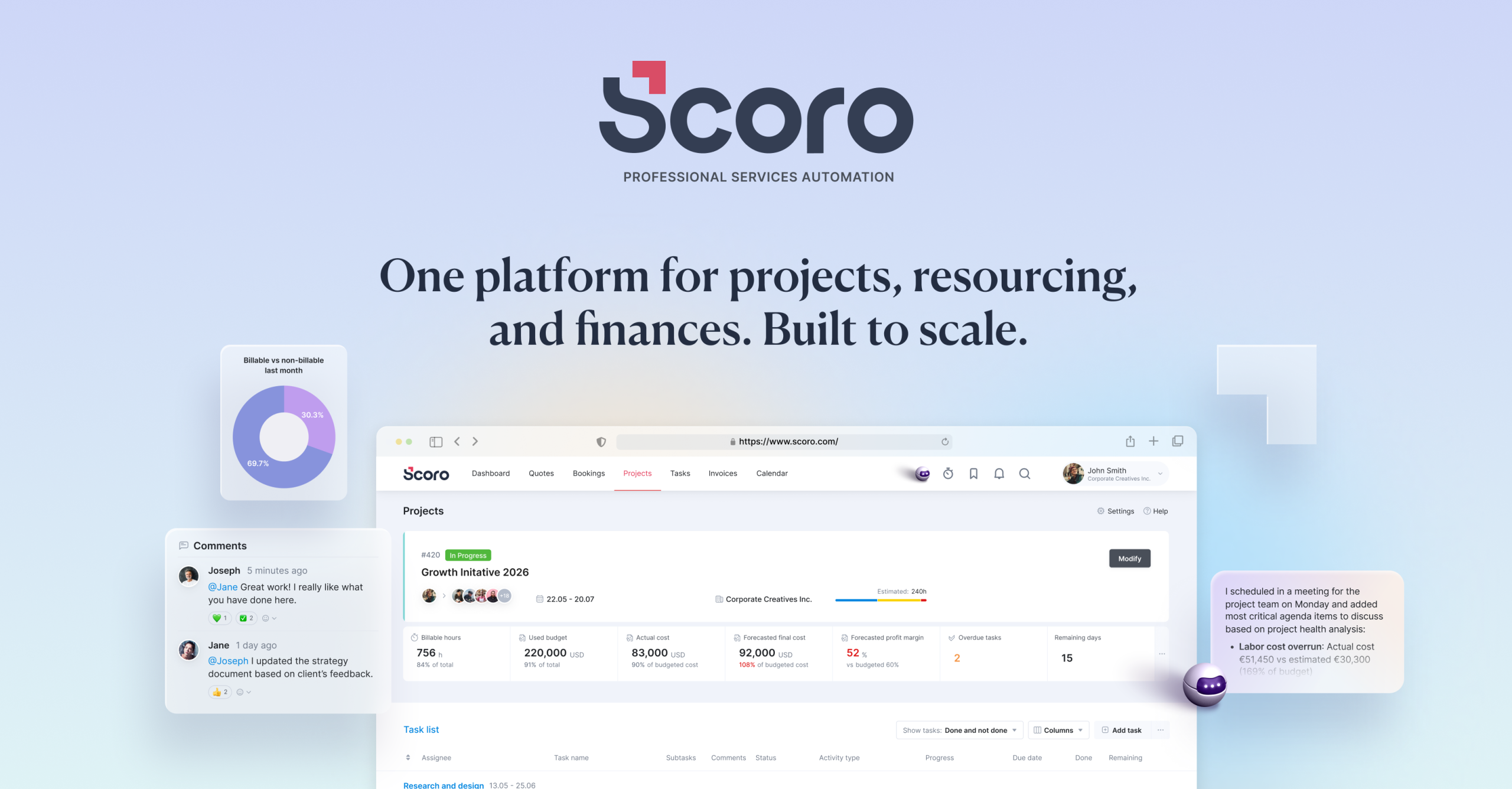
If the hours end up on a client's bill, the five invoicing tools save a step. Scoro runs quotes, projects, time and invoices in one system for consultancies and agencies. Avaza bundles timesheets, expenses and invoicing. Hubstaff's invoices come out of hours tracked with automatic timers and optional screenshots, a monitoring side its summary says some teams find intrusive.
The billable-rates group is closer than it sounds. ClickUp lets any entry be flagged billable and exports approved time as invoice ready reports, but does not issue the invoice. Zoho Projects tracks budgets and earned value and leaves billing to Zoho Books or Zoho Invoice. Wrike can sync billable hours to a finance system, with timesheets managers approve and lock, which matters when hours feed payroll.
Flat fees and seat minimums
Two prices here are not per seat. ProofHub's $45 covers the whole team, which its summary says usually beats per seat rivals comfortably at thirty people but not at five. Avaza's $11.95 Startup plan is flat too, with unlimited collaborators and clients, but only two timesheet users; extra timesheet seats are charged individually.
Minimums work the other way. Scoro is quoted from about $17 a user with a five user minimum, so the smallest real bill is around $85 a month. Hubstaff's two seat minimum is gentler, at $9.98 for the smallest account.
The options in detail
ClickUp
An all in one work platform that puts tasks, docs, dashboards and a native timer in the same workspace, so hours get logged on the task someone is already working in. Any time entry can be flagged billable as it is logged, and approved time exports as invoice ready reports, but ClickUp does not issue the invoice itself. The free plan is unusually generous (unlimited members and guests), though native time tracking only starts on the paid Unlimited plan. The trade off is surface area: teams who wanted projects plus a timer often find there is a lot of product to switch off.
Teamwork.com
Built for teams that bill clients, and the only tool in this table whose free plan already includes time logging, for up to five people. The entry paid plan adds billable time reporting, and the Accelerate tier turns logged hours into client invoices alongside retainers and time budgets. That client work focus makes it a natural fit for agencies, consultancies and professional services teams rather than internal product teams. If nobody is invoicing anyone, much of what you pay for here goes unused.
Zoho Projects
The cheapest per seat option here at four dollars a user each month, and time logs, timesheets and multi level timesheet approvals all sit on that entry Premium plan rather than being held back for a higher tier. It tracks project budgets and earned value too, but billing happens in Zoho Books or Zoho Invoice rather than in Projects, so invoicing means adding another Zoho product. The free tier covers five users and three projects. Teams already inside the Zoho suite get the most out of it; on its own it feels more utilitarian than its rivals.
Wrike
A mature platform for larger, process heavy teams, with timesheets that managers review, approve and lock, which matters when tracked hours feed payroll or client accounting. The catch for this question is which plan you land on: Wrike's own help centre lists timelog availability as Business, Pinnacle and Apex, so the ten dollar Team plan does not include it and time tracking effectively starts at the twenty five dollar Business tier. Hours can be reported as billable and synced to a finance system, but Wrike does not raise invoices. Powerful, and priced for companies that need the approval workflow.
monday.com
A colourful, highly visual work platform where time tracking is a column you drop onto a board, so it fits the way teams already lay out their work. The tier is the problem for this question: time tracking is a Pro feature, two steps above the nine dollar Basic seat, so the headline price is not the price you pay for it. The free plan stops at two seats, which makes it a personal tier rather than a team one. Nothing here turns tracked hours into a client invoice.
Asana
The most polished task and project experience in this list, and the one where time tracking is least native. Timesheets and budgets are a paid add on at $5.99 per user per month on top of a Starter seat, which makes Asana the most expensive route to a timesheet here. It can set hourly user rates and compare estimated against actual time, so cost and budget tracking are covered, but there is no client invoicing. Sensible if the team already lives in Asana, hard to justify if time tracking is the reason you are shopping.
Paymo
Built around tracking time and billing clients from the beginning, which shows in a free plan that includes unlimited time tracking and unlimited invoices for a single user. Paid team plans add active timers, bulk time entries, timesheet reports and project profitability, with timesheet approvals on the top tier. Note that the price shown on the site is discounted for the first three months, so budget for the regular rate quoted here. It suits freelancers and small creative or architecture studios more than large organisations.
Hubstaff
The one tool here that starts from time tracking rather than from projects: automatic timers, activity levels and optional screenshots, with project and task management layered on top. Tracked hours turn into project costs, invoices and payments, which fits teams paying hourly staff or contractors. Pricing starts at $4.99 per seat on the Starter plan with a two seat minimum, and there is no free plan, only a fourteen day trial. The monitoring side divides people: some teams find the activity tracking reassuring, others find it intrusive.
Scoro
A professional services platform that runs quotes, projects, time and invoices in one system, aimed at consultancies and agencies rather than general teams. The time tracker, timesheets, billable time and labour cost reporting are core rather than bolted on, and client billing is native instead of an integration. Pricing works differently from everything else here: you assemble a combination of Scoro apps, quoted from about seventeen dollars per user per month, with a five user minimum and no free plan. It is the heaviest tool in this table and priced for firms whose projects are their revenue.
Avaza
Bundles project management, timesheets, expenses and invoicing into flat monthly plans instead of charging per seat, which gets cheap quickly when most people only need to collaborate. The catch is that each flat plan includes a fixed number of timesheet users, one on the free plan and two on the $11.95 Startup plan, with extra timesheet seats charged individually on top. Project collaborators and external clients are unlimited throughout. A good fit for very small consultancies that want to bill clients without paying full price for everyone involved.
ProofHub
Sells on flat pricing: one monthly fee with no per user charge, which is unusual and gets better the bigger the team gets. Time tracking sits in the entry Essential plan along with projects, boards, Gantt charts, proofing and custom roles, so the core feature set is not rationed by tier. There is no free plan, only a fourteen day trial, and no invoicing built on top of tracked hours. For a team of thirty the flat fee usually beats per seat rivals comfortably; for a team of five it does not.
How we researched this
Time tracking had to be part of the project software itself, not a marketplace app or a separate product. That kept out Jira, whose own pricing and feature pages never state time tracking (the usual route is a paid marketplace app), and Smartsheet, whose time tracking lives in a separate resource management product. Basecamp, Trello and Notion have no native timer. Standalone trackers such as TimeCamp, Everhour and Toggl Track plug into project tools rather than being one; Hubstaff is the one tracker here that also runs projects. Nifty was dropped because it sells per member and flat plans at the same tier, so its pricing model had no single honest answer.
Prices are the cheapest paid plan on annual billing, read from each vendor's pricing page on September 3, 2026. Paymo's $15.9 is the regular rate that follows a first-three-months discount, and Wrike's time tracking tier comes from its help centre because the pricing page never mentions it. The Billing & Invoicing cells for monday.com and ProofHub are blank because neither vendor's page describes billable rates or invoicing. Before buying, check which tier includes time tracking on the vendor's own page, since the plan behind the headline price often leaves it out.