Best Password Managers
Twelve password managers compared on free plan limits, monthly price, family plans, apps and where your vault lives, from Bitwarden to 1Password and KeePassXC. Read our take
At a glance
| Option | Individual plan | Free version | Family plan | Family sharing | Apps | Where passwords are stored | App Store rating |
|---|---|---|---|---|---|---|---|
| $2.99source | Free trial onlysource | $4.49source | Up to 5 peoplesource | Mac, Windows, Linux, iPhone, Androidsource | The maker's cloudsource | 4.7source | |
| $1.65source | Free plan, unlimited devicessource | $3.99source | Up to 6 peoplesource | Windows, Mac, Linux, iPhone, Androidsource | The maker's cloudsource | 4.8source | |
| $5.42source | Free trial onlysource | $8.13source | Up to 10 peoplesource | iPhone, Androidsource | The maker's cloudsource | 4.8source | |
| $1.99source | Free plan, unlimited devicessource | $2.79source | Up to 6 peoplesource | iPhone, Android, Windows, Mac, Linuxsource | The maker's cloudsource | 4.8source | |
| $1.99source | Free plan, one device or device typesource | $3.69source | Up to 6 peoplesource | Windows, Mac, Linux, Android, iPhonesource | The maker's cloudsource | 4.6source | |
| $3.58source | Free plan, limited itemssource | $7.67source | Up to 5 peoplesource | iPhone, Android, Mac, Windowssource | The maker's cloudsource | 4.9source | |
| $2.49source | Free plan, one device or device typesource | $3.98source | Up to 5 peoplesource | Windows, Mac, iPhone, Android, Linuxsource | The maker's cloudsource | 4.7source | |
| $3source | Free plan, one device or device typesource | $4source | Up to 6 peoplesource | Windows, Mac, Linux, Android, iPhonesource | The maker's cloudsource | 4.4source | |
| $1.99source | Free plan, limited itemssource | $3.99source | Up to 6 peoplesource | Windows, Mac, Linux, iPhone, Androidsource | Your own cloud accountsource | 4.2source | |
| Freesource | Completely freesource | $0source | Free shared groupssource | iPhone, Mac, Windowssource | The maker's cloudsource | 4.7source | |
| Completely freesource | Google family groupsource | Android, iPhonesource | The maker's cloudsource | ||||
| Completely freesource | By sharing the file yourselfsource | Windows, Mac, Linuxsource | Only your own devicesource |


Our take
For most people Bitwarden is the place to start: its free plan covers unlimited passwords on unlimited devices, and Premium is $1.65 a month if you later want the extras. If you would rather not sign up for anything, Apple Passwords and Google Password Manager are already built into iPhones, Macs, Chrome and Android at no cost.
The real split in this table is what you get before you pay. Bitwarden and Proton Pass give a full free plan on every device; RoboForm and LastPass limit it to one device or one type of device, and NordPass Free makes you log in again whenever you switch devices; Keeper stops at ten records and Enpass at 25 items; 1Password and Dashlane offer only a 14-day trial. The second split is where your vault lives: ten of the twelve keep it on the maker's servers, Enpass keeps it in a cloud account you already own, and KeePassXC keeps it in a file on your own computer.
Our picks
- Best free plan: Bitwarden. Unlimited passwords on unlimited devices for free, and Premium is $1.65 a month, the lowest paid price here.
- Cheapest family plan: Proton Pass. Pass Family covers up to 6 people for $2.79 a month in the first year, and the free plan also works on every device.
- Best for a big household: Dashlane. Friends & Family covers up to 10 people for $8.13 a month, the most people of any family plan here.
- Highest-rated iPhone app: Keeper. 4.9 out of 5 on the App Store from 232K ratings, with Keeper Unlimited at $3.58 a month.
- Best for keeping everything offline: KeePassXC. Free and open source, with the vault stored only on your own device and apps for Windows, Mac and Linux.
How far a free password manager gets you
A free plan is only useful if it reaches the devices you use. Bitwarden and Proton Pass have no device limit at all, and Proton adds 10 hide-my-email aliases. LastPass Free is limited to one device type, so you choose computers or phones, and RoboForm Free stores unlimited passwords but on a single device. NordPass Free also stores unlimited passwords, but only Premium lets you move between devices without logging in again. Keeper Free holds ten records on one mobile device and Enpass Free holds 25 items, which is enough to try either but not to live in. Weigh LastPass's history too: in 2022 attackers copied a backup of its customers' vault data, with passwords encrypted but saved website addresses readable.
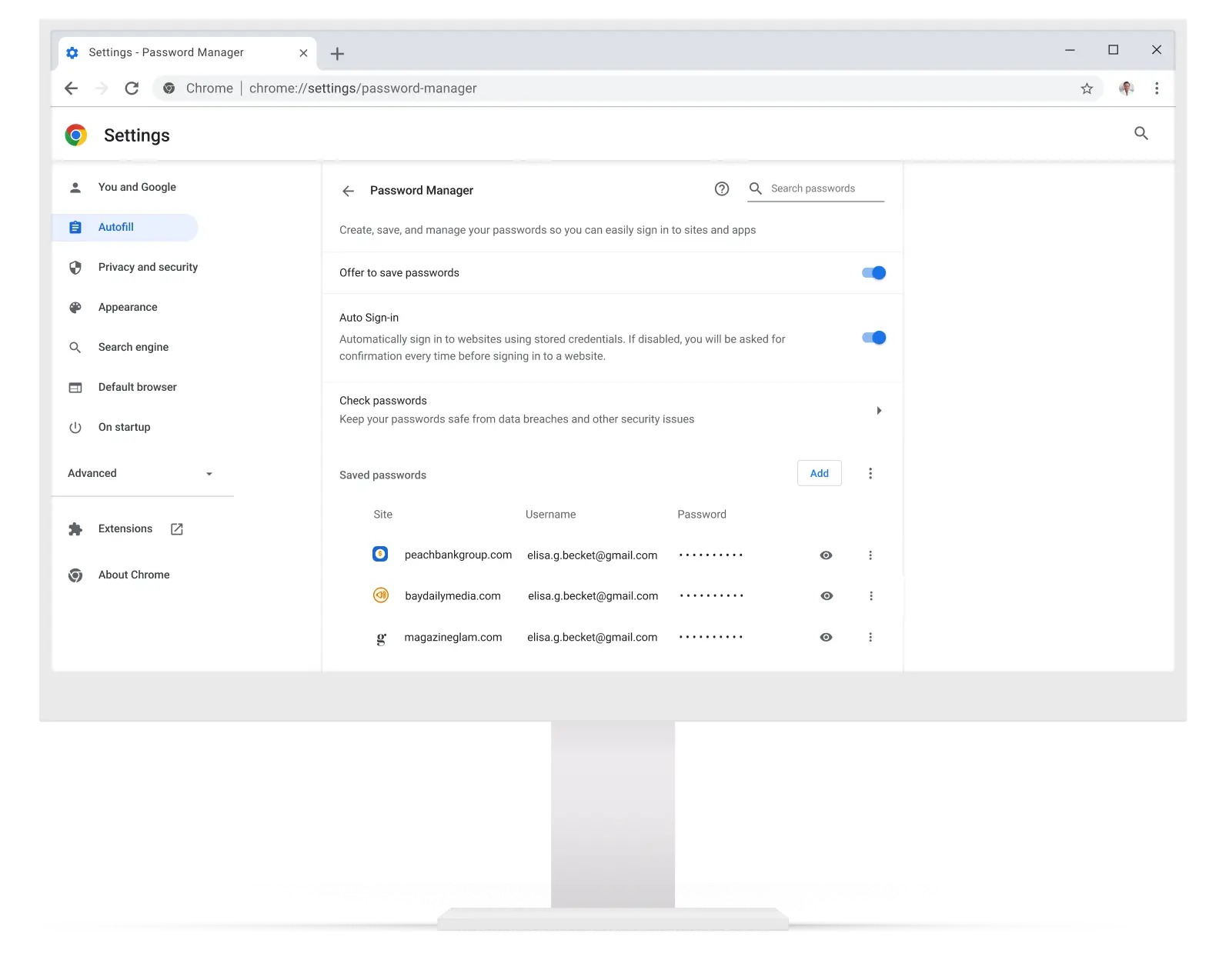
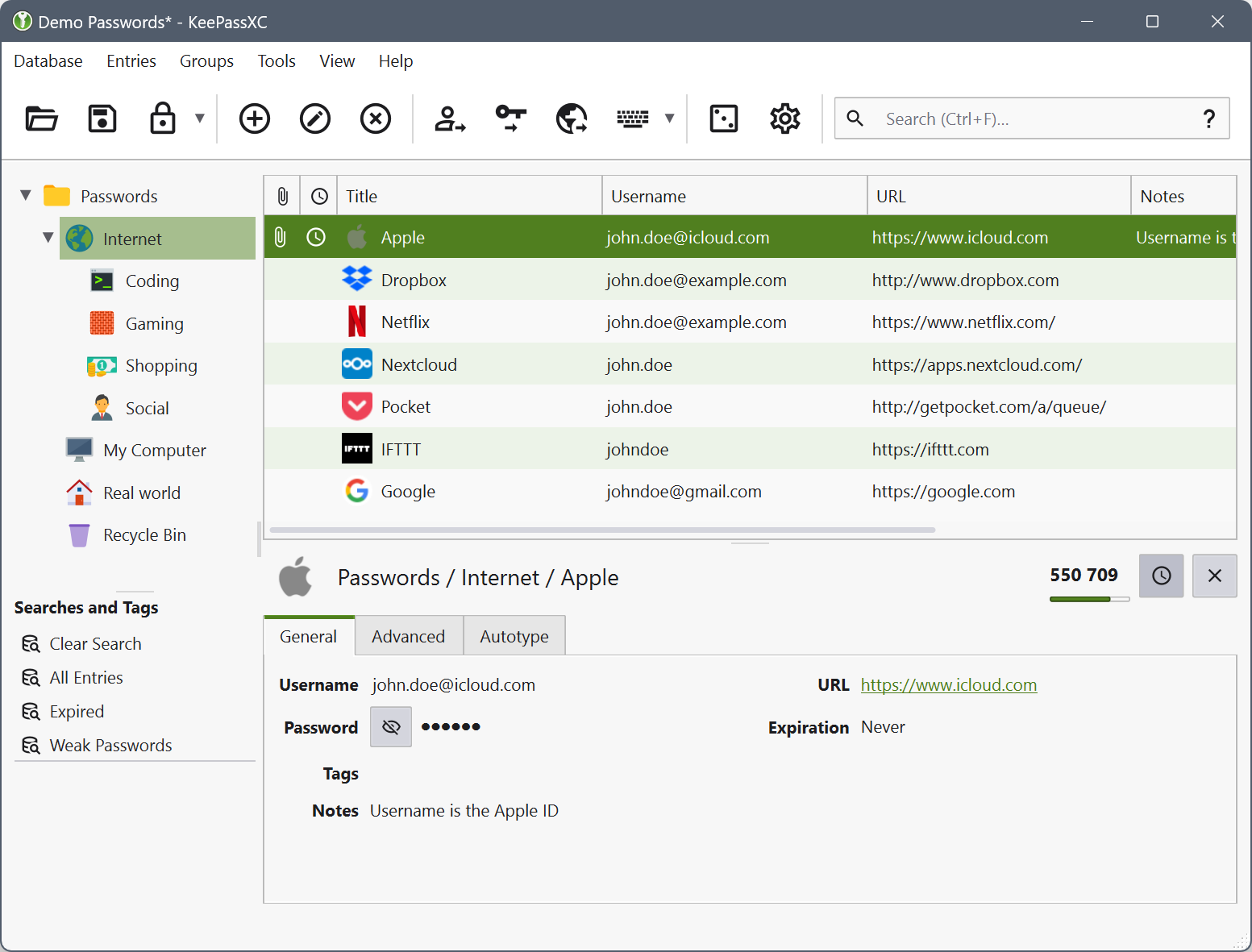
The built-in options are free outright. Apple Passwords syncs through iCloud Keychain and also reaches Windows, while Google Password Manager lives in Chrome and Android and fills passwords on an iPhone through Chrome. KeePassXC is free and open source but runs only on Windows, Mac and Linux, so a phone needs a separate compatible app.
First-year prices and what they renew at
Several prices in the Individual plan column are first-year offers. 1Password Individual is $2.99 a month now and $3.99 at the regular rate; Proton Pass Plus is $1.99 a month and renews at $35.88 a year; NordPass Premium is also $1.99 a month for the first year, against a regular $35.88 a year; RoboForm Premium renews at $29.88 a year. Keeper Unlimited at $3.58 a month is billed as $42.99 a year, and Dashlane Premium is the most expensive here at $5.42 a month.
If the price over several years matters more than the first one, compare renewal rates: Bitwarden's $1.65 a month, billed at $19.80 a year, is a standing price rather than an introductory one.
Family plans: how many people and what it costs
Six people is the most common family size: Bitwarden at $3.99 a month, Enpass at $3.99, LastPass at $4.00, NordPass at $3.69 and Proton Pass at $2.79, the last two for the first year. 1Password Families and RoboForm Family cover 5 people for $4.49 and $3.98, and Keeper Family is $7.67 for five private vaults. Dashlane is the only one that stretches to 10 people.
Households that already share a platform may not need a family plan. Apple's shared password groups cost nothing, and Google Password Manager can share a password with members of your Google family group. KeePassXC shares by writing the password file to a folder others can reach, such as a network share or cloud storage.
The options in detail
1Password
1Password is the polished, everything-included choice that most reviews put at or near the top, with apps for every major system and a Families plan that covers five people with unlimited shared vaults. There is no free plan, only a 14-day trial with no card required. The prices here are the first-year offer for new customers; the regular rates are $3.99 a month for Individual and $5.99 for Families.
Bitwarden
Bitwarden is the open-source favourite and the best value here: its free plan has no cap on passwords or devices and even lets you share with one other person. Premium adds an authenticator, file attachments, emergency access and vault health reports, and the Families plan covers six people. Technical users can also run the Bitwarden server themselves.
Dashlane
Dashlane is the most expensive individual plan here, and it bundles more than passwords for the money: phishing alerts, dark web breach alerts and a VPN provided through Hotspot Shield. Its Friends & Family plan covers up to 10 people, the most of any family plan in this table, though the VPN is for the plan manager only. Its personal plans come with a 14-day trial rather than a free tier.
Proton Pass
Proton Pass comes from the Swiss company behind Proton Mail, and it has the most generous free plan of the paid services: unlimited logins and devices plus 10 hide-my-email aliases. Pass Plus unlocks unlimited aliases, and Pass Family covers six people. Proton keeps data encrypted on its own servers in Switzerland, Germany or Norway. The prices here are a first-year discount: Pass Plus renews at $35.88 a year and Pass Family at $59.88.
NordPass
NordPass is made by Nord Security, the company behind NordVPN, and it tops many recent roundups. Its free plan stores unlimited passwords, but only Premium lets you move between devices without logging in again, and Premium also adds Password Health and a Data Breach Scanner. The prices here are the first-year offer on a one-year plan: Premium is $23.88 for the first year against a regular $35.88. The Family plan gives six separate vaults, one for the owner and five to share with family or friends.
Keeper
Keeper has the highest App Store rating here from by far the most ratings of any paid service, and its paid plan includes phone support alongside email and chat. The free plan is the thinnest in the table: ten records, on one mobile device, with identity and payment details kept only on that device. Keeper Family adds five private vaults and 10 GB of file storage.
RoboForm
RoboForm is one of the cheaper paid options here, with a family plan that stays under $4 a month. Its free plan stores unlimited passwords but only on a single device. Premium adds sync, cloud backup, emergency access and breach monitoring, and can be switched to a local-only mode that never syncs with RoboForm's servers. The Family plan covers up to five Premium accounts, with a 30-day money-back guarantee.
LastPass
LastPass is one of the best-known names, and its Families plan is one of the cheaper ways to cover six people. Know its history before choosing it: in 2022 attackers copied a backup of customer vault data from LastPass's cloud storage, which the company disclosed that December. Passwords and notes in that backup were encrypted, but saved website addresses were not. The free plan is limited to one device type, meaning computers or phones but not both, and paid plans come with a 30-day trial. Its App Store rating is the second lowest in this table.
Enpass
Enpass is the odd one out among the paid services: it runs no central vault, so your encrypted data lives in a cloud account you already use rather than on Enpass's servers. That appeals to people who do not want one company holding everyone's passwords. The free plan stops at 25 items in one vault, and the Family plan covers six people. Its App Store rating, from far fewer ratings, is the lowest here.
Apple Passwords
Since iOS 18 and macOS Sequoia, Apple's saved passwords have their own Passwords app, free and already on every iPhone, iPad and Mac. It syncs through iCloud Keychain, warns about weak or leaked passwords, holds two-factor codes, and lets you share passwords with family or friends through shared groups. It also syncs to Windows, so it suits households that are mostly on Apple devices.
Google Password Manager
Google Password Manager is already there for anyone who uses Chrome or an Android phone: it is built into Android and into Chrome on every platform, and on an iPhone you can choose Chrome as the AutoFill provider so it fills passwords in any app. On a Windows PC or a Mac it works only inside the Chrome browser, with no separate app. It costs nothing and runs Password Checkup on what you save. Sharing is limited to members of your Google family group.
KeePassXC
KeePassXC is a free, open-source desktop program rather than a service: there is no account and no cloud, and your encrypted password file stays on your own computer. That is the most private setup here, and the French cybersecurity agency ANSSI has awarded it a Security Visa. The cost is convenience: syncing to a phone means moving the file yourself and using a separate KeePass-compatible mobile app.
How we researched this
We read each maker's own pricing, download and security pages, the Apple App Store listing for every iPhone app's rating, NordPass's plans page and Google Play listing, Dashlane's supported-devices help page, and one published guide for Google Password Manager's cost, and recorded each value with the sentence it came from. The set covers the names most current roundups compare plus the free built-in and open-source options; Bitdefender SecurePass, Norton Password Manager and Zoho Vault were left out, and the free-plan and small-business pages on this site cover the last two.
A blank cell means the page we could read did not state it: Google Password Manager and KeePassXC have no price or App Store rating because neither is sold as a plan and neither has an iPhone app of its own. The Apps column counts only apps the maker publishes for that system, so a manager that works on a Windows PC or Mac only inside a browser, as Dashlane and Google Password Manager do, is not tagged for those systems. Prices are US dollars per month on a yearly plan as shown to a new customer, and introductory offers change often, so confirm the current price and the renewal rate on the maker's site before you subscribe.