Free Password Managers
17 free password managers compared on device limits, sharing, platforms and vault storage, from Bitwarden and Proton Pass to KeePassXC. Read our take
At a glance
| Option | How it's free | Free plan devices | Works on | Where your passwords are stored | Sharing on the free plan | Cheapest paid upgrade |
|---|---|---|---|---|---|---|
| Free plan of a paid servicesource | Unlimited devicessource | Linux, macOS, Windows, Android, iOSsource | The maker's cloudsource | With family or a few otherssource | Premium, $1.65 a month billed annually ($19.80 a year)source | |
| Free plan of a paid servicesource | Unlimited devicessource | Android, iOS, Windows, macOS, Linuxsource | The maker's cloudsource | With family or a few otherssource | Pass Plus, $23.88 for the first 12 months, then $35.88 a yearsource | |
| Free plan of a paid servicesource | One device at a timesource | iOS, macOS, Windows, Android, Linuxsource | The maker's cloudsource | Not on the free plansource | Premium, from $1.49 a monthsource | |
| Free plan of a paid servicesource | Unlimited devicessource | iOS, Androidsource | The maker's cloudsource | Not on the free plansource | Standard, $1 a user a month or $10.80 a user a yearsource | |
| Free plan of a paid servicesource | One device typesource | Windows, macOS, Linux, Android, iOSsource | The maker's cloudsource | Basic sharingsource | Premium, $35.99 in the iPhone appsource | |
| Free plan of a paid servicesource | One devicesource | Windows, macOS, iOS, Android, Linuxsource | Not on the free plansource | Premium, $2.49 a month billed annually, renewing at $29.88 a yearsource | ||
| Free plan of a paid servicesource | One devicesource | iOS, macOS, Windows, Android, Linuxsource | On your own devicesource | Premium, from $1.79 a monthsource | ||
| Free plan of a paid servicesource | Windows, macOS, Linux, iOS, Androidsource | Your own cloud accountsource | Premium, $1.99 a month billed annuallysource | |||
| Free plan of a paid servicesource | Unlimited devicessource | Windows, macOS, Android, iOSsource | The maker's cloudsource | Pro, $2.99 a month in the iPhone appsource | ||
| Free app with no paid tiersource | Unlimited devicessource | Windows, macOS, iOS, Androidsource | The maker's cloudsource | No paid tier; also included with Norton AntiVirus Plus and Norton 360source | ||
| Free and open sourcesource | Computers only, no official phone appsource | Windows, macOS, Linuxsource | On your own devicesource | By sharing the filesource | No paid plan: free and open sourcesource | |
| Free and open sourcesource | Computers only, no official phone appsource | Windows, Linux, macOSsource | On your own devicesource | By sharing the filesource | No paid plan: free and open sourcesource | |
| Free and open sourcesource | Unlimited devicessource | macOS, Windows, Linux, iOS, Androidsource | Your own serversource | With a whole teamsource | Nothing to pay up to 10 userssource | |
| Free and open sourcesource | Unlimited devicessource | iOS, Androidsource | Your own serversource | With a whole teamsource | Pro Edition, $4.9 per user a month billed annually, minimum 10 userssource | |
| Built into a browser or phonesource | Unlimited devicessource | iOS, macOSsource | The maker's cloudsource | With family or a few otherssource | No paid plan: included with iPhone, iPad and Macsource | |
| Built into a browser or phonesource | Unlimited devicessource | Windows, macOS, Linux, iOS, Androidsource | The maker's cloudsource | With family or a few otherssource | No paid plan: built into Chrome and Androidsource | |
| Built into a browser or phonesource | Unlimited devicessource | Windows, macOS, iOS, Android, Linuxsource | The maker's cloudsource | No paid plan: built into Firefoxsource |





Our take
For most people the answer is Bitwarden or Proton Pass: both free plans store unlimited passwords on unlimited devices, sync through the maker's cloud, and let you share with someone else (Bitwarden with one other user, Proton Pass a vault with 2 others). If you already live inside one ecosystem, Apple Passwords on iPhone, iPad and Mac or Google Password Manager in Chrome and Android costs nothing extra and needs no install.
The real split in this table is the catch on each free plan. Bitwarden, Proton Pass, Zoho Vault, Norton and Avira put no device limit on free users, while NordPass allows one device signed in at a time, LastPass one device type, RoboForm a single device, Keeper ten records on one phone and Enpass 25 items. The second split is where the vault lives: most keep it on the maker's servers, Enpass in a cloud account you already own, Psono and Passbolt on a server you run, and KeePassXC and KeePass in a file on your own computer.
Our picks
- Best free plan overall: Bitwarden. Unlimited devices and unlimited passwords on the free plan, sharing with one other user, and Premium is $19.80 a year if you ever want more.
- Best for sharing with a partner: Proton Pass. The free plan shares a vault with 2 others and includes 10 hide-my-email aliases, on unlimited devices.
- Best for an all-Apple household: Apple Passwords. Built into iOS 18 and macOS Sequoia, synced by iCloud Keychain, with shared password groups for family and trusted contacts.
- Best if you want no cloud at all: KeePassXC. Free and open source for Windows, macOS and Linux, and no data is stored on remote servers.
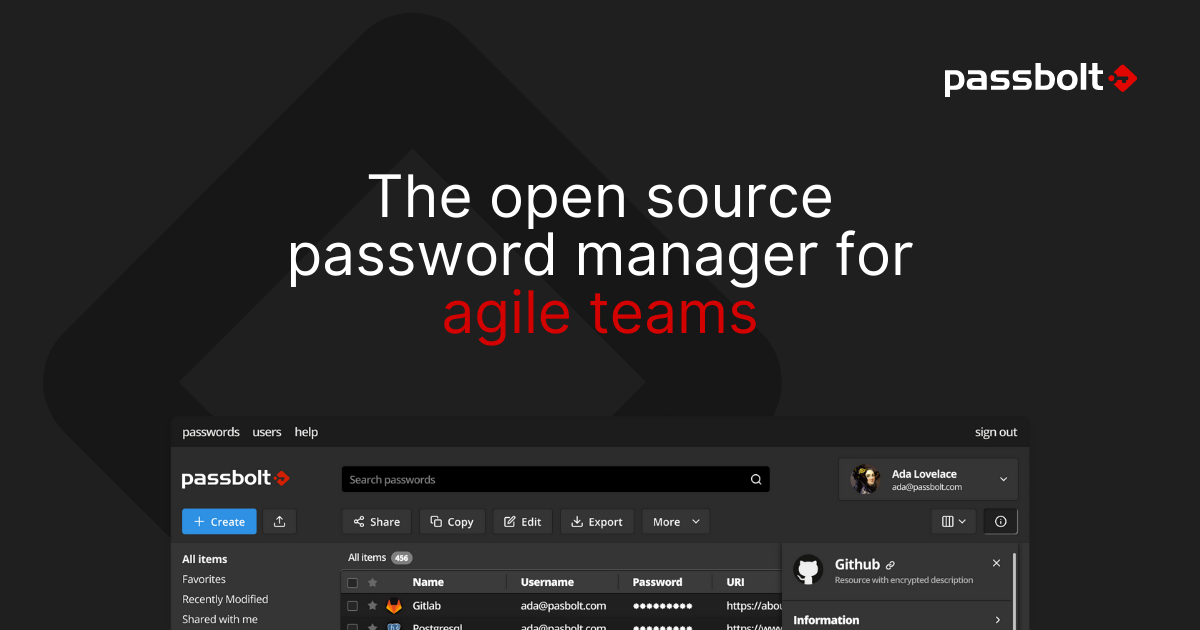
- Best free option for a team: Passbolt. The Community Edition is free with unlimited users and password sharing, hosted on your own server.
What the free plan limits
The limit that matters most is devices, because a password manager you cannot reach on your phone tends to get abandoned. NordPass lets you install it everywhere but stay logged into only one device at a time, so moving from laptop to phone means signing in again. LastPass Free is limited to 1 device type, which in practice means choosing computers or phones. RoboForm Free keeps unlimited passwords on a single device, and Keeper Free is limited to one mobile device and ten records, which makes it more of a trial than a plan.
Enpass is the other one with a count: its Free Plan stores up to 25 items in one vault. That is enough for a handful of important accounts, not for someone importing years of browser-saved logins.
Built into your phone or browser, or a separate app
Apple Passwords, Google Password Manager and Firefox's password manager are already on many devices and need no account beyond the one you have. Their trade-off is reach: Apple Passwords is listed here for iOS and macOS only, and Firefox fills logins only inside Firefox. Google's manager works anywhere Chrome runs and in every Android app, but on an iPhone it depends on choosing Chrome as the AutoFill provider.
A separate app such as Bitwarden, Proton Pass or Zoho Vault works the same in every browser and on both iPhone and Android, which matters for a household that mixes the two.
Open source and self-hosted options
KeePassXC and KeePass keep your vault in one encrypted file. KeePass states a password database consists of only one file that can be transferred from one computer to another, and KeePassXC states no data is stored on remote servers. Neither has an official phone app, so you pick a compatible app and sync the file yourself, and sharing means putting that file somewhere others can reach.
Psono and Passbolt are open source too but built for groups. Psono gives all business features free up to 10 users, and Passbolt's Community Edition is free with unlimited users, both on a server you run, so they suit a small office with someone comfortable maintaining a server.
Reading the paid upgrade column
Prices are worded the way each source prints them, and the bases differ. Bitwarden Premium is $1.65 a month and RoboForm Premium $2.49 a month, both billed annually, while LastPass Premium at $35.99 and Avira Pro at $2.99 a month are in-app prices from Apple's App Store, which can run higher than buying on the maker's website. Zoho Vault Standard is priced per user, at $1 a month, because Zoho sells it to teams. Proton Pass is the one with an introductory price: $23.88 for the first year, then $35.88 a year.
The options in detail
Bitwarden
Bitwarden is the free plan most reviewers point to first: its free tier has no cap on passwords or devices, covers passkeys, and the code is open source. Free accounts can share with one other user, and the paid Premium plan adds an integrated authenticator, file attachments and emergency access for $19.80 a year.
Proton Pass
Proton Pass comes from the company behind Proton Mail, and its free plan keeps unlimited logins, notes and cards on unlimited devices. It also includes 10 hide-my-email aliases, so you can sign up for sites without giving out your real address. Free accounts get 2 vaults and can share a vault with 2 other people; the built-in authenticator and item history are paid extras.
NordPass
NordPass is from the company behind NordVPN, and its free plan stores unlimited passwords and passkeys. The catch is that you can install it everywhere but stay signed in on only one device at a time, so switching between phone and laptop means signing in again. Security.org's review notes that free users cannot share items with other NordPass users or run the password health check.
Zoho Vault
Zoho Vault is the password manager from the Zoho business-software suite, and its Free plan is unusually generous: unlimited passwords, passkeys and storage on unlimited devices, with browser extensions and desktop apps for Mac and Windows. Sharing with other people starts on the paid Standard plan, which Zoho prices per user because it mostly sells to teams, so the app and its settings lean toward office use.
LastPass
LastPass is one of the best-known names here, and its free plan still stores unlimited passwords with autofill, dark web monitoring and basic password sharing. It is limited to one device type, so you choose between computers and phones rather than using both. Premium adds automatic sync across all your devices, emergency access and personal password sharing.
RoboForm
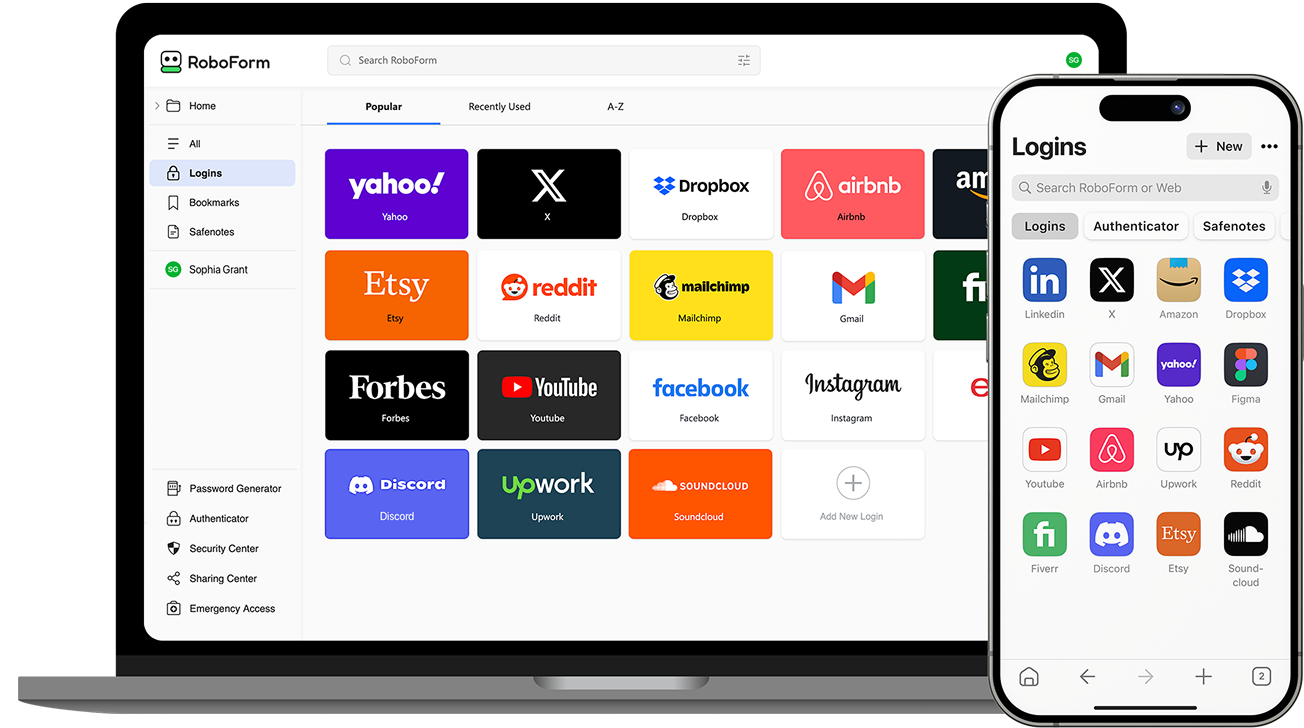
RoboForm is known for filling whole forms, not just logins, and Security.org ranks it first among free password managers. Its free plan keeps unlimited passwords but on a single device, and Security.org's review notes the web portal is not part of the free tier. Premium unlocks every device and sharing, renewing at $29.88 a year.
Keeper
Keeper is a well-regarded paid password manager whose free tier is closer to a trial: ten records, kept on one mobile device. It suits someone who wants to try the app before paying, not someone moving a whole vault over. Paid plans add unlimited records, desktop and browser use, and sharing.
Enpass
Enpass is the pick for people who do not want their vault on a password company's servers: it saves your encrypted data to a cloud account you already use, such as iCloud, Google Drive, OneDrive or Dropbox. The free plan now holds only 25 items in one vault, so it suits a small set of important logins. Premium removes the cap.
Avira Password Manager
Avira, the antivirus company, offers a free password manager that saves, generates and autofills passwords across computers and phones, with an online dashboard and browser extensions. It also stores notes and credit cards and includes a mobile authenticator. Checks for weak, reused or breached passwords are reserved for the Pro version.
Norton Password Manager
Norton Password Manager is free on its own and also comes bundled with Norton's paid antivirus suites. It keeps passwords and cards in an encrypted online vault that syncs between your computer and phone, with fingerprint or face unlock on mobile and two-factor authentication at sign-in. It suits people who already use Norton and want the basics covered.
KeePassXC
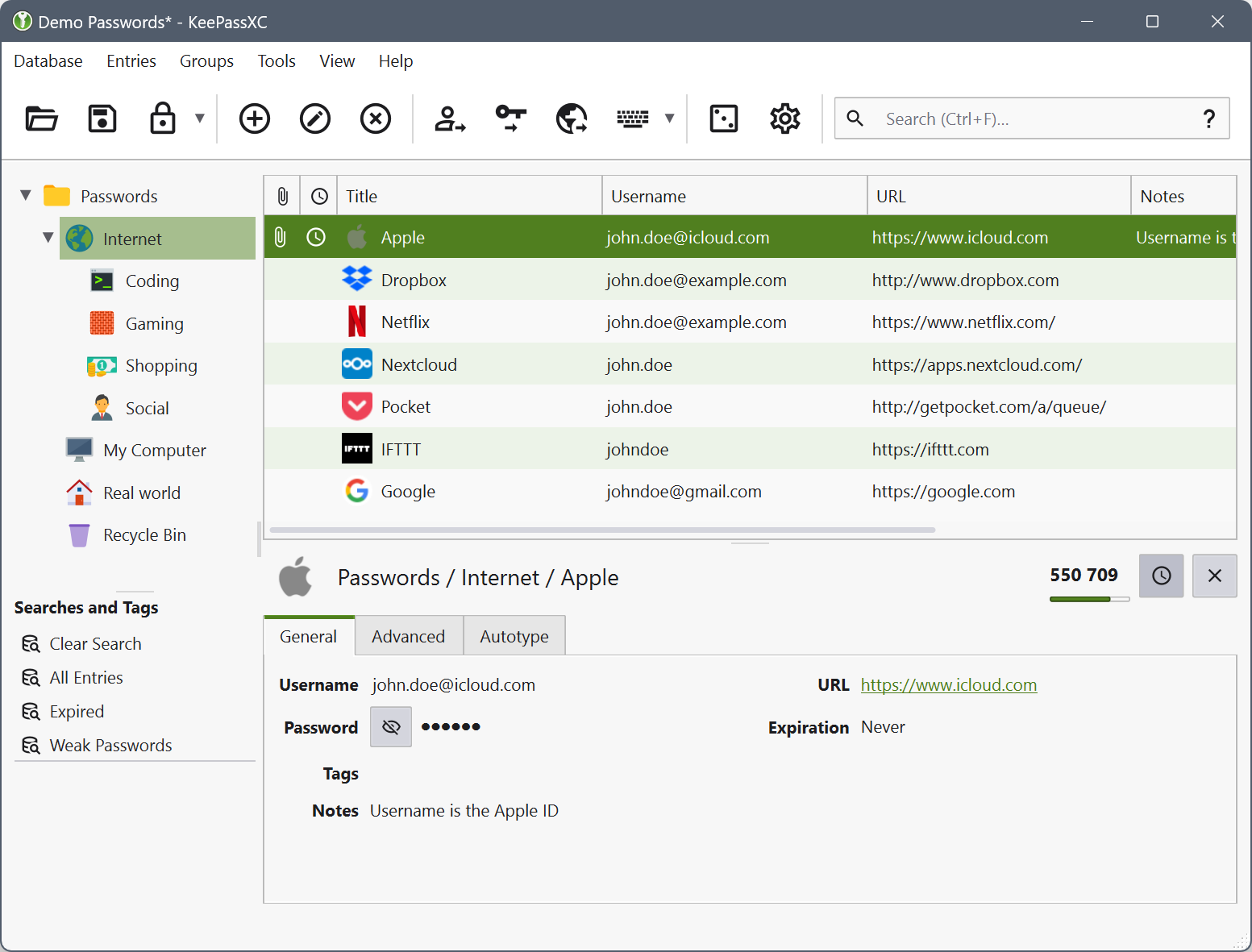
KeePassXC is a free, open-source desktop app for Windows, Mac and Linux that keeps your passwords in an encrypted file you control, with no account and no cloud. It has been awarded a Security Visa by France's national cybersecurity agency. There is no official phone app, so people who want their passwords on a phone pair it with a compatible app and sync the file themselves.
KeePass
KeePass is the original open-source password safe and is still actively updated, with version 2.62 released in November 2026. Your whole vault is one encrypted file you can copy between computers or carry on a USB stick. It is built for Windows, runs elsewhere through Mono, and relies on community-made apps for phones, so it rewards people who like to tinker.
Psono
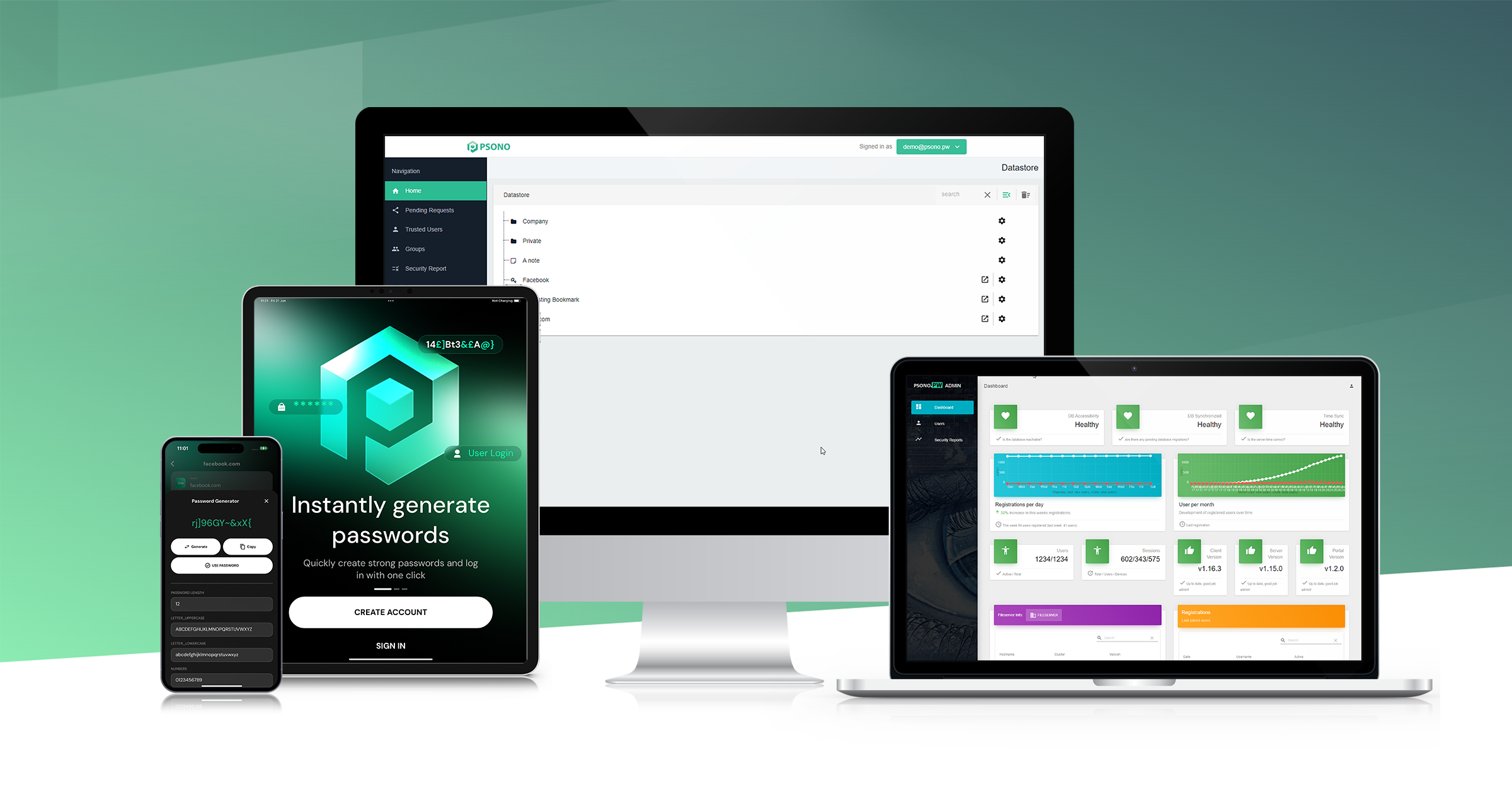
Psono is an open-source password manager aimed at companies that want to run it on their own server, though it is also offered as a hosted service. Every business feature is free for up to 10 users, which makes it one of the few free options for sharing passwords across a small team. Expect more setup than a consumer app.
Passbolt
Passbolt is an open-source password manager built for teams that share credentials, made in Europe. The Community Edition is free with unlimited users, shared folders and groups, but you host it on your own server. It works through browser extensions, with phone apps and a Windows desktop app; the paid Pro edition adds single sign-on and audit logs.
Apple Passwords
Apple's Passwords app comes with every iPhone, iPad and Mac since iOS 18 and macOS Sequoia, and syncs through iCloud Keychain. It holds passwords, passkeys, Wi-Fi passwords and verification codes, and shared password groups let you share logins with family and trusted contacts. It is the easy choice for an all-Apple household and a poor one if anyone in it uses Android.
Google Password Manager
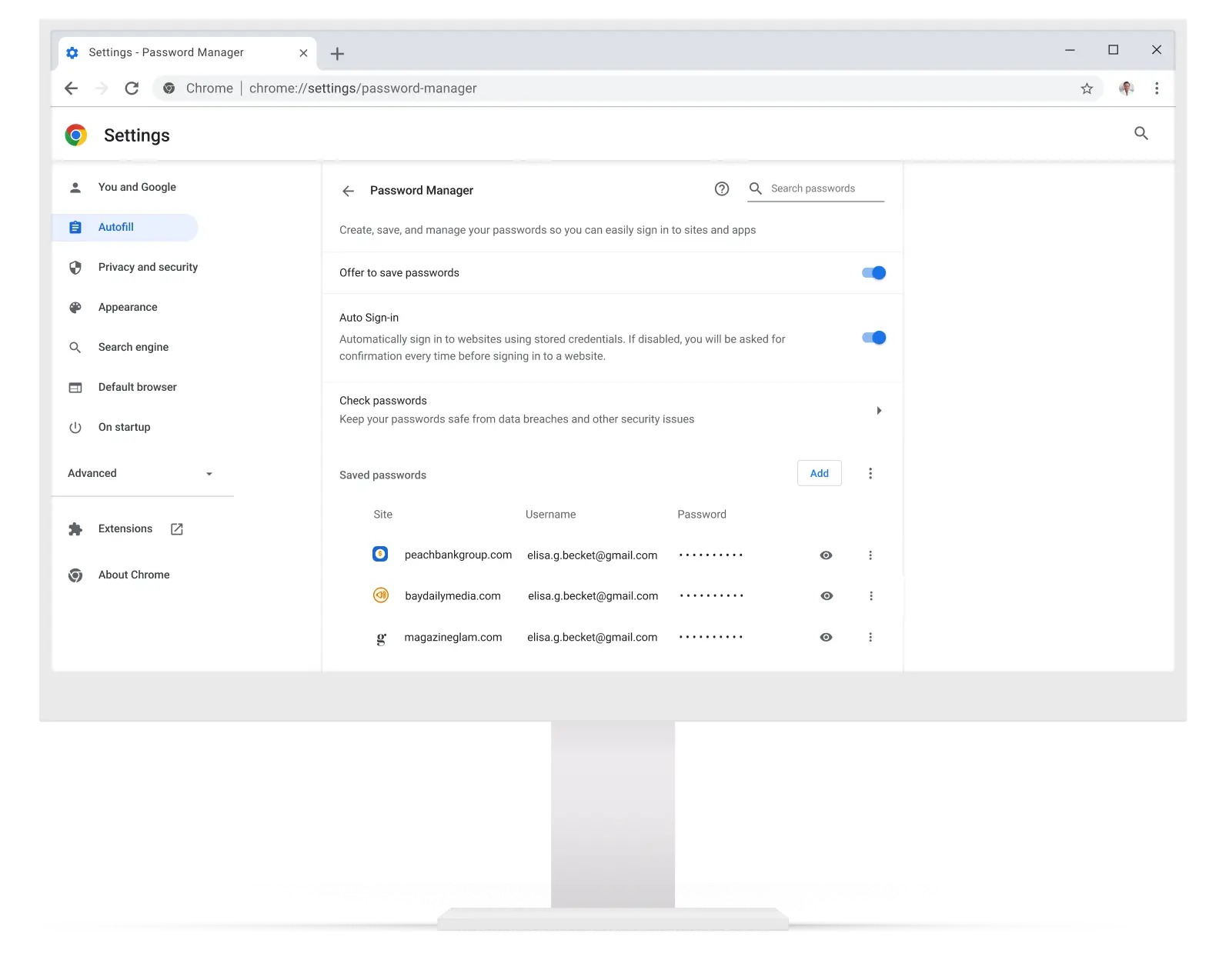
Google Password Manager is already in Chrome on every platform and in Android, so there is nothing to install: turn on sync and your saved passwords follow your Google Account. On an iPhone it works best with Chrome set as the AutoFill provider. It is the simplest free choice for Chrome and Android users, with fewer organizing tools than a dedicated app.
Firefox Password Manager
Firefox has its own password manager that saves and fills logins, suggests strong passwords and warns you when a saved password has shown up in a data breach. A free Mozilla account syncs your passwords between Firefox on your computers and phone. It only fills inside Firefox, so it suits people who use Firefox everywhere.
How we researched this
We read each maker's own pricing, download, support and feature pages, Apple App Store listings for in-app prices and platform details, Wikipedia's Bitwarden entry for its supported systems, and Security.org's free password manager review where a maker's own page would not load or did not say, and recorded every value with the sentence it came from. The set covers the free tiers of paid services, open-source managers and the password managers built into Apple devices, Chrome and Firefox. 1Password is left out because it offers a 14-day trial rather than a free plan, as is Dashlane, whose pricing page now offers free trials only, and Samsung Pass and the Microsoft Edge password manager are left out because their pages did not state enough to fill the table.
A blank cell means the source does not say. That is most common in the sharing column, where Keeper, Enpass, Avira, Norton and Firefox do not state whether free users can share. Free plans and prices change often, so confirm the current limits on the maker's site before you move your passwords.