Best Photo Editing Software
Fifteen photo editors compared on how you pay, price, platforms and editor type, from free GIMP, Affinity and Photopea to Adobe Photoshop and Lightroom. Read our take
At a glance
| Option | How You Pay | Paid Price | Platforms | Type | Free Trial |
|---|---|---|---|---|---|
| Subscriptionsource | US$22.99/mo on an annual plan (Photoshop plan)source | Windows, Mac, Web browser, iPhone or iPad, Androidsource | Layered image editorsource | 7 dayssource | |
| Subscriptionsource | US$11.99/mo on an annual plan (Lightroom plan)source | Windows, Mac, Web browser, iPhone or iPad, Androidsource | Raw photo editorsource | 7 dayssource | |
| One-time purchasesource | US$99.99 for a 3-year term licensesource | Windows, Macsource | Guided editor for beginnerssource | 7 dayssource | |
| Freesource | No charge for the app; its AI tools need a Canva premium plansource | Windows, Mac, iPhone or iPadsource | Layered image editorsource | Free to usesource | |
| Freesource | None: free and open sourcesource | Windows, Mac, Linuxsource | Layered image editorsource | Free to usesource | |
| Free plan with paid upgradessource | €50 for 365 days of ad-free Premium (one-time payment, no subscription; €8 for 30 days)source | Web browsersource | Layered image editorsource | Free to usesource | |
| Free plan with paid upgradessource | US$119.99 a year for Canva Pro (App Store price)source | Web browser, Windows, Mac, iPhone or iPad, Androidsource | Design and template editorsource | Free to usesource | |
| Free plan with paid upgradessource | US$9.99/mo for Premium, no annual commitmentsource | Web browser, iPhone or iPad, Androidsource | Design and template editorsource | Free to usesource | |
| Free plan with paid upgradessource | $2.49 per month for Plus, billed monthlysource | Web browser, iPhone or iPad, Androidsource | Quick-edit appsource | Free to usesource | |
| Freesource | None: no paid versionsource | iPhone or iPad, Androidsource | Quick-edit appsource | Free to usesource | |
| Subscription or one-time purchasesource | $99 one-time for Desktop Onlysource | Windows, Macsource | Raw photo editorsource | Trial, length not statedsource | |
| Subscription or one-time purchasesource | $49.99 one-time on Mac, or Apple Creator Studio at $12.99 per monthsource | Mac, iPhone or iPadsource | Layered image editorsource | 30 dayssource | |
| One-time purchasesource | $79.99 one-time (list price; $47.99 in the November 2026 sale)source | Windowssource | Layered image editorsource | 30 dayssource | |
| Free plan with paid upgradessource | $119.99 for the PhotoDirector 2027 perpetual licensesource | Windows, Macsource | Layered image editorsource | Free to usesource | |
| Freesource | None: free and open sourcesource | Windows, Mac, Linuxsource | Raw photo editorsource | Free to usesource |








Our take
If you want Photoshop-style layered editing without paying, Affinity by Canva is now free for individuals on Windows, Mac and iPad, and GIMP is free on Windows, Mac and Linux. If you want the editor most professional work is done in, Adobe Photoshop is US$22.99 a month on an annual plan, and Adobe Lightroom, built for sorting and editing large sets of photos, is US$11.99 a month.
The real split in this table is how you pay. Nine of the fifteen can be used without paying anything: Affinity by Canva, GIMP, Snapseed and darktable are free outright, and Photopea, Canva, Adobe Express, Pixlr and CyberLink PhotoDirector have a free version with no time limit. Only Photoshop and Lightroom are subscription-only, while Photoshop Elements, PaintShop Pro, Luminar Neo and Pixelmator Pro on the Mac can be bought with one payment.
Our picks
- Best free Photoshop alternative: Affinity by Canva. Free for individuals, with layered photo editing, vector design and page layout on Windows, Mac and iPad.
- Best for professional retouching: Adobe Photoshop. Unlimited layers and Generative Fill built in, on desktop, web and mobile, from US$22.99 a month on an annual plan.
- Best for editing lots of photos: Adobe Lightroom. A raw editor and photo library that syncs across phone, computer and browser for US$11.99 a month.
- Best for social posts and flyers: Canva. A template-led design editor with a free plan, in the browser, on Windows and Mac, and on iPhone, iPad and Android.
- Best on a phone: Snapseed. Free on iPhone, iPad and Android, with no paid version to upsell you to.
Free photo editors with no catch, and the ones with an upgrade
Four editors here cost nothing at every level. GIMP and darktable are open source, GIMP as a layered editor and darktable as a raw developer and photo library, and both run on Linux as well as Windows and Mac. Snapseed is free on phones with no in-app purchases. Affinity by Canva is free too, though its AI tools only switch on with a paid Canva plan.
The free-plan tools are worth reading closely. Photopea runs in the browser and is paid for by ads. Its ad-free Premium is not a subscription: you pay once for a set stretch, €8 for 30 days or €50 for a year, and it switches back to the free version with ads when the time runs out. CyberLink PhotoDirector's free Essential version has no time limit but holds back the advanced AI tools and some export options. Pixlr's cheapest paid tier, Plus, is $2.49 a month and removes the ads and adds 80 monthly AI credits.
Subscription or one-time purchase
Adobe Photoshop and Adobe Lightroom are only sold as subscriptions, and the prices shown are annual plans billed monthly. Photoshop Elements 2027 looks like the one-time alternative at US$99.99, but its license now lasts three years and does not renew, so it is closer to a prepaid term than a purchase you keep.
The editors you can genuinely keep are Corel PaintShop Pro at $79.99 ("Buy it once, it’s yours forever", Windows only, and $47.99 in Corel's November 2026 sale), Luminar Neo at $99 for the Desktop Only license, CyberLink PhotoDirector's 2027 perpetual license at $119.99, and Pixelmator Pro at $49.99 on the Mac. Pixelmator Pro's iPad version is only available through an Apple Creator Studio subscription at $12.99 a month.
Layered editor, raw editor or design tool
Seven of these are layered image editors in the Photoshop mold: Adobe Photoshop, Affinity by Canva, GIMP, Photopea, Pixelmator Pro, PaintShop Pro and PhotoDirector. They suit retouching, combining images and adding text. Adobe Lightroom, Luminar Neo and darktable are raw photo editors instead, built for adjusting camera files and working through a whole shoot.
Canva and Adobe Express start from templates for posts, flyers and invitations, which is often what people searching for a photo editor actually need. Snapseed and Pixlr are quick-edit apps, and Photoshop Elements walks beginners through each fix with Guided Edits.
Check your device before you choose
Several of these run on only one kind of machine. PaintShop Pro is Windows only, Pixelmator Pro is Mac and iPad only, Snapseed is phone and tablet only, and Photopea runs only in a web browser, which, like the browser versions of Canva, Adobe Express and Pixlr, means it works on a Chromebook or a borrowed computer. Canva also has desktop apps for Windows and Mac, while Pixlr's desktop version installs from the browser. Photoshop Elements 2027 needs 64-bit Windows 11 (version 24H2) or later, or macOS 15 or later, so an older computer may be stuck on an earlier version.
The options in detail
Adobe Photoshop
The layered editor most professional retouching, compositing and design work is still done in. Adobe builds its generative tools, Generative Fill and Generative Expand, directly into it, and the plan now covers desktop, web and phone versions. It is subscription-only, and anyone who also wants Lightroom pays less overall on Adobe's Photography plan than on Photoshop alone.
Adobe Lightroom
Adobe's photo editor and library for people who shoot a lot of pictures: it adjusts exposure and color across whole sets of photos and keeps them synced between phone, computer and browser. The Lightroom plan also includes Lightroom Classic, the desktop-only version many photographers use for big catalogs. For layered compositing, Adobe pairs it with Photoshop in its Photography plan.
Adobe Photoshop Elements 2027
The beginner's version of Photoshop, built around Guided Edits that walk you through a fix step by step, plus AI tools for removing objects, restoring old photos and expanding a picture. It is paid for once, but the license now lasts three years and does not renew, after which the editor stops working while your catalog in the Organizer stays reachable. It includes 25 generative credits a month.
Affinity by Canva
Since Canva bought Serif, the old Affinity Photo, Designer and Publisher have become one app that combines photo editing, vector design and page layout, and it is free for individuals. It opens Photoshop files with their layers intact, which makes it the most direct free swap for Photoshop on Mac, Windows and now iPad. The AI tools inside it only switch on with a paid Canva plan.
GIMP
The long-running free and open-source image editor, and the only full layered editor here that runs on Linux as well as Windows and Mac. It is aimed at designers, photographers and illustrators alike, and plugins and customization extend it further. There is no paid tier at all.
Photopea
A Photoshop look-alike that runs entirely in the browser, with layers, masks, smart objects and full PSD opening and saving, plus raw camera files. Files stay on your own device rather than being uploaded. It is paid for by ads; Premium removes them and adds AI credits, and it is bought for a set number of days with a one-time payment rather than as a subscription, while free users get the generative tools once a day.
Canva
A design tool first and a photo editor second: you start from one of thousands of templates for posts, flyers, invitations or resumes and drop your photos in. Its photo tools cover the everyday fixes, filters and collages most people need for social media. The free plan covers a lot, and Canva Pro is the paid upgrade, sold monthly or yearly.
Adobe Express
Adobe's answer to Canva: a template-led editor for social posts, flyers and short videos that runs in a browser or on a phone. The free plan includes standard photo editing tools, a large template library and 5GB of storage with no credit card. Premium is the paid upgrade, and it comes with a 30-day free trial.
Pixlr
A browser-based editor with two faces: Pixlr Express for quick fixes and Pixlr Editor for more detailed work, wrapped in a long list of AI tools such as background and object removal, generative fill and upscaling. The cheapest paid tier, Plus, removes ads and adds monthly AI credits, and one subscription covers the website, the phone apps and Pixlr's desktop version, which installs from the browser rather than as a separate Windows or Mac program.
Snapseed
Google's free phone editor, with selective adjustments, healing, curves, film looks and masking, with no in-app purchases at all. Among the phone apps here it is the one that costs nothing at every level. A recent redesign took up more of the screen with controls, and some long-time users on the App Store say they preferred the old layout.
Luminar Neo
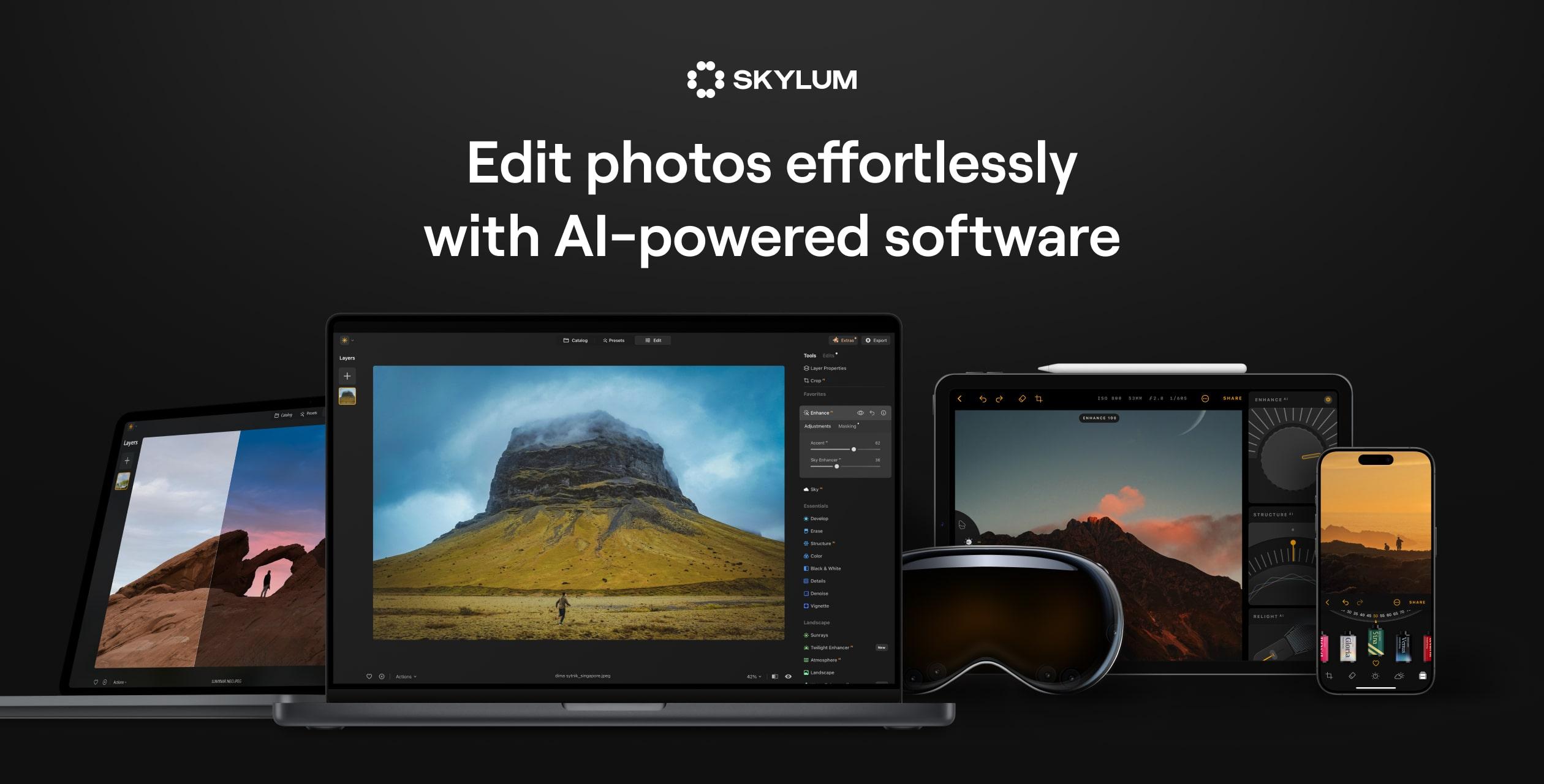
Skylum's AI-first photo editor, known for one-slider fixes such as sky replacement, skin and portrait tools, and generative erase and expand, with raw support for over 1,000 cameras. It is one of the few editors here you can still buy outright rather than rent, though the all-platform and AI extras come in larger bundles. Its pricing page leans heavily on countdown discounts, so check what the current offer actually includes.
Pixelmator Pro
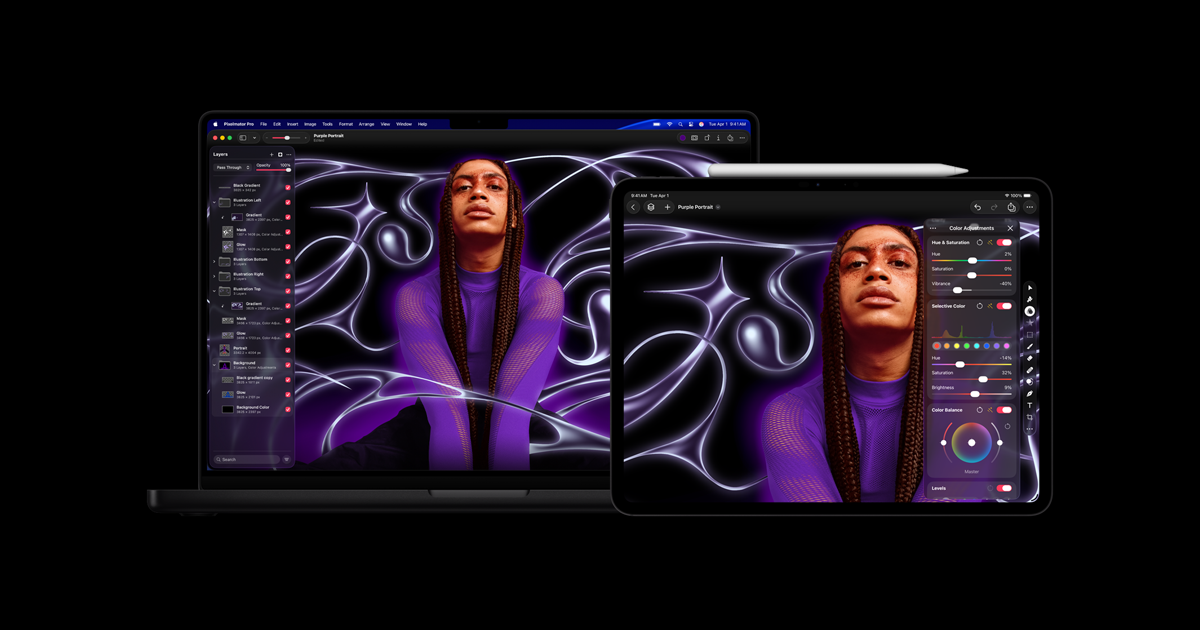
A polished layered editor for Mac, now owned by Apple and also available on iPad, with AI features built on Apple Intelligence. On the Mac you can still buy it once; the iPad version comes only with an Apple Creator Studio subscription, which bundles it with Final Cut Pro and Logic Pro. There is no Windows version.
Corel PaintShop Pro
A Windows-only Photoshop alternative you buy once and keep, with layers, raw editing through the built-in AfterShot Lab, and drawing and text tools. Corel still sells it as the 2023 edition and keeps it current with updates; the November 2026 one added support for the latest Windows version and new camera profiles. It does not run on a Mac.
CyberLink PhotoDirector
A beginner-friendly editor for Windows and Mac that mixes layers and raw support with many one-click AI tools. Unusually, it comes three ways: a free Essential version with no time limit, a PhotoDirector 365 subscription, and a perpetual 2027 license. The free version keeps the core tools but holds back the advanced AI features and some export options.
darktable
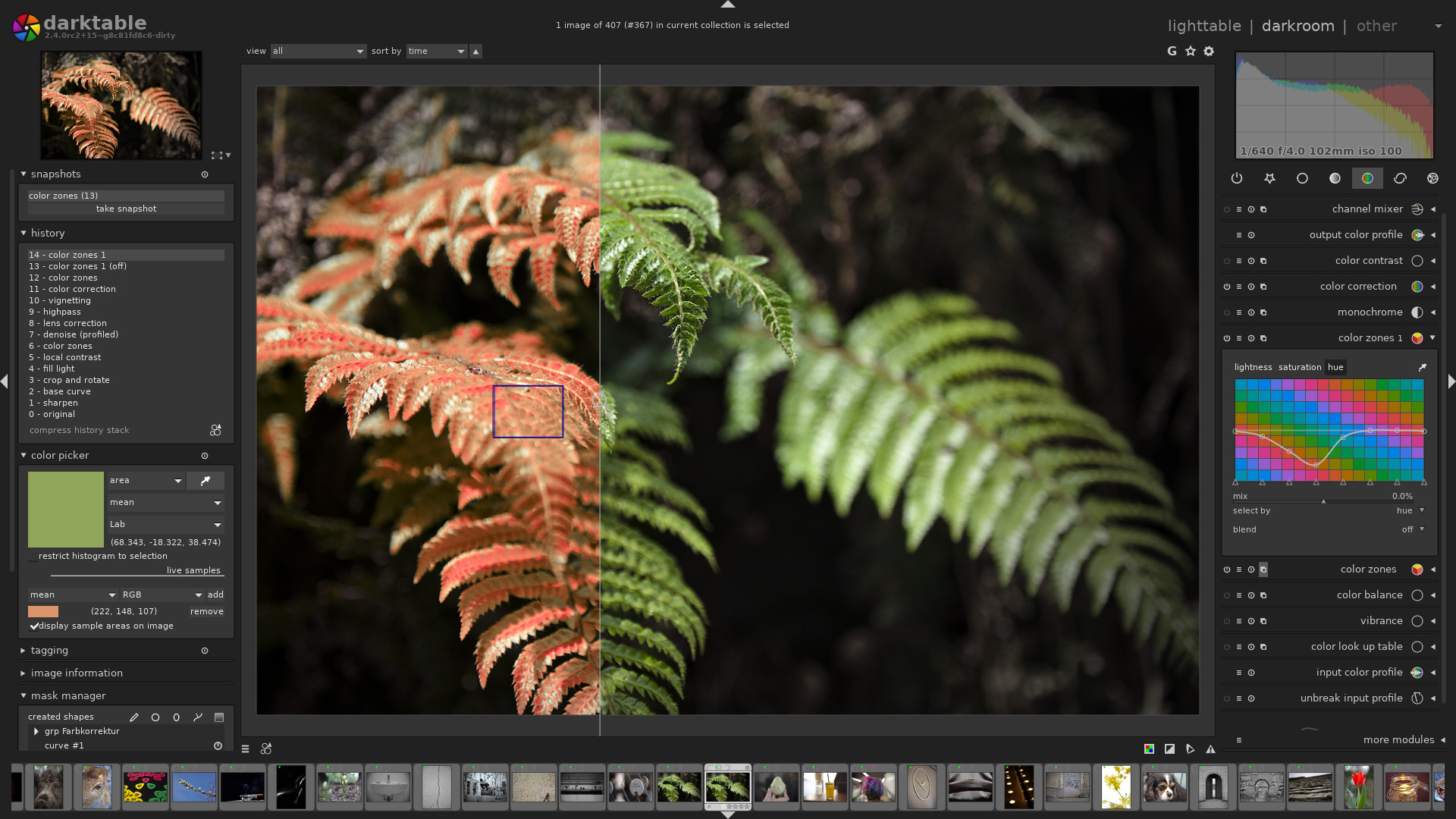
A free, open-source raw developer and photo library, the closest thing to a free Lightroom. It manages your photos in a database, edits non-destructively, and runs on Linux, Windows and Mac. It is built for photographers who shoot raw rather than for quick touch-ups.
How we researched this
We read each maker's own product, pricing and plan pages, including Photopea's in-app Account panel for its Premium prices and PaintShop Pro's product page as it renders in a browser, the App Store listings for Canva, Pixlr and Snapseed, and Wikipedia's entries for the platform lists of Canva, Snapseed and darktable, and recorded every value with the sentence it came from. The set covers the kinds of editors most people choose between: layered editors, raw editors, design tools and phone apps. Photographer-focused raw tools such as Capture One, DxO PhotoLab and ON1 Photo RAW are compared on our separate page for photographers, and AI-generation apps such as Picsart and Fotor were left out.
Platforms list what the maker's page or the cited entry names, so a tool marked only Web browser still runs on any computer with a browser. Prices are on different bases (monthly, yearly, one-time, a three-year term, or a set number of days for Photopea), and Photopea prices in euros. Prices, trials and promotions change often, and several of these makers run rotating discounts, so confirm the current offer before you buy.