Free Photo Editing Software
15 free photo editors compared on how they are free, where they run, raw support and editing style, from GIMP and Affinity to Photopea and Snapseed. Read our take
At a glance
| Option | Cost | Runs on | Best for | Editing style | Opens camera RAW files |
|---|---|---|---|---|---|
| Free and open sourcesource | Windows, Mac, Linuxsource | All-round photo editingsource | Layers and maskssource | With an add-onsource | |
| Free and open sourcesource | Windows, Mac, Linuxsource | Digital paintingsource | Layers and maskssource | ||
| Free, nothing lockedsource | Windowssource | All-round photo editingsource | Layers and maskssource | ||
| Free, nothing lockedsource | Web browsersource | All-round photo editingsource | Layers and maskssource | Yessource | |
| Free and open sourcesource | Windows, Mac, Linuxsource | Raw photo developingsource | Non-destructive raw sliderssource | Yessource | |
| Free and open sourcesource | Windows, Mac, Linuxsource | Raw photo developingsource | Non-destructive raw sliderssource | Yessource | |
| Free and open sourcesource | Windows, Mac, Linuxsource | Organizing a photo librarysource | Simple tools and filterssource | Yessource | |
| Free, nothing lockedsource | Windows, Mac, iPadsource | All-round photo editingsource | Layers and maskssource | Yessource | |
| Free plan with paid upgradessource | Web browser, Windows, Mac, iPhone, iPad, Androidsource | Social posts and graphicssource | Templates and drag-and-dropsource | ||
| Free plan with paid upgradessource | Web browser, iPhone, Androidsource | Social posts and graphicssource | Templates and drag-and-dropsource | ||
| Free plan with paid upgradessource | Web browser, iPhone, Androidsource | All-round photo editingsource | Layers and maskssource | ||
| Free plan with paid upgradessource | Web browser, Windows, Mac, iPhone, Androidsource | Quick fixes and filterssource | Simple tools and filterssource | ||
| Free plan with paid upgradessource | Web browser, iPhone, iPad, Androidsource | Social posts and graphicssource | Templates and drag-and-dropsource | ||
| Free plan with paid upgradessource | Windows, Macsource | Quick fixes and filterssource | Simple tools and filterssource | Yessource | |
| Free, nothing lockedsource | iPhone, Androidsource | Editing on a phonesource | Simple tools and filterssource | Yessource |






Our take
If you want Photoshop-class editing without paying, Affinity is the strongest pick here: it is free for individuals, edits non-destructively across layers, and does full RAW editing on Windows, Mac and iPad. If you would rather install nothing, Photopea gives you layers, masks and raw support for DNG, CR2 and NEF files in a web browser, with ads in the free version.
The real split in this table is what "free" means. Five programs (GIMP, Krita, darktable, RawTherapee and digiKam) are open source and the only ones here with native Linux apps. Four more (Paint.NET, Photopea, Affinity and Snapseed) give you the whole editor at no cost, though Photopea shows ads and Affinity's built-in AI tools need a paid Canva plan. The other six, from Canva and Adobe Express to PhotoScape X, are free plans of paid products, so some templates, tools or AI credits cost extra.
Our picks
- Best Photoshop replacement: Affinity. Free for individuals, with non-destructive layers and full RAW editing on Windows, Mac and iPad.
- Best with nothing to install: Photopea. Runs in a web browser with layers and masks, and opens DNG, CR2, NEF and other raw files.
- Best for raw photos: darktable. Open source, non-destructive raw development on Windows, Mac and Linux.
- Best on a phone: Snapseed. Completely free on iPhone and Android, with no ads or in-app purchases, and it opens RAW files.
- Best for social posts: Canva. Templates and drag-and-drop design on the web, Windows, Mac, iPhone, iPad and Android.
Layer editors or raw developers
GIMP, Paint.NET, Photopea, Pixlr, Krita and Affinity work like Photoshop: you stack layers and masks and change pixels. darktable and RawTherapee work like Lightroom: you move sliders over a camera raw file and the original is never changed. If you shoot raw on a real camera, start with darktable or RawTherapee and keep a layer editor for retouching. GIMP opens raw files only through darktable or RawTherapee as a plug-in, while Affinity and Photopea open them directly.
What a free plan leaves out
Canva, Adobe Express, Pixlr, Fotor, BeFunky and PhotoScape X are free plans of paid products. Pixlr's free version needs no account but shows ads, and its Plus plan starts at $2.49 a month. Adobe Express Premium is US$9.99 a month for Adobe Stock content and more generative credits. Fotor lets free users export without a watermark only when they stick to free features and assets. Of these six, only PhotoScape X has a Yes in the raw column.
Which free editor runs on your device
On a Chromebook or a borrowed computer, the browser editors (Photopea, Pixlr, Fotor, BeFunky, Canva and Adobe Express) are the only choices that need no install. On Linux you can use those same browser editors, or install one of the five open-source programs, which are the only ones here with native Linux apps. Paint.NET is Windows-only, PhotoScape X is Windows and Mac only, and darktable's official Mac builds currently target Apple silicon. On a phone, Snapseed is the one fully free editor in the table; Canva, Fotor, BeFunky, Pixlr and Adobe Express also run on phones, with the same free-plan limits as on the web.
The options in detail
GIMP
The long-running free and open-source answer to Photoshop, built by a volunteer community for retouching, compositing and general image work. It has layers, masks and a deep set of tools, and version 3 added non-destructive filters. The trade-off reviewers keep naming is the interface, which feels busy and unfamiliar at first, and it leans on darktable or RawTherapee to open camera raw files.
Krita
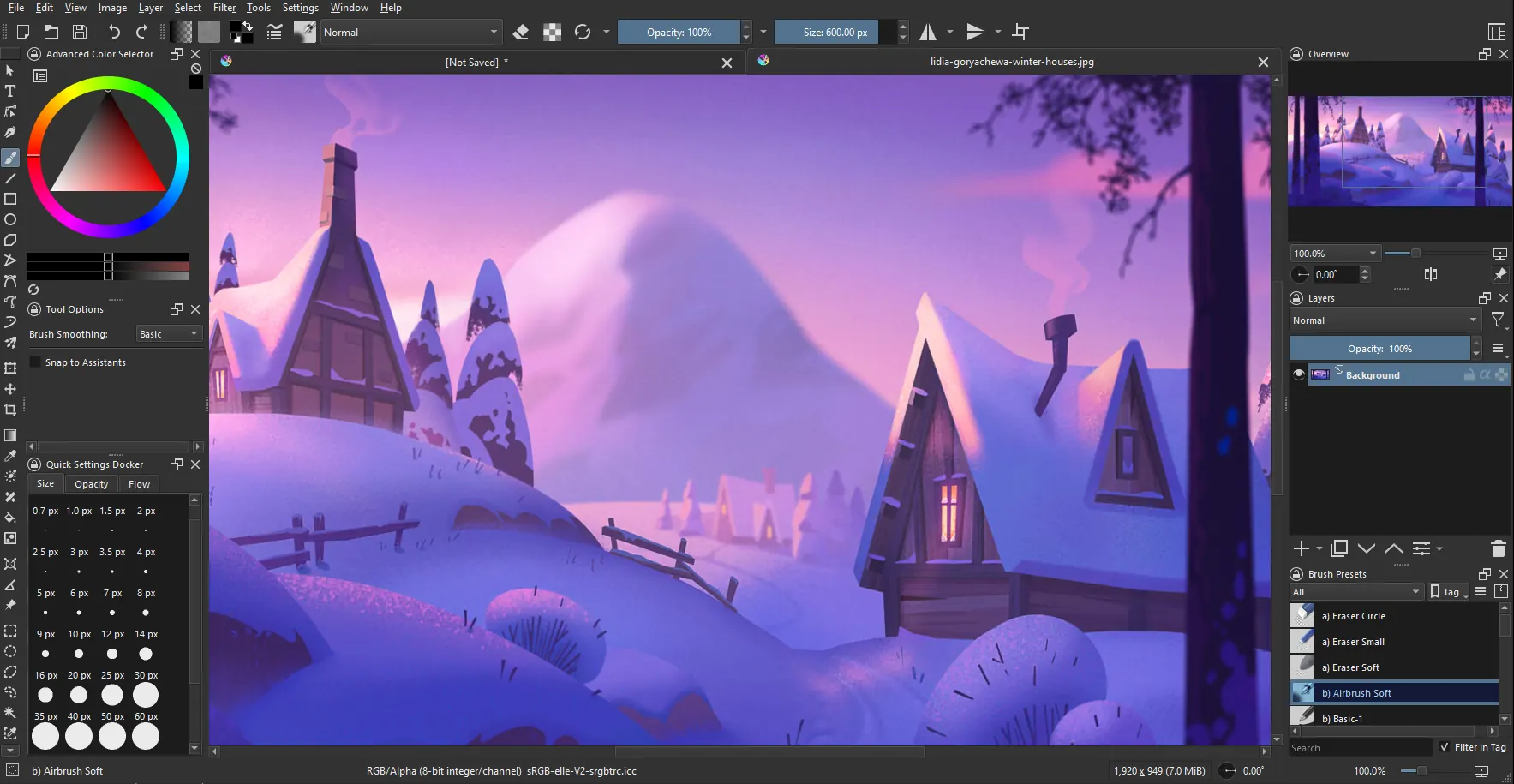
A painting program first, made by artists who wanted affordable art tools, and licensed under the GPL so it stays free. It handles photo touch-ups and compositing with layers, but its brushes, drawing assistants and stabilizers are the reason people choose it. Pick it if you draw over or paint onto photos; for plain photo correction a general editor is quicker.
Paint.NET
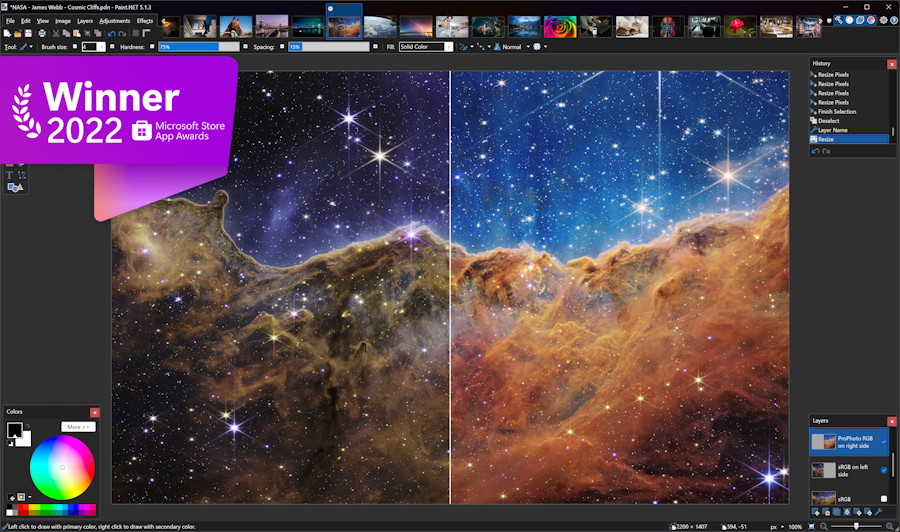
Started as a free replacement for Microsoft Paint and grew into a capable layered photo editor for Windows. It is light, quick to learn, and an active forum supplies plugins that add effects and file types. It is Windows-only, and you can pay for the Microsoft Store edition to support the developer, though the free download is the same program.
Photopea
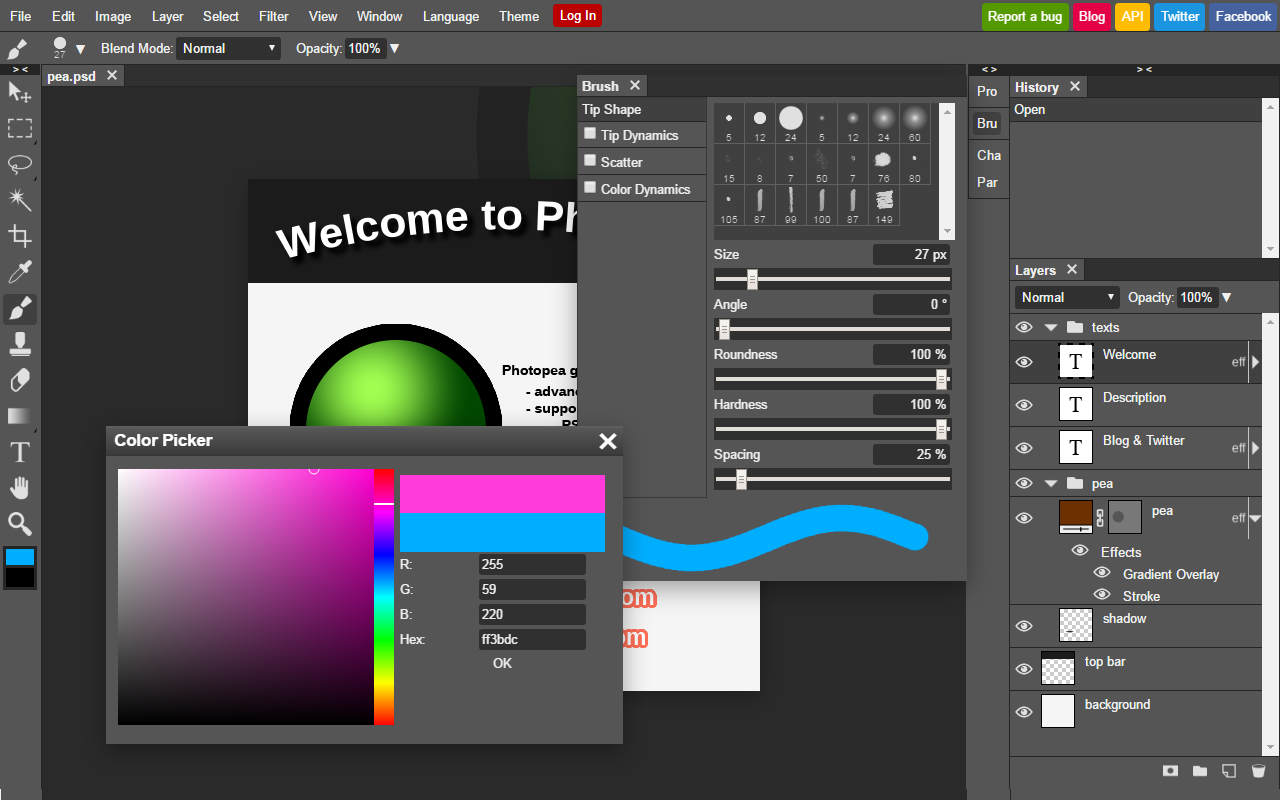
A Photoshop look-alike that runs in a web browser, with layers, masks, smart objects and adjustment layers, and it opens PSD files as well as camera raw formats. Files are processed on your own device rather than uploaded. The free version shows ads; the optional Premium account (5 USD a month) removes them but adds no extra features.
darktable
An open-source raw developer and photo library in one, made by photographers for full control over their files. Every edit is stored as instructions, so the original file is never changed, and its modules give fine control over color and tone. Reviewers find its modular workflow overwhelming at first, and official Mac builds currently target Apple silicon only.
RawTherapee
A free, open-source raw processor focused on squeezing the most quality out of camera files, with a 32-bit processing engine and several demosaicing methods. Unlike darktable it has no photo library, so it suits people who develop one shoot at a time and organize elsewhere. Its many panels look intimidating to newcomers.
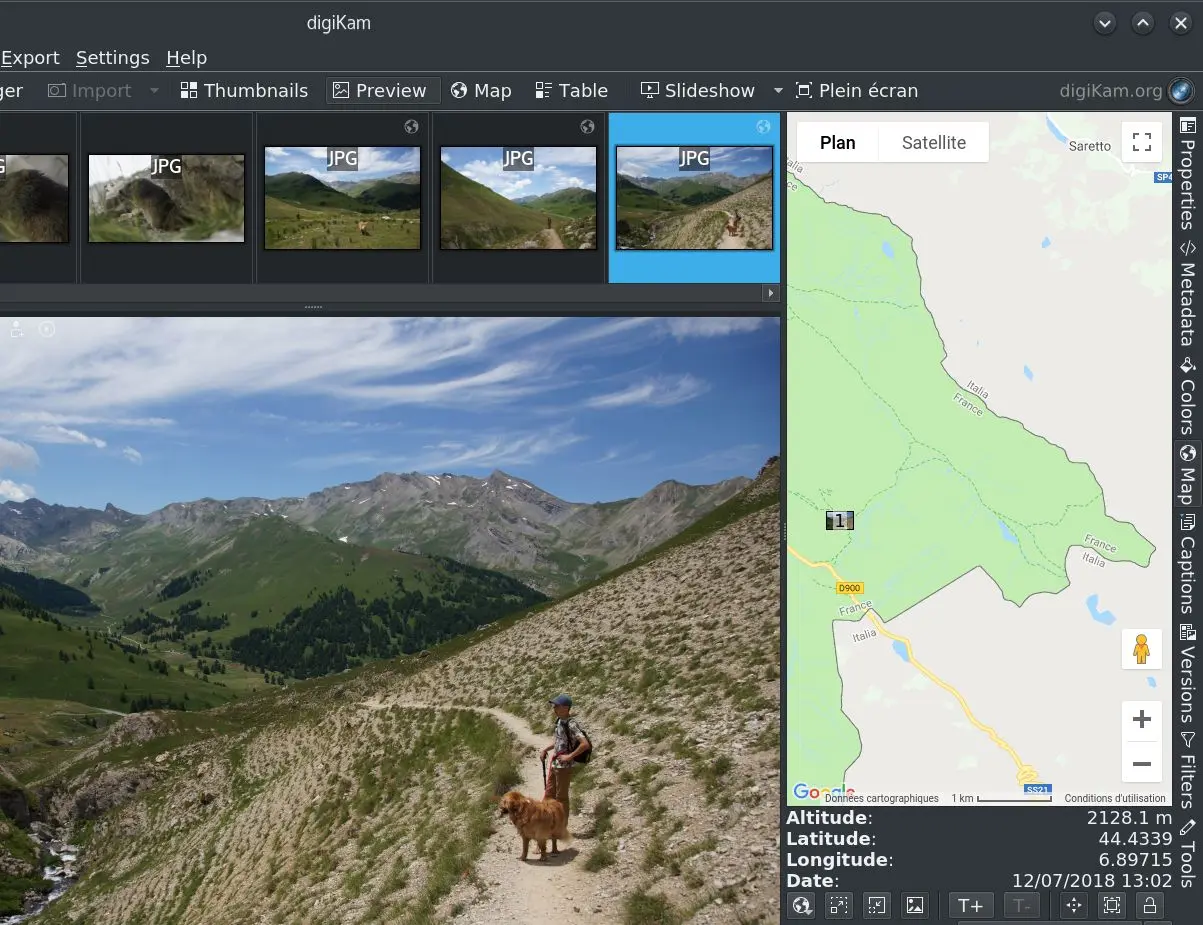
digiKam
An open-source photo manager from the KDE community for importing, tagging, searching and mapping a large collection, with a built-in editor for the everyday fixes. It reads raw files through LibRaw and can hand them to darktable or RawTherapee. Choose it when the problem is finding and sorting thousands of photos rather than heavy retouching.
Affinity
The former paid Affinity Photo, Designer and Publisher, merged into one app and made free for individuals after Canva bought it. You get professional photo editing with full raw development, non-destructive layers and batch processing, plus vector and layout tools. You need a free Canva account to download and activate it, and the built-in AI tools need a paid Canva plan.
Canva
A drag-and-drop design tool for people with no design training, where photo editing sits beside thousands of templates for social posts, flyers and invitations. The free plan covers the photo editor; premium templates, stock and many AI tools need Canva Pro. It is the quickest way to turn a photo into a finished graphic, not a tool for detailed retouching.
Adobe Express
Adobe's template-led design app, aimed at everyday users rather than professional designers, where photo edits feed straight into social posts, flyers and short videos. The free plan includes a large template library and a limited allowance of generative AI credits; Premium (US$9.99 a month) unlocks Adobe Stock content, premium templates and more credits. Pick it for finished graphics, not for detailed retouching.
Pixlr
A suite of browser-based editors, from a quick one-screen editor to a layered Photoshop-style one, with AI tools such as background removal and generative fill. The free version works without an account but shows ads and limits saves and AI credits; the Plus plan starts at $2.49 a month and removes the ads.
Fotor
An online photo editor built around one-click fixes, filters and AI tools such as photo enhancing and background replacement, alongside design templates and a collage maker. Free users can export edits without a watermark as long as they stick to free features and assets; the Pro plans unlock the rest. Good for fast results, thin for careful manual retouching.
BeFunky
Three tools in one: a photo editor, a collage maker and a graphic designer with templates for banners and flyers. You can use the free plan without an account, and paid Plus and Pro plans unlock the premium tools and AI features. It suits casual edits and collages more than detailed photo work.
PhotoScape X
A friendly all-in-one desktop app that bundles a viewer, editor, batch editing, collages, GIF making and cut-outs. Reviewers recommend it to beginners for its plain, no-frills interface. The free version covers everyday edits; the paid PhotoScape X Pro adds more advanced tools.
Snapseed
Google's phone photo editor, with 30-plus tools including selective adjustments, healing and film looks, and it opens raw files too. It has no ads, subscription or in-app purchases. Its recent redesign split opinion: some longtime users find the new controls harder to read and slower for a quick crop.
How we researched this
We started from current roundups of free photo editors and from two narrower Sift pages on free editors for Windows and for dentists, then read each program's own site, its download or pricing page, its App Store or Google Play listing, and its Wikipedia entry for platforms. Every value in the table carries the sentence it came from. A blank raw cell means the source we read did not say the program opens camera raw files, not that it cannot.
We left out Adobe Lightroom's free mobile tier (its raw support on the free plan was not stated on the pages we could read), built-in apps such as Apple Photos and Microsoft Photos, and older editors such as PhotoDemon and IrfanView, which the Windows page already covers. Free plans, paid tiers and prices change often, so check the maker's page before you commit.