Photo Editing Software for Windows
16 Windows photo editors compared on cost, price, free trial and editing style, from Adobe Photoshop and Lightroom Classic to Affinity, GIMP and DxO PhotoLab. Read our take
At a glance
| Option | Cost | Price | Free trial | Best for | Editing model | Runs on |
|---|---|---|---|---|---|---|
| Subscriptionsource | US$22.99 a month, annual plan billed monthlysource | 7-day free trialsource | Retouching and compositingsource | Layer-based editingsource | Desktop, web and mobilesource | |
| Subscriptionsource | US$11.99 a month on the Lightroom plan, annual plan billed monthlysource | 7-day free trialsource | RAW editing and photo organizingsource | Non-destructive raw workflowsource | ||
| One-time purchasesource | US$99.99 one-time for a 3-year licencesource | 7-day free trialsource | Easy everyday editingsource | |||
| One-time purchase or subscriptionsource | 7-day free trialsource | RAW editing and photo organizingsource | Non-destructive raw workflowsource | Windows and Macsource | ||
| One-time purchasesource | $249.99 one-time for new userssource | 30-day free trialsource | RAW editing and photo organizingsource | Non-destructive raw workflowsource | Windows and Macsource | |
| One-time purchase or subscriptionsource | $99.99 one-time for Photo RAW 2027source | 30-day free trialsource | RAW editing and photo organizingsource | Raw workflow plus layerssource | Windows and Macsource | |
| One-time purchasesource | $99.00 one-time for the desktop app (sale price)source | 7-day free trialsource | AI-assisted quick editssource | Raw workflow plus layerssource | Windows and Macsource | |
| One-time purchasesource | 30-day free trialsource | Retouching and compositingsource | Layer-based editingsource | Windows onlysource | ||
| One-time purchase or subscriptionsource | $119.99 one-time, or $69.99 a year for PhotoDirector 365 (sale price)source | Free version with no time limitsource | Easy everyday editingsource | Raw workflow plus layerssource | Windows and Macsource | |
| One-time purchase or subscriptionsource | $179.99 one-time, or $9.99 a month for ACDSee 365source | 15-day free trialsource | RAW editing and photo organizingsource | Raw workflow plus layerssource | Windows onlysource | |
| Subscriptionsource | US$59.00 a yearsource | 7-day free trialsource | RAW editing and photo organizingsource | Raw workflow plus layerssource | Windows onlysource | |
| Freesource | Free for individualssource | Free to usesource | Retouching and compositingsource | Layer-based editingsource | Windows and Macsource | |
| Freesource | Freesource | Free to usesource | Retouching and compositingsource | Layer-based editingsource | Windows and Macsource | |
| Free to usesource | RAW editing and photo organizingsource | Non-destructive raw workflowsource | Windows and Macsource | |||
| Freesource | Free (paid Microsoft Store version optional)source | Free to usesource | Easy everyday editingsource | Layer-based editingsource | Windows onlysource | |
| Freesource | Free, with an optional ad-free premium subscriptionsource | Free to usesource | Retouching and compositingsource | Layer-based editingsource | Web browsersource |



Our take
If you want Photoshop, it is US$22.99 a month on an annual plan and there is no way to buy it outright; the closest free answer is Affinity, which is free for individuals and handles layers and PSD files. If what you mostly do is sort and develop camera files, Lightroom Classic costs US$11.99 a month on Adobe's Lightroom plan, while DxO PhotoLab 10 ($249.99) and ON1 Photo RAW 2027 ($99.99) do the same job for a one-time price.
The real split in this table is between layer-based editors, built for retouching and combining images (Photoshop, Affinity, GIMP, Paint.NET, Photopea, PaintShop Pro), and raw developers that catalogue your photos and never touch the original file (Lightroom Classic, Capture One Pro, DxO PhotoLab, darktable). A third group, ON1 Photo RAW, ACDSee Photo Studio Ultimate, Zoner Studio, Luminar Neo and CyberLink PhotoDirector, tries to do both in one app. The second split is how you pay: Photoshop, Lightroom Classic and Zoner Studio are subscriptions only, while DxO, PaintShop Pro, Luminar Neo and Photoshop Elements can be bought once.
Our picks
- Best free Photoshop alternative: Affinity. Free for individuals, layer-based, and opens PSD files with their layers preserved.
- Best for organizing and developing a photo library: Adobe Lightroom Classic. A non-destructive raw workflow and catalogue for US$11.99 a month on the Lightroom plan.
- Best one-time purchase that does it all: ON1 Photo RAW 2027. Raw processing, a catalogue and layers in one app for $99.99, with a 30-day free trial.
- Best for beginners: CyberLink PhotoDirector. A free version with no time limit, and the full version costs $119.99 once.
- Best when you cannot install anything: Photopea. Runs in a web browser with layers, masks and smart objects, free with ads.
Subscription or one-time purchase
Adobe Photoshop and Lightroom Classic are subscription only, and Zoner Studio is a US$59.00 yearly licence. If you would rather own your editor, DxO PhotoLab 10 ($249.99), ON1 Photo RAW 2027 ($99.99), Luminar Neo ($99.00 for the desktop app) and PaintShop Pro are sold once, and CyberLink PhotoDirector, ACDSee Photo Studio Ultimate and Capture One Pro let you choose either.
Read the fine print on two of them. Photoshop Elements is a one-time US$99.99 payment, but the licence runs for 3 years and the editor then stops working. Luminar Neo's one-time price includes its generative AI tools for the first year only, after which they renew on a separate plan.
Layers or a raw workflow
Pick a layer-based editor if you combine images, remove objects by hand or design graphics: Photoshop, Affinity, GIMP, Paint.NET and Photopea all work this way. Pick a raw developer if you shoot in raw and mainly adjust exposure, colour and noise across many photos: Lightroom Classic, Capture One Pro, DxO PhotoLab 10 and darktable keep every edit separate from the original file.
Several apps on this list now do both, and they are the ones to look at if you want a single program: ON1 Photo RAW 2027, ACDSee Photo Studio Ultimate 2027, Zoner Studio, Luminar Neo and CyberLink PhotoDirector all pair raw editing with layers.
How long the free trials last
Trials vary from 7 days for Photoshop, Lightroom Classic, Photoshop Elements, Capture One Pro, Luminar Neo and Zoner Studio, to 15 days for ACDSee and 30 days for DxO PhotoLab, ON1 Photo RAW and PaintShop Pro. A week goes quickly, so have a batch of your own photos ready before you start one. CyberLink PhotoDirector skips the clock entirely with a free version you can keep using.
Windows only or on a Mac too
PaintShop Pro, ACDSee Photo Studio Ultimate, Zoner Studio and Paint.NET run on Windows only, which matters if your household also has a Mac. Affinity, GIMP, darktable, DxO PhotoLab, ON1 Photo RAW, Luminar Neo and PhotoDirector run on both, and Photopea runs in any browser.
The options in detail
Adobe Photoshop
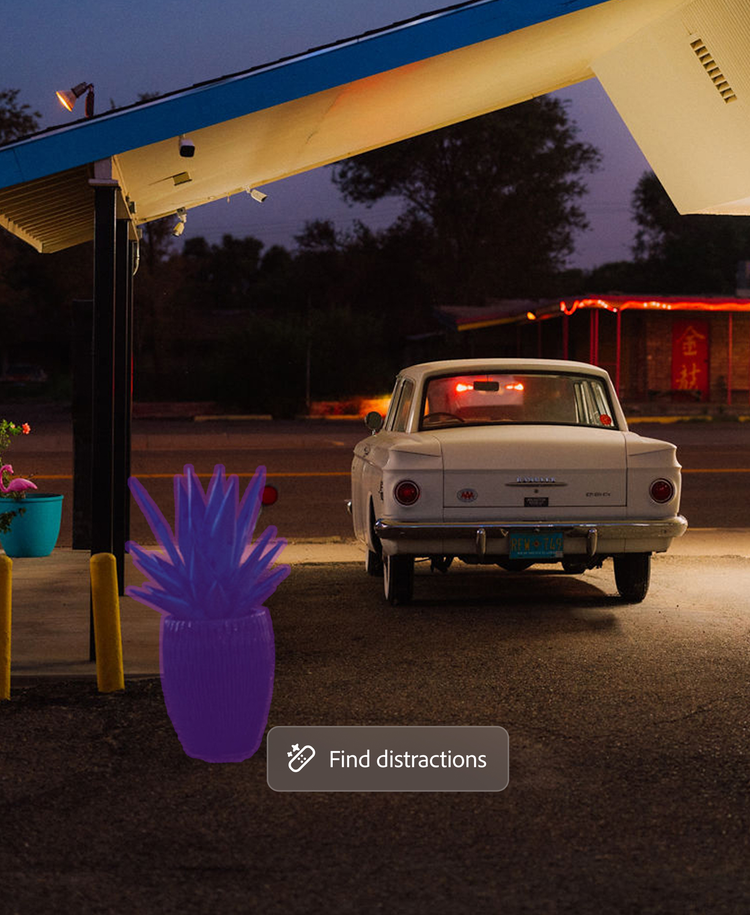
Photoshop is the editor the rest of this list is measured against: unlimited layers, masks, blend modes and non-destructive adjustment layers, with generative AI tools such as distraction removal built in. It is the standard for compositing, retouching and design work, and the plan now covers Photoshop on the web and on mobile as well as the desktop app. The catch is that it is subscription only, and it is far more tool than someone straightening holiday photos needs.
Adobe Lightroom Classic
Lightroom Classic is the desktop catalogue and raw developer most working photographers organise their pictures in: import a shoot, sort and keyword it, then develop it with edits saved separately from the original file. Adobe now bundles it into its Lightroom plan rather than selling it alone, so it is a subscription with no one-time option. It has no layer stack for compositing, which is why many people pair it with Photoshop.
Adobe Photoshop Elements
Photoshop Elements is Adobe's consumer editor, built around Guided Edits that walk you step by step through effects and fixes, plus an Organizer for finding your photos and AI tools for removing distractions and restoring old pictures. It is sold without a subscription, but the current licence is a three-year term rather than a forever licence: after it ends the editor stops working, though your catalogue stays accessible. It suits families and hobbyists far more than professionals.
Capture One Pro
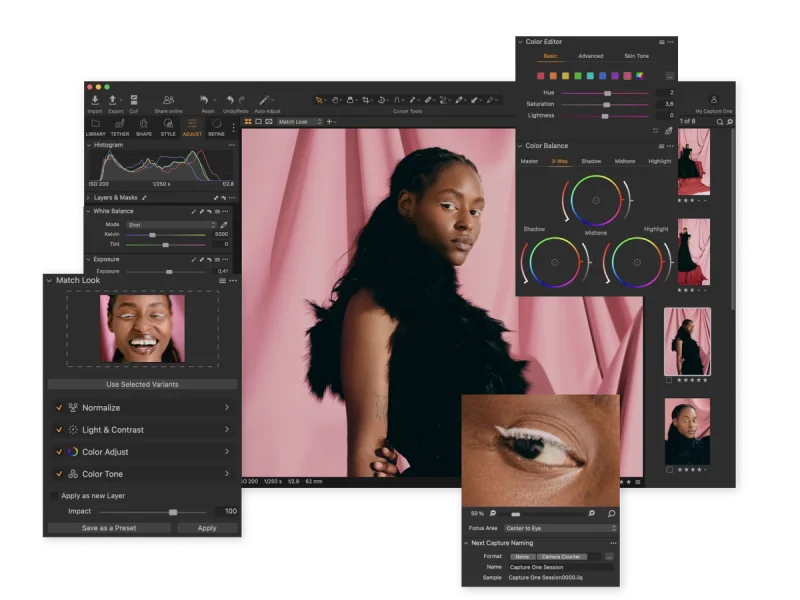
Capture One Pro is the raw editor studio and commercial photographers reach for, known for its colour editor, accurate skin tones and the best tethered shooting in the category, with sessions and catalogues for organising work. It is sold as a monthly or annual subscription or as a perpetual licence, and prices rose about 6% in mid-2026. It is expensive for a hobbyist, and its strengths matter most to people shooting in a studio.
DxO PhotoLab 10
DxO PhotoLab is a raw developer built on image quality: DeepPRIME noise reduction, lens corrections measured in DxO's own lab for each camera and lens pair, and U Point local adjustments, with version 10 adding depth masks and colour grading. It is sold as a perpetual licence with no subscription, which is a large part of its appeal to people leaving Adobe. It is a developer rather than a compositing tool, so there is no layer stack for combining images.
ON1 Photo RAW 2027
ON1 Photo RAW tries to be Lightroom and Photoshop in one window: it organises your photos, develops raw files, and also has layers, masking and effects, plus AI tools such as NoNoise AI. You can own a version outright with one payment or subscribe to get yearly upgrades, and every ON1 app has a 30-day trial with no card. The all-in-one approach means a busy interface, and the most advanced AI tools sit in the pricier MAX edition.
Luminar Neo
Luminar is built around AI tools that do in one click what takes masking work elsewhere: sky work, skin and portrait retouching, light adjustments and generative erase. It reads raw files and supports layers and masking, so it can serve as your only editor. The desktop licence is a one-time payment, but the generative AI tools are only included for the first year and then renew on a separate plan.
Corel PaintShop Pro
PaintShop Pro is the long-standing Windows-only alternative to Photoshop, combining photo editing with graphic design tools: layers and masks, text tools, and a growing set of AI features. It is sold once and kept forever rather than rented, and there is a full 30-day trial with no card. The current version is still PaintShop Pro 2023, kept up with updates such as camera profile additions rather than yearly releases.
CyberLink PhotoDirector
PhotoDirector is CyberLink's beginner-friendly editor, heavy on AI: one-click portrait retouching and generative tools, alongside non-destructive raw editing and layer compositing. Unusually, it has a free Essential version with no time limit, and the full version is sold either as a one-time PhotoDirector 2027 licence or as a PhotoDirector 365 subscription that gets every new generative feature. Serious photographers tend to find its raw tools less refined than the dedicated raw developers.
ACDSee Photo Studio Ultimate 2027
ACDSee Photo Studio Ultimate is a fast photo manager first, with a raw developer and a layered editor attached, which makes it the closest single-purchase answer to the Lightroom plus Photoshop pair on Windows. The 2027 version adds AI image search, auto-stacking and generative tools that mostly run on your own machine. It is Windows only (the Mac product is separate), and the interface is dense for a newcomer.
Zoner Studio
Zoner Studio is a Czech editor that won the EISA photo software award for 2025-2026, and its pitch is value: raw editing, a photo catalogue, layers, HDR, video editing and 20 GB of cloud storage on one yearly plan. It is Windows only, and it is sold only as a subscription, either yearly or monthly. Users describe it as easy to start with and well priced, with new features arriving twice a year.
Affinity
Affinity, now part of Canva, puts photo editing, vector design and page layout in one app, and it is free for individuals. It opens PSD files with their layers intact and handles very large layer stacks quickly, so it is the most serious free alternative to Photoshop for retouching and design. The optional AI tools need a paid Canva plan.
GIMP
GIMP is the long-running free and open source alternative to Photoshop: layers, masks, curves, scripting and a large plugin library, maintained in the open by volunteers. Version 3 modernised the interface and image engine. The learning curve is real, and camera raw files open only through darktable or RawTherapee installed alongside it.
darktable
darktable is the free, open source counterpart to Lightroom: a catalogue plus a raw darkroom that develops your camera files through modules without ever touching the original. It has professional colour management and GPU acceleration and is written by photographers. There are no layers or compositing tools, and the module-based workflow takes time to learn.
Paint.NET
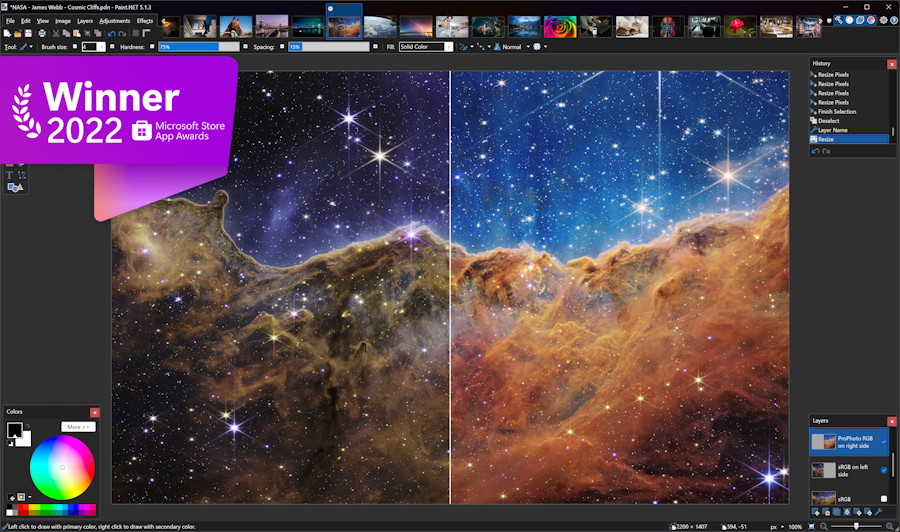
Paint.NET began as a free replacement for Microsoft Paint and grew into the middle ground between Paint and Photoshop: layers, unlimited undo, effects and a plugin community, in an interface most people can use on the first try. It is Windows only and maintained by one developer. The download from its own site is free; the Microsoft Store version is a paid way to support it.
Photopea
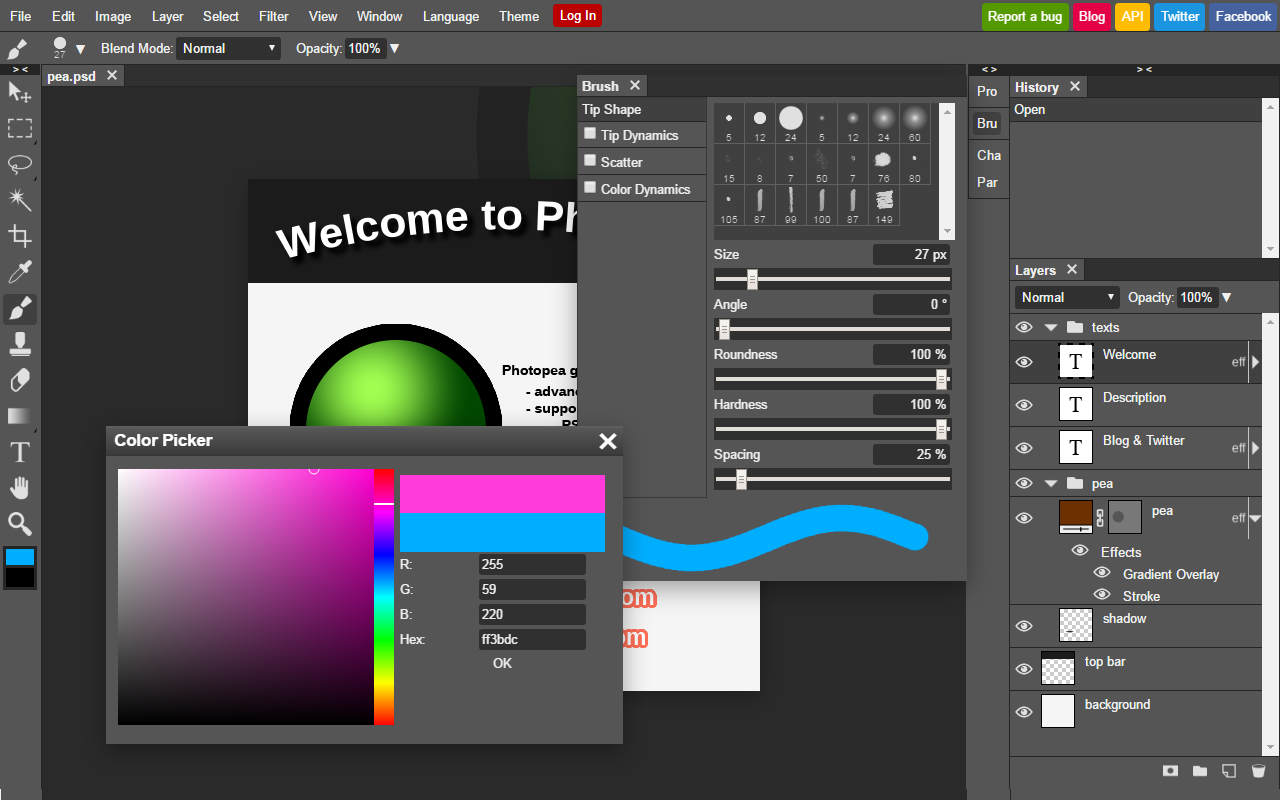
Photopea is a Photoshop-style editor that runs entirely in a browser tab, which makes it the answer on a locked-down work or school PC where nothing can be installed. It opens and saves PSD files and has layers, masks, layer styles and smart objects, and files are processed on your own device rather than uploaded. The free version shows ads.
How we researched this
We read each maker's own product, pricing, trial and download pages for how it is sold, its entry price, its trial, what it is built for and where it runs, and recorded every value with the sentence it came from. Where a maker's price only appears after the page runs in a browser (Capture One Pro and PaintShop Pro), the price cell is blank rather than estimated; for DxO PhotoLab 10 the price comes from PetaPixel's launch report, ACDSee's from its own store page, and Photopea's terms from its Wikipedia entry.
The set covers the paid editors most often recommended for Windows plus the strongest free ones. Free tools covered in our separate free photo editing table, such as Krita, RawTherapee, IrfanView and Pixlr, were left out here to keep the comparison focused. Prices and sale offers change often, and several listed here are sale prices, so check the maker's page before you buy.