Best Scheduling Software
19 scheduling tools compared on free plan, cheapest paid plan and pricing basis, from Calendly and Cal.com to Acuity, Square Appointments, Homebase and Sling. Read our take
At a glance
| Option | Scheduling type | Free plan | What's free | Cheapest paid plan | Pricing basis |
|---|---|---|---|---|---|
| Meeting booking linkssource | Free forever plansource | One event type, one calendar connection and one-on-one schedulingsource | $10 per seat a month on Standard, billed yearlysource | Per usersource | |
| Client appointment bookingsource | Free trial onlysource | A 7-day trial of any plan, no credit card neededsource | $16 a month on Starter, billed yearly ($20 billed monthly)source | Flat monthly pricesource | |
| Meeting booking linkssource | Free forever plansource | 1 user with unlimited links and calendars, plus email and SMS notificationssource | $12 per user a month on Teams, billed yearlysource | Per usersource | |
| Meeting booking linkssource | No free plan or trialsource | Set up links and run meeting polls free; taking bookings needs a paid plansource | $10 per user a month on Basic, billed yearly ($12 billed monthly)source | Per usersource | |
| Sales lead routingsource | $1,250 a month on Growth, with 15 seats includedsource | Flat monthly pricesource | |||
| Group meeting pollssource | Free forever plansource | One group poll, one booking page, one 1:1 and one sign-up sheetsource | Per usersource | ||
| Meeting booking linkssource | Free forever plansource | One shareable booking pagesource | Comes with Google Workspace Business Standard or highersource | Part of a software suitesource | |
| Client appointment bookingsource | Comes with a suite subscriptionsource | Comes with Microsoft 365 Business Basic and higher business planssource | Part of a software suitesource | ||
| Meeting booking linkssource | Free forever plansource | The meeting scheduler, free with a HubSpot accountsource | Advanced features are in the paid Professional and Enterprise editions of Sales Hubsource | Part of a software suitesource | |
| Client appointment bookingsource | Free forever plansource | One user, online meetings, email reminders and two-way calendar syncsource | US$6 per user a month on Basic, billed yearly (US$8 billed monthly)source | Per usersource | |
| Client appointment bookingsource | Free forever plansource | An online booking site, appointment reminders and unlimited staff calendarssource | $49 a month per location on Square Plussource | Per locationsource | |
| Client appointment bookingsource | Free forever plansource | Up to 4 users with unlimited appointments and paymentssource | $5 per user a month on Pro, billed yearly ($12 billed monthly)source | Per usersource | |
| Client appointment bookingsource | Free forever plansource | 50 bookings a month for 1 providersource | $11.9 a month on Basic, billed yearly ($13.9 billed monthly)source | Flat monthly pricesource | |
| Automatic calendar planningsource | Free forever plansource | The Lite plan for calendar basics, planning 1 week aheadsource | $10 per seat a month on Starter, billed yearlysource | Per usersource | |
| Employee shift schedulingsource | Free trial onlysource | 14 days of full access, no credit card requiredsource | $2.50 per user a month for single-location teams ($5 for multi-location)source | Per usersource | |
| Employee shift schedulingsource | Free forever plansource | 1 location with up to 10 employees, basic scheduling and time trackingsource | $30 a month per location on Essentials, unlimited employeessource | Per locationsource | |
| Employee shift schedulingsource | Free trial onlysource | A free trial of the Lite and Core planssource | $5 per user a month on Litesource | Per usersource | |
| Employee shift schedulingsource | Free forever plansource | Every hub and feature, free for up to 10 userssource | $29 a month for the first 30 users on Operations Basic, billed yearly ($35 monthly)source | Flat monthly pricesource | |
| Employee shift schedulingsource | Free forever plansource | Core shift scheduling, time off and shift trades for up to 30 userssource | $1.70 per user a month on Premium, billed yearly ($2.00 billed monthly)source | Per usersource |




Our take
For booking meetings with a link, Cal.com is the strongest free start: its free plan gives one user unlimited links and calendars plus email and SMS notifications, where Calendly's free plan stops at one event type and one calendar connection. If clients book your services, Square Appointments includes an online booking site, reminders and unlimited staff calendars for $0, and Acuity Scheduling starts at $16 a month after a 7-day trial. For staff shifts, Sling schedules up to 30 users free.
The first split in this table is what is being scheduled. Meeting tools (Calendly, Cal.com, SavvyCal, Google Calendar, HubSpot Meetings) book your own time, appointment tools (Acuity, Setmore, SimplyBook.me, Zoho Bookings, Square, Microsoft Bookings) book clients into services and staff calendars, and shift tools (When I Work, Homebase, Deputy, Connecteam, Sling) build shift schedules for hourly teams. The second split is how the bill grows: per user, per location, a flat fee, or as part of a suite you may already pay for.
Our picks
- Best free plan for meetings: Cal.com. One user gets unlimited links and calendars with email and SMS notifications at no cost; Teams is $12 per user a month.
- Best free plan for client appointments: Square Appointments. The $0 plan includes an online booking site, appointment reminders and unlimited staff calendars.
- Best for service businesses that take payments: Acuity Scheduling. Starter is $16 a month billed yearly and takes payments via Stripe, Square, PayPal or Venmo, after a 7-day trial.
- Best free shift scheduling: Sling. Core shift scheduling, time off and shift trades are free for up to 30 users, the highest free cap among the shift tools here.
- Best if you already use Gmail: Google Calendar Appointment Schedules. Any Google account gets one shareable booking page at no cost, with more pages and payments on Workspace Business Standard.
Booking links for meetings: what the free plans really cover
Most meeting tools here have a free plan, but the ceilings differ a lot. Calendly's free plan allows one event type and one calendar connection, Doodle's gives one group poll, one booking page and one sign-up sheet, and Google Calendar gives one shareable booking page. Cal.com is the outlier, with unlimited links and calendars for one user. SavvyCal goes the other way: you can set up links and polls for free, but nobody can book from them until you pay $10 per user a month, and there is no trial, only a 30-day money-back guarantee.
Team features are where the paid plans earn their price. Round-robin and lead routing arrive on Calendly's Teams plan and Cal.com's Teams plan, while SavvyCal includes round-robin on its Basic plan. Chili Piper sits at the far end, starting at $1,250 a month with 15 seats, and is built for routing website leads to sales reps rather than for one person's calendar.
Per user, per location or flat fee
The cheapest paid plan column is not comparable row to row, so read it with the pricing basis. Square Appointments ($49 a month) and Homebase ($30 a month) charge per location, which is cheap for one busy shop with many staff and expensive for a business with several small sites. Calendly, Cal.com, Zoho Bookings, Setmore, Deputy, When I Work and Sling charge per user, so the bill grows with headcount. SimplyBook.me ($11.9 a month), Acuity ($16 a month) and Connecteam ($29 a month for the first 30 users) charge one price for the account, capped by bookings, calendars or users instead.
Several figures are annual-billing prices. Acuity is $20 a month billed monthly against $16 billed yearly, Setmore $12 against $5, SavvyCal $12 against $10, Zoho Bookings US$8 against US$6, Connecteam $35 against $29 and Sling $2.00 against $1.70, so check the toggle before comparing.
Scheduling that comes with software you already pay for
Three rows are not really separate purchases. Microsoft Bookings is included in Microsoft 365 business plans from Business Basic up, Google Calendar's premium booking features come with Workspace Business Standard or higher, and HubSpot's meeting scheduler is part of Sales Hub and free to start. If your business already pays for one of these suites, try the bundled tool before adding another subscription; if it does not, a standalone tool is usually simpler.
Shift scheduling for hourly teams
The five shift tools split on free plans. Sling is free for up to 30 users, Connecteam for up to 10 users with every hub included, and Homebase for one location with up to 10 employees. When I Work and Deputy offer free trials instead: When I Work's 14-day trial includes everything, then costs $2.50 per user a month for single-location teams, and Deputy's Lite plan is $5 per user a month.
The options in detail
Calendly
The best-known booking-link tool: you share a link, people pick an open time, and it lands on your calendar. The free plan is deliberately thin (one event type and one connected calendar), so most regular users end up on Standard, and round-robin and lead routing only arrive on the Teams plan. Paid plans now also sell a meeting notetaker as an add-on.
Acuity Scheduling
Squarespace's appointment tool for service businesses such as stylists, coaches, therapists and tutors, with intake forms, client payments through Stripe, Square, PayPal or Venmo, and class scheduling. There is no free plan, only a 7-day trial. Plans are priced by how many calendars (staff or locations) you need, and text reminders start on the Standard plan rather than Starter.
Cal.com
An open-source rival to Calendly whose free plan is unusually generous for one person: unlimited links and calendars, email and SMS notifications, and Stripe or PayPal payments. Team features such as round-robin, routing forms and removing Cal.com branding sit on the Teams plan. It can import your Calendly event types in one click.
SavvyCal
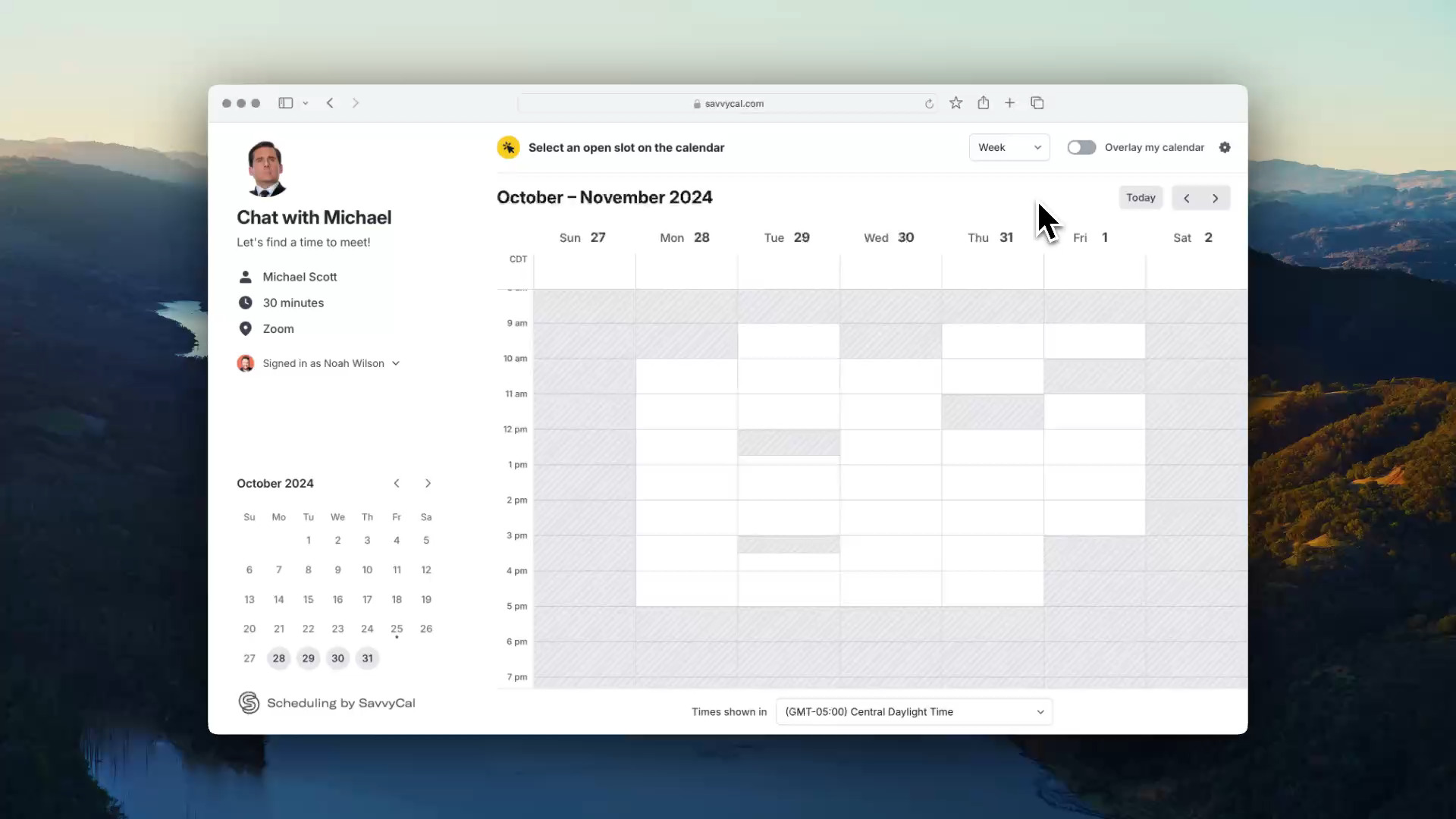
A booking-link tool built around a nicer experience for the person booking: they can overlay their own calendar on your link to spot a time that suits both. Every paid plan includes unlimited links, polls, calendars and team round-robin. The catch is that nobody can book from your links until you pay, and there is no self-serve trial, only a 30-day money-back guarantee.
Chili Piper
Scheduling for B2B sales teams: when a prospect fills in a form on your website, it qualifies them, routes them to the right rep and books the meeting before they leave the page. It is sold to revenue teams through a demo, with plans that start in the thousands of dollars a year, so it is out of scope for a solo professional or small office.
Doodle
The group poll tool: you propose a handful of times and everyone marks which ones work, which is the quickest way to schedule a meeting across several busy people. It also does booking pages and sign-up sheets now. The free plan gives you one of each, and the paid Pro plan, aimed at freelancers and consultants, makes them unlimited and removes ads.
Google Calendar Appointment Schedules
Booking pages built into Google Calendar, so there is nothing new to sign up for if you already live in Gmail. Any Google account gets one booking page at no cost. Multiple pages, Stripe payments, automatic email reminders and verified bookings need a paid Google Workspace plan, which makes sense mainly if your business already uses Workspace.
Microsoft Bookings
Microsoft's appointment booking app, included with most Microsoft 365 business plans and tied into Outlook and Teams. It handles customer appointments with staff calendars, email and text notifications, and online meetings. It is not sold on its own, so it is the obvious pick for a business already paying for Microsoft 365 and an odd one for anyone else.
HubSpot Meetings
HubSpot's meeting scheduler, which comes free with a HubSpot account and logs every booked meeting straight into the HubSpot CRM. It connects to Google or Office 365 calendars and can be embedded on your website. It is most useful to teams already running sales in HubSpot; the more advanced meeting features sit in the paid Sales Hub editions.
Zoho Bookings
Zoho's appointment booking app, with one-on-one, group, collective and resource bookings, routing forms and round-robin distribution. The forever-free plan covers one user with two-way calendar sync, and paid plans are among the cheapest per user here. It fits best for businesses already using other Zoho apps such as Zoho CRM.
Square Appointments
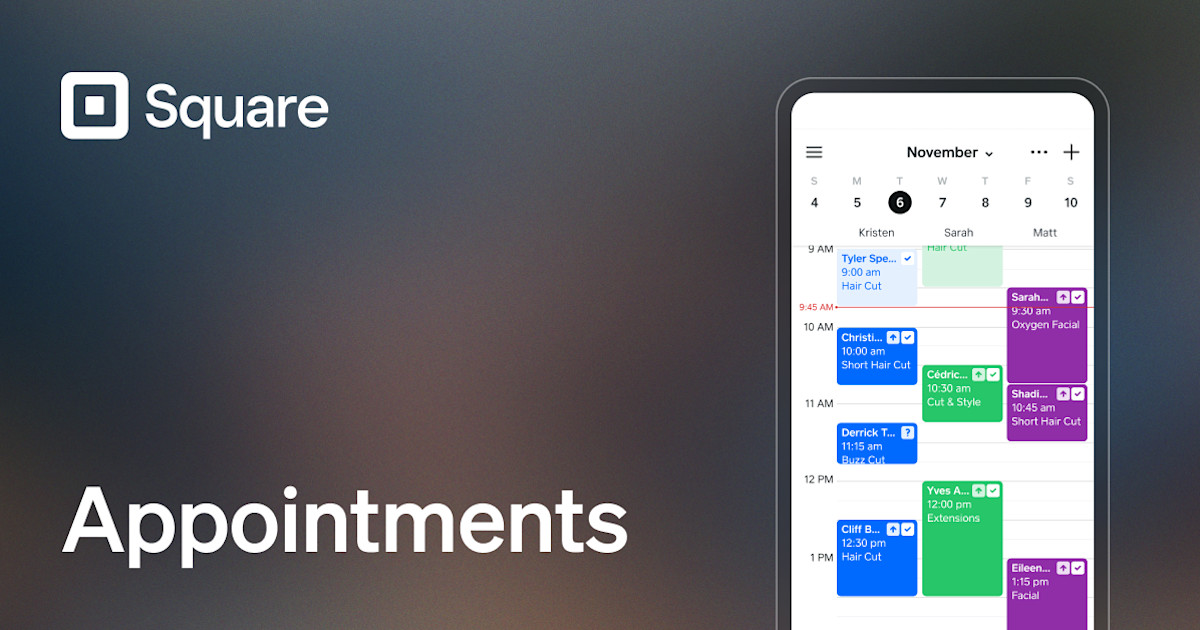
Booking for salons, spas, barbers and other appointment businesses that also want Square's card readers and point of sale. The free plan already includes an online booking site, reminders and unlimited staff calendars; Square makes its money on payment processing fees. Paid plans are charged for each location you run.
Setmore
A long-running appointment booking app for small service businesses, with a free plan that covers up to 4 users with unlimited appointments and online or in-person payments. Text reminders, two-way calendar sync and removing Setmore branding need the Pro plan, which is one of the cheapest paid plans in this table.
SimplyBook.me
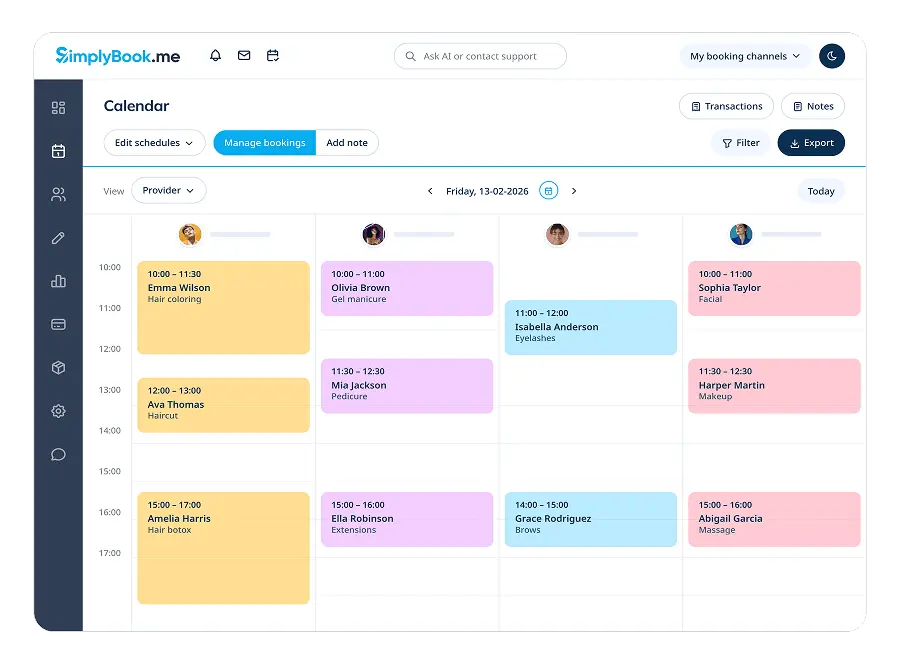
A booking system for service businesses that gives you a full booking website and widget, with a long menu of optional features you switch on (payments, memberships, a branded client app). Plans are capped by bookings per month rather than by users, and the free plan stops at 50 bookings, so it suits a small practice getting started.
Reclaim.ai
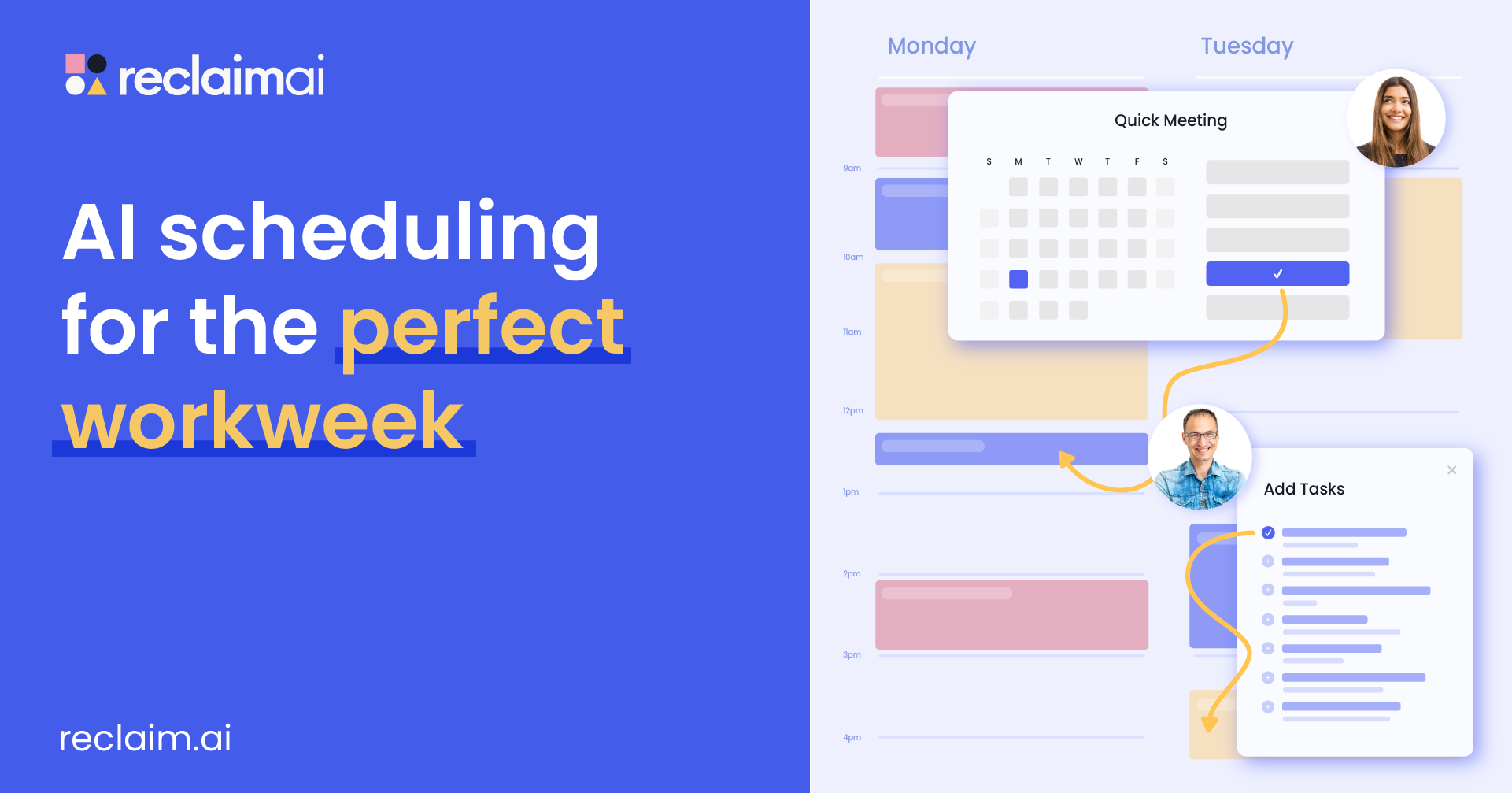
Not a booking page first: Reclaim plans your own week by automatically placing focus time, habits, tasks and buffers around your meetings in Google or Outlook calendars. It also offers scheduling links. The free Lite plan only plans one week ahead, and paid plans add longer ranges and team features.
When I Work
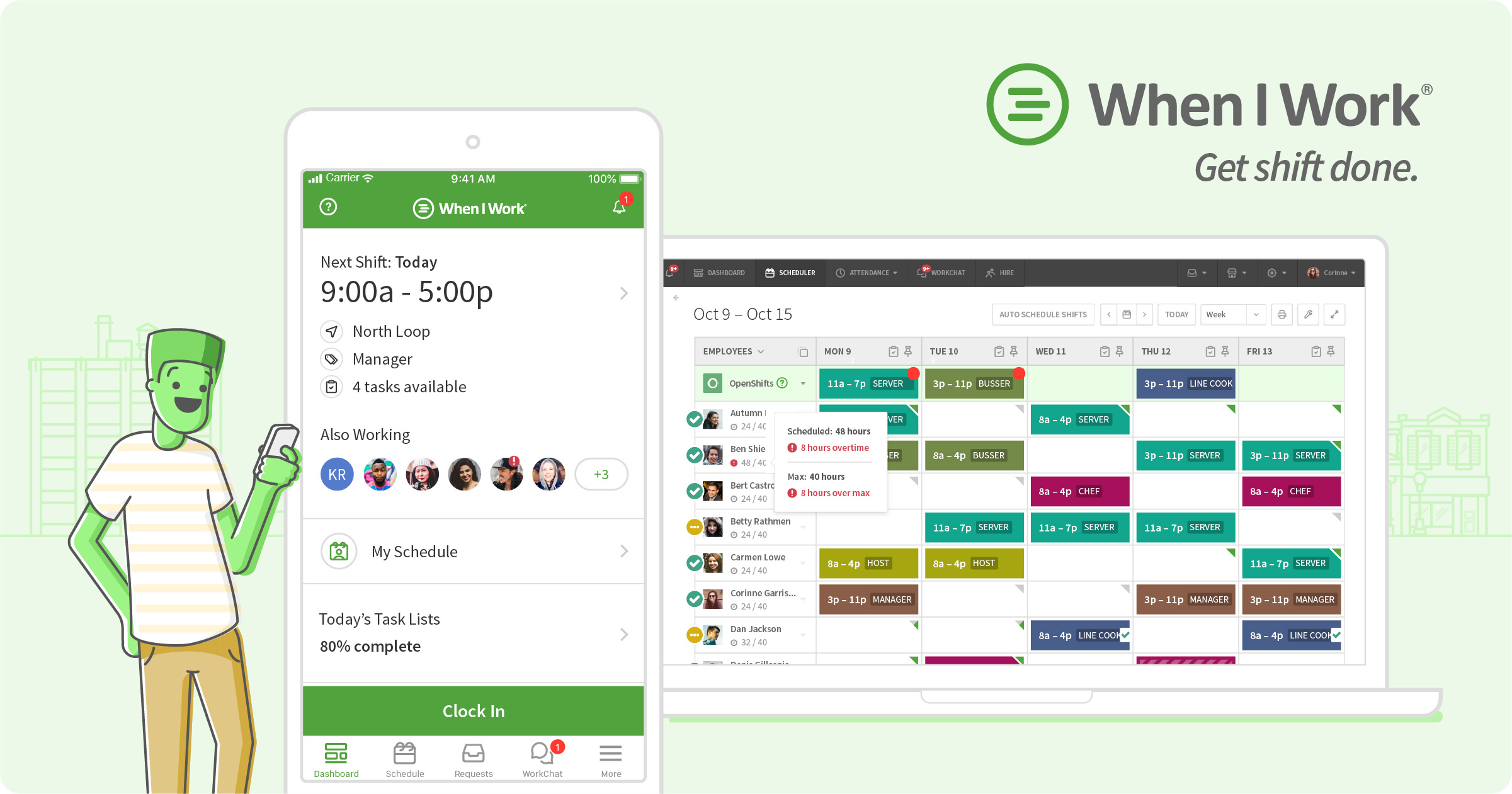
Employee shift scheduling for hourly teams in retail, restaurants, hotels and healthcare, with shift swaps, open shifts and team messaging, plus an optional time clock. There is no free plan, but the 14-day trial includes everything. The low per-user price applies to single-location teams; multi-location businesses pay more.
Homebase
Shift scheduling and time clocks for small hourly businesses such as cafes, shops and salons, with team messaging and add-ons for payroll, tip pooling and hiring. The free Basic plan covers one location with up to 10 employees. Paid plans are priced per location with unlimited employees, which favors a single busy shop over many small sites.
Deputy
Workforce scheduling for shift-based businesses, with shift templates, open shifts, swaps, break scheduling and timesheets, and add-ons for payroll and HR. It suits larger or multi-site hourly teams that need labor costing and compliance tools. Plans come with a free trial rather than a free tier, and monthly plans carry a minimum monthly spend.
Connecteam
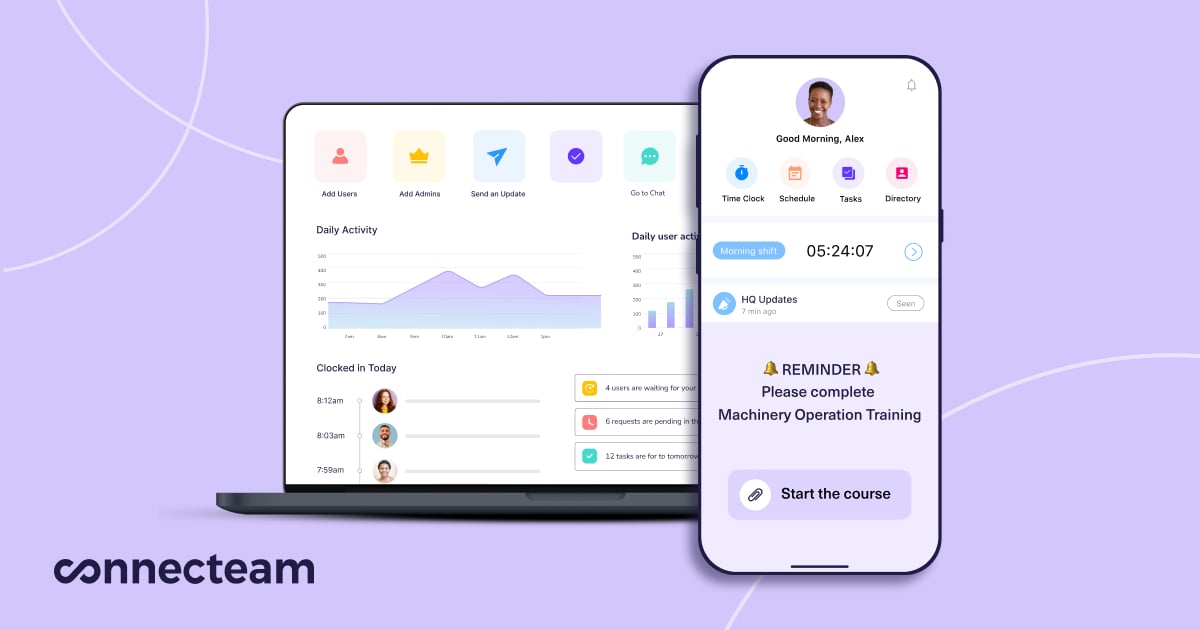
An all-in-one app for deskless teams that combines job scheduling and a GPS time clock with chat, forms, training and HR tools, sold as separate hubs. The free plan is unusually complete for a business of up to 10 users. Above that, each hub is a flat price for the first 30 users, then a small per-user charge.
Sling
Shift scheduling from Toast, aimed at restaurants and other hourly teams. Its core scheduling, time-off and shift-trade features are free for up to 30 users, the highest free cap among the shift tools here. Paid plans add time tracking and labor cost tools at a low per-user price, with a 15-day free trial.
How we researched this
We read each vendor's own pricing page, plus Microsoft's Bookings documentation, Google's appointment scheduling page and HubSpot's meeting scheduler page, and recorded every value with the sentence it came from. The set covers the main meeting, appointment, sales routing, calendar planning and shift scheduling tools; YouCanBook.me was left out because its prices only appear once the page runs in a browser, and Motion because its pricing page now sells a broader work app rather than a scheduler. Blank cells mean the vendor's page does not state the detail: Doodle's Pro price, Chili Piper's free option and Microsoft Bookings' free tier. Prices were read in November 2026 and change often, so confirm the current offer and billing period before you buy.