Free Scheduling Software for Small Business
Free scheduling software means three different jobs, and this table has a strong free plan for each. For customers booking appointments, Setmore gives four staff unlimited appointments at no cost. For staff rotas, Sling covers up to 30 users free. For meeting links, Cal.com gives one person unlimited event types plus email and SMS notifications without paying.
Past that, the free plans differ most on how many people they cover and whether they send reminders. Stated seat counts run from one (SimplyBook.me, Zoho Bookings, Cal.com) to 30 (Sling), and four of the twelve (Picktime, Calendly, Appointlet and Homebase) keep automatic reminders on paid plans only. A solo stylist and a ten-person cafe will land on very different rows.
Our picks
- A big hourly team on a free plan: Sling. The free plan covers up to 30 users with shift alarms, time-off requests, open shifts and messaging; time tracking is the reason to upgrade, from $1.70 per user.
- A small salon or studio taking bookings: Setmore. Four staff can share unlimited appointments, a booking page and card payments for free, though only one email reminder goes out per appointment.
- Meeting links with text reminders at no cost: Cal.com. The free tier has unlimited event types and calendars plus email and SMS notifications, where Calendly's free tier allows one event type and no automated reminders.
- Every feature for a team of ten: Connecteam. The free Small Business Plan includes essentially the whole product, time clock, checklists and chat included, capped at ten users.
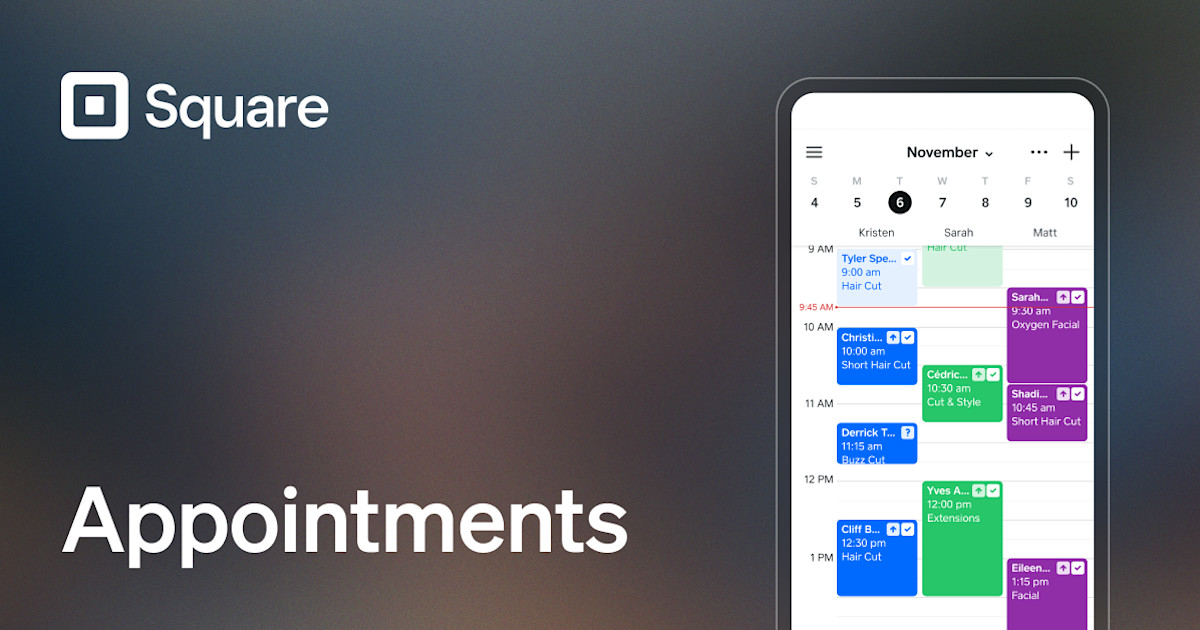
- Card payments and bookings together: Square Appointments. Free with unlimited staff calendars and email and SMS reminders, earning from card processing; Plus costs $49 per location.
At a glance
| Option | Paid plan from | Pricing basis | Scheduling type | Free users included | Free plan limits | Reminders on free plan |
|---|---|---|---|---|---|---|
| $49source | Per locationsource | Appointment bookingsource | Priced per location, built for solo professionalssource | Email and SMSsource | ||
| $5source | Per usersource | Appointment bookingsource | 4source | One reminder per appointmentsource | Email onlysource | |
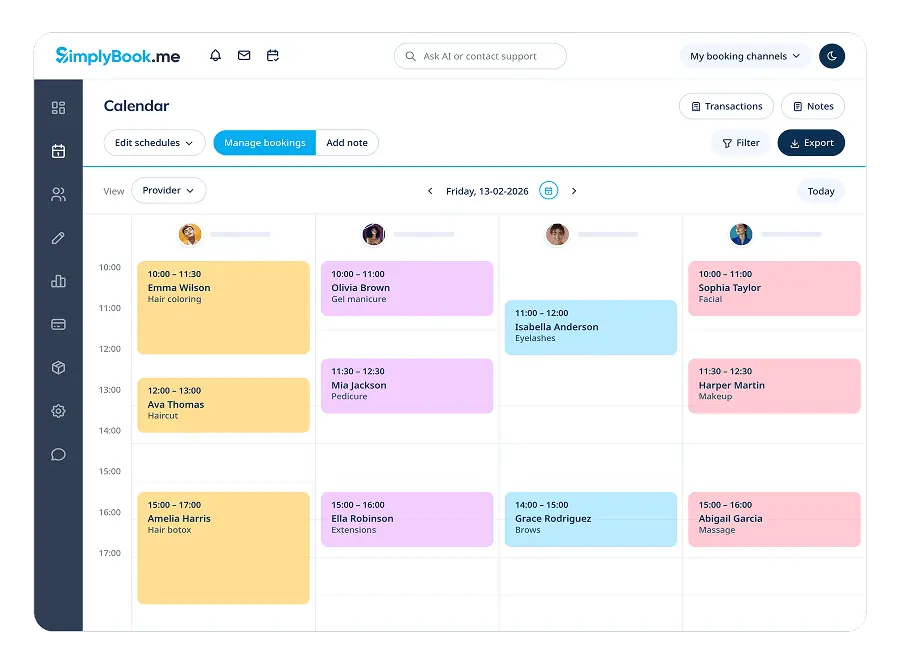
| $11.9source | Flat ratesource | Appointment bookingsource | 1source | 50 bookings a monthsource | Email onlysource | |
| $3source | Per usersource | Appointment bookingsource | 3source | Two locations and two classessource | Paid plans onlysource | |
| Per usersource | Appointment bookingsource | 1source | Online meetings and notification emails onlysource | Email onlysource | ||
| $10source | Per usersource | Meeting schedulingsource | One event type and one calendar connectionsource | Paid plans onlysource | ||
| $12source | Per usersource | Meeting schedulingsource | 1source | Unlimited event types and calendarssource | Email and SMSsource | |
| $9source | Per usersource | Meeting schedulingsource | 5source | 25 meetings a month and one scheduling pagesource | Paid plans onlysource | |
| $24source | Per locationsource | Employee shift schedulingsource | 10source | One locationsource | Paid plans onlysource | |
| $1.7source | Per usersource | Employee shift schedulingsource | 30source | No time tracking or labor-cost toolssource | App alerts onlysource | |
| $29source | Flat ratesource | Employee shift schedulingsource | 10source | All features included, capped at ten userssource | ||
| $24source | Flat ratesource | Employee shift schedulingsource | 5source | One week of forward planningsource | Email and app alertssource |



Which free plans send appointment reminders
Reminders are the no-show protection, and they vary widely. Square Appointments and Cal.com send email and SMS on their free plans. Setmore, SimplyBook.me and Zoho Bookings send email only, and Setmore limits that to one reminder per appointment. Findmyshift sends email and app alerts, while Sling's free tier relies on in-app alerts because text shift alarms are paid.
Picktime, Calendly, Appointlet and Homebase put automatic reminders on paid plans only. For a booking business that loses money on no-shows, that alone can outweigh a larger free seat count.
Per user, per location or flat: reading the upgrade price
The Paid plan from column cannot be read on its own. Sling's $1.70 is per user, Homebase's $24 is per location, Findmyshift's $24 is one fee for the team, and Square's $49 is charged for every location you run. Connecteam's $29 is a flat price covering the first 30 users, with a per-user rate above that, so a growing team's bill stays predictable. Zoho Bookings prints no dollar figure at all; you have to start a trial to see it.
These are the lowest prices each vendor advertises, which usually means annual billing. Setmore is $5 billed annually against $12 monthly, Homebase $24 against $30, and Sling $1.70 against $2.00.
Free-plan caps that bite first
Several free tiers are generous on seats and tight somewhere else. SimplyBook.me stops at 50 bookings a month, which a shop taking more than a couple of bookings a day will hit inside a month. Appointlet allows five team members but only 25 meetings a month and one scheduling page. Findmyshift keeps five staff free for good but plans only one week ahead, and Homebase's ten free employees must all work at one location. Calendly's cap is one event type and one calendar connection, fine for a consultant offering a single kind of meeting.
The options in detail
Square Appointments
Square Appointments is the booking half of Square's point-of-sale business, so its free tier is really a free calendar bolted to a card reader: you get an online booking site, unlimited staff calendars and automatic text and email reminders, and Square earns from card processing fees rather than a subscription. That makes it a natural fit for a barber, stylist or tattoo artist who already wants payments and bookings in one place. The trade-off is that the tools which protect a busy calendar (cancellation policies, no-show fees and multi-staff booking) sit on the paid Plus tier, and the monthly fee is charged for each location you run.
Setmore
Setmore is one of the few free booking pages that fits a small team rather than a single person: four staff members share unlimited appointments, a branded booking page and card payments without paying anything. It suits salons, studios and clinics that want customers booking themselves around the clock. The free plan is deliberately thin on follow-up, sending a single email reminder per appointment, and text reminders plus two-way calendar sync only arrive on the paid Pro plan.
SimplyBook.me
SimplyBook.me is built for service businesses that want more than a calendar: intake forms, memberships, classes, coupons and a client login are all switches you can turn on. The free plan is a working version of the product rather than a demo, but it is metered by volume, so a shop taking more than a couple of bookings a day will hit the ceiling inside a month. Reminder emails are automatic on every plan, while taking payments, deposits and tips starts on the cheapest paid tier.
Picktime
Picktime is a straightforward booking tool with an unusually roomy free tier: three team members, two locations, unlimited appointments and PayPal payments, all at no cost. It handles classes and bookable resources as well as one-to-one appointments, which makes it useful for studios and small clinics. The gap is follow-up and sync, because email reminders, text reminders, Stripe and Square payments and two-way calendar sync all begin on the paid Starter plan.
Zoho Bookings
Zoho Bookings is the scheduling app inside Zoho's wider business suite, so it is the obvious pick if you already run Zoho CRM, Mail or Meeting. The free tier is aimed squarely at a solo operator, covering one person with online meetings and automatic notification emails. Its pricing page does not print a dollar figure beside the paid tiers, which are charged per user, so you have to start a trial to find out what an upgrade actually costs.
Calendly
Calendly is the default answer for sharing a link that lets someone book time on your calendar, and its free tier is the most widely used free scheduling product there is. Free accounts are held to a single event type and one connected calendar, which is enough for a consultant offering one kind of meeting but not for a business with several services. Nearly everything a small business would reach for next, automated reminders, payment collection and more event types, starts on the paid Standard seat.
Cal.com
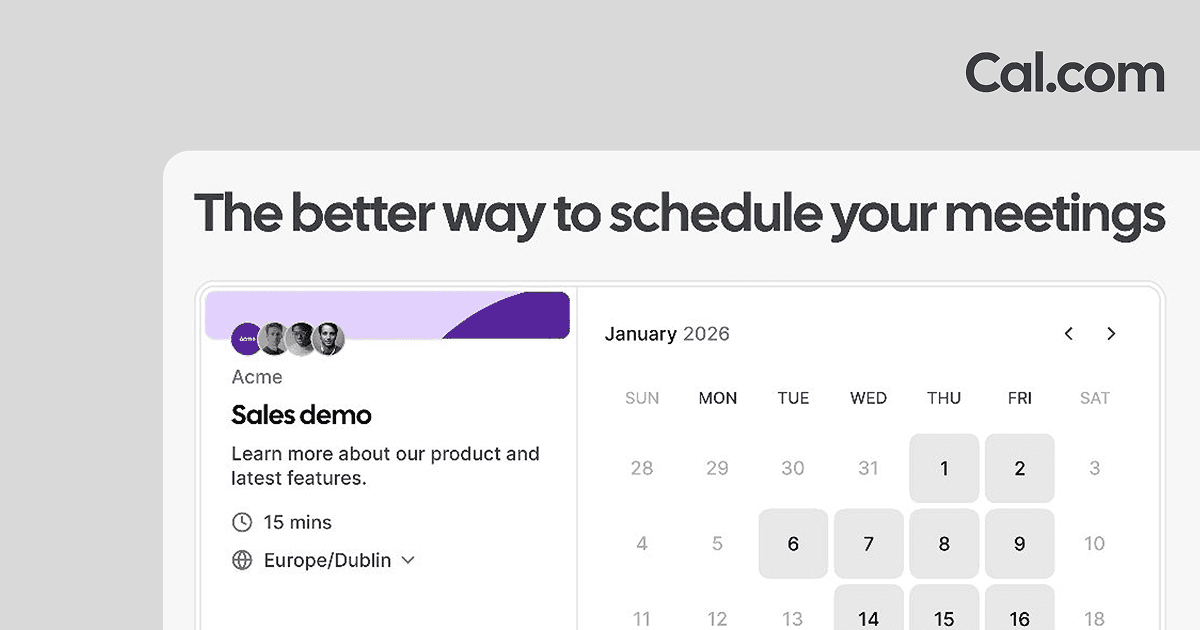
Cal.com is the open-source alternative to Calendly, and its free tier is noticeably less restricted: one user, but unlimited event types and calendars, email and text notifications, and Stripe or PayPal payments at no cost. Because the code is open, it can also be self-hosted, which matters to businesses with privacy or compliance requirements. Team features such as round-robin routing and shared availability are where the paid plans begin, charged per user.
Appointlet
Appointlet is a meeting-booking tool whose free tier gives you something unusual: five team members rather than one. The catch is a monthly meeting quota and a single scheduling page, so it fits a small sales or admissions team taking a modest number of calls rather than a busy service business. Automated reminders, payment collection and removing Appointlet's branding are all reserved for the paid plan, which is charged per member.
Homebase
Homebase is staff scheduling rather than client booking: you build a weekly rota, your team sees their shifts on a phone, and time tracking and timesheets come with it. The free Basic plan covers a real small business, up to ten employees at one location, which is why it is the tool most often suggested to independent cafes and shops. Worth knowing before you commit: automated shift reminders, availability and time-off requests and shift trading all sit on the paid Essentials tier, and the fee is charged for every location.
Sling
Sling, now part of Toast, is a shift scheduler whose free plan is the most generous on team size here, covering up to thirty users. Free accounts get scheduling, shift alarms, time-off requests, open shifts and internal messaging, which is most of what a small hourly team needs to run a rota. Time tracking and labor-cost tools are the reason to upgrade, and text-message shift alarms are a paid feature, so the free tier leans on in-app alerts.
Connecteam
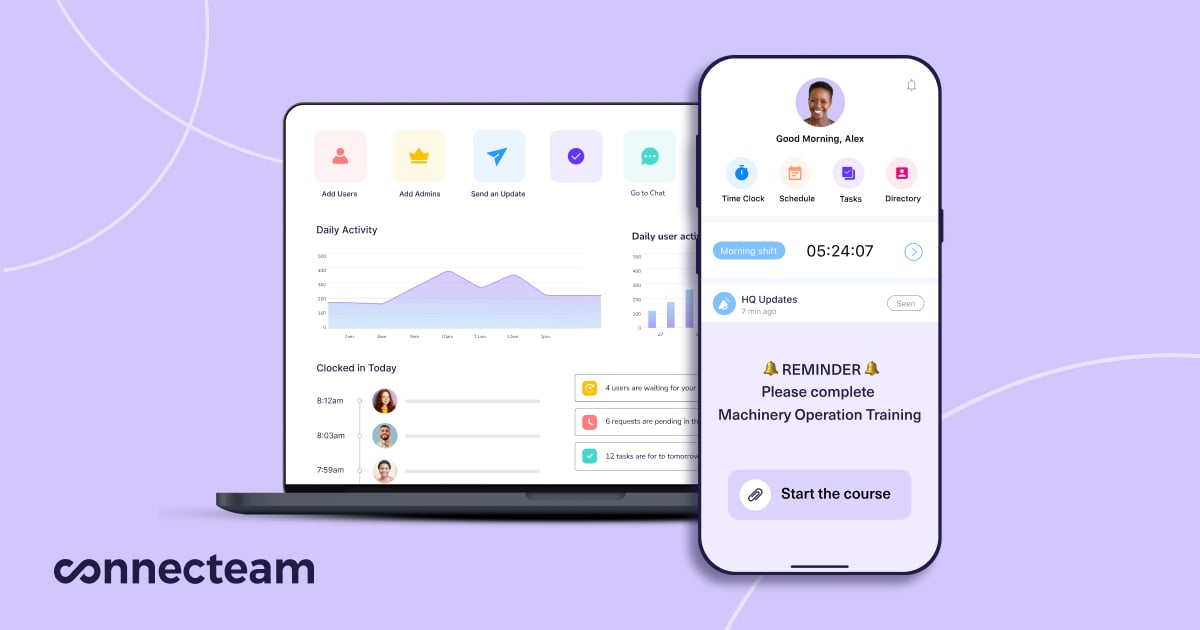
Connecteam is an all-in-one app for teams without desks, bundling shift scheduling with a time clock, checklists, chat and training. Its free Small Business Plan is unusual in that it unlocks essentially the whole product for teams of up to ten, rather than stripping features out. Paid plans are quoted as a fixed price covering the first thirty users and a per-user rate above that, which keeps the bill predictable as a team grows.
Findmyshift
Findmyshift is a no-frills web rota for managers who think in spreadsheets, with drag-and-drop shift planning, timesheets and a free time clock. It charges per team rather than per employee, so the price does not climb every time you hire, and teams of five or fewer stay free permanently. The free tier's real constraint is time rather than features: it holds only a week of history and a week of forward planning, so anything longer needs a paid plan.
How we researched this
Trials did not count: every tool here keeps a free tier after any trial ends, checked on the vendor's own pricing page. When I Work was left out because its offer is free for 14 days, and Acuity Scheduling, Vagaro and Deputy were treated as trial-only too. 7shifts, Trafft and YouCanBookMe likely have free tiers, but their pricing pages, like Doodle's, gave us no plan text or price we could cite, and Fresha charges commission per booking, so it has no cheapest paid plan for the price column. Because candidates were drawn from tools we already knew rather than a fresh search, then checked one vendor page at a time, the list leans toward well-known tools.
Gaps in the grid are things the vendor never put in writing. Square's free plan promises unlimited staff calendars, which a number column cannot hold; Calendly gives no seat count; Zoho gives no price; Connecteam does not say how its free-plan reminders arrive. A Paid plans only cell comes from the paid tier's own feature list, since no vendor writes what its free plan lacks. Pricing here moves quickly: Homebase's free tier is now capped at ten employees at one location, and Square Appointments Plus is $49 rather than the $29 in older roundups, so trust a vendor's own plan page over any roundup when you sign up.