Best Time Tracking Apps
Fifteen time tracking apps compared on price per user, free plan, trial, tracking style and iPhone rating, from Clockify and Toggl Track to Hubstaff. Read our take
At a glance
| Option | Price | Free Plan | Free Trial | Tracking Style | iPhone App Rating |
|---|---|---|---|---|---|
| $9source | Free plansource | 30source | Timer and timesheetssource | 4.8source | |
| $3.99source | Free plansource | 7source | Timer and timesheetssource | 4.6source | |
| $9source | Free plansource | 30source | Timer and timesheetssource | 4.5source | |
| $3.99source | Free plansource | Automatic background trackingsource | 3.1source | ||
| $4.99source | Free trial onlysource | 14source | Timer with employee monitoringsource | 4.5source | |
| $9source | Free trial onlysource | 14source | Automatic background trackingsource | 3source | |
| $7source | Free trial onlysource | 14source | Automatic background trackingsource | 4.3source | |
| $9.99source | Free trial onlysource | 7source | Automatic background trackingsource | ||
| $8.5source | Free plansource | 14source | Timer and timesheetssource | 4.9source | |
| $10source | Free trial onlysource | 30source | Clock in and outsource | 4.6source | |
| $6.67source | Free trial onlysource | 14source | Timer with employee monitoringsource | 2.1source | |
| Free plansource | 14source | Clock in and outsource | 4.9source | ||
| Free plansource | Clock in and outsource | 4.8source | |||
| $14source | Free trial onlysource | 14source | Automatic background trackingsource | ||
| $4source | Free plansource | 14source | Timer and timesheetssource | 3source |




Our take
For most people the answer is Clockify or Toggl Track. Clockify has a free plan for up to five users and the cheapest paid seat in this table at $3.99 a month on yearly billing, tied with TimeCamp; Toggl Track costs $9 but is the best-known timer app, with a 4.8-rated iPhone app.
The bigger choice is how time gets recorded. Toggl Track, Clockify, Harvest, Everhour and My Hours rely on you starting a timer or filling a timesheet. TimeCamp, Timely, RescueTime, Rize and Memtime record your computer activity and draft the entries for you. Hubstaff and Time Doctor add activity levels and screenshots for a manager, and QuickBooks Time, Connecteam and Jibble are time clocks for hourly and field staff who punch in from a phone.
Our picks
- Lowest cost for a team: Clockify. A free plan for up to five users, paid seats from $3.99 a month billed yearly, and a 4.6-rated iPhone app.
- Best timer app: Toggl Track. A free plan, a 30-day trial of the $9 Starter plan, and a 4.8-rated iPhone app with 9.6K ratings.
- Best for billing clients: Harvest. Its free plan includes invoicing for one seat, and paid seats start at $9 a month with a 30-day trial.
- Best automatic tracker: Rize. Records work in the background with no timers and no surveillance, from $9.99 a month after a 7-day trial.
- Best for hourly crews: Connecteam. A phone time clock with geofenced job sites, free for up to 10 users, and a 4.9 iPhone rating across 62K ratings.
Timer, automatic tracking, or employee monitoring
A timer app such as Toggl Track or Harvest records only what you tell it to, so it is private by default but forgets anything you did not start a timer for. Automatic trackers fix that: RescueTime and Rize run in the background and log the apps and websites you use, Rize tags that time to clients and projects, and Memtime keeps that activity data offline on your own computer.
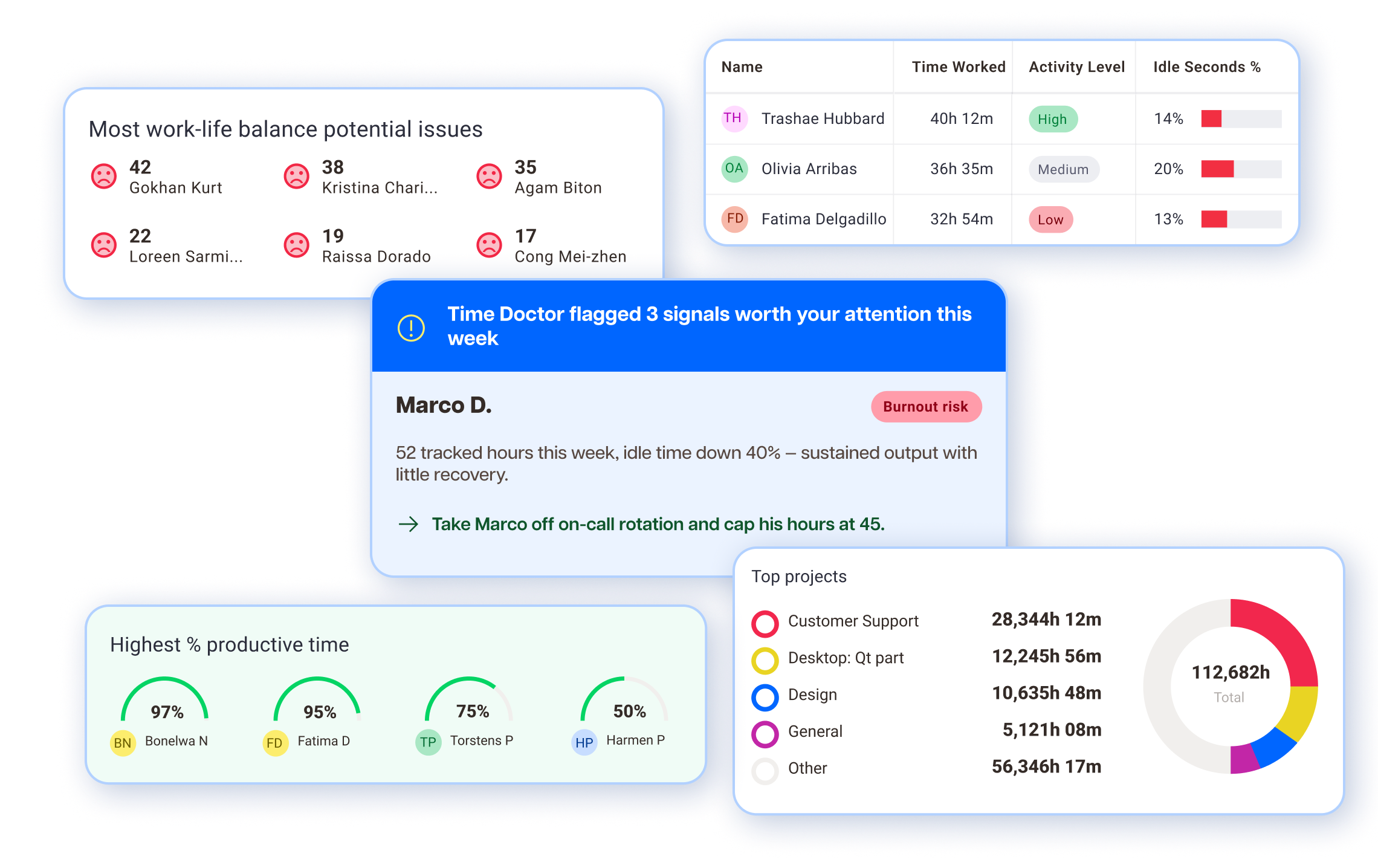
Hubstaff and Time Doctor are a different kind of tool. They are bought by managers of remote teams, and they show activity and screenshots to the employer. Time Doctor says employees see the same data their manager sees. If you are tracking your own time, a timer or an automatic tracker fits better; if you run a remote team and need proof of work, these two are built for it.
Free plan or free trial only
Eight of the fifteen have a free plan you can keep, and their limits differ more than the label suggests. Jibble and TimeCamp allow unlimited users, Connecteam covers up to 10, Clockify, Everhour and My Hours stop at five, Harvest allows one seat and two projects, and Toggl Track only says a limited number of users.
The other seven are trial only, and the trials run from 7 days at Rize and Clockify's paid tier to 30 days at QuickBooks Time, Harvest and Toggl Track. Clockify's free reports reach back only one month, and Everhour's free plan leaves out its project-tool integrations, which are the reasons people upgrade those two.
What the per-user price leaves out
Every price here is the yearly-billing rate the vendor headlines, and paying month to month costs more: TimeCamp is $5.49 instead of $3.99, Hubstaff $7 instead of $4.99, and Time Doctor $8 instead of $6.67. Memtime sells no monthly plan at all; its shortest term is quarterly.
Some plans also have a floor. Everhour's $8.50 Team plan has a five-seat minimum, Rize's team plan needs two seats, and QuickBooks Time adds a monthly base fee to its $10 per user. Connecteam has no per-user price: its paid time clock is $29 a month for the first 30 users, which is why its price cell is blank. Jibble's pricing page does not print its paid prices, so that cell is blank too.
Reading the iPhone ratings
The ratings with large samples are the ones to trust: QuickBooks Workforce, the app QuickBooks Time workers use, holds 4.6 across about 199K ratings and Connecteam 4.9 across 62K. Everhour's 4.9 rests on 7 ratings and RescueTime's 4.3 on 4. Toggl Track's 4.8 is for the Toggl Track app, not the newer app Toggl launched under the plain Toggl name. Rize and Memtime are desktop tools with no iPhone app, so they have no rating.
The options in detail
Toggl Track
The best-known start-a-timer tracker: you press start in the browser, desktop or phone app, or let calendar events become entries, and the reports are clean enough to bill from. The free plan works for small teams, though Toggl only says it covers a limited number of users. Toggl has since launched a separate app simply called Toggl, built by the same team, but Toggl Track itself is still supported with no end date.
Clockify
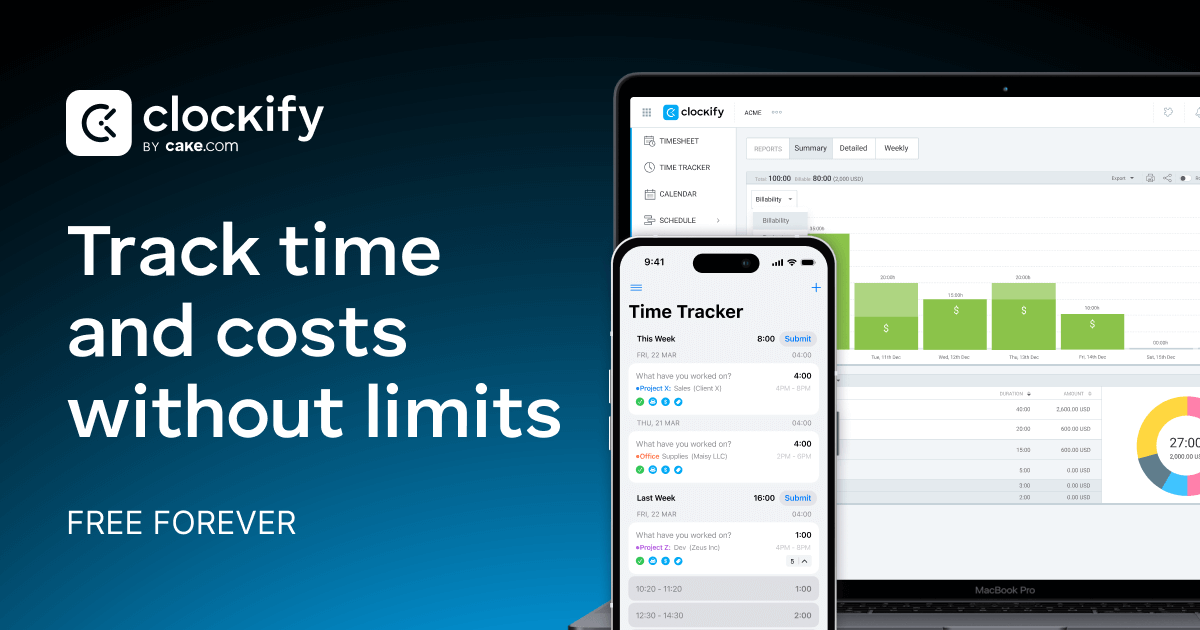
Clockify is the cheapest way to put a whole team on one tracker: a timer, a timesheet grid and a shared kiosk for clocking in all come in the same app. The free plan covers a small team, but its reports only reach back one month, which is the usual reason people upgrade. Every active or invited user on the team page takes a paid seat, so invited-but-idle accounts still cost money.
Harvest
Harvest is built around getting from tracked hours to a sent invoice, and it is one of the few trackers that includes invoicing on its free plan. That free plan is narrow, though: one seat and two projects, so it suits a freelancer testing the waters rather than a team. Paid plans connect to Stripe, QuickBooks Online and Xero, which is why agencies and consultancies tend to settle on it.
TimeCamp
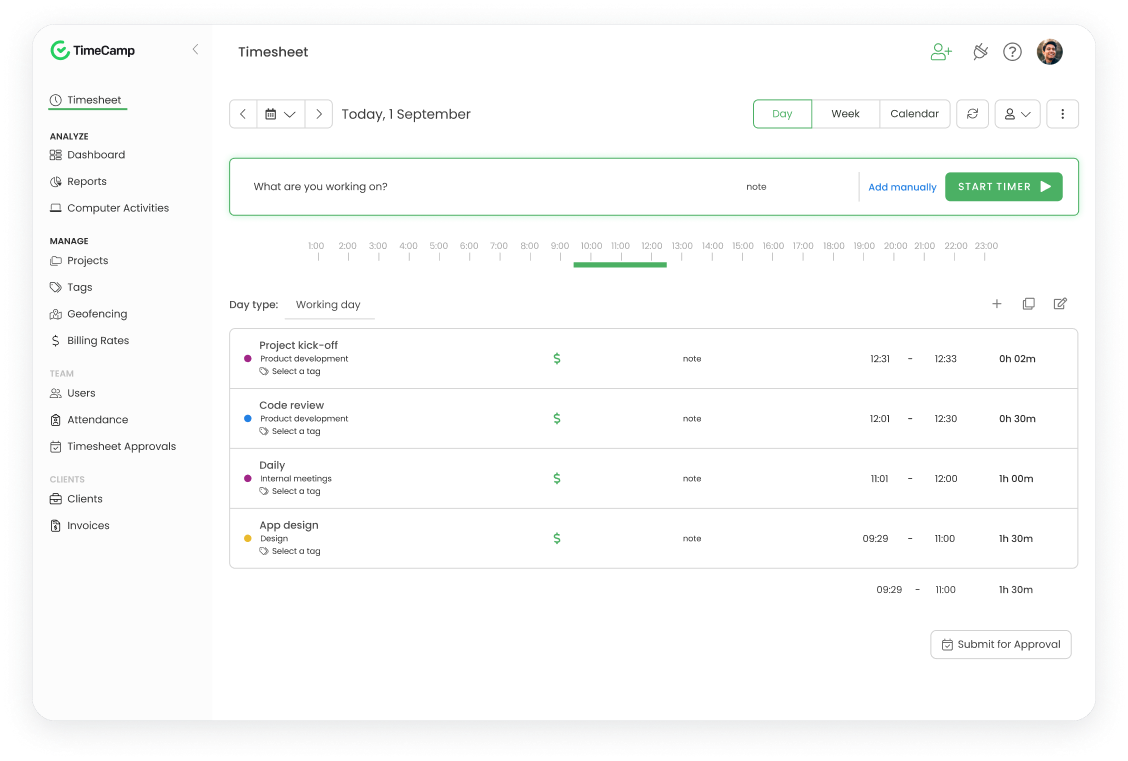
TimeCamp leans on automatic capture: its desktop app records what you work on and suggests entries, and you can still run a manual timer. Its free plan allows unlimited users and projects, which is unusually generous, and paid tiers stack on attendance, invoicing and, at the top, screenshots. Its iPhone app is the weak spot, with few ratings and mixed reviews.
Hubstaff
Hubstaff is built for managers of remote and field teams: it tracks time alongside activity levels and screenshots, and job sites can clock people in and out automatically by GPS. It also runs payroll and payments off the tracked hours. There is no free plan, only a trial, and Hubstaff charges for every seat including your own.
Timely
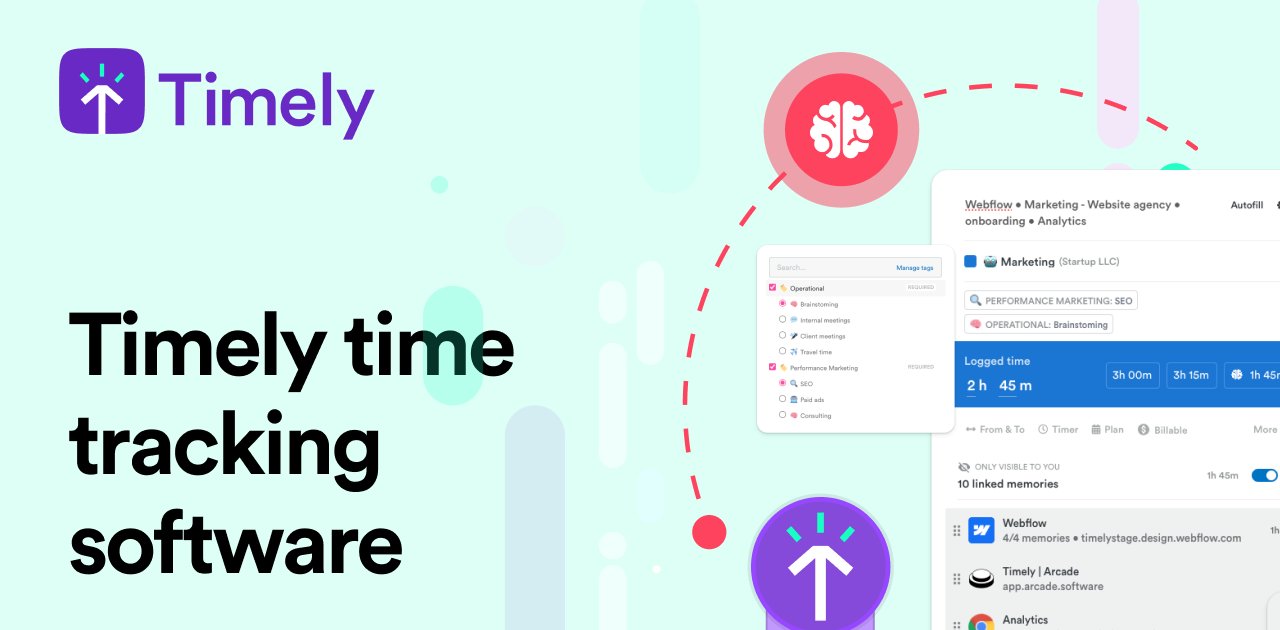
Timely records what you do on your computer in the background and uses AI to sort that activity into projects, so a timesheet is mostly reviewing drafts rather than remembering your day. Its Starter plan is capped at five users and twenty projects, so growing teams land on the pricier Premium tier. It is trial-only, and its mobile app gets far less attention than the desktop side.
RescueTime
RescueTime is a personal focus tool more than a billing tracker: it runs quietly in the background and shows where your day went across apps and websites, with focus sessions to block distractions. The cheapest plan is focus features only; timesheets start on the Solo+ plan. Pick it to understand your own habits, not to bill clients.
Rize
Rize is an automatic tracker with no timers: it runs in the background, tags your time to clients and projects, and you review it in a few minutes. It pitches privacy hard, with no screenshots or surveillance. The entry plan is for one person without client billing; clients, invoicing and reports start on Pro, and the team plan has a two-seat minimum. There is no phone app.
Everhour
Everhour puts a timer button inside the project tools teams already use, such as Asana, ClickUp, Jira, Trello and Monday, and adds budgets and invoicing on top. The free plan is limited to basic tracking without those integrations, and the paid Team plan has a five-seat minimum, so it costs more than its per-seat price suggests for a very small team.
QuickBooks Time
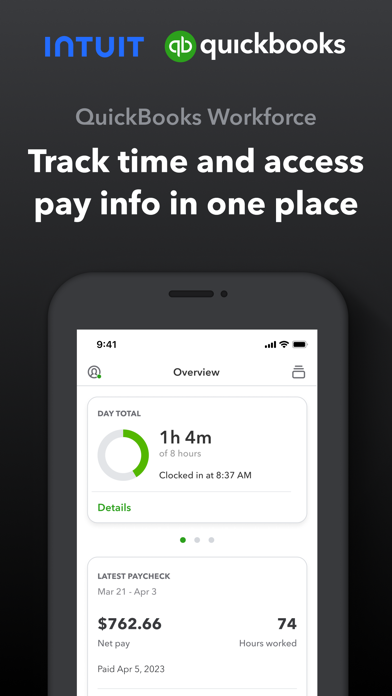
QuickBooks Time, formerly TSheets, is a clock-in app for hourly and field crews that feeds hours straight into QuickBooks payroll. Workers clock in from their phones, even offline, with GPS, and higher plans add geofence reminders at job sites. Pricing is a monthly base fee plus a per-user charge, so a small crew pays more per head than the per-user figure alone suggests.
Time Doctor
Time Doctor is workforce monitoring software for remote and hybrid teams: it tracks time automatically and records activity and screenshots, and employees see the same data their manager does. Add-ons such as software cost insights and unusual activity detection cost extra per user. Its standalone iPhone app is poorly rated, so it is really a desktop tool.
Connecteam
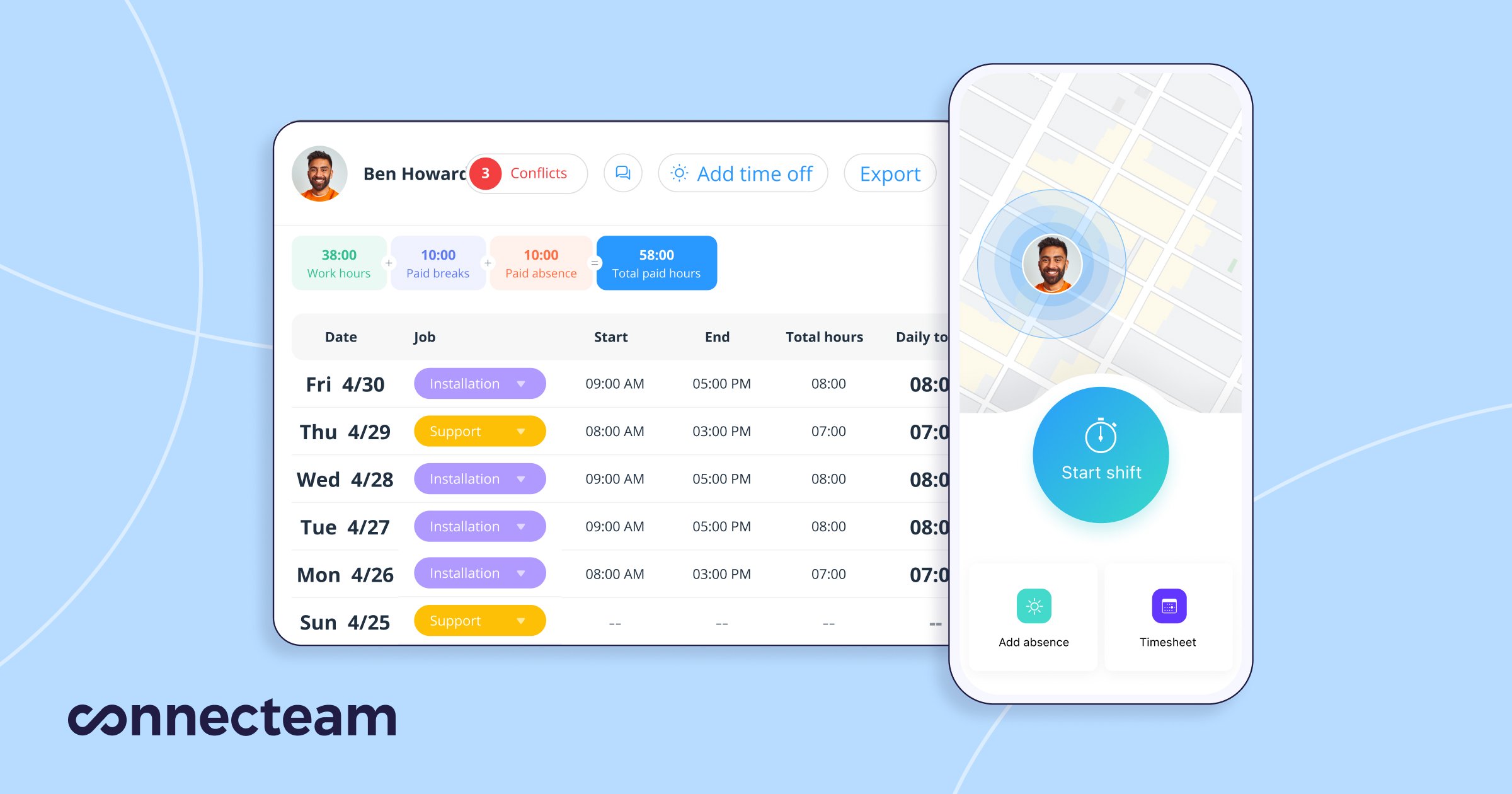
Connecteam is an all-in-one app for deskless teams, and its time clock is the part most people come for: workers clock in on their phones inside geofenced job sites, and GPS can clock them out when they leave. It is free for small teams, and paid plans are a flat monthly fee for the first thirty users rather than a per-person price, which gets cheap fast as a crew grows.
Jibble
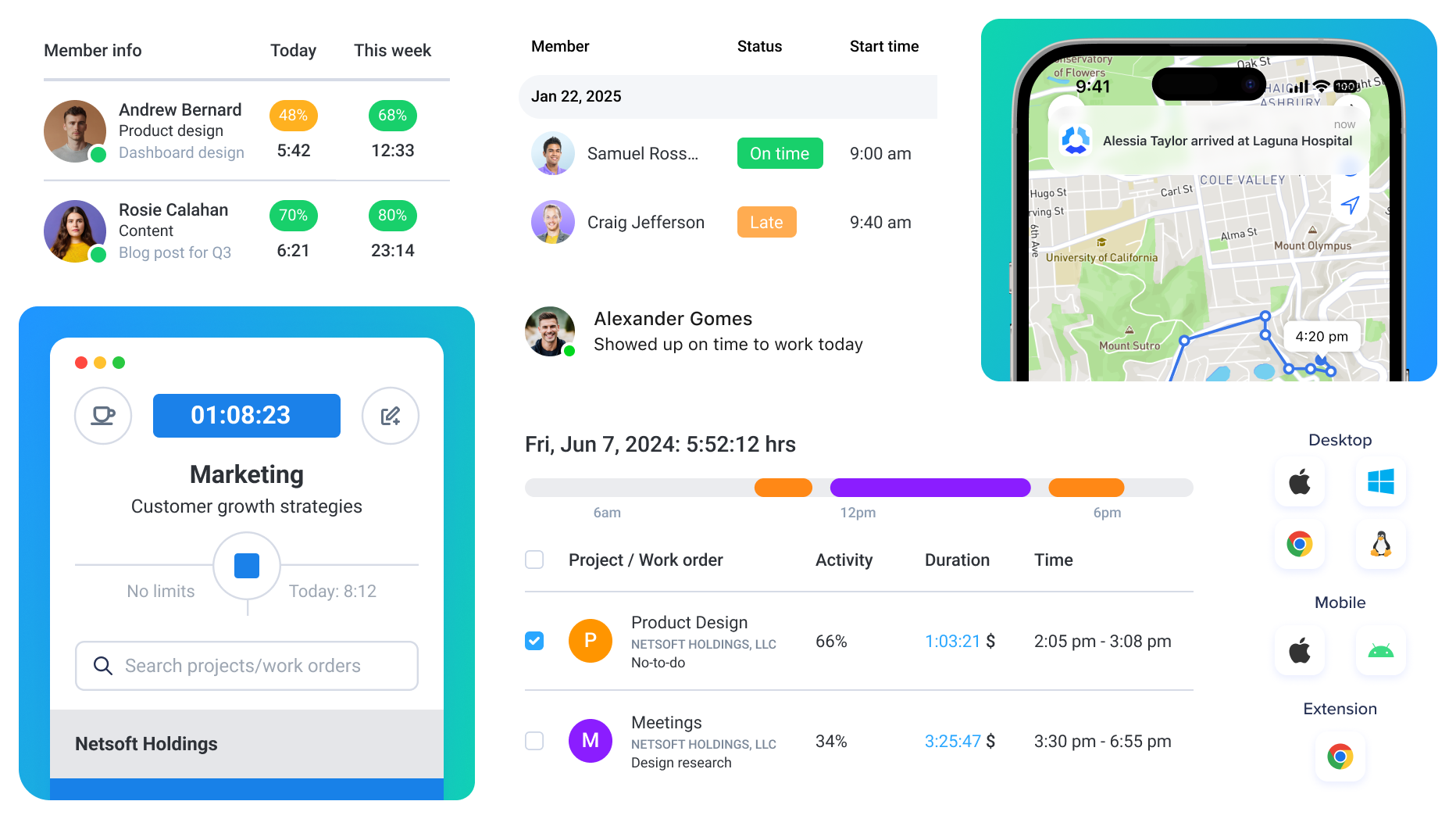
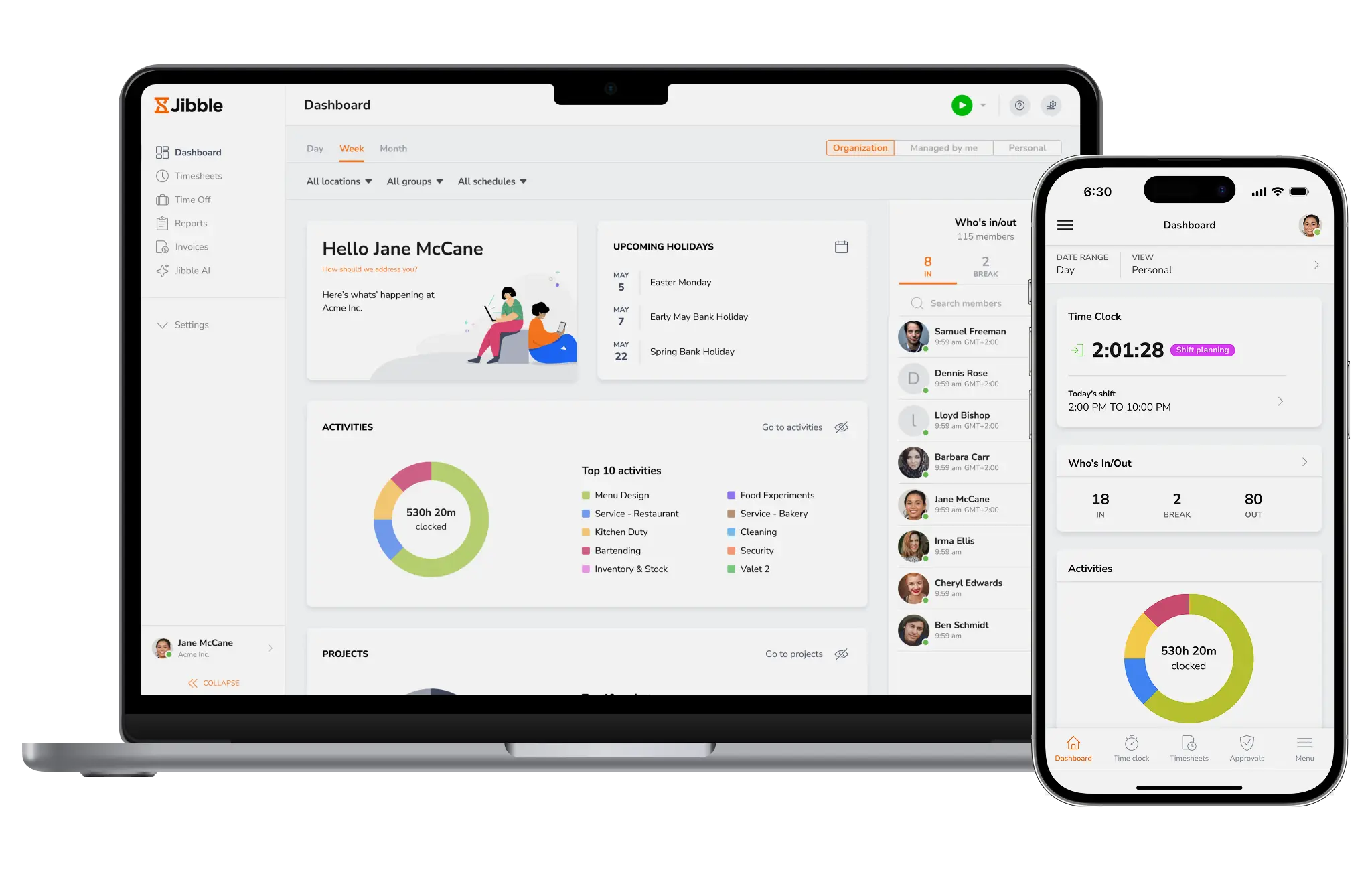
Jibble is a time and attendance app whose free plan covers unlimited users, which makes it the obvious first try for a shift-based team on no budget. Staff clock in from phones, the web or a shared kiosk, with options like face recognition and geofences to stop buddy punching. Paid tiers exist, but its pricing page does not print their prices.
Memtime
Memtime records which programs you work in and lays out your day as a timeline, so you fill a timesheet from memory aids rather than a running timer. Its pitch is privacy: activity data stays offline on your computer. It is a desktop tool with no phone app, and the shortest commitment it sells is quarterly, so there is no month-to-month option.
My Hours
My Hours is a straightforward project time tracker: a timer or spreadsheet-style entry, billable rates, and reports you can share with clients. The free plan covers a small team, and paid plans are among the cheapest per user here. Its iPhone app is published under the parent company's name, Spica, and has few ratings.
How we researched this
We read each company's own pricing, product and help pages for the cheapest paid plan, the free plan, the trial length and how time is recorded, and each app's US App Store page for its rating, and recorded every value with the sentence it came from. Hubstaff's and Time Doctor's prices come from their own pricing guide and support article, because their pricing pages draw prices in with scripts.
The set covers the trackers most often recommended for individuals, project teams and hourly staff. Narrower picks such as Paymo, ActivityWatch, Kimai, Homebase and FreshBooks were left out, and Timeular now redirects to TimeTac, so it is no longer a separate product to sign up for. A blank cell means the vendor does not state that detail, not that it is zero. Plans and prices change often, so confirm the current offer before you buy.