Best Video Conferencing Tools for Nonprofits
For an eligible nonprofit, the cheapest good answer is whichever of Google Meet or Microsoft Teams matches the suite you already use, because both come free through their makers' nonprofit programs. Zoom Workplace is the one your board and volunteers are least likely to need help joining, but its nonprofit price is a discount off a $12.49 list seat, and only 501(c)(3)s and public libraries with budgets of $10 million or less qualify.
Beyond those three, read the Nonprofit Offer column before the price: it is a free grant at Google and Microsoft, a discount at Zoom, Webex and Zoho Meeting, nothing to discount at Jitsi Meet, and nothing documented at RingCentral. For groups that will never pay for a seat, the free plan's time limit matters more, and it runs from 40 minutes on Zoom and Webex to no limit on Jitsi.
Our picks
- Already working in Gmail and Drive: Google Meet. Eligible organizations get a Workspace edition free, and a meeting link opens in any browser with nothing to install.
- All-staff meetings of a few hundred: Microsoft Teams. 300 people on the $4 plan, the largest here, and Business Basic is granted free to eligible nonprofits as long as 85% of granted licenses stay in active use.
- Community calls with people who have no account: Jitsi Meet. $0 and open source, with no account needed to start or join and no time limit, on the hosted service or your own server.
- Cheapest paid seat: Zoho Meeting. $3 per user per month at list, with room for 250 on that plan, plus a one-time credit that covers half of each purchase until it runs out.
At a glance
| Option | Starting Price | Nonprofit Offer | Free Plan Meeting Limit | Free Plan Participants | Max Participants |
|---|---|---|---|---|---|
| $12.49source | Discounted for nonprofitssource | 40 minutessource | 100source | 100source | |
| $7source | Free for eligible nonprofitssource | 60 minutessource | 100source | 100source | |
| $4source | Free for eligible nonprofitssource | 60 minutessource | 100source | 300source | |
| $12source | Discounted for nonprofitssource | 40 minutessource | 100source | 200source | |
| $3source | Discounted for nonprofitssource | 60 minutessource | 100source | 250source | |
| $10source | 50 minutessource | 100source | 200source | ||
| Freesource | Free and open sourcesource | Unlimitedsource |




List price versus what a nonprofit pays
Starting Price is the list price every organization sees, so it overstates what most nonprofits here would pay. Google Meet and Microsoft Teams drop to $0 for eligible groups. Webex's NGO discount is the deepest, 60% off its $12 seat, but it runs through a TechSoup validation token and excludes education, healthcare and insurance nonprofits. Zoom's discounted Pro seat is $7.08 per user per month, on annual billing only, applied for through Goodstack since May 2025.
Zoho's offer is the one to read closely: a wallet credit that pays half of each Zoho transaction until it is spent, after which you pay the full $3. RingCentral documents no nonprofit program at all, so its $10 seat is simply the price unless sales offers something.
Free plan time limits before a meeting cuts off
Every free plan with a stated cap holds 100 people, so length is what separates them. Zoom and Webex stop group meetings at 40 minutes, RingCentral at 50 (with no cap on how many meetings you hold), and Google Meet, Teams and Zoho at 60. Jitsi sets no limit. Recording is uneven too: Webex keeps local recording on its free plan, while Zoho starts cloud recording on its paid Standard tier.
Webinars for a virtual gala cost extra
A public event is often a second purchase. Zoom sells webinars as a paid add-on on top of a meeting plan, and Zoho runs webinars as a separate product with its own pricing. If the goal is one large meeting rather than a broadcast, the paid plans in the table reach 300 on Teams, 250 on Zoho, 200 on Webex and RingCentral, and 100 on Zoom and Google Meet.
The options in detail
Zoom Workplace
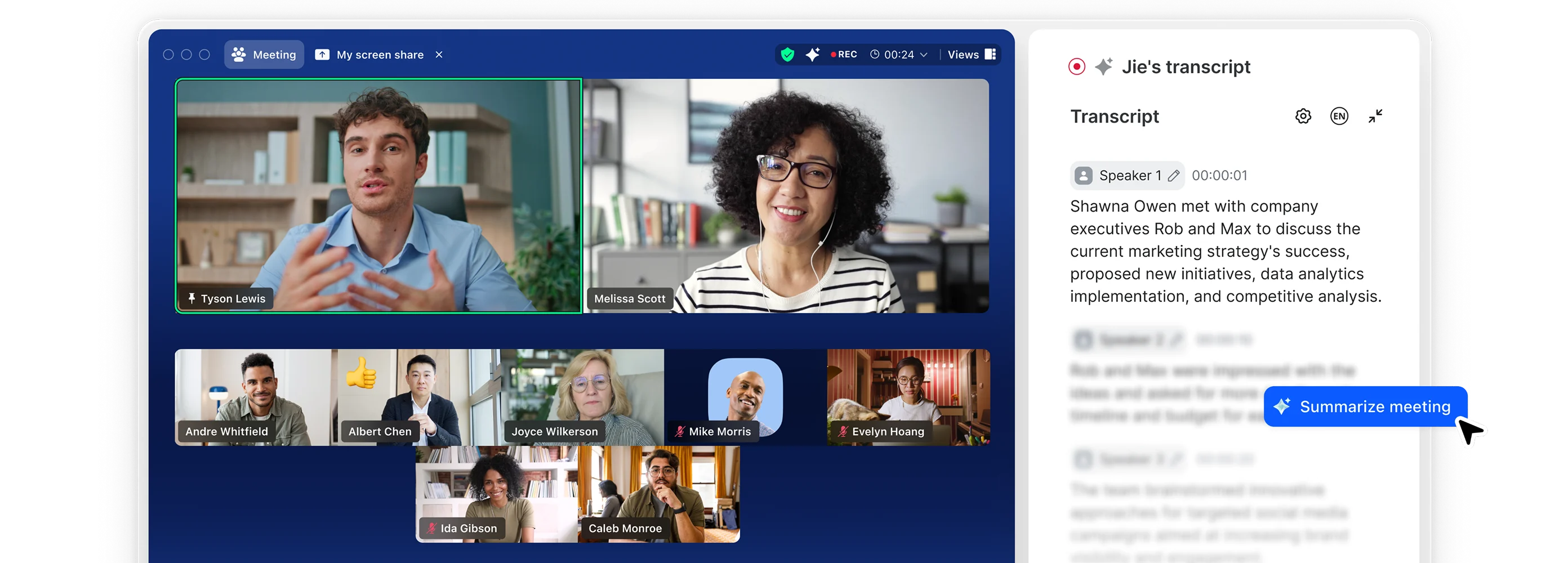
The default pick for most nonprofits, and the tool board members and volunteers are least likely to need help joining. Eligibility for the nonprofit rate is narrower than people expect: verified 501(c)(3)s and public libraries with an operating budget of $10 million or less, applied for through Goodstack rather than TechSoup since May 2025, and only on annual billing. Webinars are a separate paid add-on on top of a meeting plan, so a virtual gala costs more than the per-seat price suggests.
Google Meet
Meet is the video piece of Google Workspace rather than a standalone product, so it makes most sense for a nonprofit already living in Gmail, Docs and Drive. Google for Nonprofits gives eligible organizations a free Workspace edition, with steep discounts on the paid editions if they need recording, larger meetings or more storage. Nothing to install and a link that opens in any browser makes it the easiest option to hand to volunteers and community members. The consumer free tier is a separate thing from the nonprofit offer, and it is the one that cuts group calls off after an hour.
Microsoft Teams
Teams is the meeting layer inside Microsoft 365, so its value depends on whether the organization already works in Outlook, Word and SharePoint. Microsoft's nonprofit program is the most generous of the big three, granting Business Basic free for a substantial number of users and discounting the higher editions. The grant carries conditions worth reading before budgeting around it, including an attestation and a requirement to keep at least 85% of granted licenses actively used. Teams is heavier than a plain meeting tool, which helps staff and gets in the way for one-off calls with people outside the organization.
Webex
Cisco's platform, and the one nonprofits with in-house IT or existing Cisco hardware tend to land on. Its NGO discount is the deepest on this list, but it runs through a TechSoup validation token and excludes several categories of organization, including education, healthcare and insurance nonprofits. The free plan is unusually complete, carrying local recording, unlimited whiteboards, advanced noise cancellation and unlimited messaging rather than stripping them out. Cisco publishes almost nothing about its middle tiers, so anything above the free plan usually means talking to sales.
Zoho Meeting
The cheapest paid seat here by a wide margin, and a sensible fit for a small nonprofit that wants meetings without buying a whole collaboration suite. Zoho's nonprofit program is a one-time wallet credit that covers half of each transaction across Zoho products rather than a permanent discounted rate, so it eventually runs out and the organization pays list price. Recording is not part of the free plan: cloud recording starts on the paid Standard tier. Webinars are a separate Zoho product with their own pricing, so a public event is a second purchase.
RingCentral
Primarily a business phone system whose video product comes bundled, so it fits a nonprofit replacing a phone line and a meeting tool in one move. Its free tier is unusual in allowing unlimited meetings with a per-meeting time cap rather than a monthly quota, which suits organizations that meet often and briefly. The paid tier adds day-long meetings, CRM integrations, and automatic highlight reels and searchable transcripts of calls. No nonprofit program is publicly documented, so an organization would have to ask sales what it can get.
Jitsi Meet
Free and open source, with no account needed to start or join a call, which makes it the practical choice when the people meeting are volunteers or community members rather than staff. An organization can use the hosted meet.jit.si service or run the software on its own server, which is why privacy-conscious groups pick it. There is no nonprofit program because there is nothing to discount. The trade-off is support: no vendor to call when something breaks, and how large a meeting can get depends entirely on how the server is provisioned.
How we researched this
Only Zoom publishes what a nonprofit actually pays, so the price column stays at list, per user per month, and the Nonprofit Offer column carries the discounts. Many of the cells come from a nonprofit technology comparison site, since several vendors render their pricing only in a browser, and the vendor's own page won wherever it could be read: that site put Webex's free cap at 50 minutes, Cisco says 40, and the table says 40.
GoTo Meeting ($12 per user per month, up to 150 people, no free tier) was researched but left out for lack of a usable product image. Whereby's pricing could not be read, BigBlueButton publishes no meeting limits, Livestorm is built for webinars on credit pricing, Dialpad no longer states meeting limits, and Nextcloud Talk is sold per year in euros with a 100-user minimum. RingCentral's Nonprofit Offer is empty because no program is documented, and Jitsi's participant cells are empty because meet.jit.si publishes no cap and a self-hosted server holds whatever it is built for. Nonprofit programs change partners and terms (Zoom's moved from TechSoup to Goodstack), so check eligibility on the vendor's nonprofit page before budgeting.