Best Project Management Software With Gantt Charts
A working Gantt chart costs nothing on Teamwork.com, whose free plan includes the Gantt view for up to five people and five projects. If you are paying, ClickUp and GanttPRO share the lowest price for a plan with a Gantt, $7 per user a month billed annually, on ClickUp's Unlimited plan and GanttPRO's Core plan.
Those two show the fork most buyers face. ClickUp, monday.com, Asana, Wrike and Smartsheet are all-purpose platforms where the schedule is one view among many, and you will likely run everything else in them too. GanttPRO and TeamGantt are built around the chart itself, and OpenProject is the one you install on your own servers. Jira sits apart: its Timeline is free for ten users, but only makes sense if your work is already software tickets and sprints.
Our picks
- A small agency tracking client work: Teamwork.com. The free plan includes the Gantt view for up to 5 people and 5 projects, with projects organized by client.
- Software teams already running sprints: Jira. Its Timeline is on the Free plan, which covers up to 10 users.
- Building and reshuffling a schedule fast: GanttPRO. The $7 Core plan already includes the Gantt chart, a project calendar and auto-scheduling.
- Teams moving off Excel: Smartsheet. Spreadsheet-first, with grid, Gantt, board and calendar views all on the $9 Pro plan.
- Running it on your own servers: OpenProject. The free Community edition includes Gantt charts and timelines with no cap on users or projects.
At a glance
| Option | Price for Gantt | Plan With Gantt | Gantt View Name | Free Plan Users | Category |
|---|---|---|---|---|---|
| $12source | Standardsource | Timeline & Gantt viewssource | 1-2 userssource | All-purpose work managementsource | |
| $10.99source | Startersource | Timeline and Gantt viewssource | 1-2 userssource | All-purpose work managementsource | |
| $7source | Unlimitedsource | Gantt Chartssource | Unlimitedsource | All-purpose work managementsource | |
| $10source | Teamsource | Interactive Gantt chartssource | All-purpose work managementsource | ||
| $9source | Prosource | Gantt viewsource | No free plansource | All-purpose work managementsource | |
| Freesource | Freesource | Timelinesource | Up to 10source | Software developmentsource | |
| $10source | Premiumsource | Timeline viewsource | Up to 10source | Boards-first work managementsource | |
| Freesource | Freesource | Gantt viewsource | Up to 5source | Client & agency worksource | |
| $7source | Coresource | Gantt chartsource | No free plansource | Dedicated Gantt schedulingsource | |
| Freesource | Personalsource | Gantt chartsource | 1-2 userssource | Dedicated Gantt schedulingsource | |
| Freesource | Communitysource | Gantt charts / timelinessource | Unlimitedsource | Open source, self-hostedsource |






The advertised price is often not the Gantt price
Five of these tools keep the schedule off their cheapest tier, which is why the price column here is the cost of the first plan that includes it. monday.com starts at $9, but timeline and Gantt views need Standard at $12, and its free trial is of the higher Pro tier rather than the one you would buy. Asana's free Personal plan offers list, board and calendar only, so its Gantt starts on Starter at $10.99. Trello's Timeline needs Premium at $10, and Wrike's Gantt arrives on Team at $10, a plan sold for 2 to 15 users.
ClickUp is the odd case. Its free plan takes unlimited members and lists Gantt, but only as a trial, so ongoing Gantt charts start on Unlimited at $7.
Timeline or Gantt: same idea, different names
Search a shortlist for the word Gantt and you will miss two of these. Jira and Trello both call their version a Timeline. Asana ships a simplified Timeline alongside a fuller Gantt with task hierarchy and progress tracking, and monday.com labels its pair Timeline & Gantt views. The names are not a guide to depth, either: Trello's Timeline is a light layer over a kanban board, while Wrike's interactive Gantt charts are built for process-heavy teams.
What each free Gantt plan holds back
Four rows read $0 because the free tier already includes the chart, and each has a different ceiling. Jira stops at 10 users, Teamwork.com at 5 users and 5 projects, and TeamGantt's Personal plan at one person, one project and forty tasks. OpenProject has no user or project cap, but you pay in installation and upkeep, and its hosted plans start at a 25-user minimum.
Two tools have no free plan at all: Smartsheet offers a 30-day trial and GanttPRO a 14-day one. Neither is a like-for-like seat price, either. Smartsheet's seat price covers Members, who build and edit, and not Contributors, who don't, and GanttPRO's per-user price falls as the team grows.
The options in detail
monday.com
A brightly designed work platform that teams usually adopt for its boards and then discover the timeline underneath. Gantt is not in the entry tier: monday puts timeline and Gantt views on Standard and above, so the advertised starting price is not the price of a schedule. The free tier caps you at two seats, which makes it a taster rather than a workable team plan, and the trial monday offers is of the higher Pro tier rather than the one you would actually buy.
Asana
Asana sells itself as work management for cross-functional teams, and its scheduling comes in two flavours: a simplified Timeline and a fuller Gantt with task hierarchy and progress tracking. Both arrive together on Starter, the first paid tier. The free Personal plan is capped at two collaborators and gives you list, board and calendar views only, so anyone who came specifically for a timeline is paying from the first day.
ClickUp
ClickUp packs an unusual number of views into one product and does not charge for seats on its free tier, which takes unlimited members. Gantt is the catch. On the free plan it is marked as a trial rather than an included view, and unlimited Gantt charts only begin on the Unlimited plan. That plan is also the cheapest paid per-seat price among the general-purpose tools here, so the upgrade is a small one if you were staying anyway.
Wrike
Wrike is a work management platform aimed at larger, more process-heavy teams, and its Gantt is interactive rather than a read-only picture of a schedule. The free tier is real but limited to project, task and board work, so the timeline arrives with the Team plan, which itself is sold for 2 to 15 users before you move up again. Every tier including the free one ships web, desktop and mobile apps, which is not true of the open source options.
Smartsheet
Smartsheet starts from a spreadsheet rather than a board, which is why it lands well with people already running projects in Excel. Gantt is not an upsell here: grid, Gantt, board and calendar views all come with the cheapest Pro plan. There is no free tier any more, only a 30-day trial, and the plans separate Members who build and edit from Contributors who do not, so the per-seat price applies to a smaller group than your headcount.
Jira
Jira is Atlassian's tool for software teams, and it calls its Gantt a timeline. Unusually for this list the timeline sits in the free plan, which runs to ten users, so it is the cheapest honest way to get a dependency-aware schedule if your work is already tracked as issues and sprints. It is a poor fit if your projects are not software: the vocabulary is backlogs, boards and epics the whole way down, and non-engineers tend to bounce off it.
Trello
Trello is the board-first tool most people already know, and its Timeline is one of the extra views unlocked on Premium rather than something the product is built around. The free plan is generous on people, ten collaborators per workspace, but gives you cards and lists only. Treat the Timeline as a light scheduling layer over a kanban board rather than a full project scheduler, and it is a reasonable step up for a team that already lives in Trello.
Teamwork.com
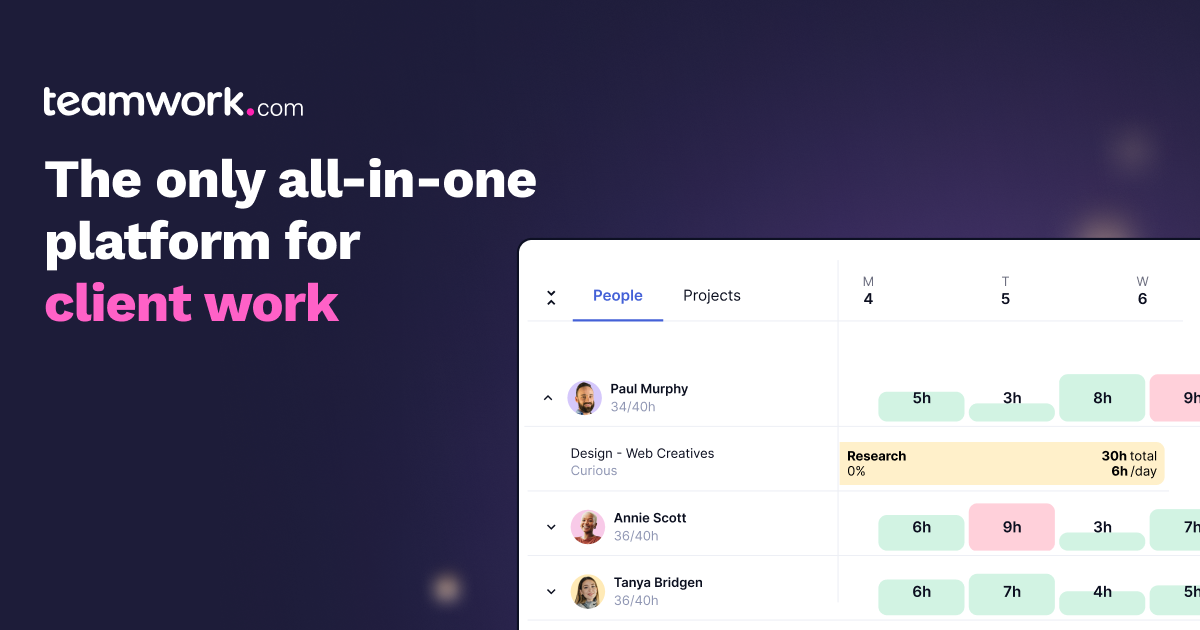
Teamwork.com is built around client work: billable time, projects organised by client and profitability tracking sit at the centre rather than being bolted on. Its free plan is one of the few here that includes the Gantt view outright, for up to five people and five projects, which makes it a genuinely usable starting point for a small agency. Paid plans begin with Basics and add intake forms, capacity planning and reporting as you climb.
GanttPRO
GanttPRO is a Gantt tool first and a project manager second, which shows in how quickly you can build and rearrange a schedule without fighting the interface. There is no free tier at all: you get a 14-day trial and then pay from the Core plan, which already includes the Gantt chart, project calendar and auto-scheduling. The per-user price falls as the team grows, so it reads expensive for one or two people and reasonable for twenty.
TeamGantt
TeamGantt has narrowed hard toward construction scheduling in recent years, and the comparisons on its own site are against Procore and Buildertrend rather than Asana. The free Personal plan really does include a working Gantt with dependencies and drag-and-drop, but only for one person, one project and forty tasks, so it suits a solo planner rather than a team. Paid plans are priced by the number of projects rather than per user, so it does not compare on a per-seat basis with the rest of this market.
OpenProject
OpenProject is the open source option: a full project management suite you install on your own servers, with Gantt charts and timelines in the free Community edition and no cap on users or projects. That freedom costs installation and maintenance time, which is the real price of the free tier. Hosted plans and Enterprise add-ons exist if you want support or extras like PDF export of the Gantt, and those start at a 25-user minimum, so the paid path suits mid-sized organisations rather than small teams.
How we researched this
The price column answers one narrow question: the lowest per-user monthly price, billed annually, of a plan whose feature list includes the Gantt or timeline view. Each figure and plan name was read from the vendor's own pricing page on 3 September 2026. TeamGantt's paid plans are priced by number of projects and OpenProject's in euros, so only their free rows appear here. The Category column is our reading of how each vendor describes itself; Trello sits under boards-first rather than all-purpose because its Timeline is the lightest scheduling layer on the list.
Microsoft Project and Planner, and Zoho Projects, were left out because their pricing pages did not give a price we could quote, and for Zoho we could not confirm whether the free plan includes the Gantt chart. Notion's pricing page never mentions its Timeline, so its plan could not be tied to the view. Basecamp uses Hill Charts rather than a Gantt, and Redmine was set aside with OpenProject holding the open source slot. Wrike's Free Plan Users cell is blank because Wrike does not state a limit for that tier. Smartsheet has dropped its free plan since many roundups were written, a reminder of how quickly older comparisons of these plans go stale.