Best Screen Recording Tools That Integrate With Gmail
Loom is where most people start: its extension puts a record button straight into the Gmail composer, the free plan covers 25 videos of up to 5 minutes each, and the Business plan is $18 per user a month. If five minutes is too short, ScreenPal allows 15 minutes per recording on its free plan and lets you keep as many videos as you like.
The ten split first by what the product is for. Loom, ScreenPal, ScreenSight and cloudHQ's extension are screen recorders that happen to live in Gmail. BombBomb, Mailsuite, Dubb and StoryXpress are built around sending video by email, and Vidyard and Hippo Video are sales platforms that report back on who watched. The second split is what your recipient sees: most send an animated thumbnail or a link that opens the video elsewhere, while BombBomb and Mailsuite put the video into the message itself.
Our picks
- Longer recordings for free: ScreenPal. 15 minutes per recording on the free plan, as many hosted videos as you want, and a paid Solo plan on sale at $3 a month.
- A record button and nothing else: cloudHQ Screencast Recording for Gmail. Free with no paid tier: one button in the compose toolbar that records your screen and voice and drops a link into the email.
- Video embedded in the email: BombBomb. Records, sends and tracks views without leaving Gmail and embeds the video in the message, at $42 per user a month after a 14-day trial.
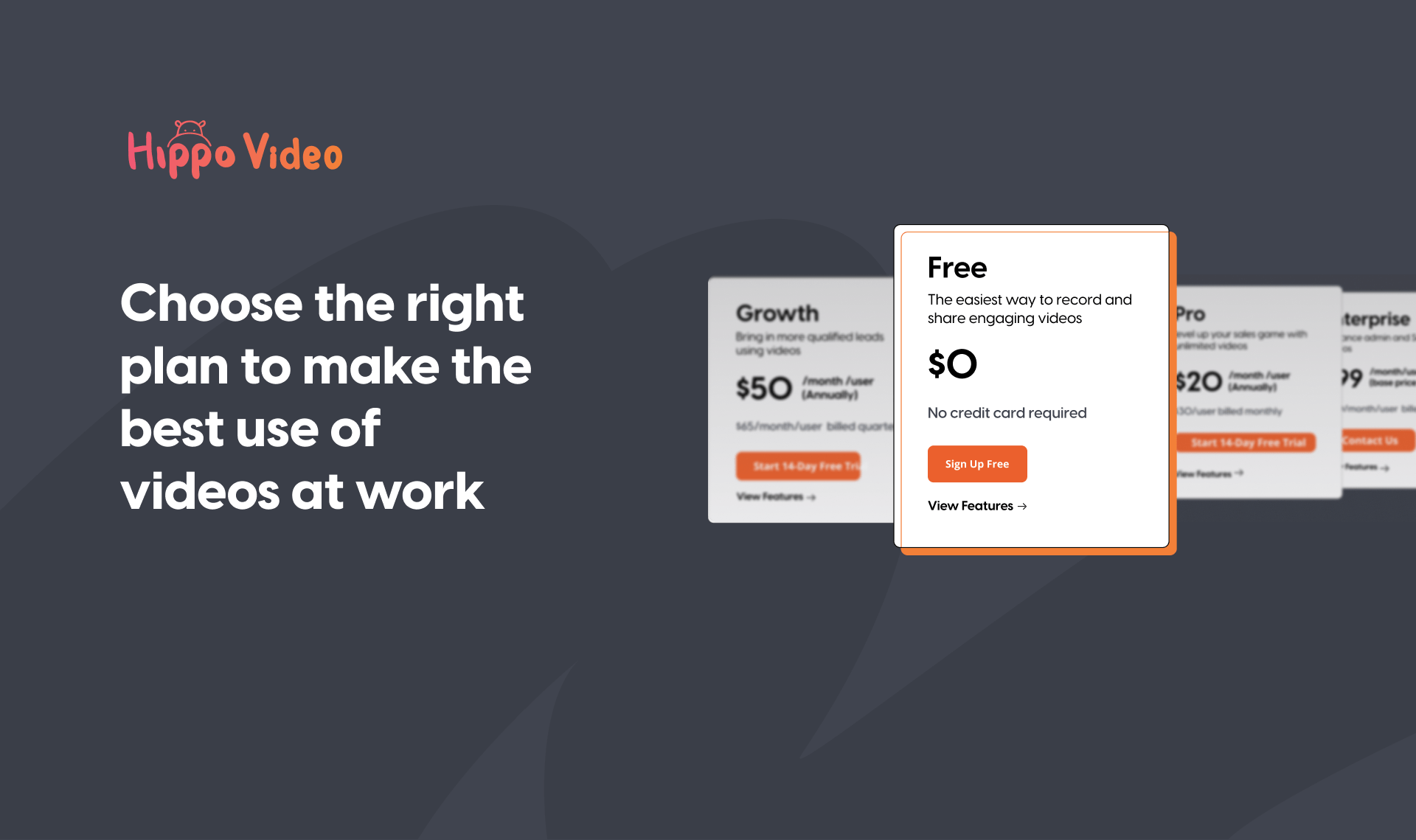
- A workplace that limits extensions: Hippo Video. Reaches Gmail through a Google Workspace add-on as well as a Chrome extension, from $30 per user billed monthly.
- You already want read receipts: Mailsuite. Screen recording sits behind the same Gmail toolbar icon as email tracking, though video messages need its top paid tier; paid plans start at $119.90 billed yearly.
At a glance
| Option | Type of tool | Video in the email | Free plan | What's free | Cheapest paid plan |
|---|---|---|---|---|---|
| Screen recordersource | Animated GIF thumbnailsource | Free plan, 5 minutes per videosource | 25 videos, each up to 5 minutes of screen recordingsource | $18 per user / month on the Business plansource | |
| Sales video platformsource | Free plan, limited number of videossource | A limited number of videos per monthsource | $59 USD /seat/month billed annually on the Starter plansource | ||
| Video email platformsource | Embedded videosource | No free plansource | No free tier, only a 14-day free trial of Core + Copilotsource | $42 per user, per month on the Core plansource | |
| Screen recordersource | Animated GIF thumbnailsource | Free plan, 15 minutes per videosource | Record, share and host as many videos as you wantsource | $3/mo sale price on a Solo plansource | |
| Sales video platformsource | Video linksource | Free plan, limited number of videossource | 3 video downloads/shares per monthsource | $30/user billed monthlysource | |
| Video email platformsource | Animated GIF thumbnailsource | Free plan, limited number of videossource | 25 SD videossource | $499/user/yr billed annually on the Pro plansource | |
| Video email platformsource | Embedded videosource | Paid plans only for videosource | Unlimited Tracked Emailssource | The Mailsuite plan, billed $119.90 USD yearlysource | |
| Video email platformsource | Embedded videosource | No free plansource | A 7-day free trial, with no free tier on the pricing pagesource | $8 /month Billed annually on the Individual plansource | |
| Screen recordersource | Animated GIF thumbnailsource | Free plan, 5 minutes per videosource | 5-min recording, link and email sharing, view counts and Gmail integrationsource | $19 /mo Billed annually on the Professional plansource | |
| Screen recordersource | Video linksource | Free, no paid tiersource | Free Screencast Recording for Gmailsource | No paid plan; the Gmail screencast extension is freesource |






Thumbnail, link or embedded video
Loom, ScreenPal, Dubb and ScreenSight drop an animated GIF thumbnail into the message that links to the video, which is the format Dubb markets hardest. Hippo Video and cloudHQ send a plain link. BombBomb and Mailsuite embed the video in the body of the email.
Two rows need a closer look. StoryXpress is listed as embedding, but its own description is a custom thumbnail that opens a branded player page. Vidyard's cell is empty because its help page says it adds both a link and a thumbnail, which fits neither category cleanly. If the format matters to you, send yourself a test first.
Where each free plan stops
Loom and ScreenSight both cap free recordings at five minutes, and ScreenSight's free tier includes its Gmail integration and view counts. Dubb's free Starter plan gives 25 SD videos and also keeps the Gmail integration unlocked. Hippo Video is tight, at 3 video downloads or shares a month.
Three have no free plan for video. Mailsuite's free plan is email tracking only, BombBomb offers a 14-day trial, and StoryXpress a 7-day one. cloudHQ is the opposite case: free, with nothing to upgrade to.
Solo subscriptions versus per-seat sales plans
The paid column mixes billing bases, so read the wording. The individual plans are cheap: ScreenPal's Solo plan on sale at $3 a month, StoryXpress at $8 a month billed annually, ScreenSight at $19 a month billed annually. The plans aimed at sales teams price per seat and sit far higher, with Vidyard at $59 a seat a month billed annually and Dubb at $499 per user per year. Those aren't pricier versions of Loom; they are built for teams that send video to prospects and want viewing reports.
The options in detail
Loom
Loom is the default answer for most people here: a Chrome extension and desktop recorder that puts a record button straight into the Gmail composer, so you never leave the tab. Recording from a Gmail thread offers two choices, a fresh recording or your last one, and the video lands as an animated preview rather than an attachment. Its help documentation now lives on Atlassian's support site, and the paid tiers are where the AI editing and meeting recap features sit. The catch on the free plan is the five-minute ceiling per screen recording, which is short for a full walkthrough.
Vidyard
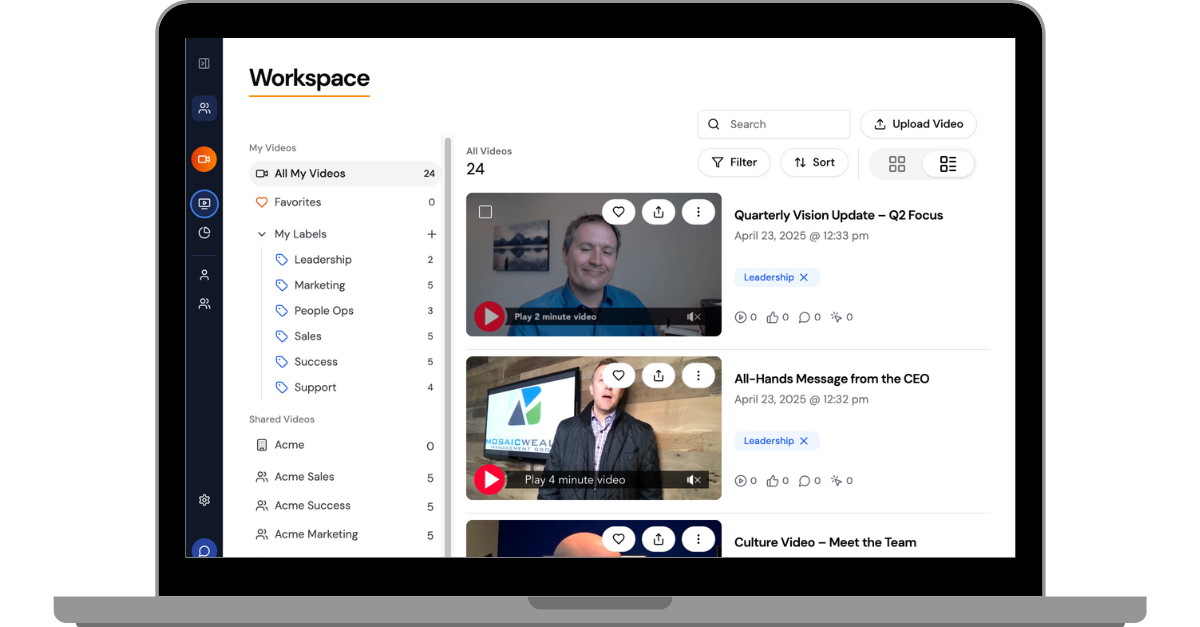
Vidyard is a sales-first video platform whose Gmail extension lets you record a new video or pull one from your library without leaving the inbox, and it reports back who watched and for how long. The product has leaned hard into AI: stock and custom avatars, automated personalized video, and an agent that sends videos for you. The free tier is real but capped at a limited number of videos a month, and the first paid step is much more expensive than the general-purpose recorders in this table. It makes most sense when video is part of a sales motion rather than an occasional explainer.
BombBomb
BombBomb is the most email-native tool in this set: its browser extension records, sends and tracks views entirely inside Gmail, and the company's own copy stresses that its embedding technology puts the video into the message rather than attaching it. It is built for teams rather than individuals, with the site pitching sales, mortgage, real estate and recruiting use cases and pricing per user. There is no free tier at all, only a 14-day trial, which makes it the hardest option here to try casually.
ScreenPal
ScreenPal is a long-running, unfussy screen recorder with one of the friendliest Gmail integrations in this table: click the icon in the corner of your draft, record, trim if you need to, and it drops a moving thumbnail linked to the video into the email. The free plan is unusually generous on hosting, letting you keep as many videos as you like, though each recording is capped at 15 minutes. Paid plans are among the cheapest here and are sold as solo subscriptions rather than per-seat team licences. The pricing page has been running a sale, so the figure on screen may not be the regular one.
Hippo Video
Hippo Video is a sales-oriented video platform that reaches Gmail two ways, through a Chrome extension and through a Google Workspace add-on, which makes it one of the few options here that does not strictly require a browser extension. Recordings go out as a link rather than an attachment, and the platform reports back on how the video was watched. The free plan is tight, allowing only a few video shares a month, with pay-as-you-go credits beyond that. It is pitched squarely at sales pitches, demos and prospect follow-ups rather than everyday internal messages.
Dubb
Dubb pairs video with email and SMS outreach, and its Gmail extension gives you your whole video library, new recordings, activity reporting and reusable calls to action without leaving the compose window. Videos are sent as animated GIF thumbnails, which is the part it markets hardest. The Starter plan is free forever with a modest video allowance, and unusually the Gmail, Outlook and LinkedIn integrations are included on it rather than paywalled. Paid plans are priced per user and are clearly aimed at sales teams.
Mailsuite
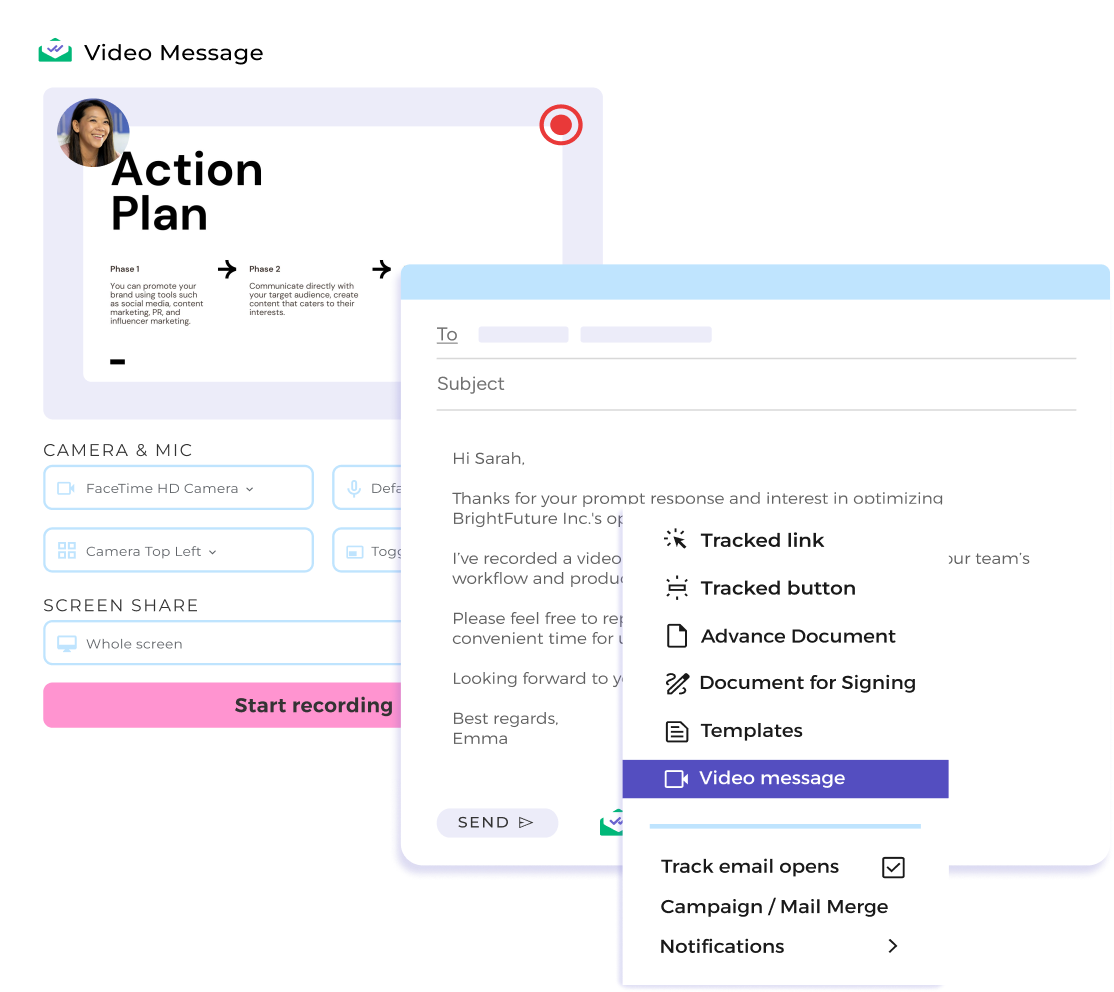
Mailsuite, which still carries its old Mailtrack name across the site, is an email tracker first and a recorder second: screen recording lives behind the same Gmail toolbar icon that handles read receipts. You choose camera only or screen plus camera, record, and the video is embedded in the message when you finish. That tight coupling is the appeal, but it is also the catch, because the free plan covers tracking only and video messages sit on the top paid tier. It is worth considering mainly if you already want the open-tracking side.
StoryXpress
StoryXpress is a business video platform whose Chrome extension lets you record a new video or insert an older one while you are writing the email, with no separate setup once the extension is installed. Rather than pasting a bare URL, it sends a custom thumbnail that opens a branded player page, and it reports on how the video was watched. Alongside the recorder it handles hosting, editing and analytics, so it is a heavier product than a simple capture tool. Its pricing is per seat and starts low for individuals.
ScreenSight
ScreenSight is a lightweight screen recorder built around asynchronous video for sales and customer support, and it is one of the few tools here that puts the Gmail integration on the free plan rather than behind a paywall. The free tier covers five-minute recordings, link and email sharing and view counts, while the paid plan adds custom branding, a teleprompter and AI transcriptions. It is a smaller product than the rest of this list, and the site leans more on customer logos than on documentation, so expect fewer help articles if you get stuck.
cloudHQ Screencast Recording for Gmail
cloudHQ makes a large family of single-purpose Gmail extensions, and this one simply adds a Screencast button to the Gmail compose toolbar. It captures your voice and whatever is on your screen, uploads the recording, and drops it into the email as a link, so the recipient clicks out to watch. It is free and does exactly one thing, which makes it the simplest option in this table, but there is no editing, no viewer analytics and no team management. Good for the person who wants a record button in Gmail and nothing else.
How we researched this
Every row is a tool whose own site or help pages document working inside Gmail, since a roundup's mention wasn't enough. That rule cut several familiar recorders: Screencastify's Google integrations are Classroom and other school platforms rather than Gmail, Zight's only Gmail page is a guide to email signatures, and Vmaker's own site never mentions Gmail. Sendspark has a Gmail extension but describes itself as not a screen recorder, and Covideo publishes no prices at all. Loom no longer has a Gmail page on its own marketing site, so its row relies on Loom's help docs, now hosted by Atlassian, and on its pricing table, which lists Gmail on all four plans.
ScreenPal's $3 is a sale price, with a regular figure of $4 a month, and sales like that change without notice. Free-plan caps move too, so before rolling one of these out to a team, check that the plan you'd buy includes the Gmail integration and not just the recorder.