Project Management Software for Small Business
15 project management tools compared on entry price, pricing model, free plan and time tracking, from Trello and Zoho Projects to ProofHub. Read our take
At a glance
| Option | Entry Plan Price | Pricing Model | Free Plan | Tool Type | Time Tracking |
|---|---|---|---|---|---|
| $10.99source | Per user per monthsource | Free for 1 to 2 userssource | Work management platformsource | Higher plans onlysource | |
| $9source | Per user per monthsource | Free for 1 to 2 userssource | Work management platformsource | Higher plans onlysource | |
| $9source | Per user per monthsource | Free for unlimited userssource | All-in-one workspacesource | Included freesource | |
| $5source | Per user per monthsource | Free for up to 10 userssource | Kanban boardssource | ||
| $10source | Per user with a seat minimumsource | Free for unlimited userssource | Work management platformsource | Higher plans onlysource | |
| $9source | Per user per monthsource | Free trial onlysource | Work management platformsource | ||
| $29source | Flat rate for the teamsource | Free for up to 5 userssource | Client projectssource | Higher plans onlysource | |
| $9.7source | Per user per monthsource | Free for up to 10 userssource | Software developmentsource | Included freesource | |
| $10source | Per user per monthsource | Free for 1 to 2 userssource | Docs and wiki workspacesource | ||
| $4source | Per user per monthsource | Free for up to 5 userssource | Work management platformsource | On the entry paid plansource | |
| $9.99source | Per user with a seat minimumsource | Free for up to 5 userssource | Client projectssource | Included freesource | |
| $20source | Per user per monthsource | Free for up to 5 userssource | No-code app buildersource | ||
| $10source | Per user per monthsource | Free for unlimited userssource | All-in-one workspacesource | On the entry paid plansource | |
| $45source | Flat rate for the teamsource | Free trial onlysource | All-in-one workspacesource | On the entry paid plansource | |
| $5source | Per user per monthsource | Free for up to 10 userssource | Work management platformsource | Higher plans onlysource |




Our take
For most small businesses the cheapest way in is Zoho Projects at $4 per user a month, or Trello and Hive at $5, and ClickUp is the strongest free start: its free plan has no member cap and already includes time tracking. If you would rather pay one team price than a fee per seat, Basecamp starts at a flat $29 a month for up to 5 users and ProofHub at $45 a month for unlimited users.
The real split in this table is how you pay and what the free plan really covers. Every tool here except Basecamp and ProofHub charges per person, so the bill grows with every hire. Free plans run from unlimited members (ClickUp, Wrike, Nifty) down to two seats (Asana, monday.com), and Smartsheet and ProofHub have no free plan at all.
Our picks
- Best free plan for a growing team: ClickUp. Free for unlimited users, with time tracking included on the free plan.
- Lowest per-user price: Zoho Projects. $4 per user a month, and that entry plan already includes time logs and timesheets.
- Best flat price for a bigger team: ProofHub. $45 a month on Essential with unlimited users, so adding people costs nothing.
- Best for client work: Teamwork.com. Built around client projects, and even the free plan for up to 5 users lets you log time.
- Simplest to start: Trello. Kanban boards that are free for up to 10 users, then $5 per user on Standard.
Per-user pricing or one flat price
At five people the per-user tools are cheapest: Zoho Projects comes to about $20 a month, Trello and Hive about $25, and ClickUp and monday.com about $45, against Basecamp's flat $29 for up to 5 users and ProofHub's $45. The flat plans pull ahead as the team grows, since ProofHub Essential stays at $45 for unlimited users while Asana at $10.99 per user passes that at five seats.
Two per-user tools also set a floor. Teamwork.com's Basics plan has a 3-seat minimum and Wrike's Team plan covers 2 to 15 users, so a solo owner or a pair pays for more seats than they use.
How far a free plan will carry a small team
ClickUp, Wrike and Nifty allow unlimited members for free, but each limits something else: ClickUp has 60 MB of storage, Nifty two active projects, and Wrike keeps time tracking for its Business plan. Trello, Jira and Hive allow up to 10 people, which covers many small businesses outright.
Asana, monday.com and Notion are free only for one or two people, so treat those plans as a trial for a team. Basecamp's free Personal plan is a single project for you and three others.
If you bill clients by the hour
Time tracking is where plans differ most. ClickUp, Teamwork.com and Jira include it free, though Jira's is a manual work log on each task with no running timer. Zoho Projects, Nifty and ProofHub include it on their entry paid plan, so ProofHub's $45 Essential plan already covers the whole team's hours, while Asana, monday.com, Wrike, Basecamp and Hive hold it back for a higher tier. Trello, Notion, Airtable and Smartsheet are blank in that column because their pricing pages do not list built-in time tracking on any plan, so plan on an integration if you need to log hours there.
The options in detail
Asana
Asana is a general work manager that most teams can learn quickly, with list, board and timeline views of the same tasks. Its free Personal plan is now capped at two people, so a small business will be on the paid Starter plan almost immediately. Starter adds the timeline and unlimited free guests for clients and contractors, while native time tracking waits for the more expensive Advanced plan.
monday.com
monday.com is a colorful, board-based work platform that teams across sales, marketing, operations and HR use for far more than projects. The free plan stops at two seats, and the pricing page quotes paid plans by seat in team-size bundles, so check the total for your headcount rather than the per-seat figure alone. Time tracking and the richer views sit on the Pro plan, two tiers above Basic.
ClickUp
ClickUp tries to replace several apps at once, putting tasks, docs, whiteboards, chat and time tracking in one workspace. Its free plan has no member cap and already includes time tracking, which makes it the most generous free tier here for a growing team, though storage on it is tight at 60 MB. Reviewers often note that the sheer number of features takes time to set up and learn.
Trello
Trello is the simple card-and-board tool from Atlassian: each project is a board, each task a card you drag between columns. The free plan covers up to 10 collaborators and 10 boards, and Standard at $5 per user is the cheapest paid plan in this table. It suits teams with straightforward workflows; anything like time tracking or Gantt-style planning comes from add-on Power-Ups rather than the core product.
Wrike
Wrike is a structured work-management platform with Gantt charts, dashboards and request forms, built to scale from small teams to large companies. The free plan allows unlimited users but is meant for basic task management, and the $10 Team plan covers 2 to 15 people. Time tracking and budgeting only arrive on the Business plan, and reviewers mention a steeper learning curve than the simpler tools here.
Smartsheet
Smartsheet looks and feels like a spreadsheet, with rows that can also be shown as Gantt charts, cards and calendars, which makes it comfortable for people who already plan in Excel. It closed its free plan to new sign-ups in 2024, so new teams start on a trial and then the Pro plan for up to 10 members. It leans toward larger organizations, and its homepage now pitches it as an execution hub for enterprise work.
Basecamp
Basecamp keeps each project in one place with a to-do list, message board, schedule, docs and group chat, and deliberately skips the dashboards and custom fields of bigger tools. It charges a flat monthly price per package rather than per person, starting with the $29 Freelancer plan for up to 5 users and 3 projects. Time tracking and templates start on Pro, and the free Personal plan is a single project for you and three others.
Jira
Jira is Atlassian's tracker built around sprints, backlogs and agile boards, and it is the default choice for software teams. The free plan covers up to 10 users with 2 GB of storage, and built-in work logging is on every plan, although it is a manual log rather than a running timer. Non-technical teams often find its issue-and-workflow vocabulary heavy compared with Trello or Asana, and Standard is billed per user month to month or as a yearly price for each user tier.
Notion
Notion is a docs and database workspace where project boards, wikis, meeting notes and plans live side by side and link to each other. It is flexible enough to build a project tracker from templates, but that tracker is something you assemble rather than a ready-made project tool. The free plan is aimed at individuals, so a team will need the $10 Plus plan, and it has no built-in time tracking.
Zoho Projects
Zoho Projects is a full project manager with Gantt charts, task blueprints, timesheets and budgets, and it ties into the rest of Zoho's business apps. At about $4 per user a month for Premium it is the cheapest per-seat paid plan in this table, and that plan already includes time logs and timesheets. The free plan covers 5 users but only 3 projects, so most small businesses will outgrow it quickly.
Teamwork.com
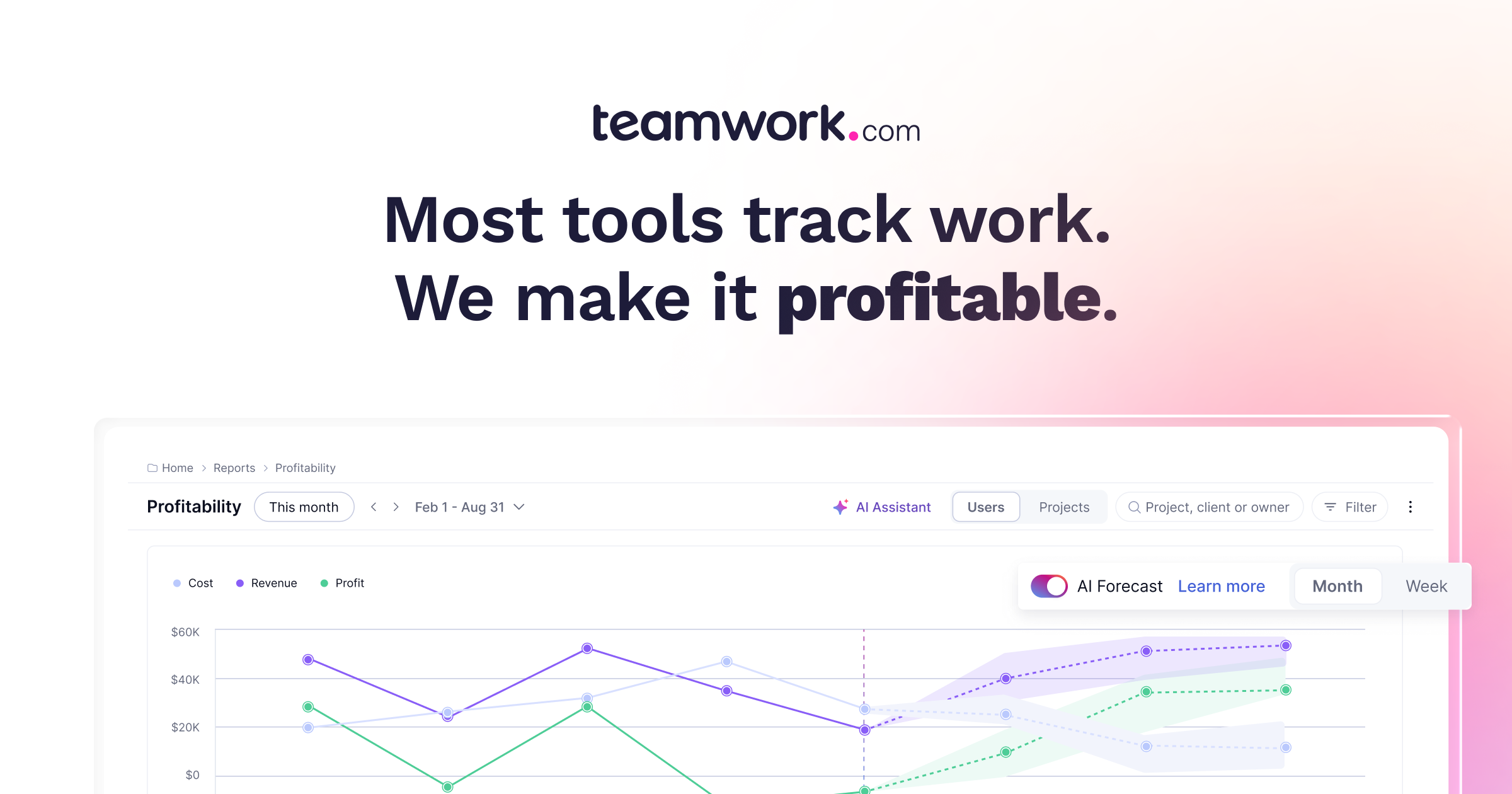
Teamwork.com is built for agencies and service businesses that bill clients, with client portals, time logs, budgets and profitability reporting. Even the free plan lets you log time and organize work by client, though it stops at 5 users and 5 projects. Paid plans are per user with a minimum seat count (3 on Basics), so a two-person shop pays for a third seat.
Airtable
Airtable is a spreadsheet-database hybrid that teams shape into their own project trackers, content calendars or inventory apps without code. It shines when your projects revolve around structured records, but it is less of a ready-made project manager than Asana or monday.com. The free plan allows 5 editors, and the Team plan at $20 per seat is among the pricier entry plans here.
Nifty
Nifty combines tasks, milestones on a Gantt-style roadmap, docs, team chat and client access in one hub. Its free plan allows unlimited members but only 2 active projects and 100 MB of storage, so it works best as a trial run. Pro can be bought per member or as a flat bundle for 10 members, and it is where time tracking, budgets and automations switch on.
ProofHub
ProofHub bundles boards, Gantt charts, chat, discussions, file proofing and time tracking for one flat monthly price with no per-user fee. That pricing is the draw for a business with many occasional users: the Essential plan is $45 a month for unlimited users and 40 projects. There is no free plan, only a trial, and the flat price is poor value for a team of two or three.
Hive
Hive is a project manager with switchable views (Gantt, Kanban, calendar, table), built-in chat and email inside the app. Its Starter plan at $5 per user ties Trello for the lowest per-user paid price here, but both Free and Starter cap the workspace at 10 members. Time tracking, forms and unlimited members come with the Teams plan.
How we researched this
We read each company's own pricing page, and where that page did not show a figure as text, its help center or a recent price roundup (Zoho Projects from tech.co, Smartsheet's annual price from Toolradar, Teamwork.com's price and ProofHub's Essential features from CostBench, Jira's time tracking from Timely), and recorded each value with the sentence it came from. The set covers the general project tools that small-business roundups name most often. Paymo was left out because its listed prices are introductory discounts that rise after three months, and Microsoft Planner because it is sold inside Microsoft 365 bundles.
A blank cell means the source did not state the detail. Jira's $9.70 is its month-to-month Standard price per user, because Atlassian quotes yearly billing as one price per user tier ($950 a year for 1 to 10 users) rather than per person. Entry prices are annual billing where the page offers it and change often, so confirm the current offer and any seat minimum before you buy.