Best Project Management Software
16 project management tools compared on starting price, free plan size, Gantt views and time tracking, from Asana and Jira to Microsoft Planner. Read our take
At a glance
| Option | Paid plans from | Cheapest paid plan | Free plan | Built for | Gantt or timeline view | Time tracking |
|---|---|---|---|---|---|---|
| $10.99source | Starter: $10.99 per user a month billed annually, $13.49 billed monthlysource | Fewer than 5 userssource | Cross-functional teamssource | Entry paid plansource | Higher paid plansource | |
| $9source | Basic: $9 per seat a month, billed annuallysource | Fewer than 5 userssource | Cross-functional teamssource | Higher paid plansource | Higher paid plansource | |
| $9source | Core: $9 per user a month billed yearly (regular price $12)source | Unlimited userssource | All-in-one workspacesource | Entry paid plansource | Entry paid plansource | |
| $5source | Standard: $5 per user a month billed annually, $6 billed monthlysource | Up to 10 userssource | Simple boards and to-dossource | Higher paid plansource | ||
| $8.48source | Standard: $8.48 per user a month (Atlassian's estimate, which varies with team size)source | Up to 10 userssource | Software and agile teamssource | Free plansource | Free plansource | |
| $10source | Team: $10 per user a month, for 2 to 15 userssource | Unlimited userssource | Enterprise worksource | Entry paid plansource | Higher paid plansource | |
| $9source | Pro: $9 per member a month billed yearly, $12 billed monthlysource | Free trial onlysource | Enterprise worksource | Entry paid plansource | ||
| $10source | Plus: $10 per member a monthsource | All-in-one workspacesource | ||||
| $29source | Freelancer: $29 a month flat for up to 5 users and 3 projectssource | Fewer than 5 userssource | Small businessessource | Higher paid plansource | ||
| $9.99source | Basics: $9.99 per user a month billed yearlysource | Up to 5 userssource | Client worksource | Free plansource | Free plansource | |
| $4source | Premium: US$4 per user a month billed annuallysource | Up to 5 userssource | Small businessessource | Free plansource | Entry paid plansource | |
| $20source | Team: $20 per user a month billed annuallysource | Up to 5 userssource | Databases and appssource | Entry paid plansource | ||
| $10source | Basic: $10 per user a month billed yearlysource | Unlimited userssource | Software and agile teamssource | |||
| $5source | Starter: $5 per user a month, up to 10 members and 10 projectssource | Up to 10 userssource | Cross-functional teamssource | Entry paid plansource | Higher paid plansource | |
| $10source | Pro: $10 per member a month, or $79 a month flat for 10 memberssource | Unlimited userssource | All-in-one workspacesource | Entry paid plansource | ||
| $10source | Planner Plan 1: $10 per user a month, paid yearlysource | Free trial onlysource | Cross-functional teamssource | Entry paid plansource |







Our take
For most teams the shortlist is Asana, monday.com, ClickUp and Jira, and the cheapest strong start is Jira, free for up to 10 users with timeline and calendar views and time logging included. If you will pay from day one, Zoho Projects at US$4 per user a month, then Trello and Hive at $5, have the lowest per-user prices here, and Airtable at $20 per user is the highest. Basecamp's $29 sorts above it, but that is a flat monthly price for up to 5 users, not a per-user one.
The real split is between the plan you see first and the plan you need. Trello's $5 Standard and monday.com's $9 Basic both leave out timeline views, which arrive on Trello Premium at $10 and monday.com Standard at $12. ClickUp, Asana, Wrike, Smartsheet, Airtable, Hive and Microsoft Planner put a Gantt or timeline view on their cheapest paid plan, while Jira, Teamwork.com and Zoho Projects include one for free.
Our picks
- Best free plan for a small team: Jira. Free for 10 users with backlog, board, timeline and calendar views, plus time logging on every plan.
- Best free plan for a large team: ClickUp. Unlimited free members, then Gantt charts and time tracking from the $9 Core plan.
- Lowest paid price: Zoho Projects. US$4 per user a month billed annually for unlimited projects, timesheets and Gantt charts.
- Best for client work: Teamwork.com. Free for 5 users with Gantt views and time logging, organized by client, then $9.99 per user.
- Best for software teams: Linear. Unlimited members on the free plan and $10 per user for unlimited issues on Basic.
Free plan size versus what the free plan includes
ClickUp, Wrike, Linear and Nifty let unlimited people use their free plans, but each limits something else: ClickUp to 60 MB of storage, Linear to 250 issues and 2 teams, Nifty to 2 active projects. Trello, Jira and Hive allow 10 people, and Zoho Projects, Teamwork.com and Airtable 5. Asana's free plan is for one or two people and monday.com's covers 2 seats, so neither works as a free tool for a whole team.
Smartsheet has no free plan for new signups, only a 30-day trial, and Microsoft Planner offers a one-month trial of Plan 1, with basic Planner included in many Microsoft 365 subscriptions instead. Notion's free plan is aimed at individuals, with a block limit once two or more members share a workspace.
When Gantt charts and time tracking cost extra
If scheduling against dates matters, check the plan, not the product. Jira, Teamwork.com and Zoho Projects include a Gantt or timeline view for free; monday.com and Trello hold it back for their second paid tier, and Microsoft Planner adds it with Plan 1 at $10, a step up from the basic Planner that comes with Microsoft 365. Time tracking follows the same pattern: Jira and Teamwork.com include it free, ClickUp, Zoho Projects and Nifty add it on their first paid plan (ClickUp's free members get only a trial of it), and Asana, monday.com, Wrike, Basecamp and Hive keep it for a higher plan.
Per-user prices versus flat team prices
Every price here is per user per month except Basecamp's, which is a flat $29 a month for up to 5 users on Freelancer and $199 a month billed annually for unlimited users on Pro Unlimited. For a team of five, that works out cheaper than Asana's $10.99 per person. Nifty sells both ways, $10 per member or $79 a month for 10 members, and Wrike sells seats in groups of five for accounts up to 30 seats, so a team of six pays for ten.
Most prices shown are annual rates. Paying monthly costs more: Asana's Starter is $13.49 billed monthly, Trello's Standard is $6 and Smartsheet's Pro is $12 against $9 billed yearly. Jira's $8.48 is Atlassian's estimate at its default team size and changes with headcount.
The options in detail
Asana
Asana is a work management tool aimed at cross-functional teams, with goals, portfolios, approvals and resource management stacked onto higher plans. The free Personal plan is meant for one or two people, so most teams pay from the start, and Starter is where timeline and Gantt views arrive. Native time tracking (estimated against actual) waits for the Advanced plan; below that it relies on integrations with other time trackers. Paying month to month costs noticeably more than the annual rate.
monday.com
monday.com is a board-based work platform pitched across project delivery, marketing, operations, IT and HR, so many departments can share one account. Its free plan covers two seats, and the pricing page quotes every plan as a per-seat price multiplied out for a team. Basic is the cheapest paid tier, but timeline and Gantt views only come with Standard and time tracking with Pro, so the plan most project teams actually need costs more than the headline figure.
ClickUp
ClickUp tries to be one workspace for tasks, docs, chat and goals, and its free plan is unusually generous on people: unlimited members, with sprints and calendar view. The catch is 60 MB of storage, and Gantt charts and time tracking only as trials: the Free Forever card lists time tracking, but the same page's plan comparison marks it as a trial on Free and included from Core. The Core plan lifts storage and Gantt limits for about the price of Trello's Premium tier, which is why it shows up on so many shortlists. Its breadth also means more settings to learn than a simpler board tool.
Trello
Trello is Atlassian's card-and-board tool, the simplest way on this list to see work move from to-do to done. The free plan covers up to 10 collaborators per Workspace, and Standard at $5 is the cheapest per-user plan here. Calendar, Timeline, Table and Dashboard views are held back for Premium, so a team that wants to plan against dates pays $10 rather than $5. Its pricing page lists no built-in time tracking.
Jira
Jira is Atlassian's agile planning tool, built around backlogs, sprints and boards, and now marketed to marketing, design and operations teams as well as engineers. Its free plan is one of the strongest for a small team: 10 users, unlimited projects, and backlog, board, timeline and calendar views, with 2 GB of storage. The Standard price on the pricing page is an estimate that changes with team size, so check the calculator for your headcount. Expect more setup than a board tool before it fits a non-software team.
Wrike
Wrike is an enterprise-leaning work management platform with interactive Gantt charts, dashboards and, on its top plans, resource and capacity planning. Wrike Free allows unlimited users for basic task management, and the Team plan at $10 covers 2 to 15 users and adds Gantt charts. Seats are sold in groups (of five for accounts up to 30 seats), so a team of six pays for ten. Time tracking sits with the advanced resource planning on higher plans.
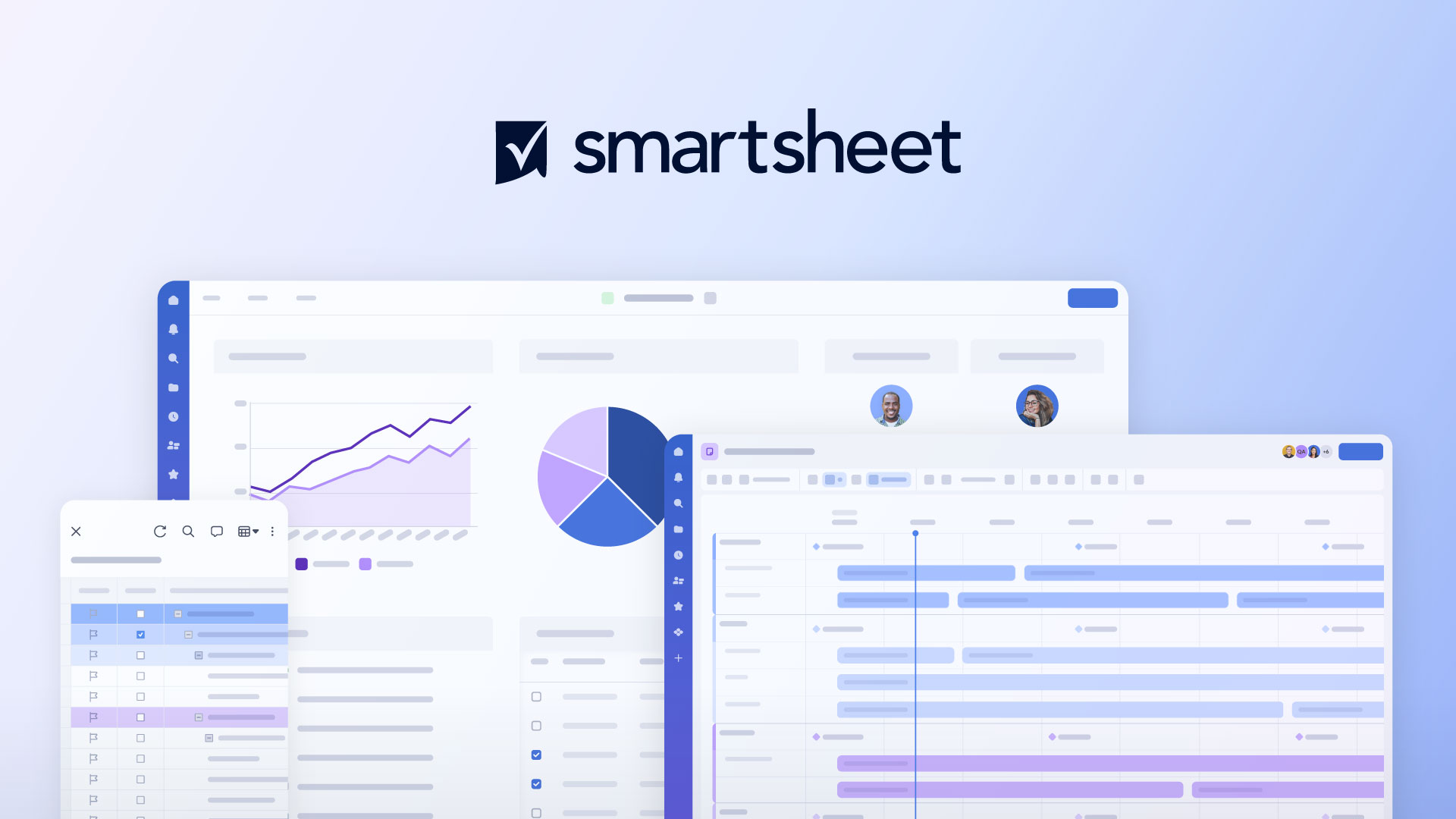
Smartsheet
Smartsheet looks like a spreadsheet and works like a project tool, which makes it an easy move for teams that already plan in Excel. There is no free plan for new signups, only a 30-day trial, but Pro includes Gantt, table, board and calendar views and unlimited free contributors who can edit without a paid seat. The dedicated timeline view and workload tracking come with Business. Its pricing page lists no built-in time tracking.
Notion
Notion is a connected workspace for wikis, docs and projects, where tasks live in databases with subtasks, dependencies and custom properties, and projects can be viewed as a timeline. It suits teams who want their plans next to their notes more than a dedicated scheduling tool. The free plan is aimed at individuals: once two or more members share a workspace, a block limit applies, and uploads are capped at 5 MB each. Plus is $10 per member.
Basecamp
Basecamp is the calm, flat-priced option: instead of paying per user, you buy a package sized by projects and people, from Freelancer at $29 a month for up to 5 users to Pro Unlimited at $199 a month billed annually for any number. That makes it cheap for a team that would otherwise pay for many seats, and pricey for one person. Each project bundles messages, to-dos, schedules and files. Time tracking only arrives on Pro Plus, and the pricing page lists no Gantt chart.
Teamwork.com
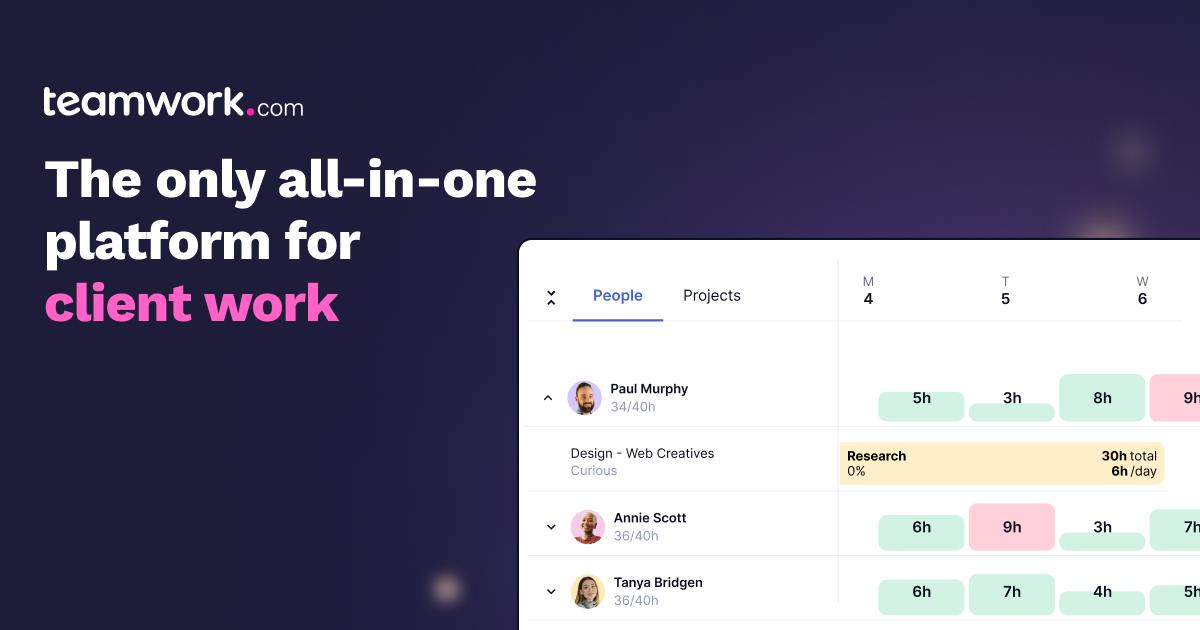
Teamwork.com is built for agencies and teams doing client work, with projects organized by client, billable time and profitability reporting. Its free plan is small but real: up to 5 users and 5 projects, with Gantt, table, list and board views and time logging included. Basics is $9.99 per user billed yearly, and Accelerate at $24.99 adds automation and capacity planning. The pricing page renders the currency sign as an ampersand, so read figures there as US dollars.
Zoho Projects
Zoho Projects is the low-cost classic project manager, with Gantt charts, task dependencies, budgets and timesheets, and it fits naturally if you already use other Zoho apps. The free plan covers up to 5 users but only 3 projects. Premium at US$4 per user a month billed annually is the cheapest paid plan on this list and adds unlimited projects, time logs and timesheets, and project budgets. Its interface is denser than the newer tools here.
Airtable
Airtable is a relational database with a friendly face, so teams build their own project tracker out of linked tables, forms and interfaces rather than adopting a fixed workflow. The free plan allows 5 editors and 1,000 records per base, which a busy tracker can outgrow quickly. Team at $20 per user billed annually is the priciest entry plan here, and it is where timeline and Gantt views and automations unlock. It rewards teams willing to design their own setup.
Linear
Linear is purpose-built for software and product teams planning and shipping work in issues, cycles and projects, and it is known for being fast and keyboard-driven. The free plan allows unlimited members but only 2 teams and 250 issues, which a small engineering team can hit within weeks. Basic is $10 per user billed yearly and lifts the issue limit. It is a poor fit for non-technical work such as events or marketing calendars.
Hive
Hive is a general project management tool with flexible views, notes, native chat and email inside the app. The free plan covers up to 10 workspace members with 200 MB of storage. Starter at $5 per user is one of the cheapest paid plans here and adds a Gantt view, though it still caps you at 10 members and 10 projects. Time tracking, forms and unlimited members come with Teams at $12 per user.
Nifty
Nifty bundles tasks, milestones, docs, chat and forms into one hub, and its free plan allows unlimited members but only 2 active projects and 100 MB of storage. Paid plans come two ways: a flat team price (Pro is $79 a month for 10 members) or per member for small teams, from $10 per member a month. Time tracking and reporting, budgets and automations start on Pro, which makes it good value for client-facing teams that bill hours.
Microsoft Planner
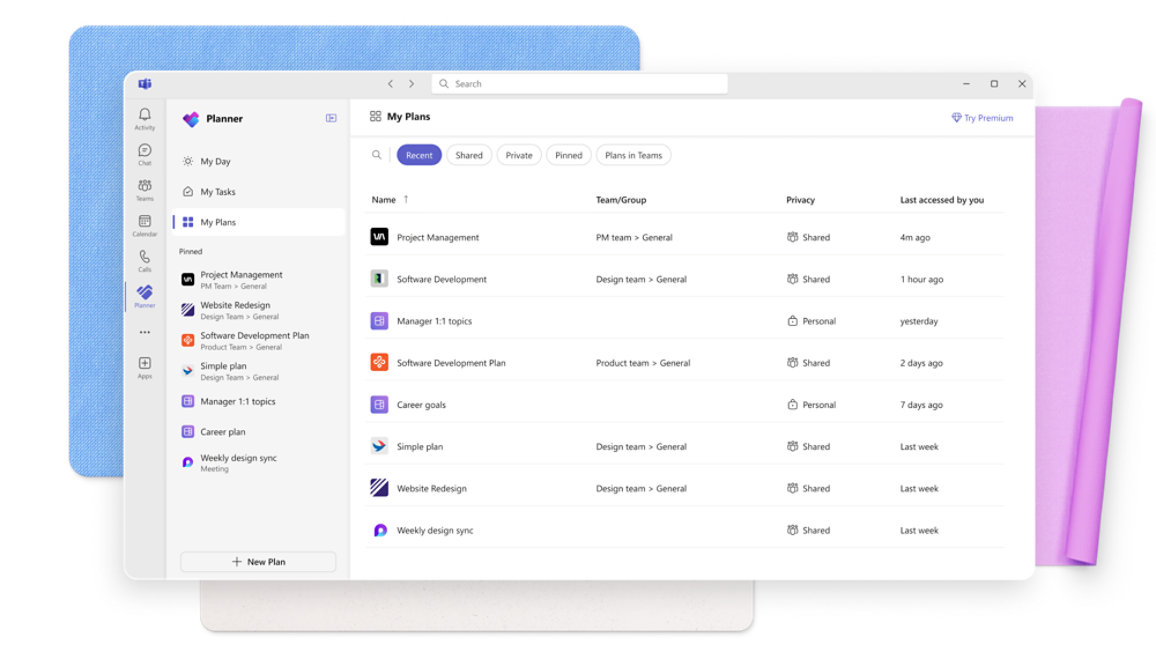
Microsoft Planner is Microsoft's task and project tool, and it lives inside Teams and Outlook, which makes it the natural pick for an organization already running on Microsoft 365. Basic Planner (boards, grid, schedule and charts) comes with many Microsoft 365 subscriptions; the standalone Plan 1 adds the timeline (Gantt) view, sprints, backlogs and task dependencies. Planner and Project Plan 3 adds baselines, critical path and the Project desktop app for heavier scheduling. There is no standalone free plan, only a one-month trial that needs a credit card. Access runs through Microsoft 365 groups and Teams, so it suits teams already on Microsoft 365 far better than anyone starting fresh.
How we researched this
We read each vendor's own pricing page, and where a fact was missing there, its homepage, FAQ, help center or plan documentation, and recorded every value with the sentence it came from. The set covers the tools most often compared as general project management software, including Microsoft Planner, plus Linear for software teams and Airtable for teams that build their own tracker. Narrower tools such as TeamGantt, GanttPRO and ProofHub were left out because they suit more specific needs. A blank cell means the vendor's pages did not state that detail, for example whether Trello, Notion or Airtable have built-in time tracking. Where a vendor's page contradicted itself, as ClickUp's does on free time tracking, we went with its plan comparison table. Prices and plan limits change often, so confirm the current offer before you buy.